14 AI Travel Photo Edit Prompts (Fix the Shot You Couldn't Retake)
Copy-paste prompts to rescue travel photos — clear crowds, add golden hour, change the angle, swap the background. Type one into Editable and the edit takes seconds.
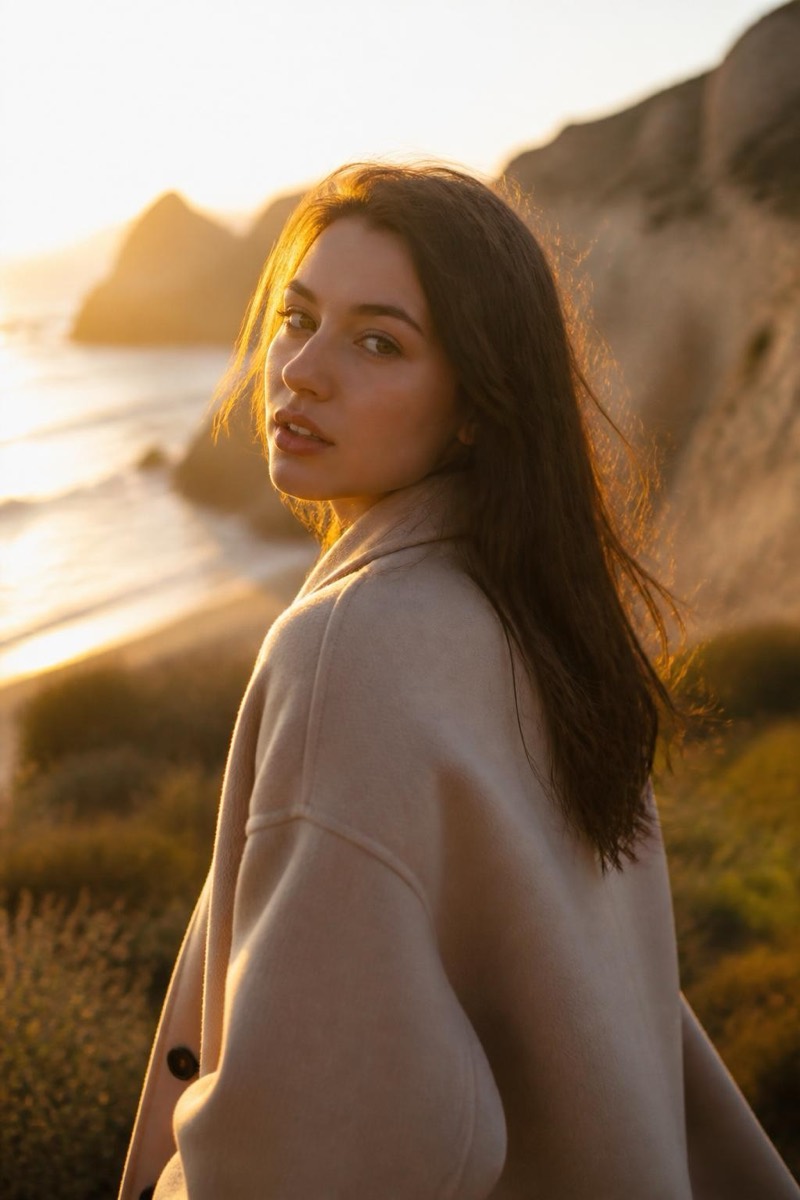
Every trip has the photo that’s almost right: the light was flat, the plaza was packed, your friend shot you from a weird angle, and you can’t exactly ask everyone to reassemble for take two. Here are fourteen prompts that fix the travel shots you couldn’t retake — copy one and type it on your photo.
Each is an example you type; reword freely. Prefer one tap? Every prompt links to a ready-made version.
Light
1. Golden-hour glow
Add warm golden-hour light with a soft rim, keep the scene natural.
Turns harsh midday into the shot you pictured. Try it →
2. Sun flare
Add a soft, cinematic sun flare from the side, warm and subtle, not overblown.
That backlit, end-of-day feel. Try it →
3. Blue hour
Give the sky a calm blue-hour dusk, cool tones, keep the subject balanced.
The quiet moment just after sunset. Try it →
Clear the frame
4. Empty the landmark
Remove the crowd of tourists in the background and rebuild the scene, keep me in front.
The postcard version of a packed spot. Try it →
5. Remove a photobomber
Remove the stranger walking through the background and reconstruct the scene.
One person shouldn’t cost the whole shot. Try it →
6. Remove a sign or bin
Remove the sign on the right and rebuild the wall behind it.
Clean up the clutter that dates a photo. Try it →
Reframe
7. A more flattering angle
Reshoot me from a three-quarter angle instead of straight-on, keep the location.
Instantly more polished. Try it →
8. A dramatic low angle
Reshoot this from a lower angle looking slightly up, more confident and cinematic.
Makes a scene feel grand. Try it →
9. Widen the shot
Reframe wider to show more of the surroundings, fill in the edges naturally.
When you stood too close to fit it all in. Try it →
Polish
10. Portrait-mode blur
Blur the busy background for a soft portrait-mode look, keep me sharp.
Separates you from the chaos behind you. Try it →
11. Swap in a nature backdrop
Replace the background with a clean natural landscape, match the light on me.
When the real backdrop let you down. Try it →
12. Unblur a soft shot
Sharpen and unblur this photo, recover the detail without adding crunch.
For the ones you took on the move. Try it →
13. Upscale for printing
Upscale this to high resolution with crisp natural detail, print-ready.
Turn a phone shot into a wall print. Try it →
14. Rescue a dark evening shot
Brighten this underexposed photo, lift the shadows, recover natural color.
For the ones the light gave up on. Try it →
Pick the one thing that’s wrong with the shot in front of you and fix just that. The trip already happened — these just make the photos match how it actually felt.
Frequently asked
- Can these fix a photo I can't go back and retake?
- That's exactly what they're for. Crowds, flat light, an awkward angle, a stranger in the frame — all of it can be fixed after the fact, so a once-in-a-trip shot isn't lost to bad timing or a busy day at the landmark.
- Will removing a crowd look obvious?
- Not on most travel scenes. Landmarks are structured and repetitive (steps, walls, pavement), so the AI has strong cues to rebuild what the crowd was blocking. Sparse-to-moderate crowds clear cleanly; a solid wall of people with no visible background is the hard case.
- Can I keep myself and only fix the background?
- Yes. The crowd, angle and lighting prompts keep your foreground subject and change only what's behind or around you.
Try these on your own photo
Editable is free to start — just type what you want and the edit takes seconds.
Get Editable on the App Store