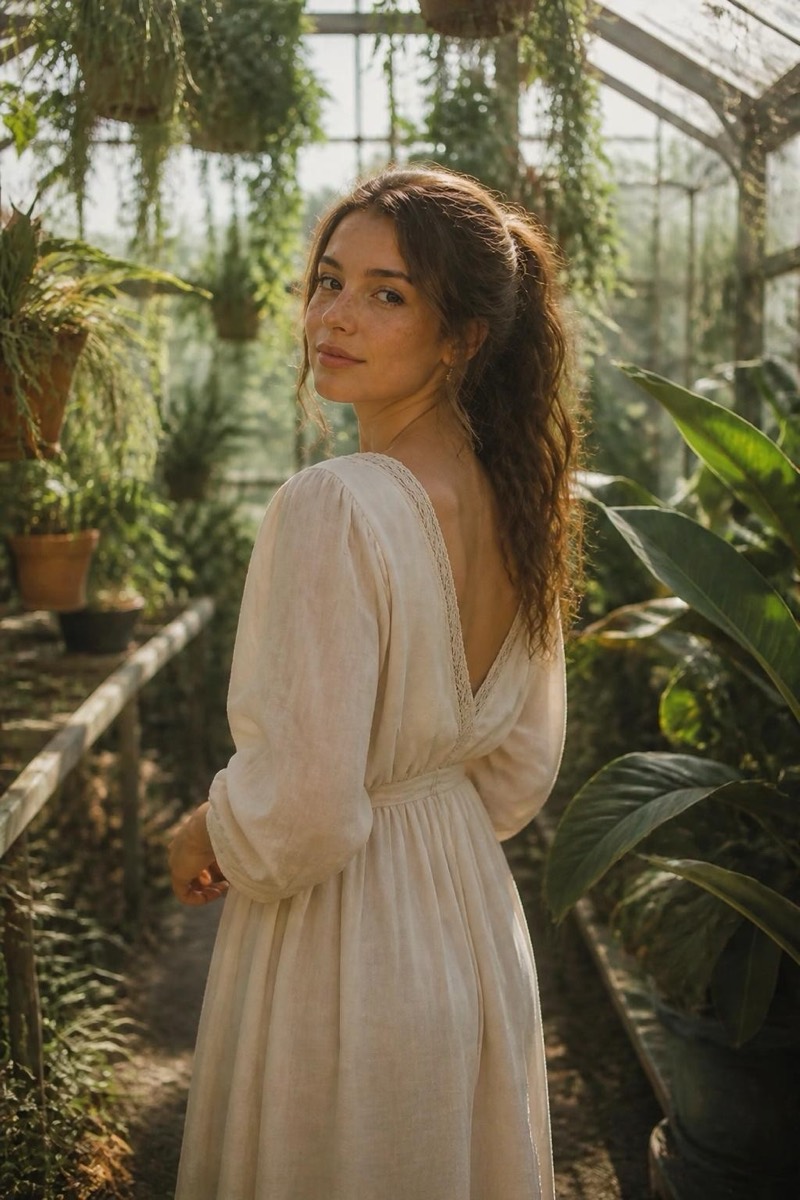
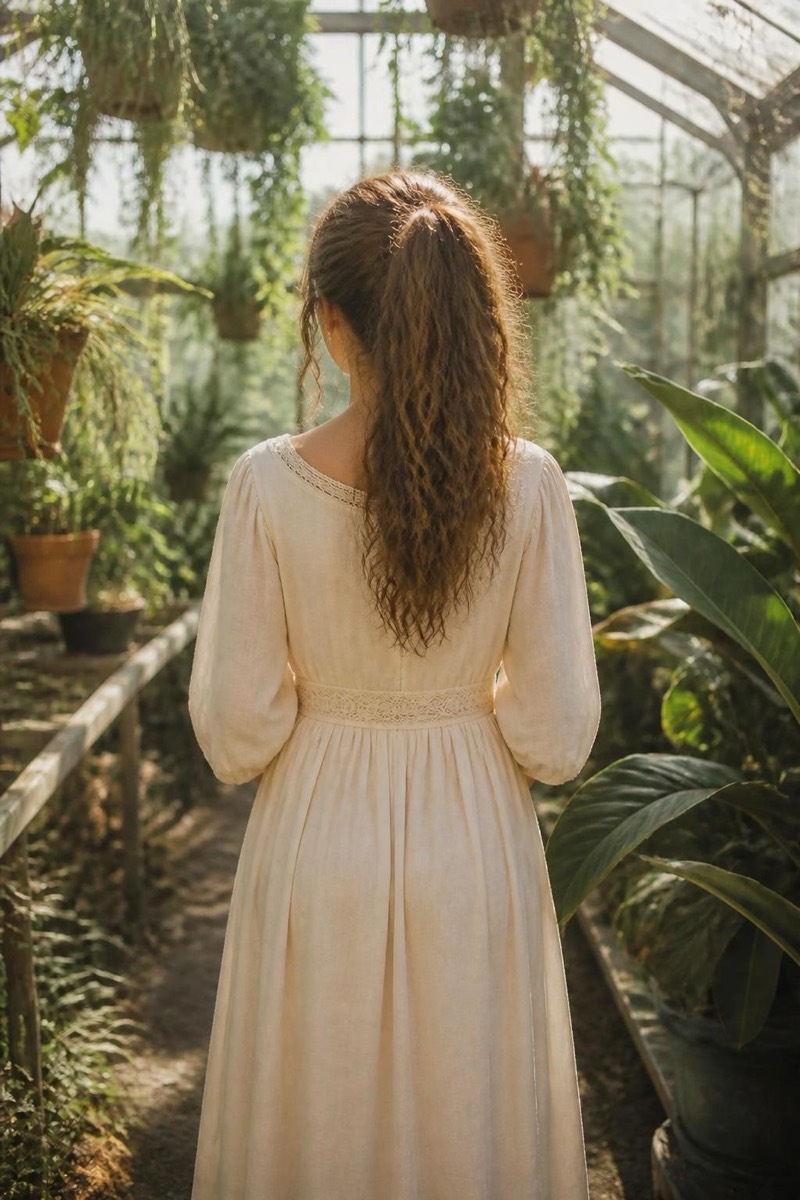
Reframe
Wide Shot — AI Reframe filter
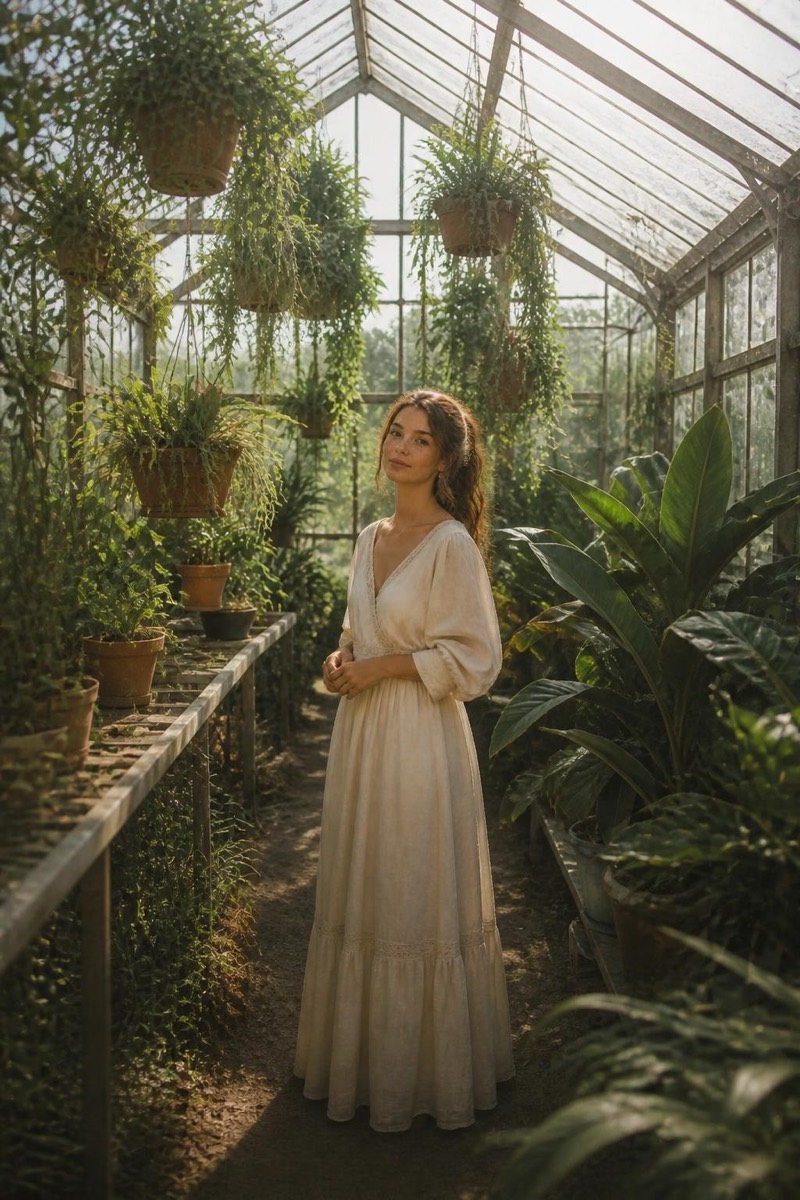
Distant environmental shot.
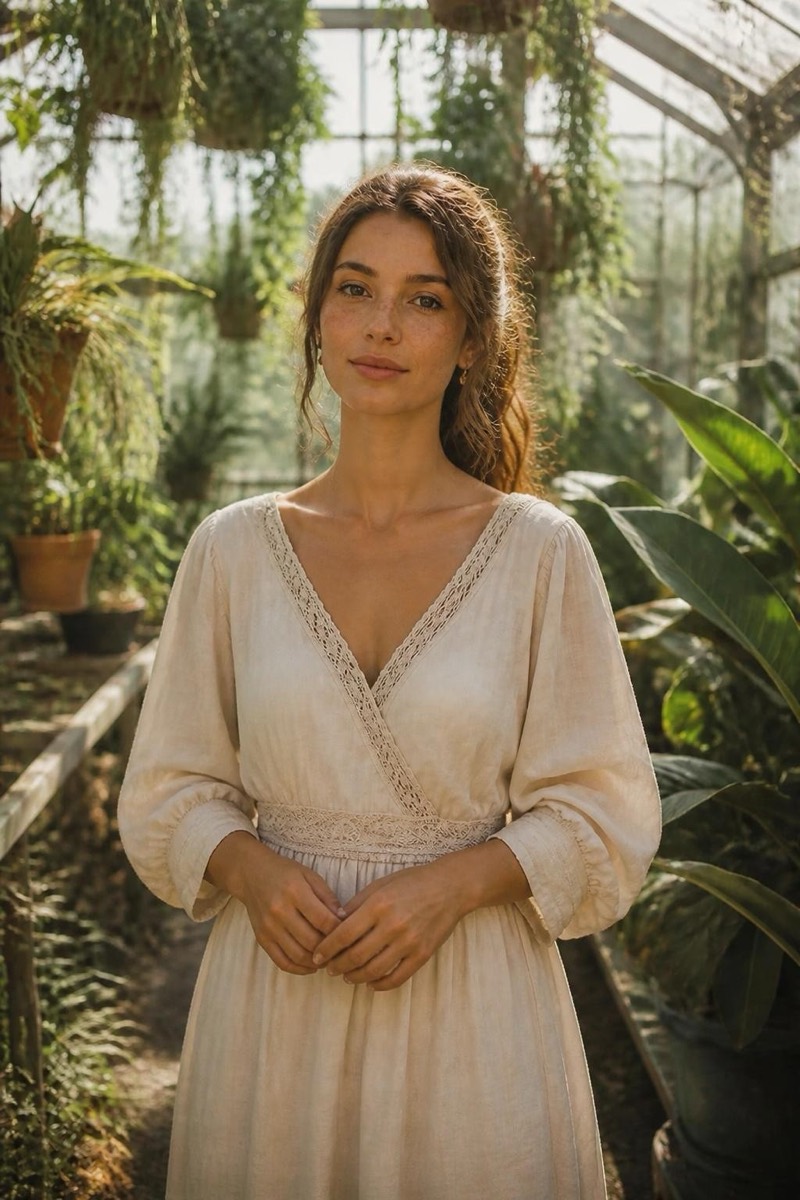
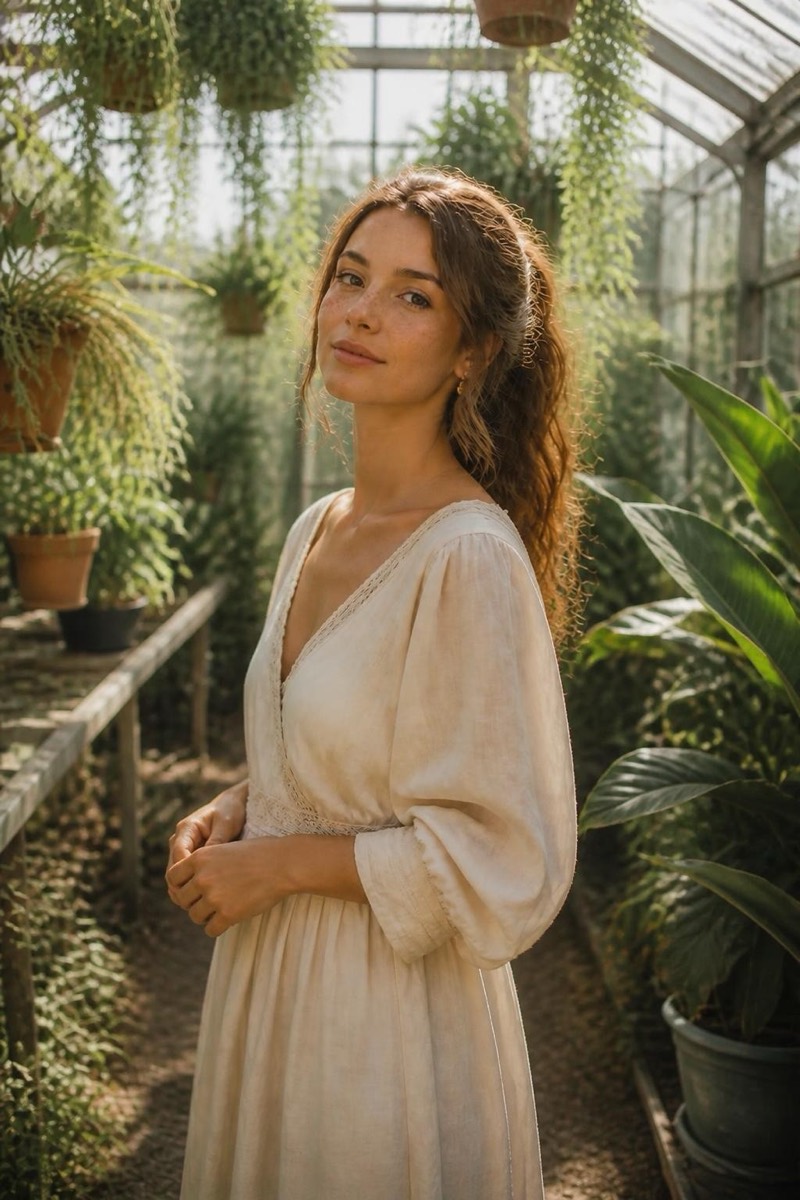
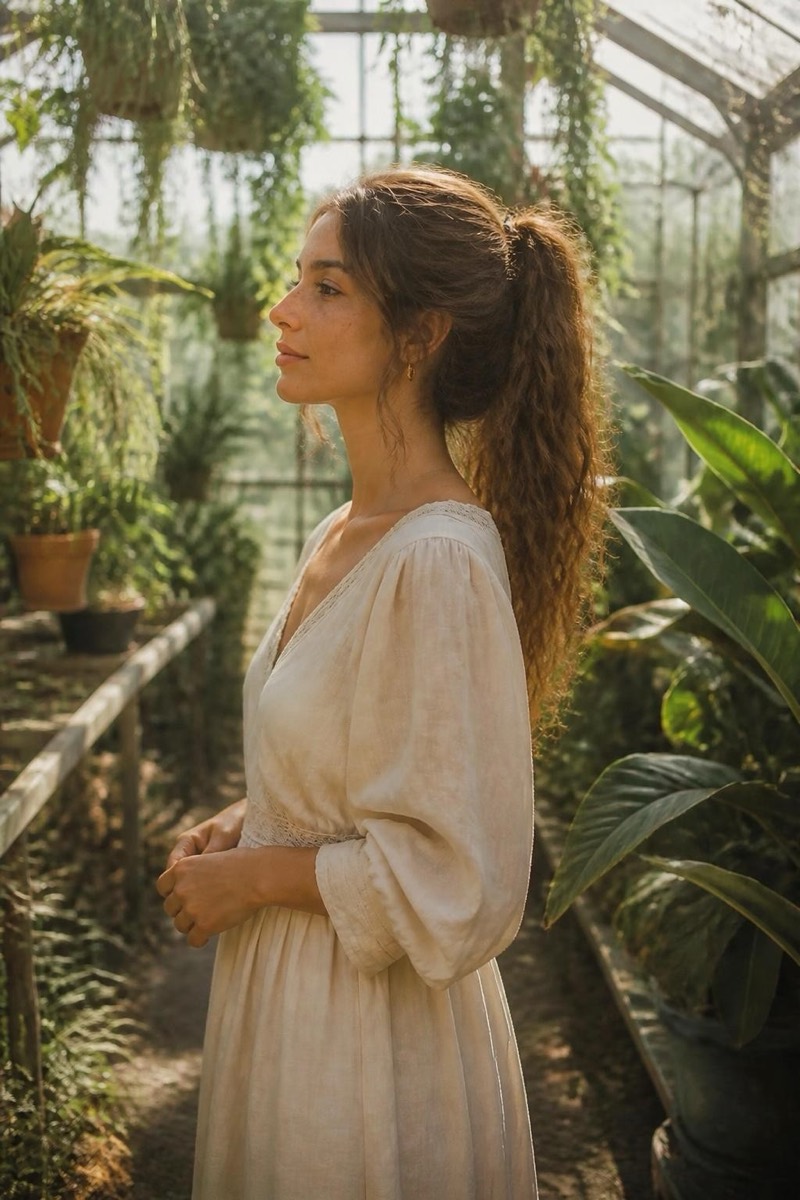
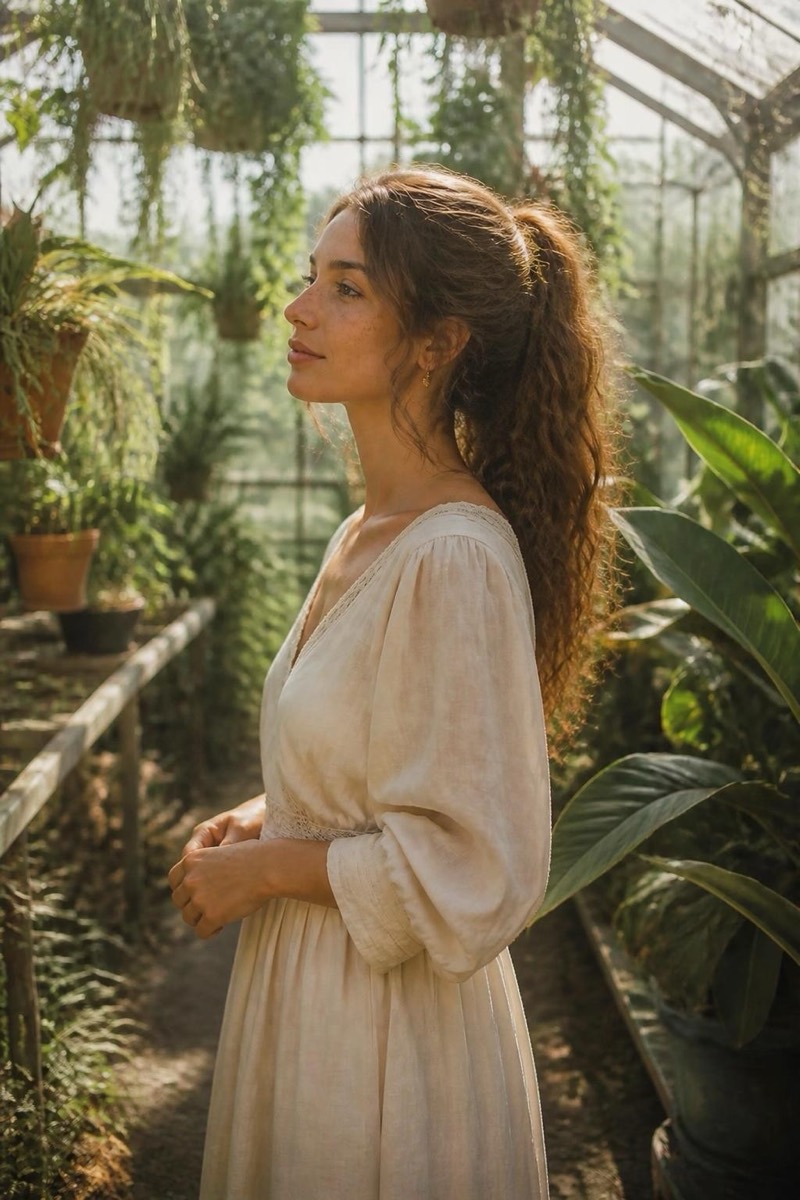
The wide environmental shot: camera pulled far back, you small but sharp within a scene that now matters as much as you do. This filter re-photographs your image at distance — the cinematic establishing-shot framing where place and person share the story. Tight phone portraits become landscapes with a protagonist. It's the framing for captions about journeys, and genuinely the best crop for dramatic locations.
How to use it
- 1.
Get Editable
Download Editable (free) from the App Store and open the Explore tab.
- 2.
Pick the Wide Shot filter
Find Wide Shot under Reframe and tap Try.
- 3.
Choose a photo
Pick a photo from your library — the edit runs automatically and is ready in seconds.
Tip: Photos with any visible environment expand best — the filter builds outward from what it sees.
More Reframe filters