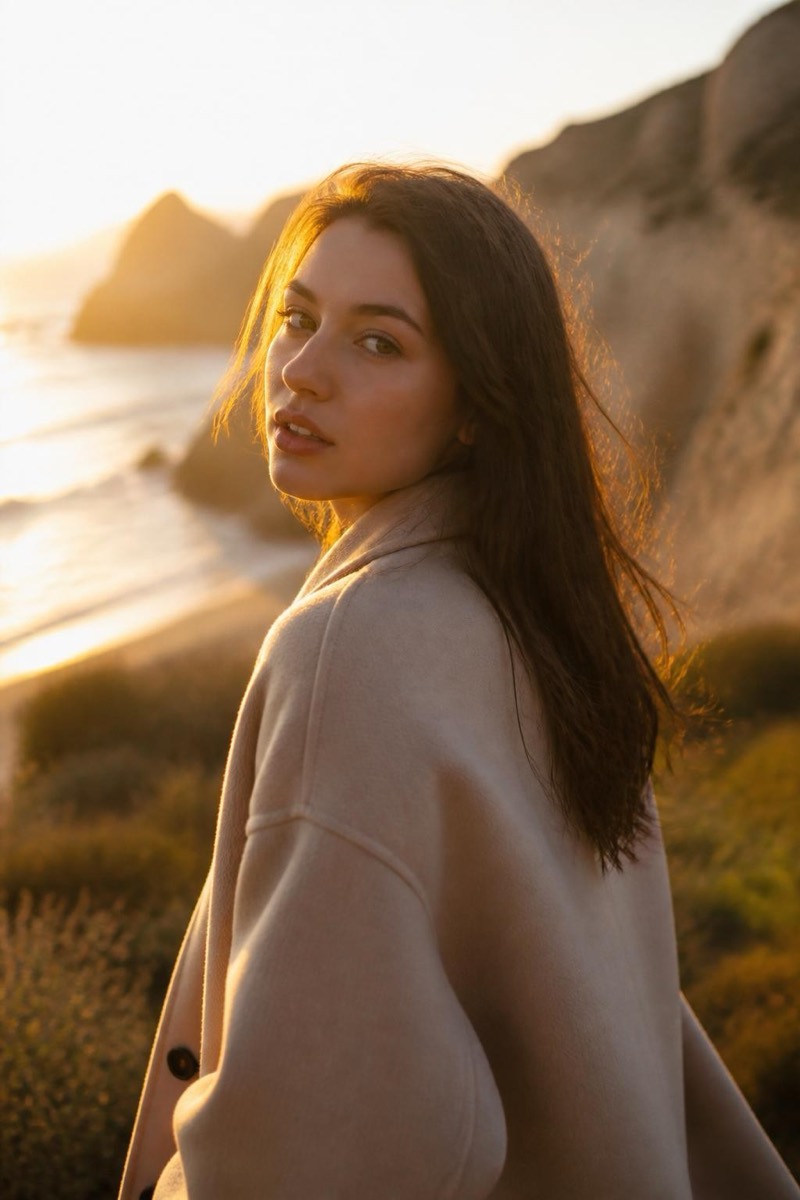
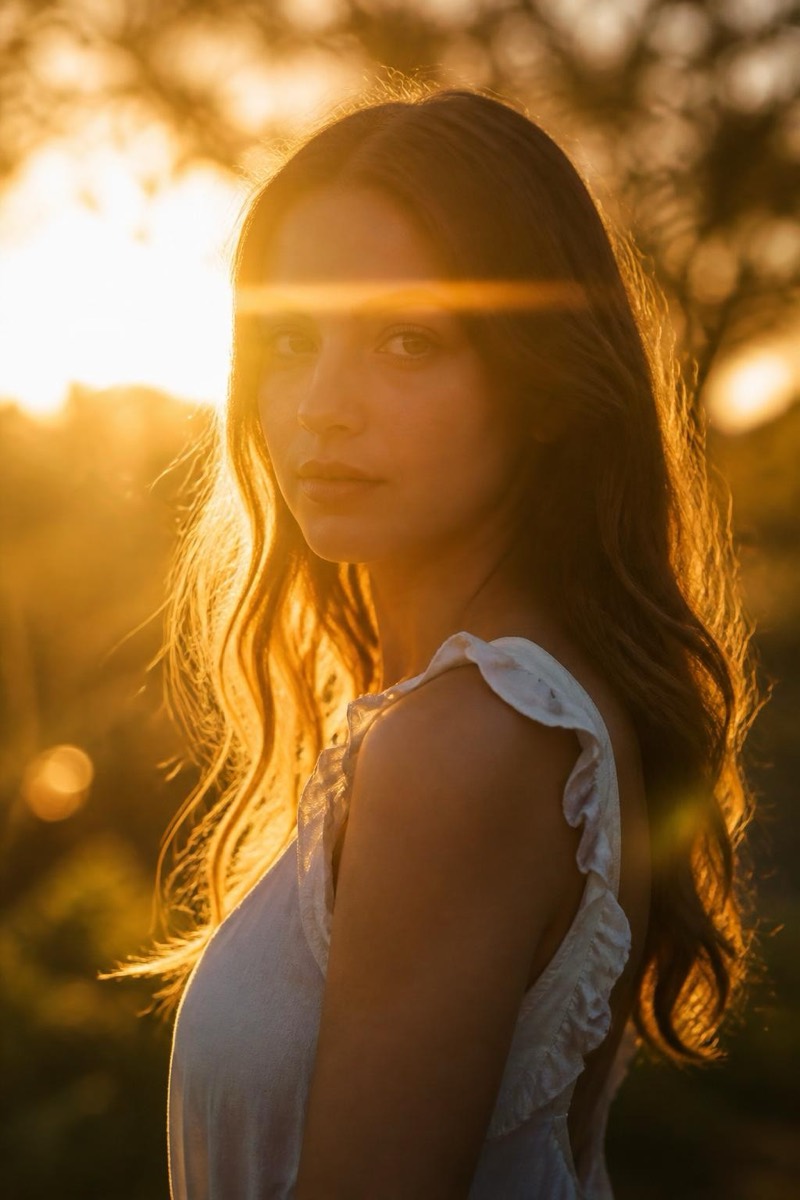
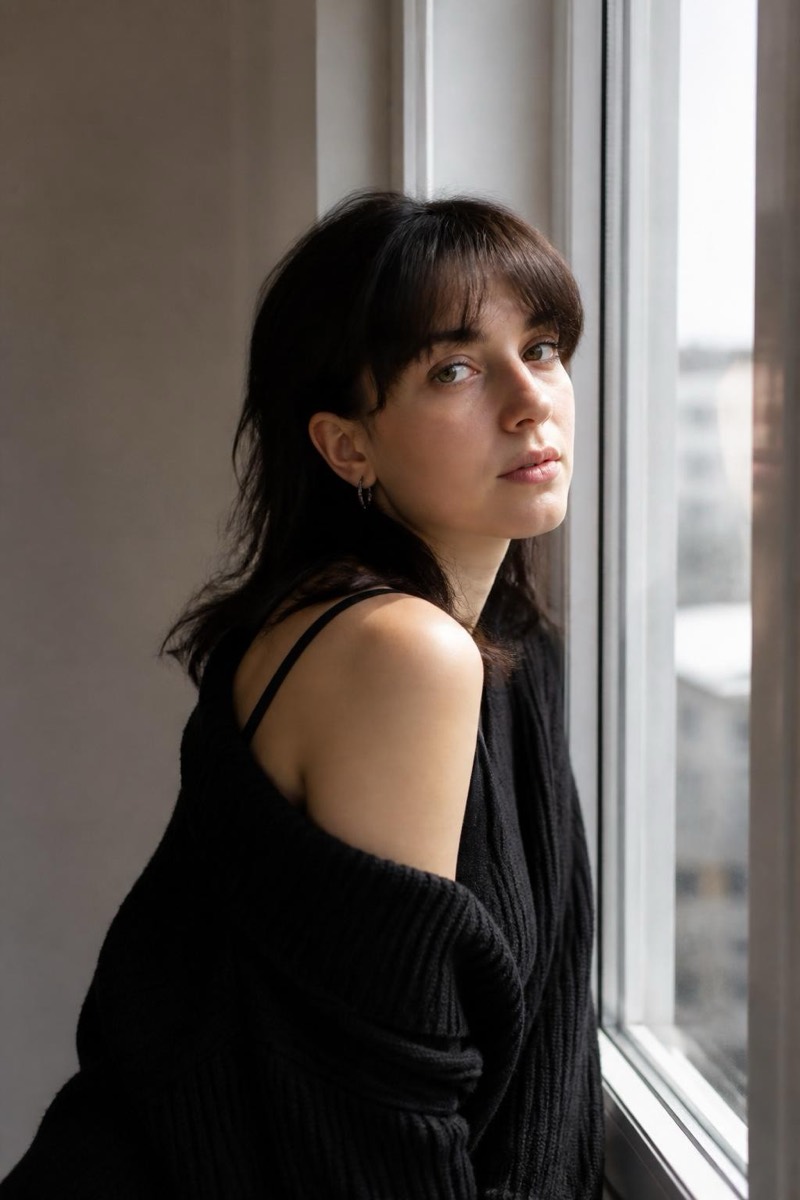
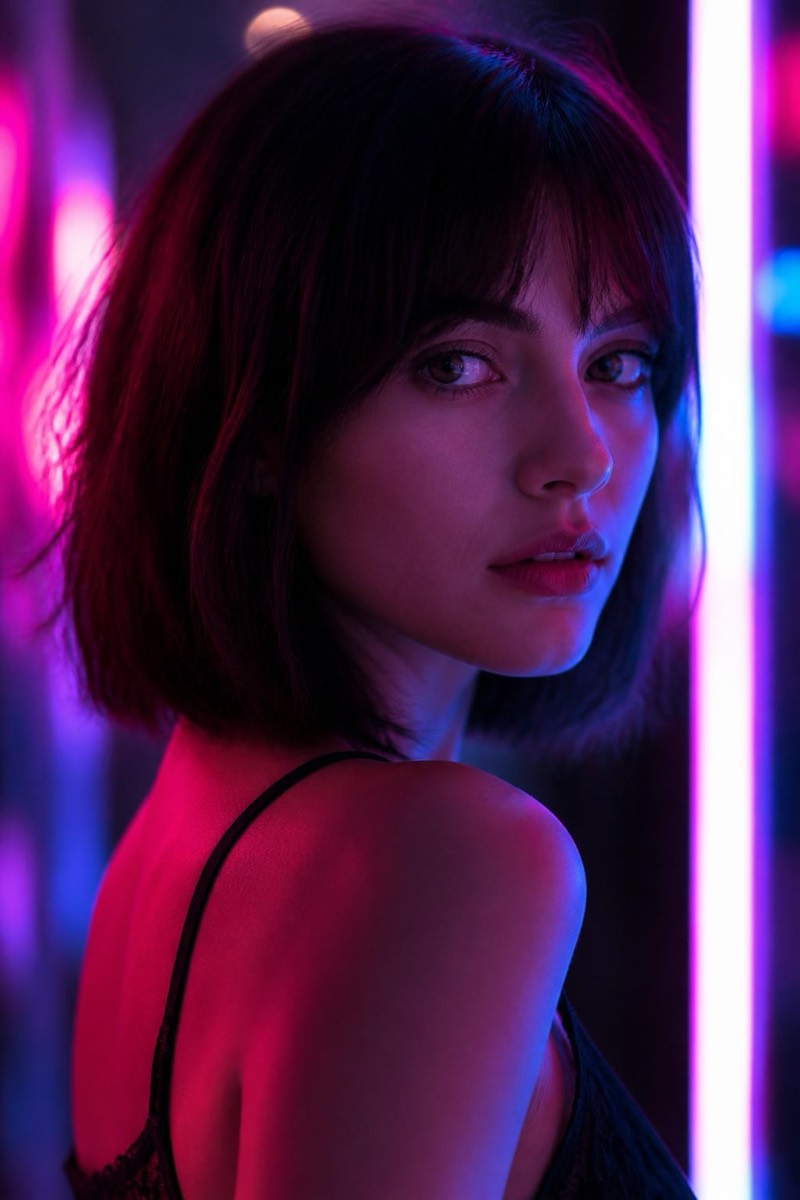
Lighting
Blue Hour — AI Lighting filter
Cool twilight ambient, calm cinematic dusk.
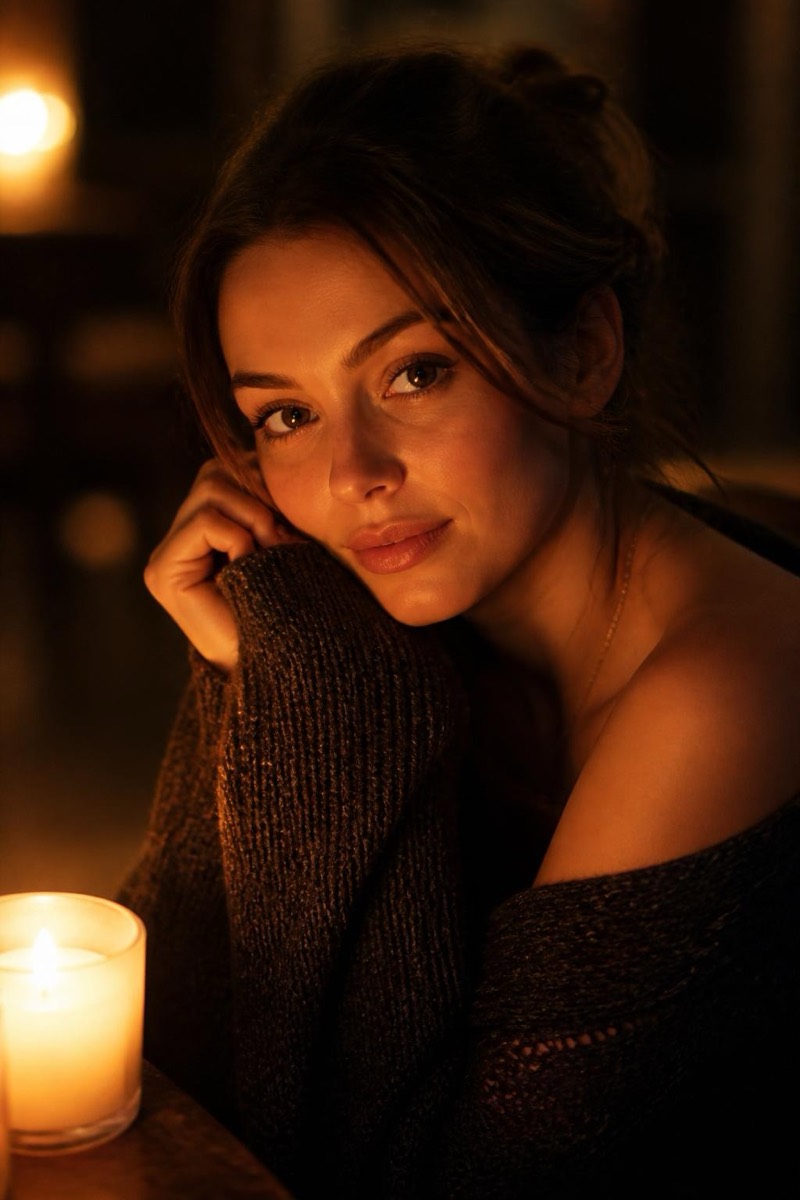
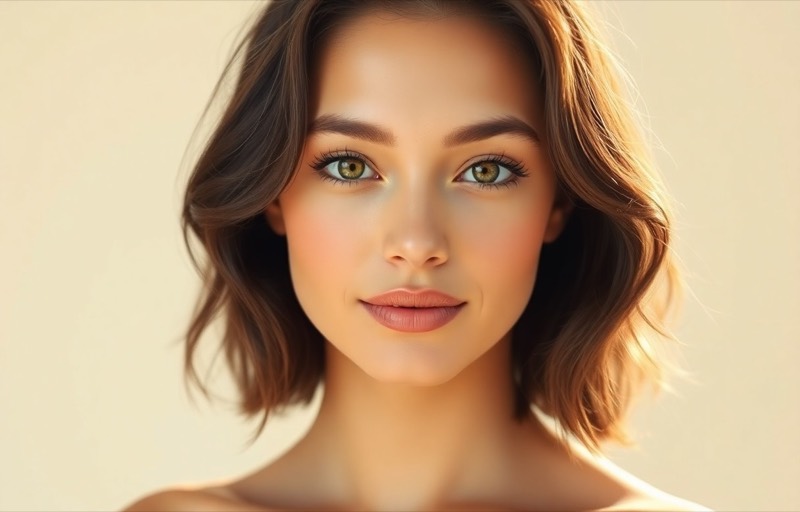
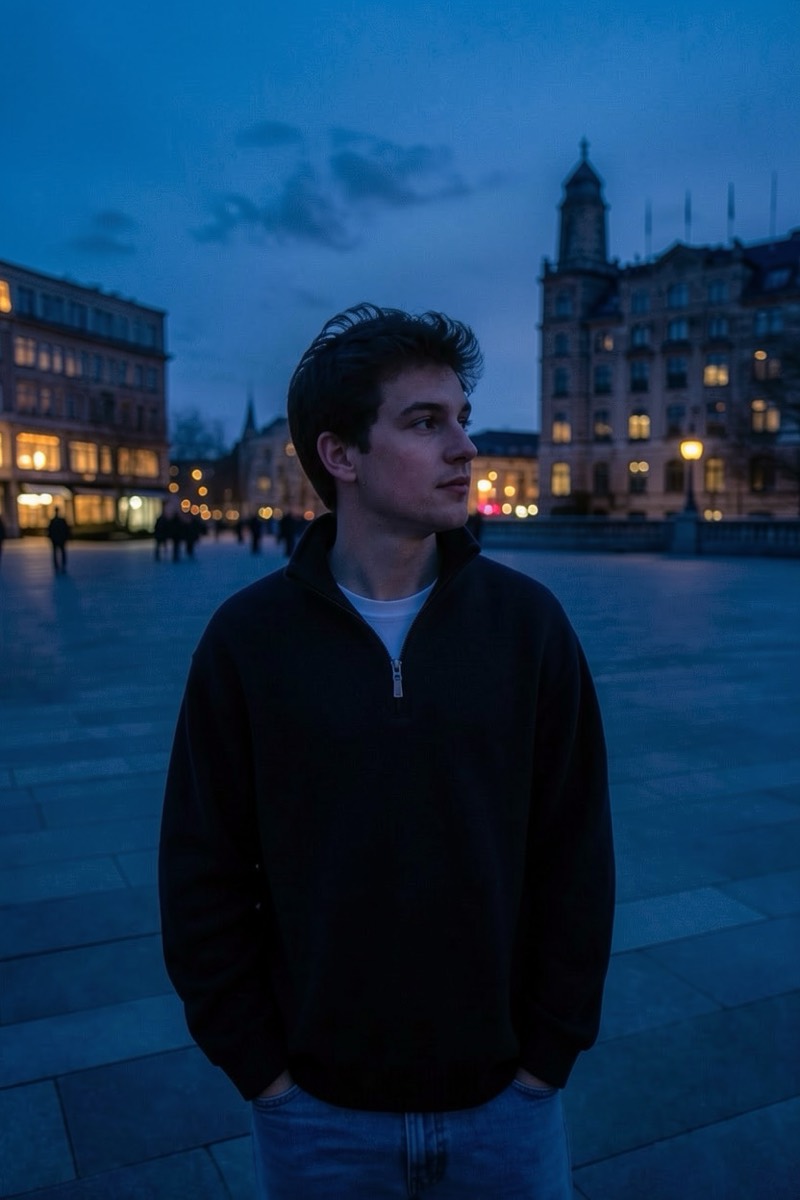
Blue hour — the cool, calm twilight after sunset — is golden hour's introverted sibling: cinematic, quiet, faintly melancholy. This filter shifts your photo into that dusk register: soft blue ambient light, glowing windows and streetlights, the stillness of a day ending. Where golden glow says vacation, blue hour says film festival. It's the mood filter for portraits that want atmosphere without warmth.
How to use it
- 1.
Get Editable
Download Editable (free) from the App Store and open the Explore tab.
- 2.
Pick the Blue Hour filter
Find Blue Hour under Lighting and tap Try.
- 3.
Choose a photo
Pick a photo from your library — the edit runs automatically and is ready in seconds.
Tip: City or street backdrops shine here — artificial lights against the blue dusk are the signature.
More Lighting filters