Lighting
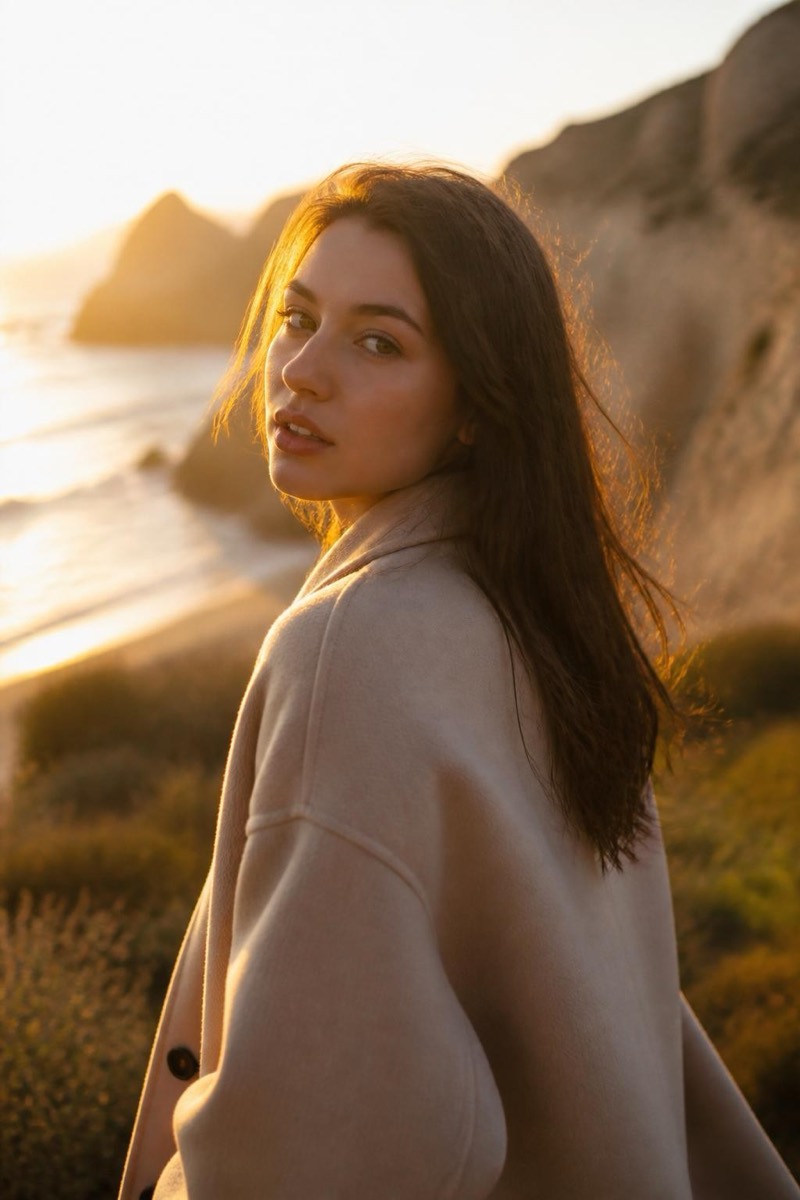
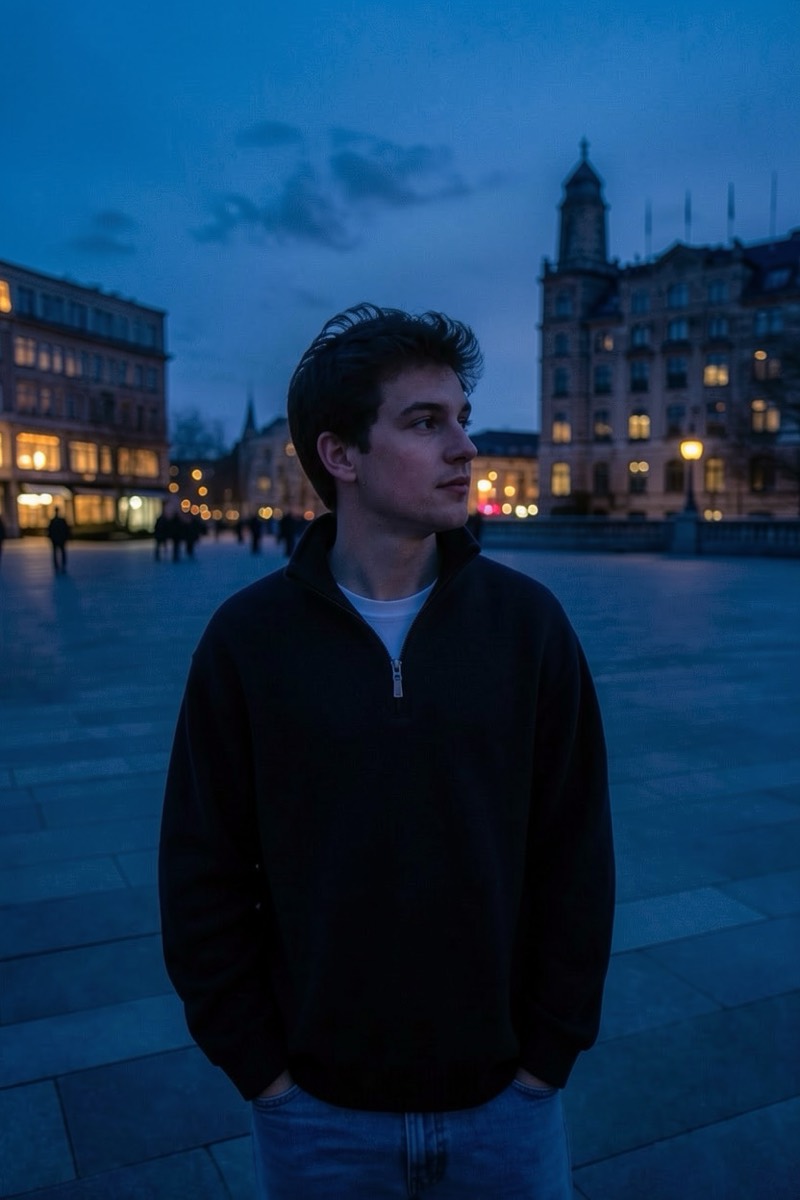
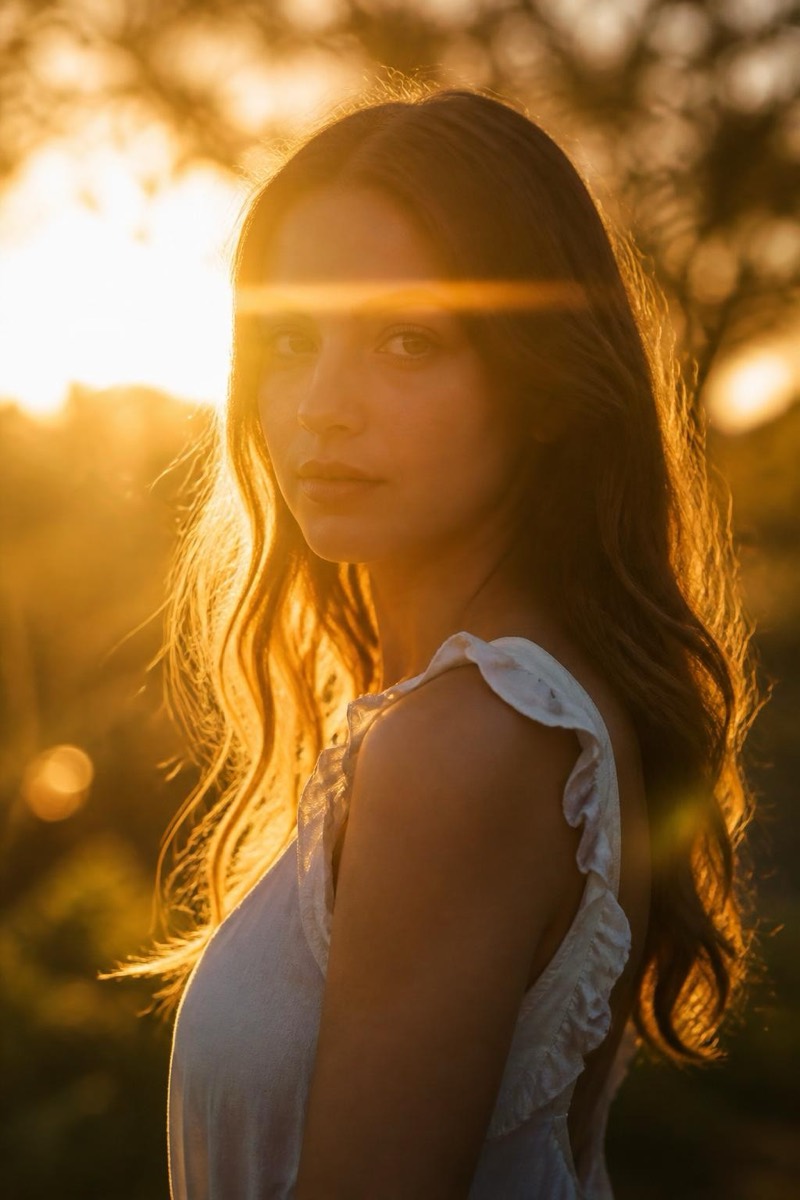
Add soft natural lighting — AI Lighting filter
Flattering everyday glow
The everyday fix: soft, natural, flattering light applied to a photo that was taken under whatever happened to be available. This filter evens harsh contrast, opens shadows gently, and wraps the subject in the kind of diffuse glow that overcast days and north-facing windows produce for free. Nothing about the result looks edited — the photo just looks like it was taken somewhere with better light, which describes most of the photos we wish we had.

How to use it
- 1.
Get Editable
Download Editable (free) from the App Store and open the Explore tab.
- 2.
Pick the Add soft natural lighting filter
Find Add soft natural lighting under Lighting and tap Try.
- 3.
Choose a photo
Pick a photo from your library — the edit runs automatically and is ready in seconds.
Tip: It's the safe default: when a photo feels 'off' and you can't say why, the light is usually the answer.
More Lighting filters