Lighting
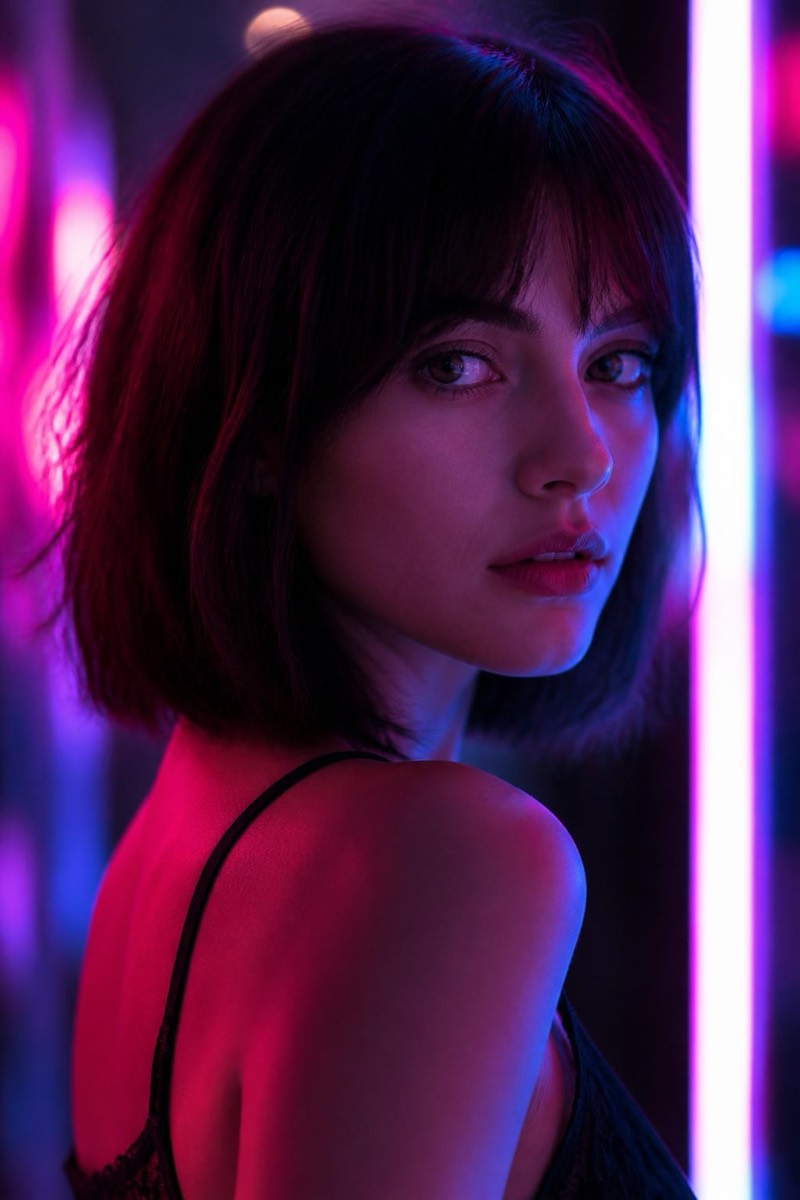
Neon Glow — AI Lighting filter
Vibrant neon color light.
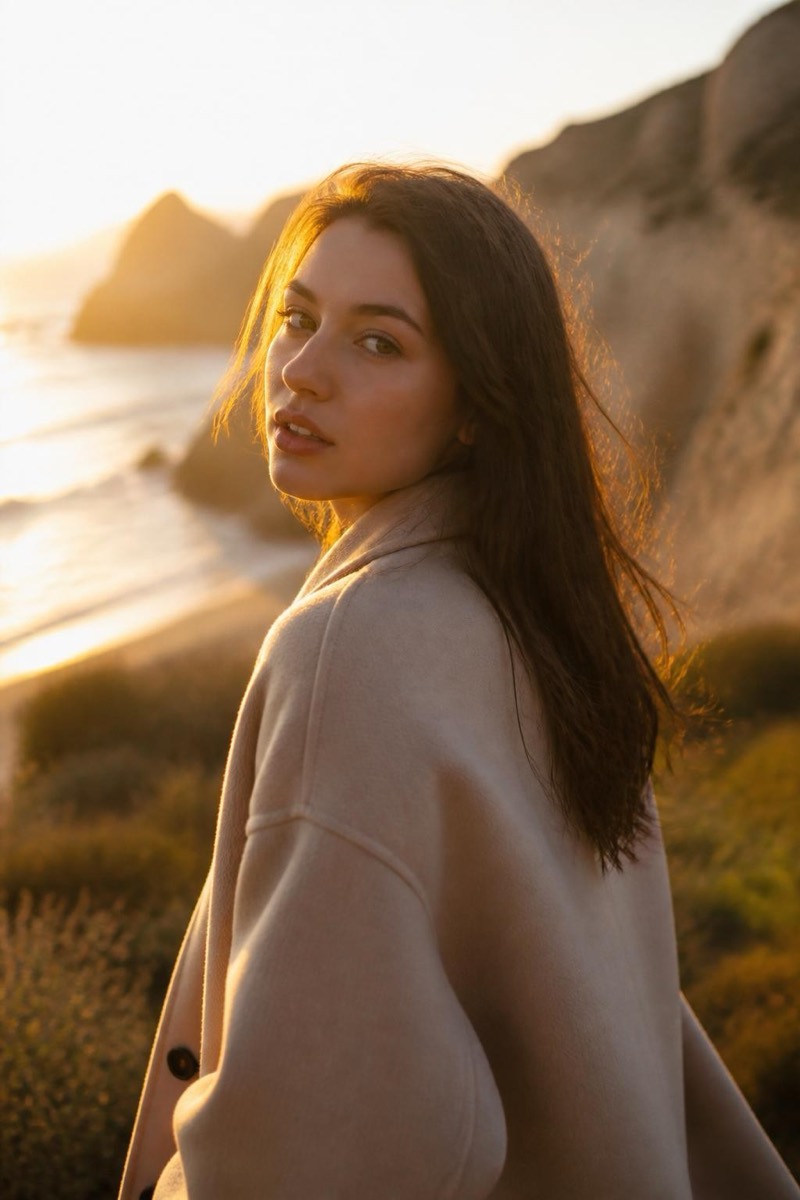
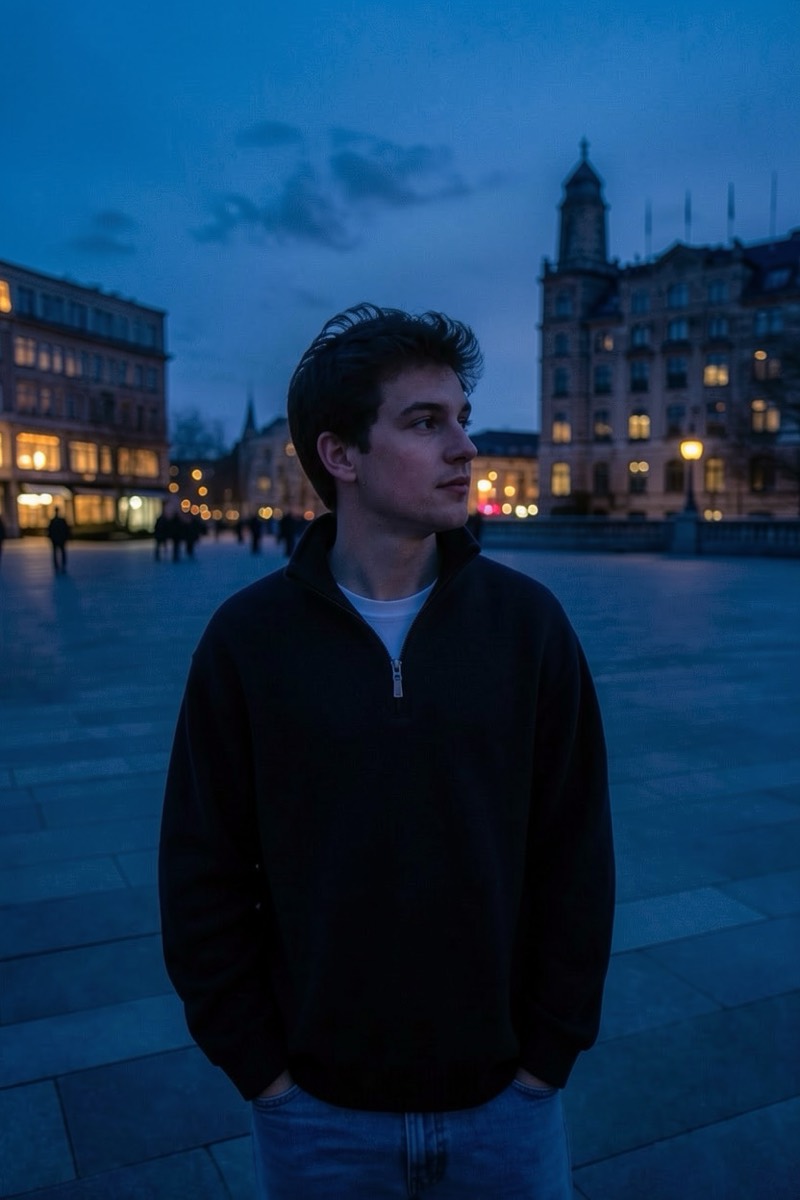
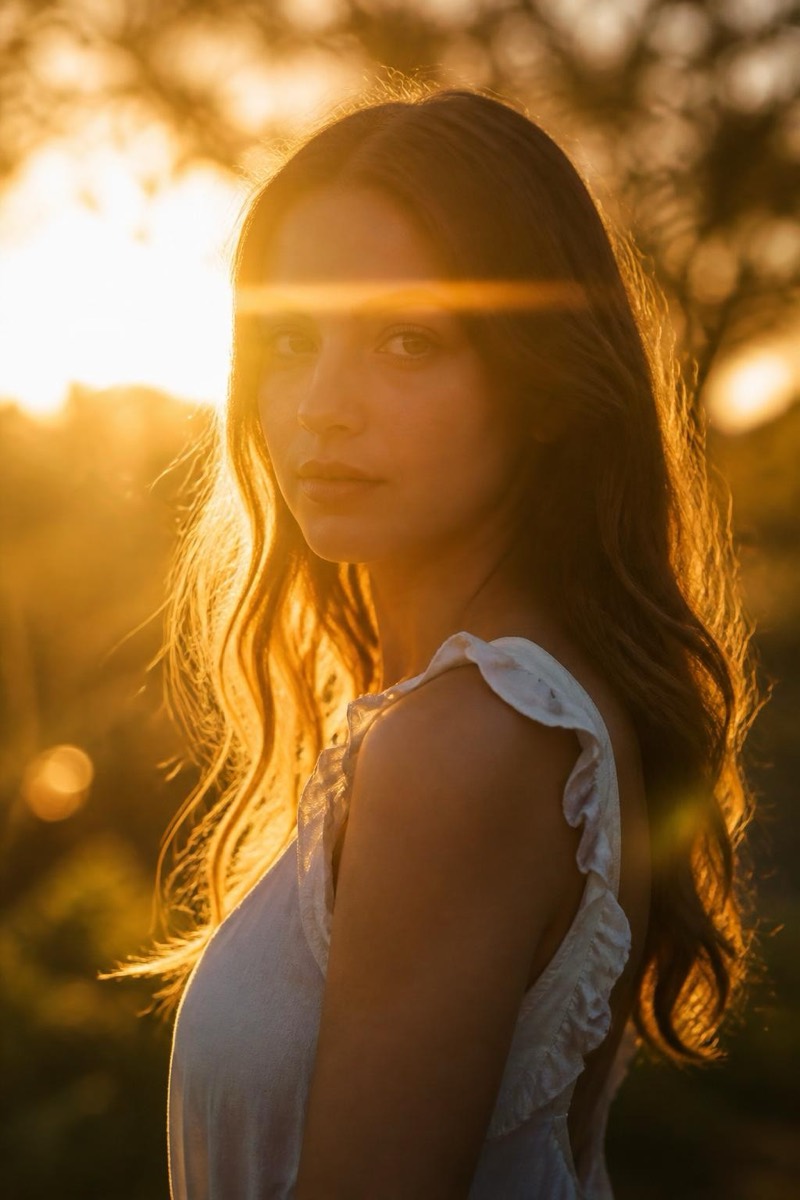
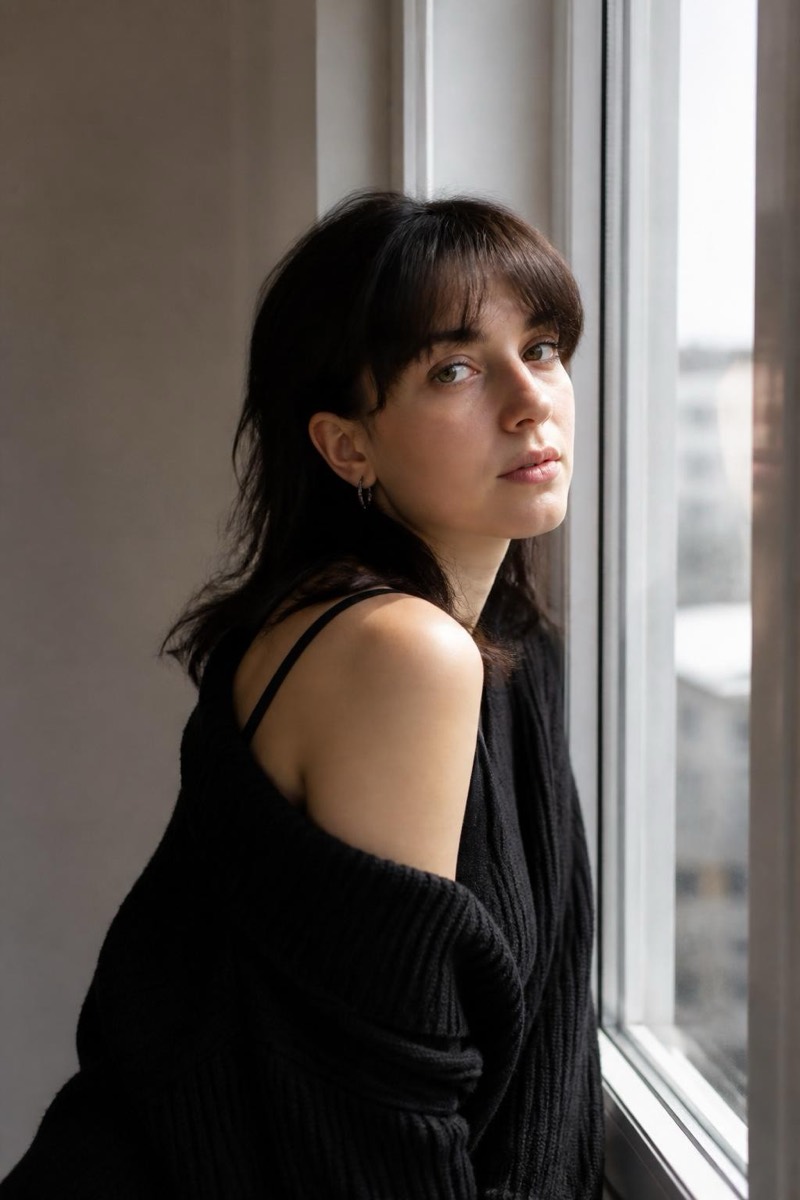
Neon light turns any portrait into a scene: pink and cyan washing over skin, reflections in the eyes, the implication of a city humming somewhere off-frame. This filter bathes your photo in vibrant neon color the way music videos and night-market photography do — saturated, moody, unapologetically stylized. It's the go-to transformation for making an ordinary indoor photo feel like it has a soundtrack.
How to use it
- 1.
Get Editable
Download Editable (free) from the App Store and open the Explore tab.
- 2.
Pick the Neon Glow filter
Find Neon Glow under Lighting and tap Try.
- 3.
Choose a photo
Pick a photo from your library — the edit runs automatically and is ready in seconds.
Tip: Darker source photos take neon most convincingly — the glow needs shadow to live in.
More Lighting filters