Lighting
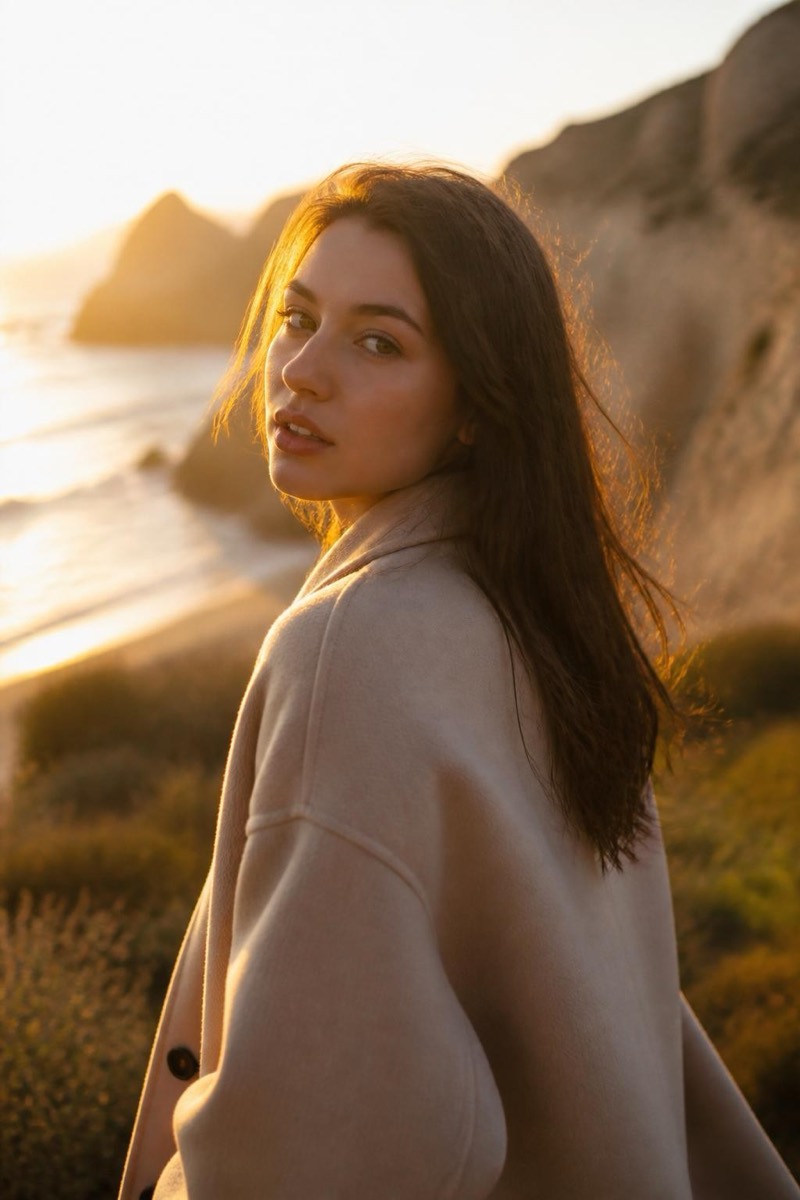
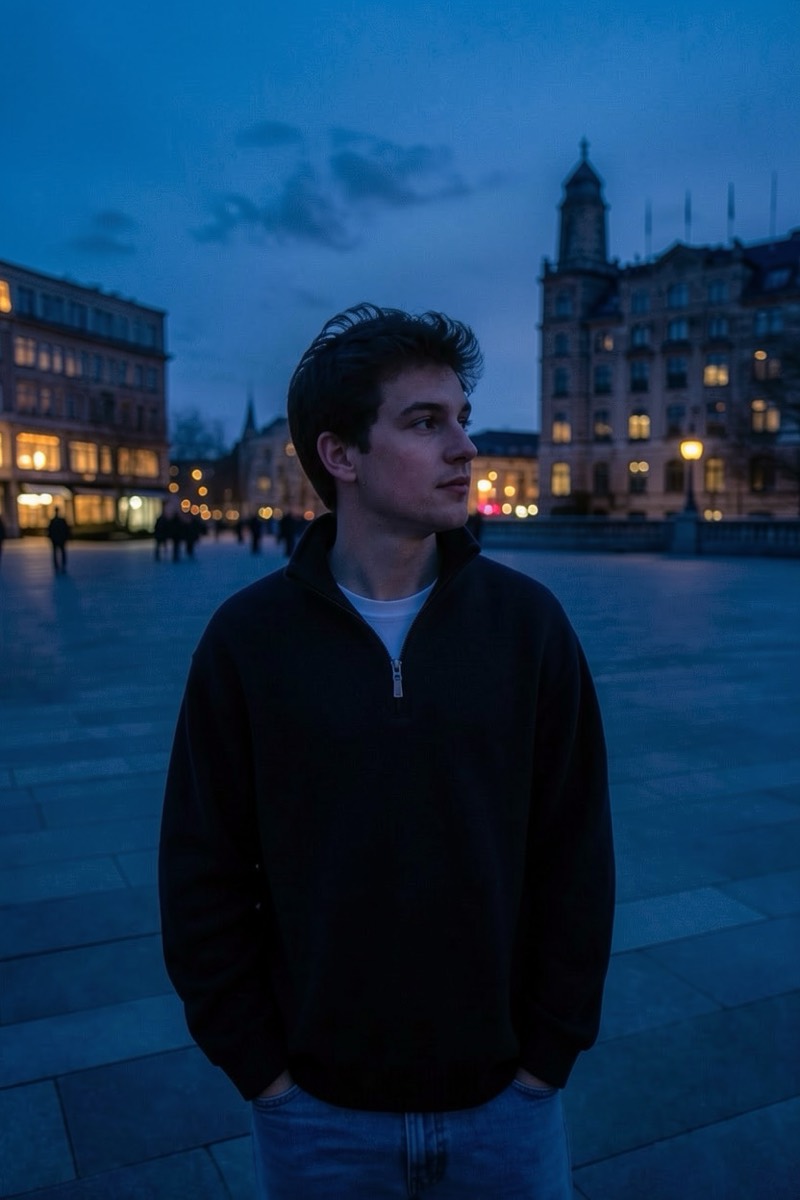
Sun Flare — AI Lighting filter
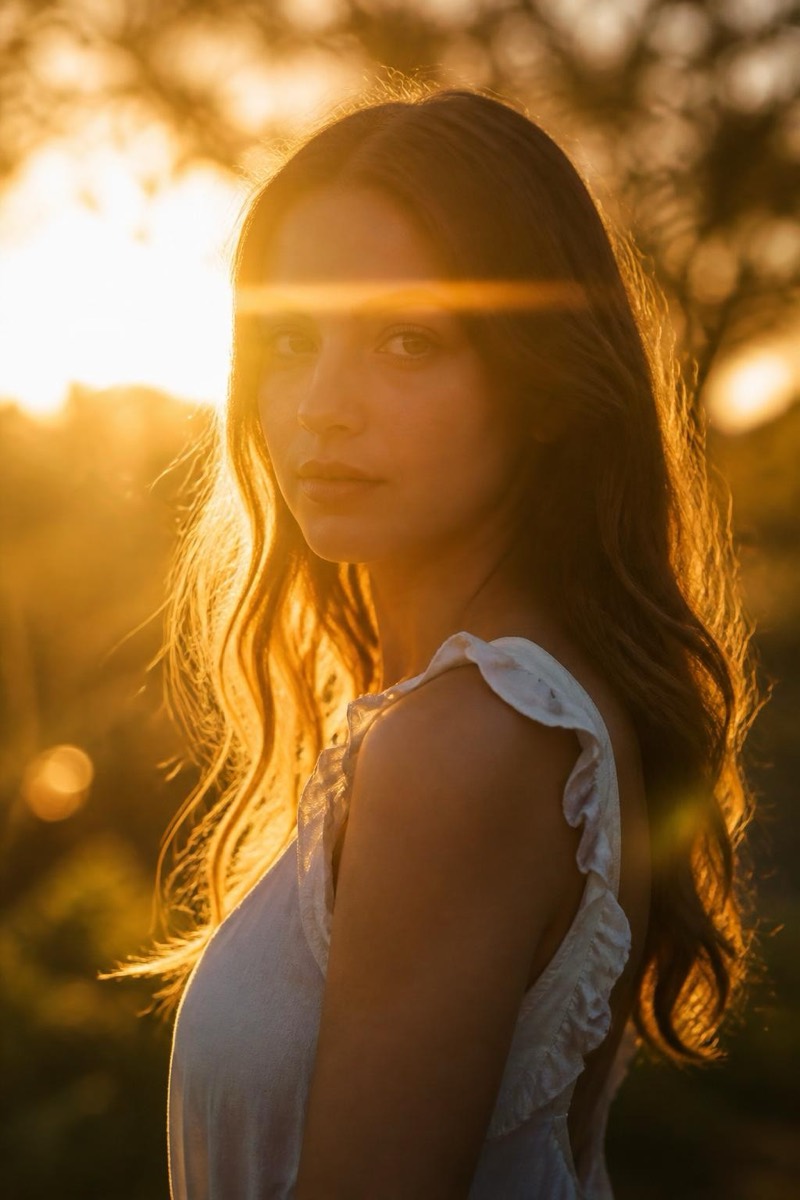
Backlit haze with a dreamy lens flare.
Backlit, hazy, with a lens flare blooming across the frame — the sun-flare look that defines dreamy portrait photography. This filter positions a low sun behind you and lets it misbehave: atmospheric haze, glowing edges, a flare that washes part of the frame in light. It's romantic by construction; the technique exists because photographers discovered that technically 'wrong' backlight photographs feelings better than correct light ever did.
How to use it
- 1.
Get Editable
Download Editable (free) from the App Store and open the Explore tab.
- 2.
Pick the Sun Flare filter
Find Sun Flare under Lighting and tap Try.
- 3.
Choose a photo
Pick a photo from your library — the edit runs automatically and is ready in seconds.
Tip: Photos with some space around the head give the flare room to bloom.
More Lighting filters