Remove
Photobomber — AI Object Removal filter
Delete the photobomber.
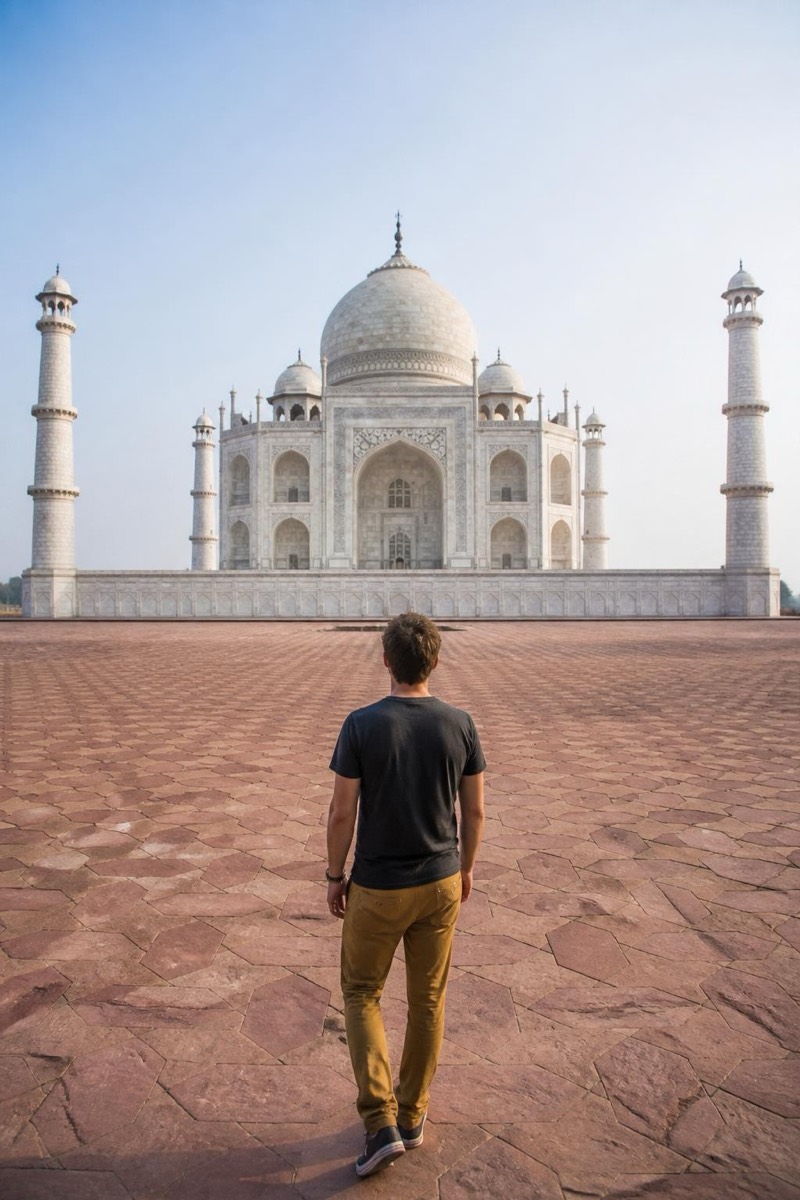
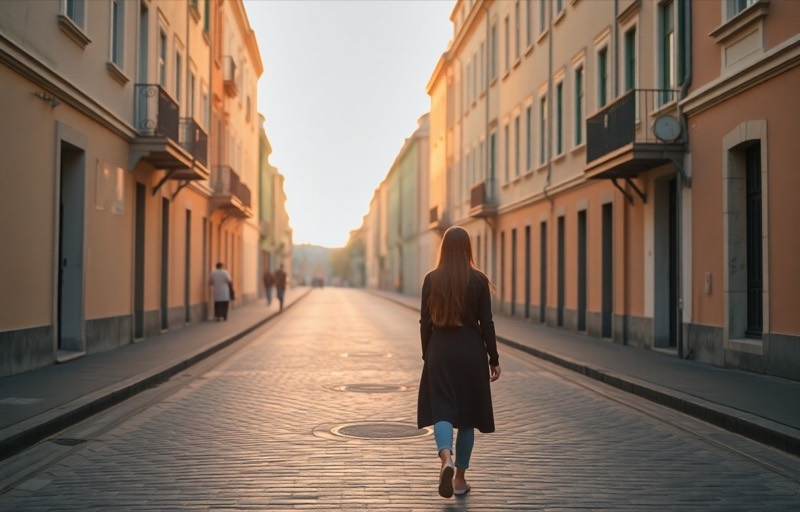
The photo is perfect except for one stranger mid-walk behind you. This filter removes the photobomber and rebuilds what they were blocking — pavement continues, walls line up, the crowd thins by exactly one. It reads the scene's geometry and lighting so the filled-in area matches instead of smudging. Vacation landmarks, wedding candids and restaurant snapshots are the usual patients. The best part is psychological: photos you'd written off as ruined come back as the version you thought you'd taken.

How to use it
- 1.
Get Editable
Download Editable (free) from the App Store and open the Explore tab.
- 2.
Pick the Photobomber filter
Find Photobomber under Remove and tap Try.
- 3.
Choose a photo
Pick a photo from your library — the edit runs automatically and is ready in seconds.
Tip: Results are cleanest when the photobomber doesn't overlap your subject. A stranger over your shoulder is easy; one hugging you is a creative interpretation.
More Remove filters