Remove
Background — AI Object Removal filter
Erase the background cleanly.
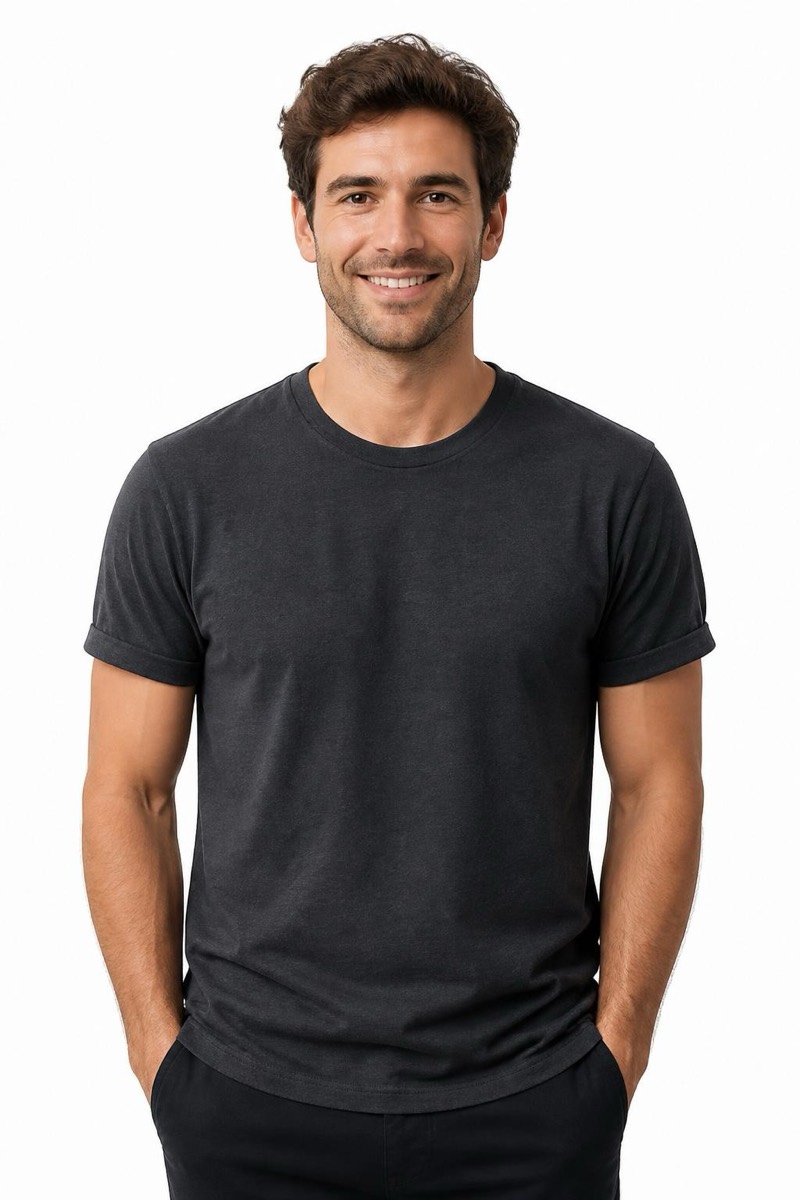
Clean background removal is the most-requested photo edit on the internet for a reason: product listings, profile photos, presentations and stickers all start with 'just the subject, please'. This filter cuts the subject out with the hard parts done right — individual hair strands, semi-transparent edges, fur, glasses — the places where free tools leave a telltale halo. What's behind you disappears; what's you stays intact to the pixel. Pair it with a Background filter to place yourself somewhere new, or export the clean cutout as-is.
How to use it
- 1.
Get Editable
Download Editable (free) from the App Store and open the Explore tab.
- 2.
Pick the Background filter
Find Background under Remove and tap Try.
- 3.
Choose a photo
Pick a photo from your library — the edit runs automatically and is ready in seconds.
Tip: Contrast helps: a subject that visually separates from the background (even slightly) cuts cleaner than one camouflaged against it.
More Remove filters