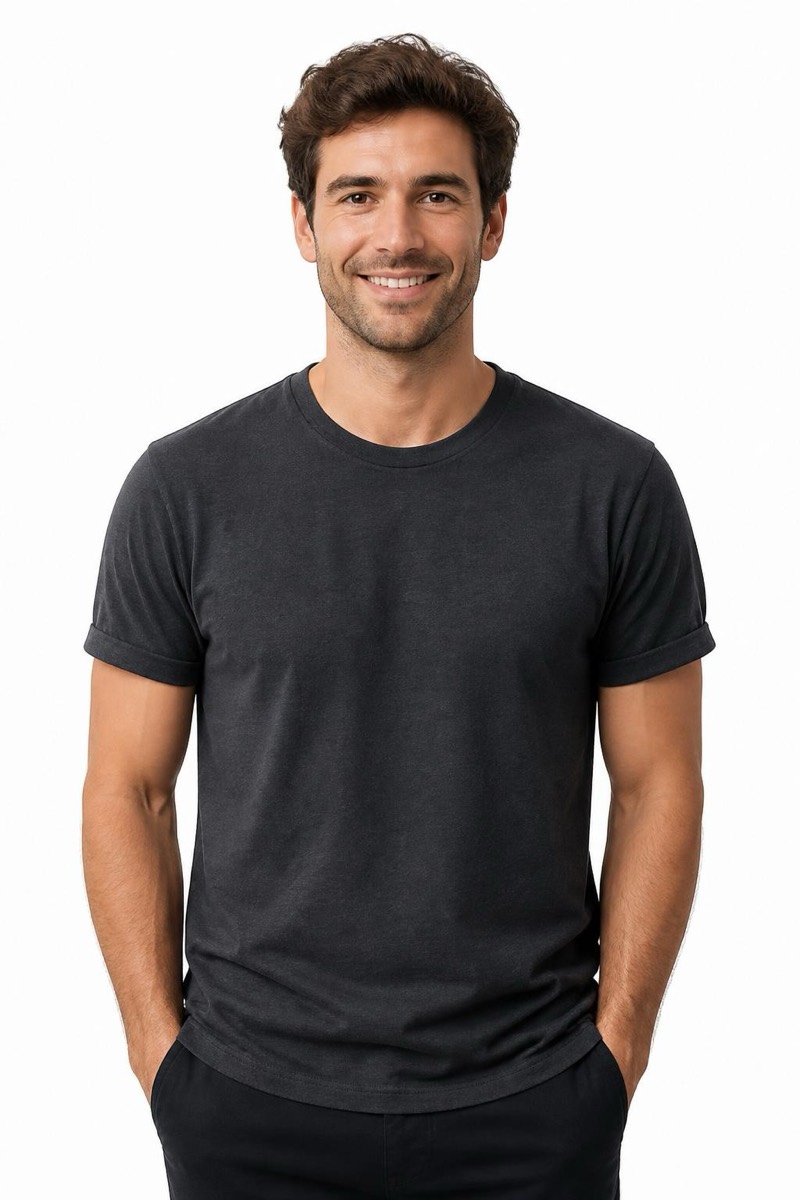
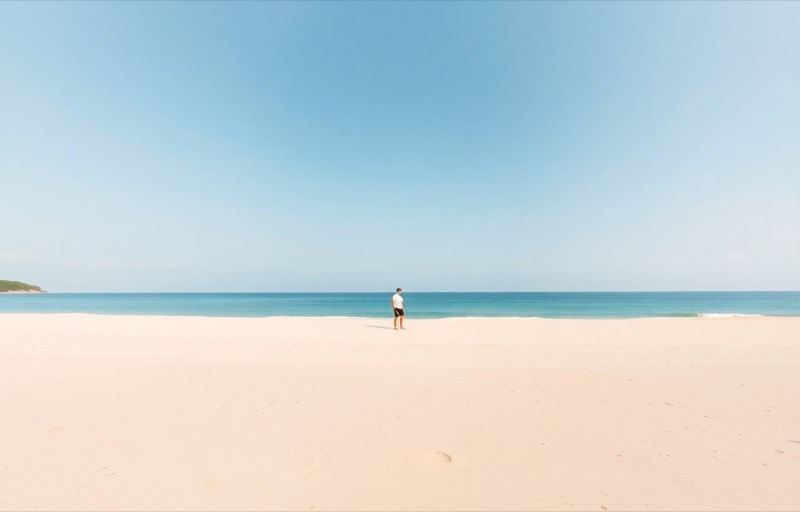
Remove
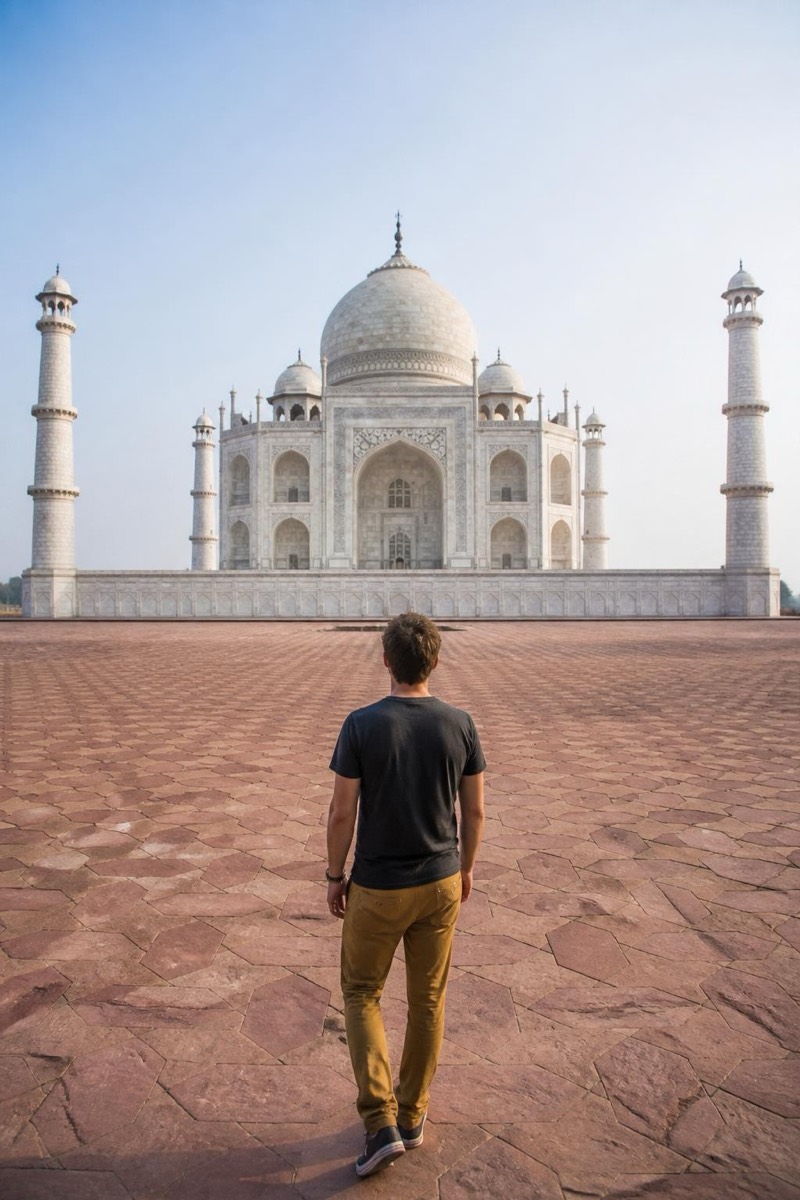
Crowd — AI Object Removal filter
Clear the background crowd.
You waited for the shot; the crowd didn't leave. This filter clears the sea of tourists behind you and rebuilds the landmark, the plaza, the beach — empty, the way the postcard promised. It preserves the main subjects at full sharpness and repopulates the background with architecture instead of strangers. Trevi Fountain at noon becomes Trevi Fountain at dawn. Beyond vacation photos, it's quietly useful for event photography and real-estate exteriors where 'fewer people' is the entire brief.
How to use it
- 1.
Get Editable
Download Editable (free) from the App Store and open the Explore tab.
- 2.
Pick the Crowd filter
Find Crowd under Remove and tap Try.
- 3.
Choose a photo
Pick a photo from your library — the edit runs automatically and is ready in seconds.
Tip: Keep your subject visually separated from the crowd if you can — a step forward at shooting time makes the cleanup dramatically cleaner.
More Remove filters