Remove
Remove distracting people — AI Object Removal filter
Clean shot, just you
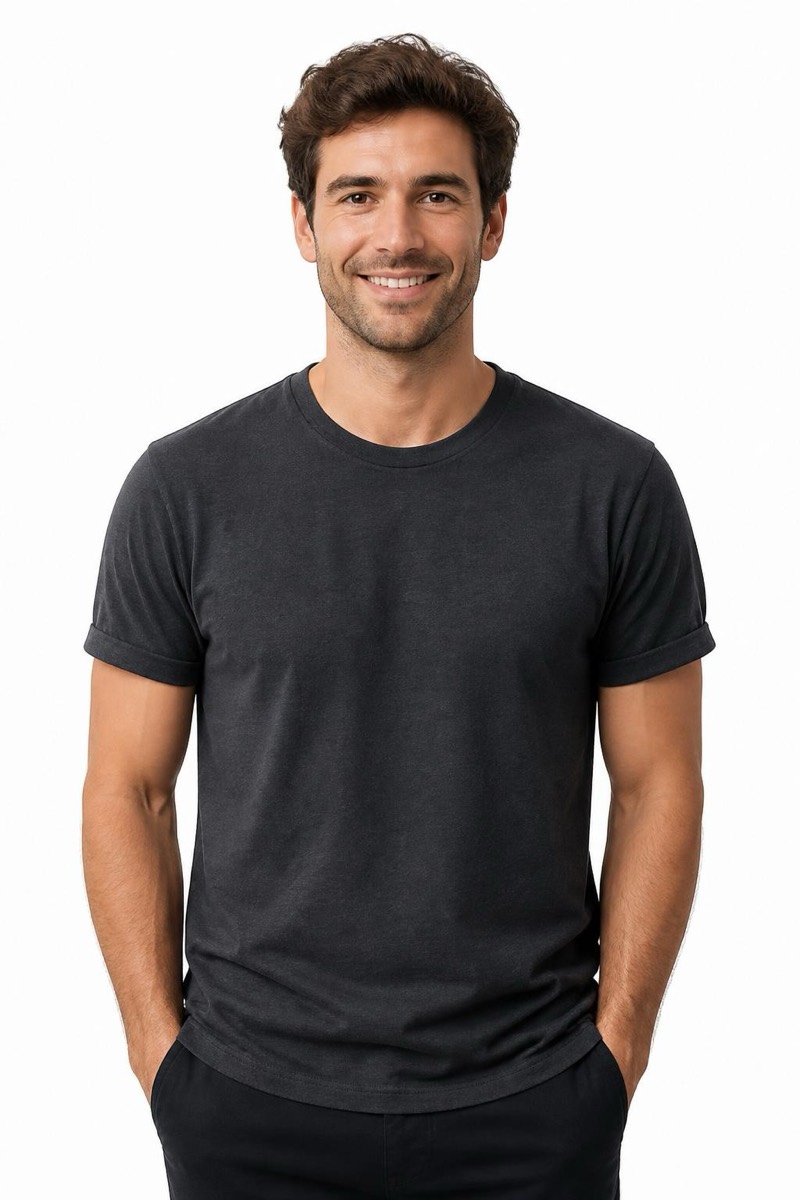
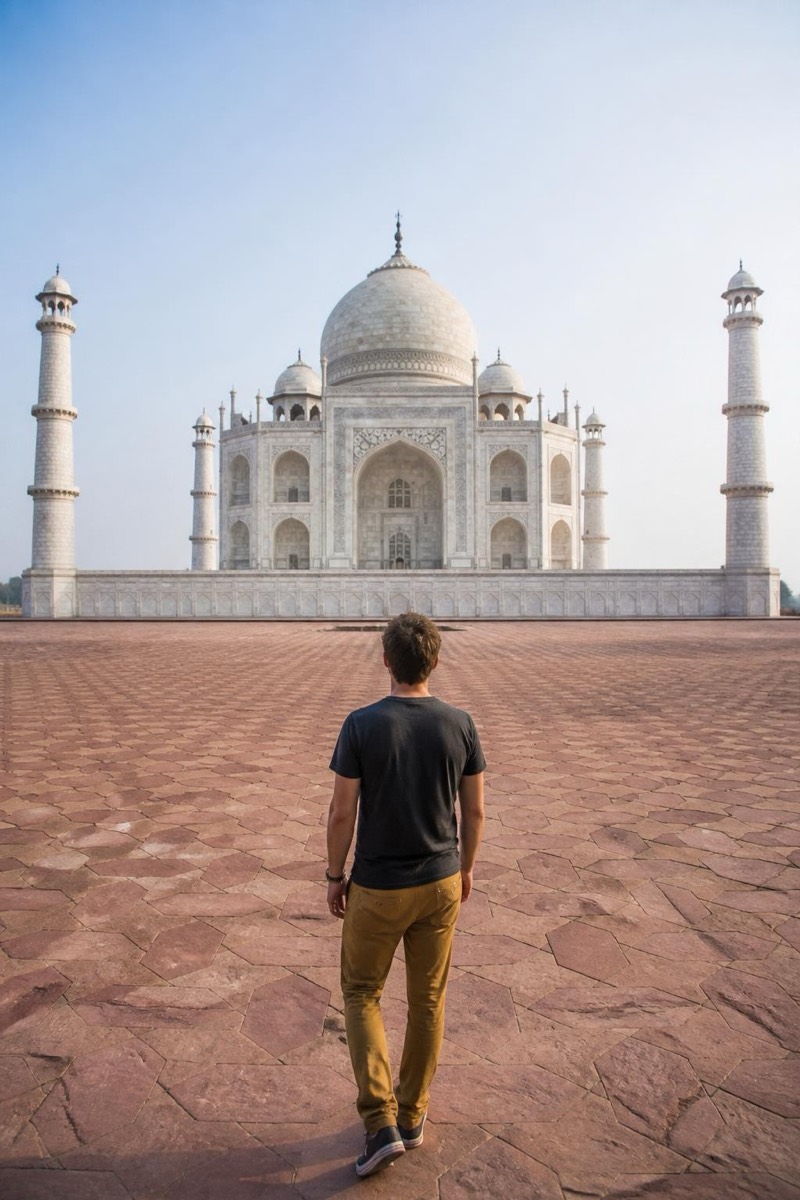
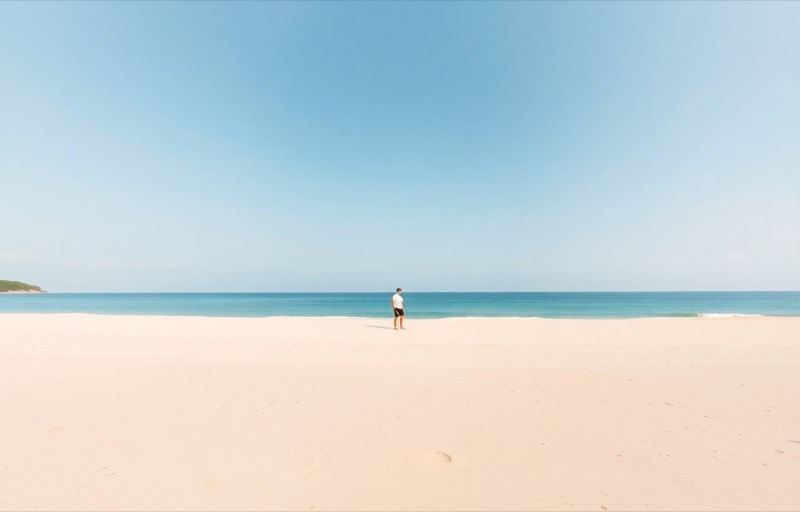
Sometimes it's not a stranger — it's an ex, a random plus-one, or half of a group that didn't age well. This filter removes a person from the photo entirely and reconstructs the space they occupied: backgrounds continue naturally, shadows disappear with their owner, and the remaining people stay untouched. It handles the awkward geometry of removal — a hand on a shoulder, an arm through an arm — better than manual clone tools ever did. The result is a photo that looks like it was always taken that way.

How to use it
- 1.
Get Editable
Download Editable (free) from the App Store and open the Explore tab.
- 2.
Pick the Remove distracting people filter
Find Remove distracting people under Remove and tap Try.
- 3.
Choose a photo
Pick a photo from your library — the edit runs automatically and is ready in seconds.
Tip: Works best when the person being removed is beside rather than in front of who stays. Expect the filled area to be plausible, not a factual record of what was behind them.
More Remove filters