Fix Photo
Sharpen and unblur — AI Photo Repair filter
Restore detail and clarity
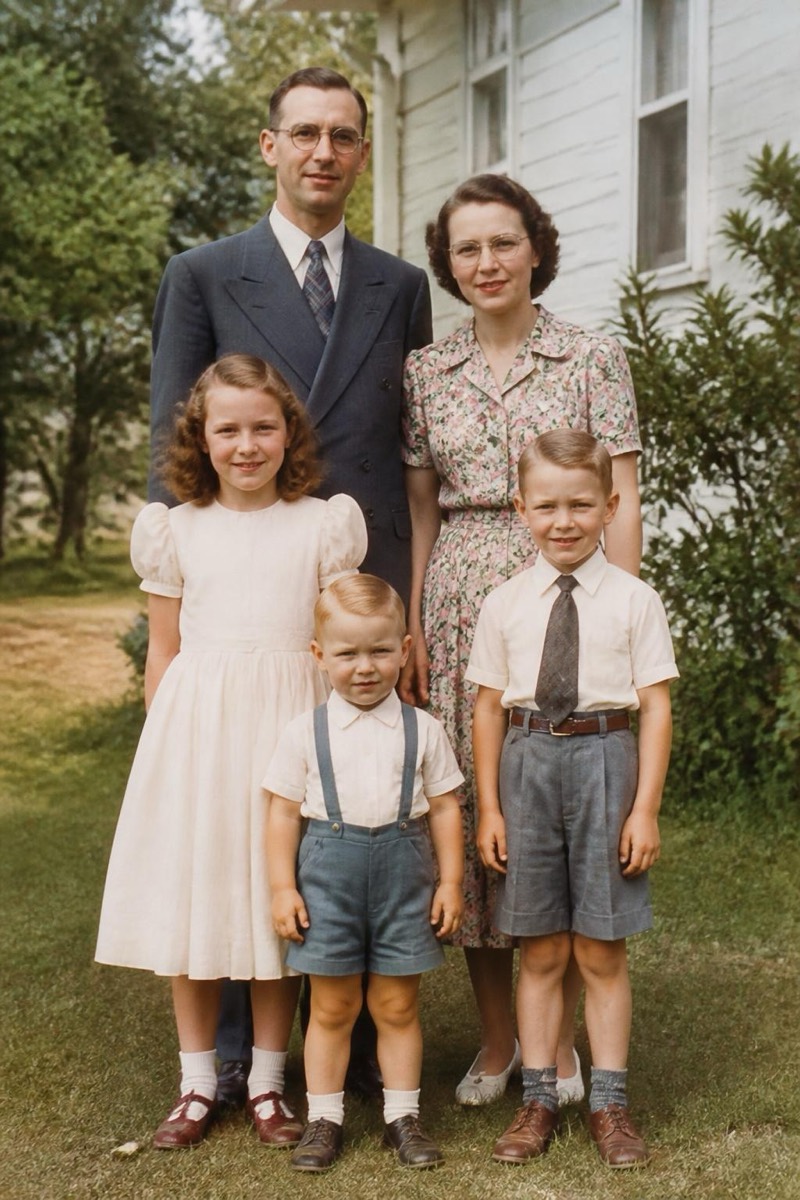
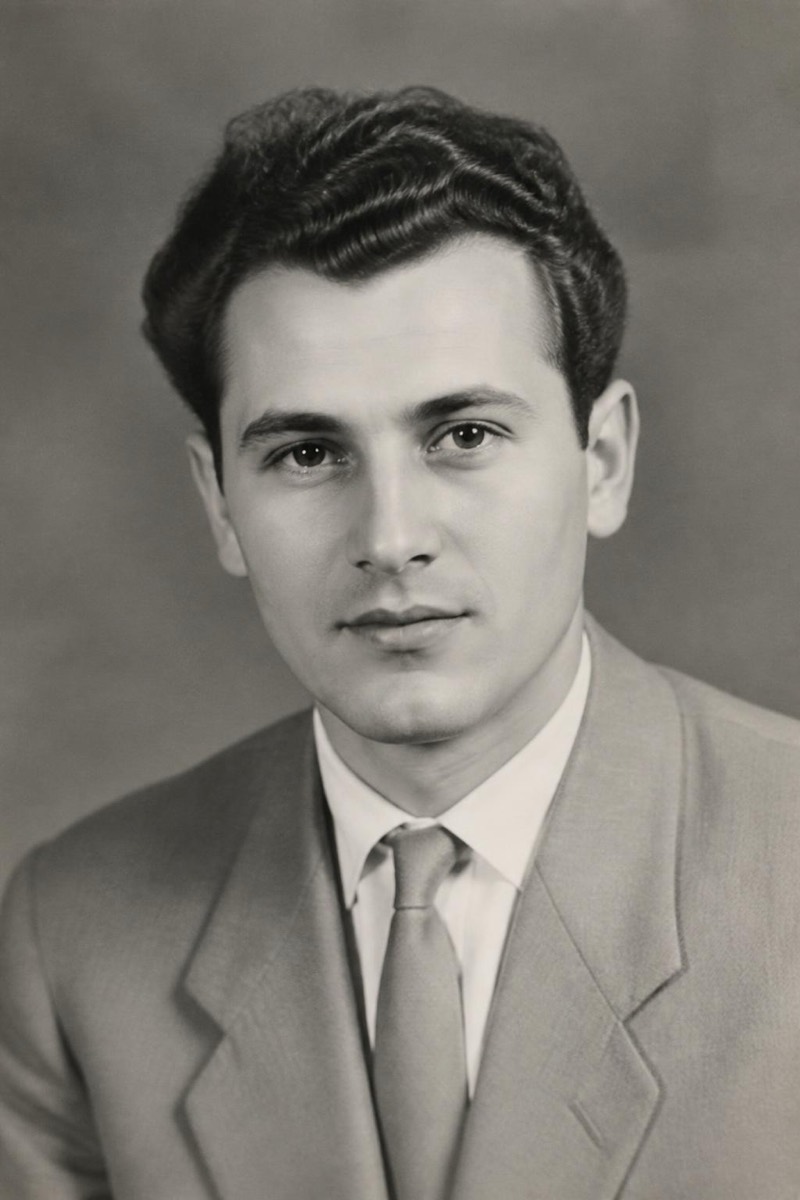
A blurry photo usually isn't a lost photo — the information is there, just smeared by a shaky hand or a missed focus lock. This filter reconstructs the sharp version: edges tighten, facial features come back into focus, and text becomes readable again, without the crunchy over-sharpened halo that basic sharpen sliders leave behind. It works on motion blur, focus misses and the general softness of digital zoom. The keepers it rescues most often are one-shot moments — a candid laugh, a kid mid-run, a concert shot from row Z — where a retake was never an option.

How to use it
- 1.
Get Editable
Download Editable (free) from the App Store and open the Explore tab.
- 2.
Pick the Sharpen and unblur filter
Find Sharpen and unblur under Fix Photo and tap Try.
- 3.
Choose a photo
Pick a photo from your library — the edit runs automatically and is ready in seconds.
Tip: It shines on photos that are slightly-to-moderately soft. If the subject is beyond recognition, results will be creative rather than faithful.
More Fix Photo filters