Fix Photo
Fix Lighting — AI Photo Repair filter
Brighten a dark photo.
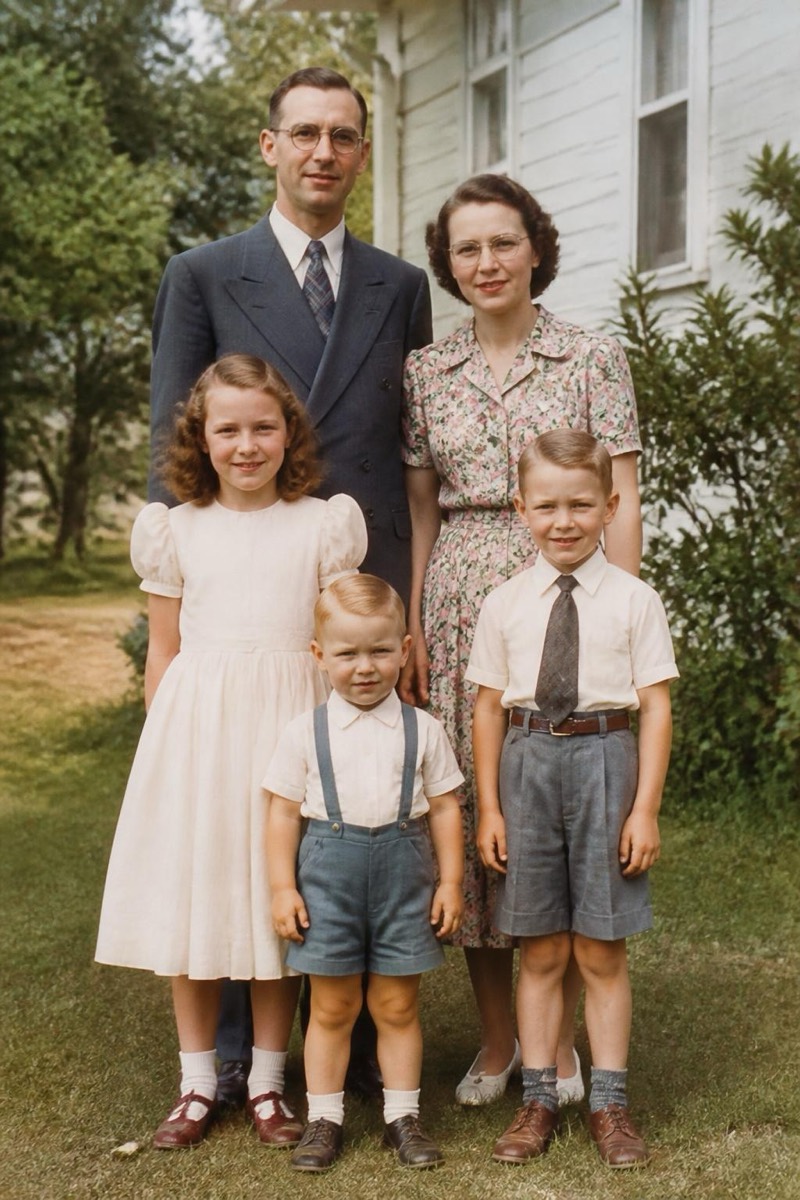
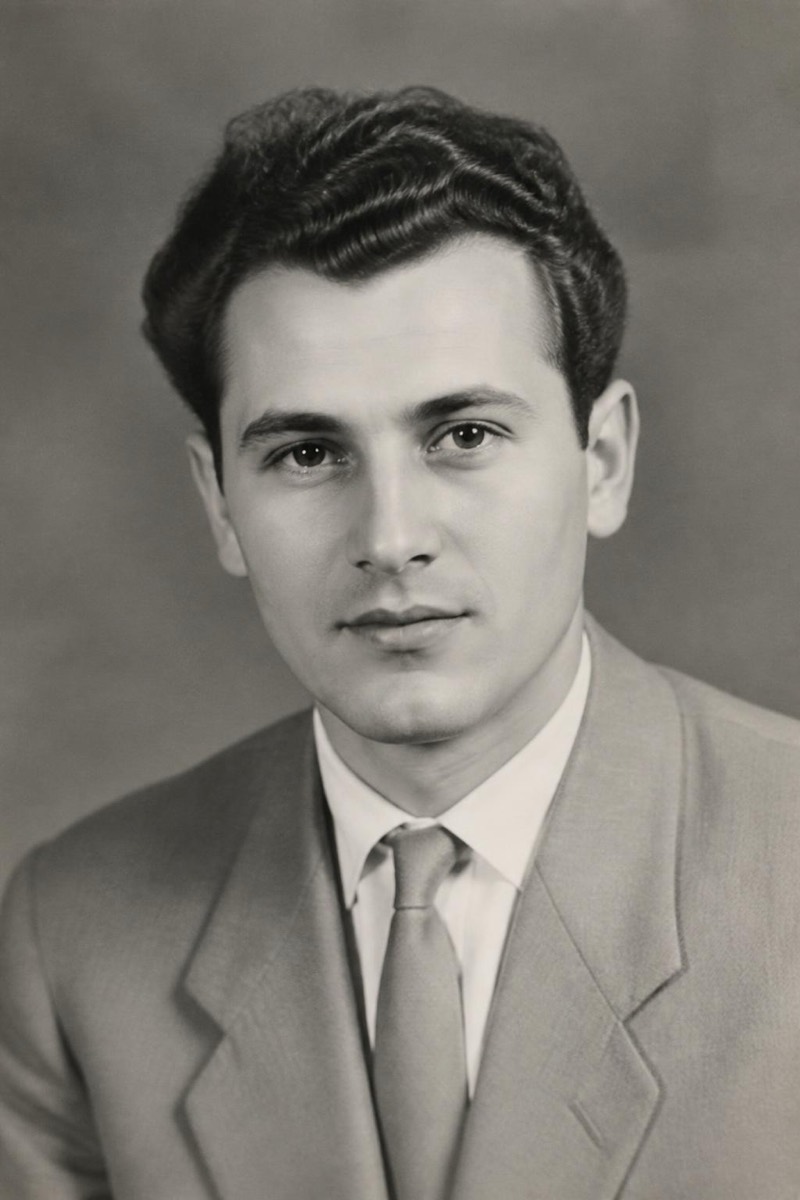
Dark photos usually die in the editing tray: pushing exposure up rescues the shadows but ruins everything else with noise and grey blacks. This filter relights the scene instead — faces come up to a natural brightness, the atmosphere of the evening stays, and noise doesn't get amplified into confetti. Restaurant birthdays, concerts, campfires and city nights are the classic cases: moments where flash would have killed the mood, so nobody used it, and the photos came out as silhouettes. It brings back the version your eyes actually saw.

How to use it
- 1.
Get Editable
Download Editable (free) from the App Store and open the Explore tab.
- 2.
Pick the Fix Lighting filter
Find Fix Lighting under Fix Photo and tap Try.
- 3.
Choose a photo
Pick a photo from your library — the edit runs automatically and is ready in seconds.
Tip: Works best when some light exists in the frame. A truly black photo has nothing to recover — aim for 'too dark', not 'lens cap on'.
More Fix Photo filters