Fix Photo
Colorize — AI Photo Repair filter
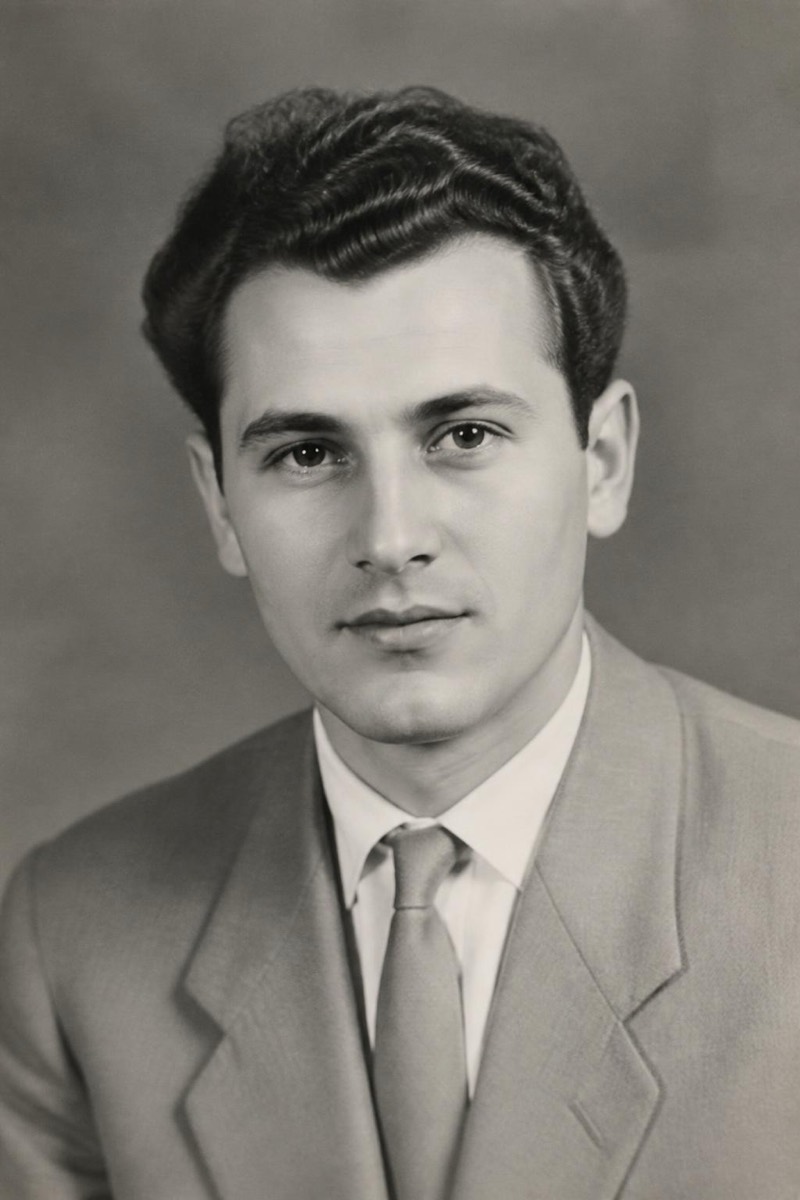
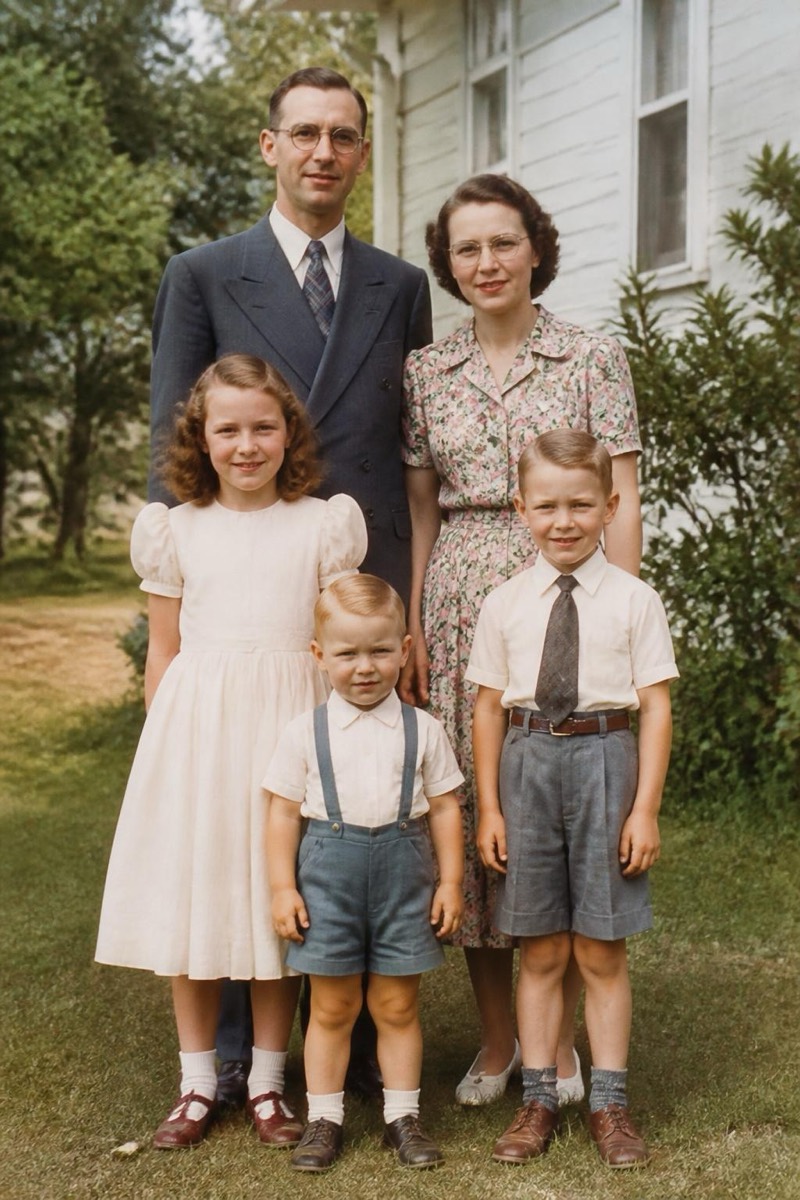
Color an old B&W photo.
Black-and-white family photos hold people we never got to meet in color. This filter studies the grayscale tones and fills in believable, period-appropriate color — skin that looks alive, fabrics with plausible dyes, skies that feel like actual weather. It avoids the hand-tinted postcard look by keeping saturation restrained and letting the original grain and lighting stay in charge. Scanned prints, old ID photos and inherited albums are its natural habitat. The result is less 'edited photo' and more 'the same photo, taken on a different day with a different camera'.
How to use it
- 1.
Get Editable
Download Editable (free) from the App Store and open the Explore tab.
- 2.
Pick the Colorize filter
Find Colorize under Fix Photo and tap Try.
- 3.
Choose a photo
Pick a photo from your library — the edit runs automatically and is ready in seconds.
Tip: Scan or photograph the original as evenly lit and flat as possible — glare on the print's surface confuses the coloring.
More Fix Photo filters