Fix Photo
Remove Scratches — AI Photo Repair filter
Repair tears and scratches.
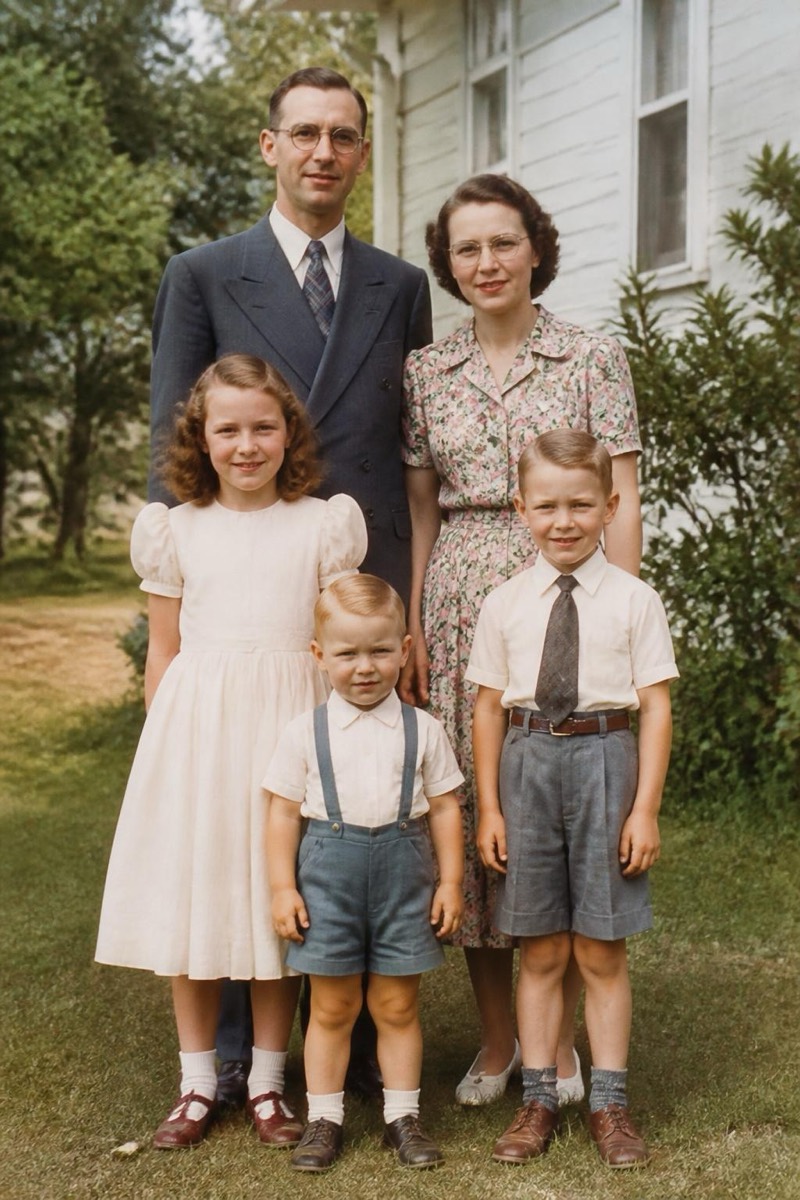
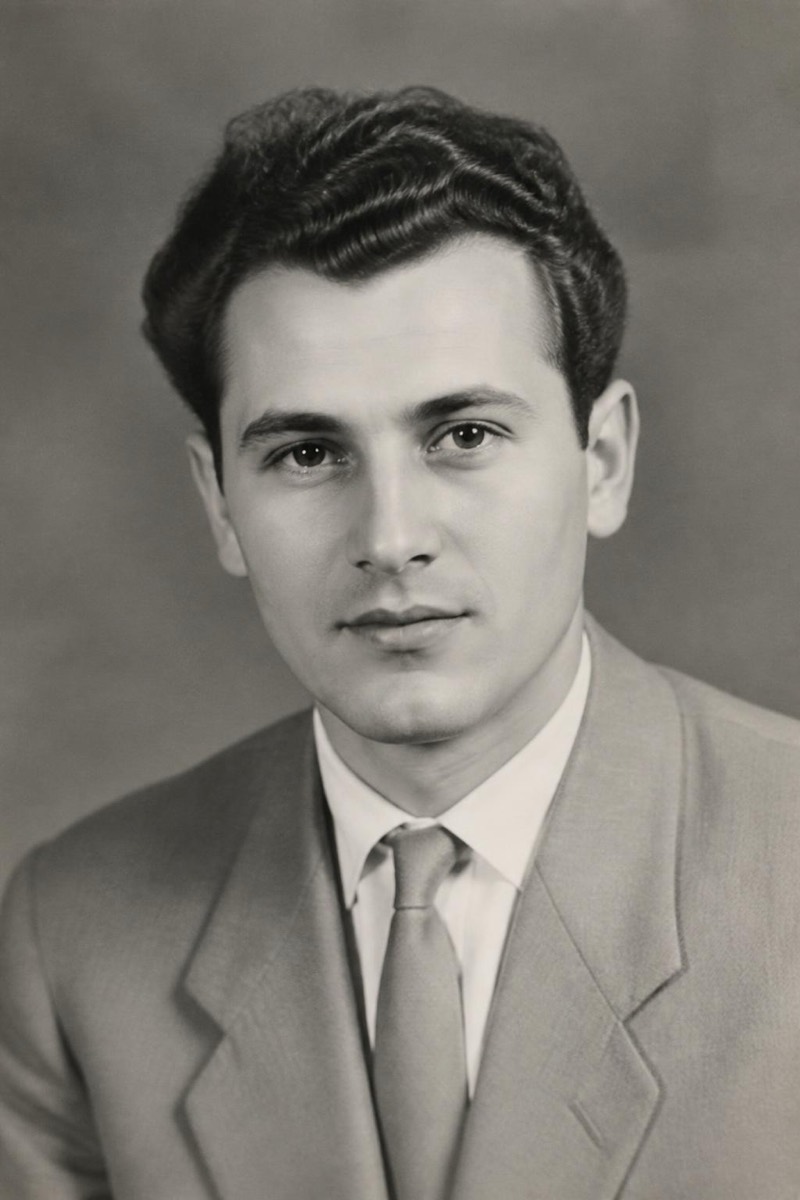
Physical photos age badly: creases from wallets, scratches from shoeboxes, tears at the corners, spots from humidity. This restoration filter removes the damage while treating the underlying image as untouchable — faces are not beautified, expressions are not altered, and the film-era texture stays. It reconstructs what the damage covered by reading the surrounding areas, which is why it handles cracks across a cheek or a fold through a sky so cleanly. For inherited photos where a single print is all that survives, this is the difference between 'damaged keepsake' and 'framed on the wall'.
How to use it
- 1.
Get Editable
Download Editable (free) from the App Store and open the Explore tab.
- 2.
Pick the Remove Scratches filter
Find Remove Scratches under Fix Photo and tap Try.
- 3.
Choose a photo
Pick a photo from your library — the edit runs automatically and is ready in seconds.
Tip: Capture the print straight-on in soft daylight. Include the whole photo — cropping into the damage gives the repair less context to work with.
More Fix Photo filters