Fix Photo
Denoise — AI Photo Repair filter
Clean up grain and noise.
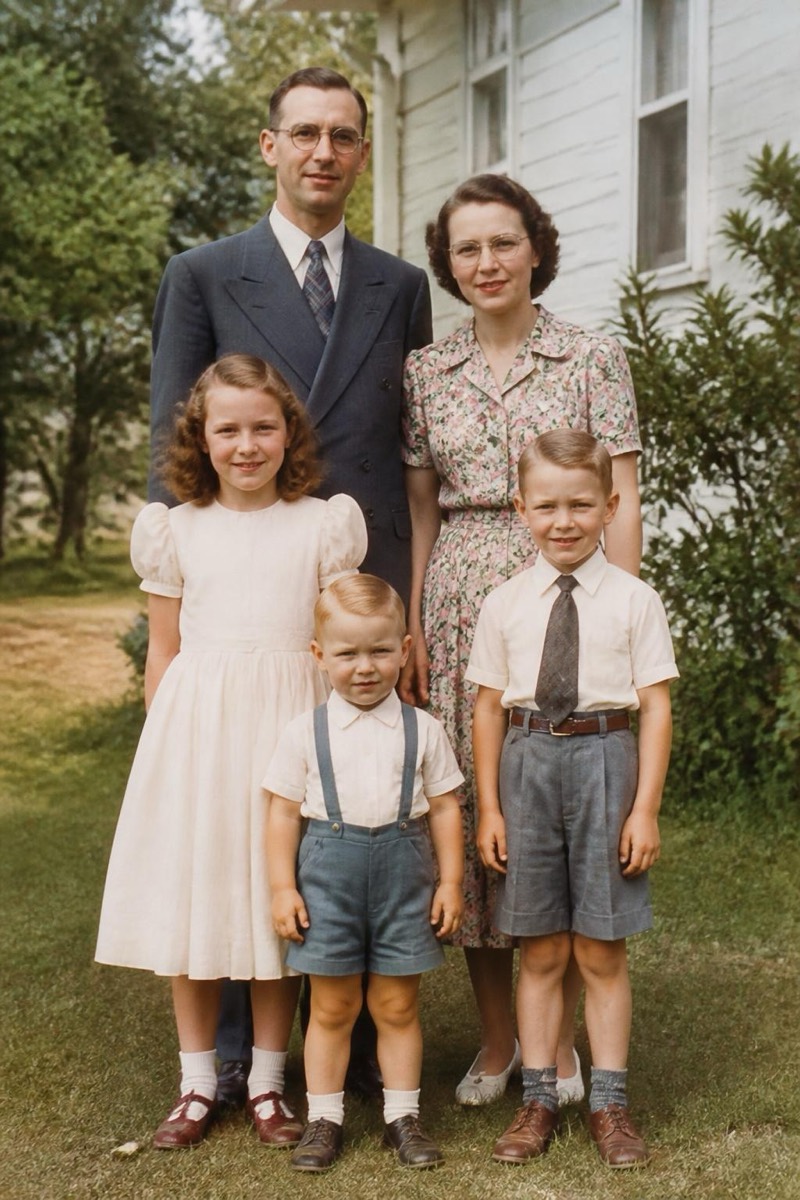
High-ISO grain, compression artifacts from years of messaging apps, the static of an old phone camera — noise makes photos feel cheap even when the moment is priceless. This filter separates the signal from the static: skin becomes smooth without turning to plastic, skies become clean gradients, and fine details like hair and fabric survive the cleanup instead of being blurred away with the noise. It's the right first step before printing an old photo or before running any other edit that would otherwise amplify the grain.

How to use it
- 1.
Get Editable
Download Editable (free) from the App Store and open the Explore tab.
- 2.
Pick the Denoise filter
Find Denoise under Fix Photo and tap Try.
- 3.
Choose a photo
Pick a photo from your library — the edit runs automatically and is ready in seconds.
Tip: If the photo is both noisy AND blurry, denoise first, then run Sharpen & Unblur — that order preserves the most detail.
More Fix Photo filters