Fix Photo
HD Enhance — AI Photo Repair filter
Upscale to crisp HD.
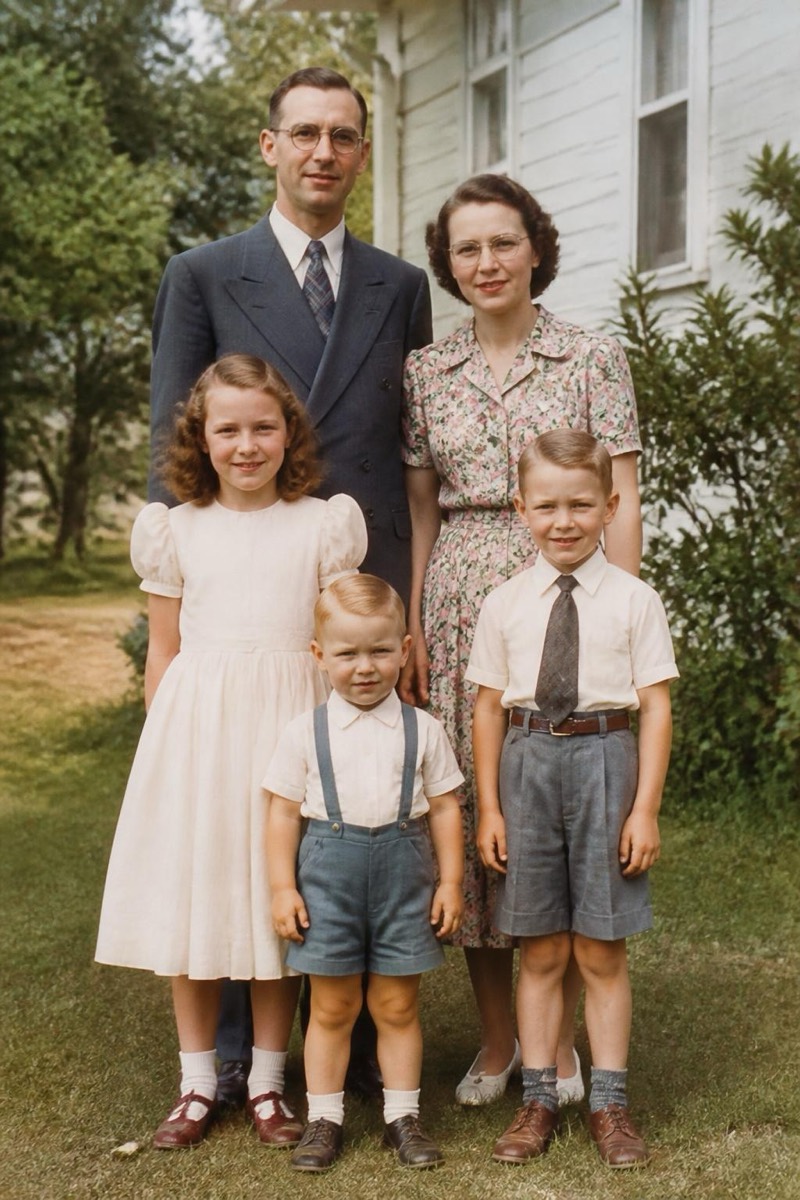
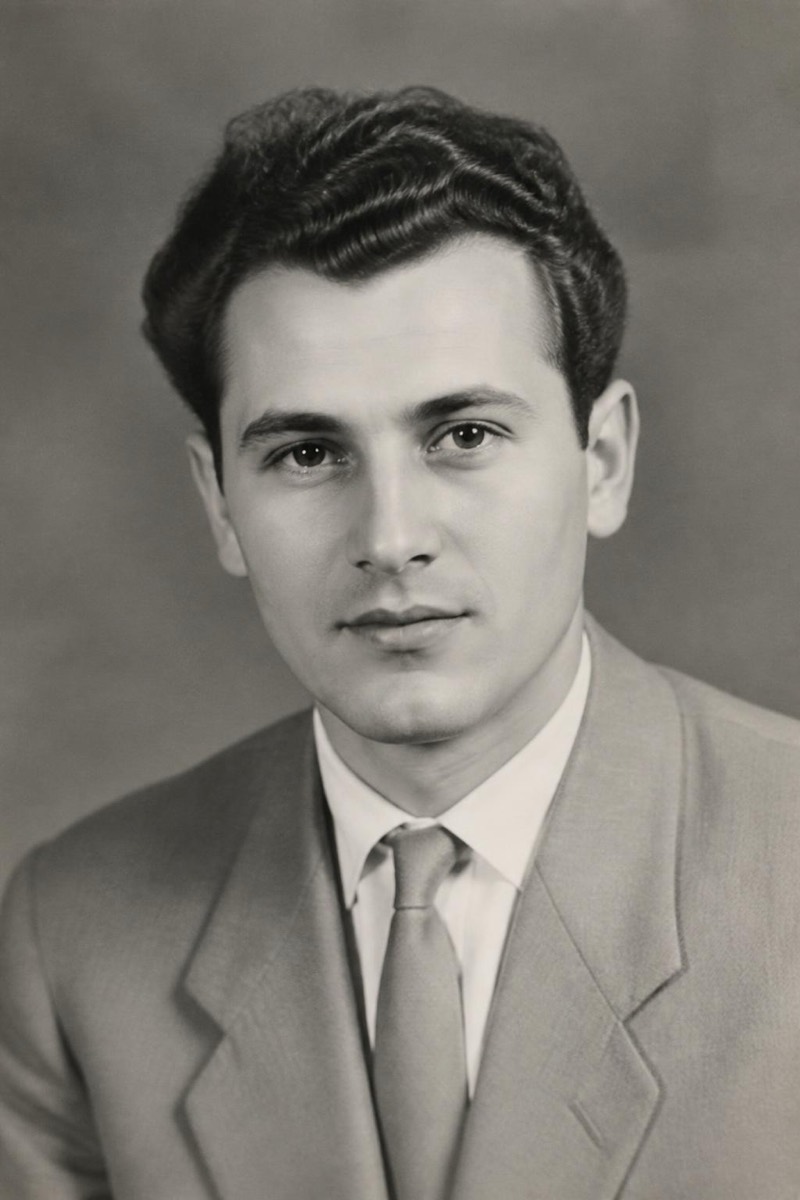
Small, soft, low-resolution photos — old phone shots, images saved from chats, thumbnails that lost their originals — get rebuilt at crisp HD here. Instead of stretching pixels (which just makes soft photos bigger), the filter regenerates plausible detail: fabric weave, hair strands, sharp eyes, readable background text. The honest description is that it's re-photographing your photo with a better camera. It's the standard prep step before printing, framing, or using an old picture as a profile photo on a screen that will be far less forgiving than the one it was taken on.

How to use it
- 1.
Get Editable
Download Editable (free) from the App Store and open the Explore tab.
- 2.
Pick the HD Enhance filter
Find HD Enhance under Fix Photo and tap Try.
- 3.
Choose a photo
Pick a photo from your library — the edit runs automatically and is ready in seconds.
Tip: Feed it the largest version of the photo you have — even a soft original beats a pre-cropped, re-compressed copy.
More Fix Photo filters