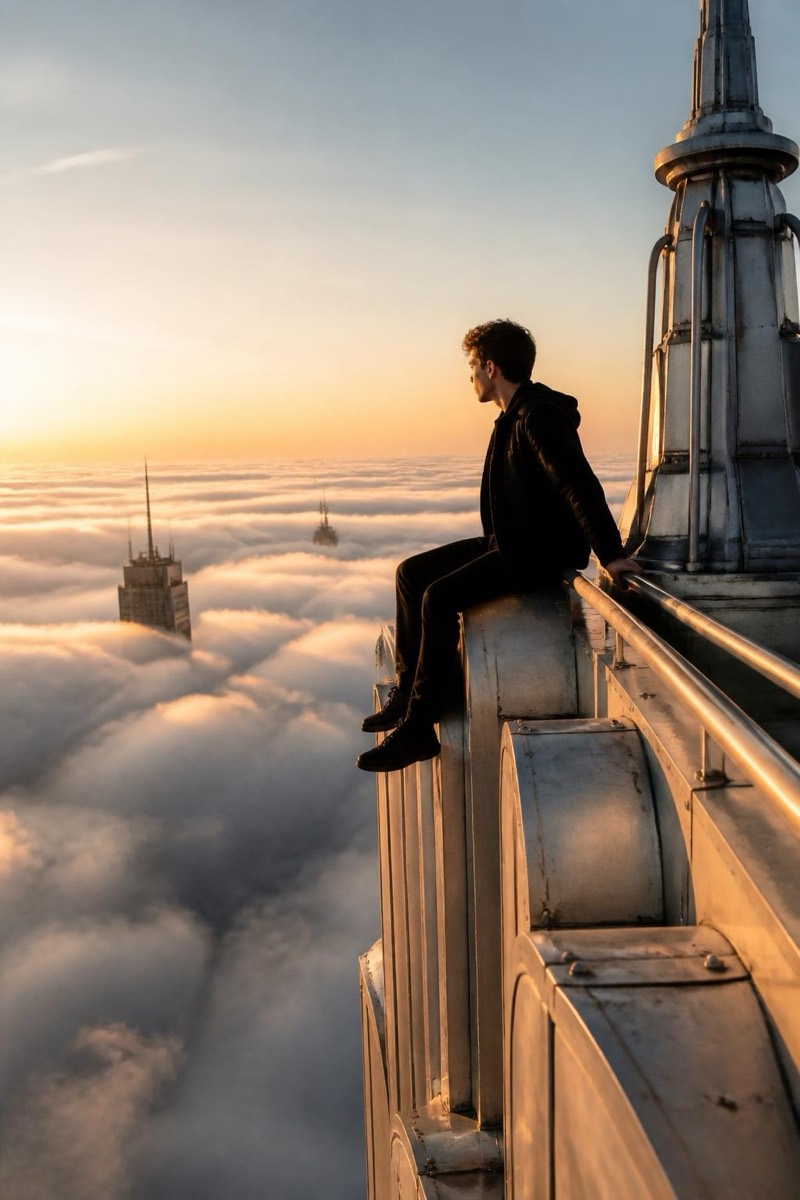
Upclimb
Vertigo POV — AI Rooftop Selfie filter
Look down. Way down.
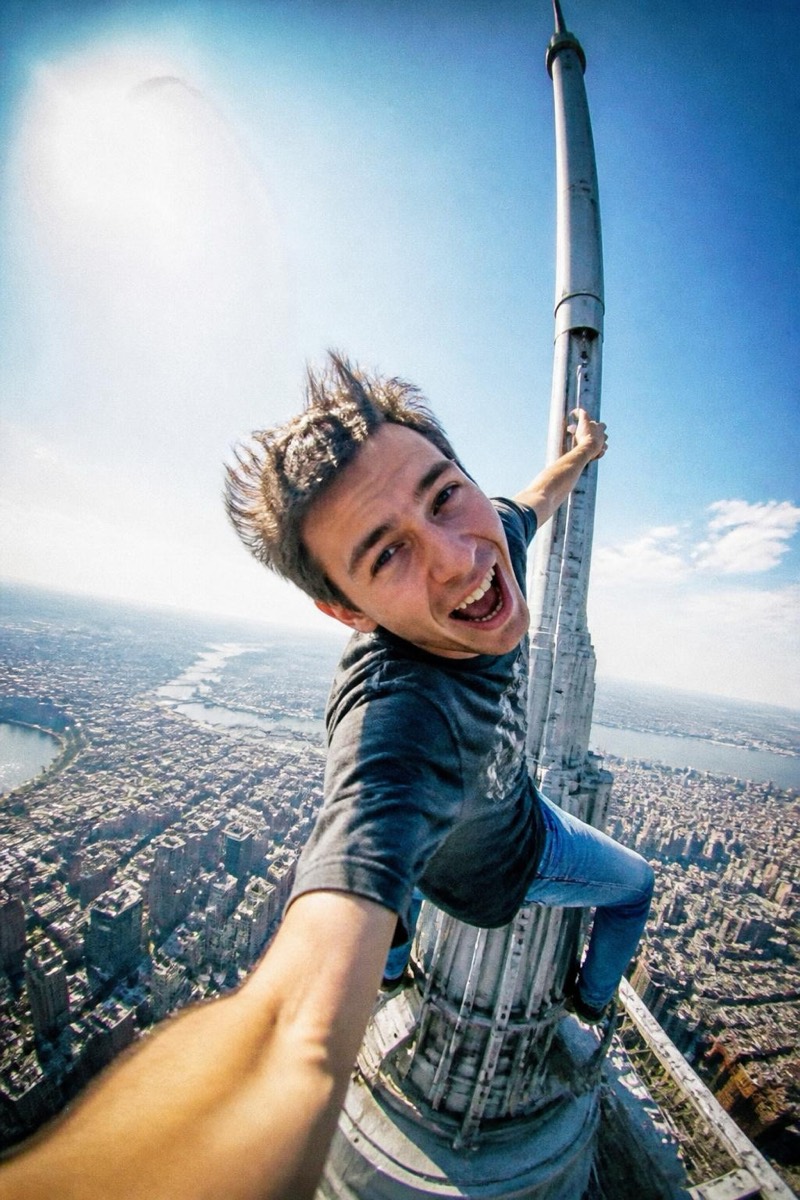
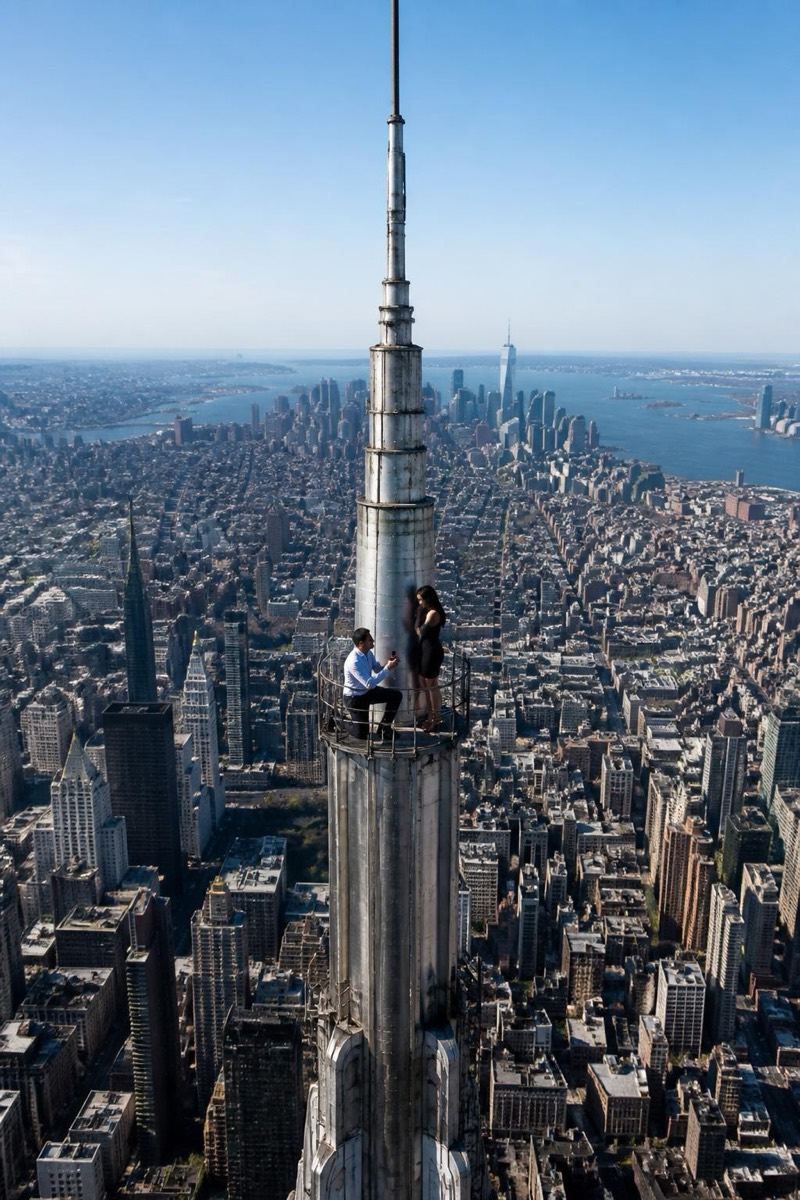
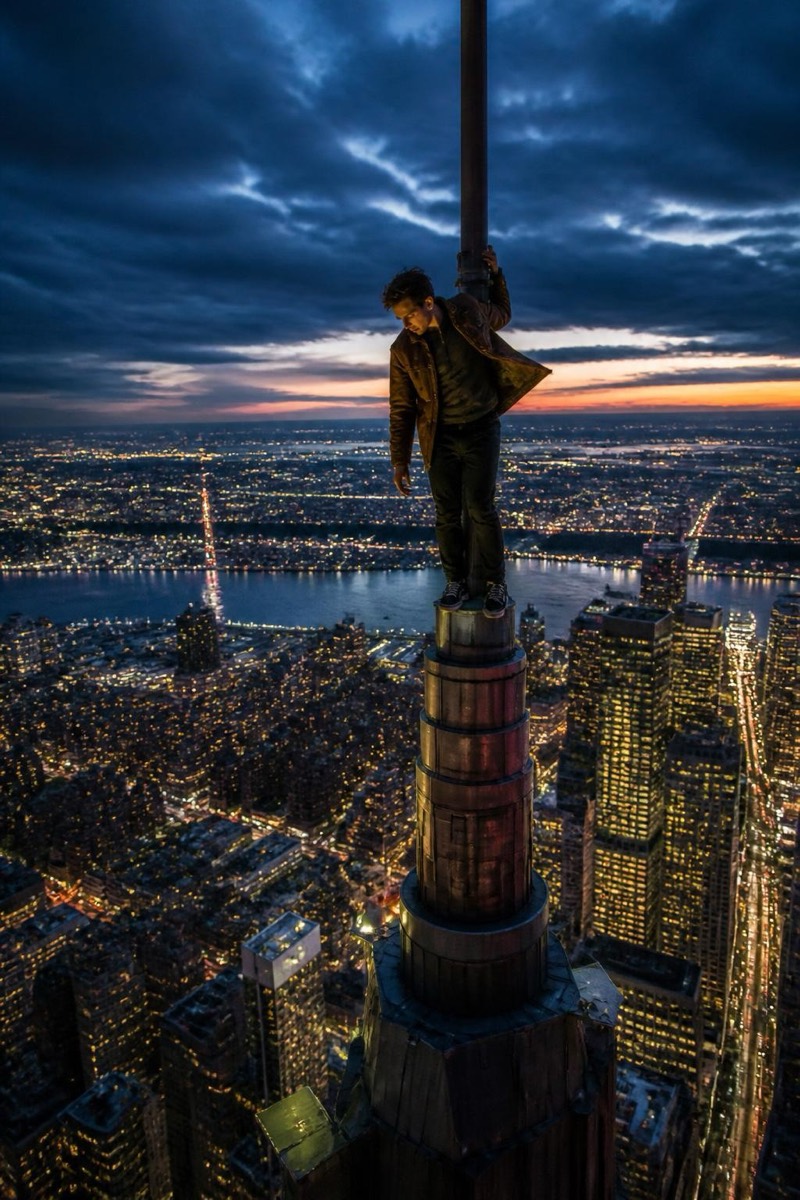
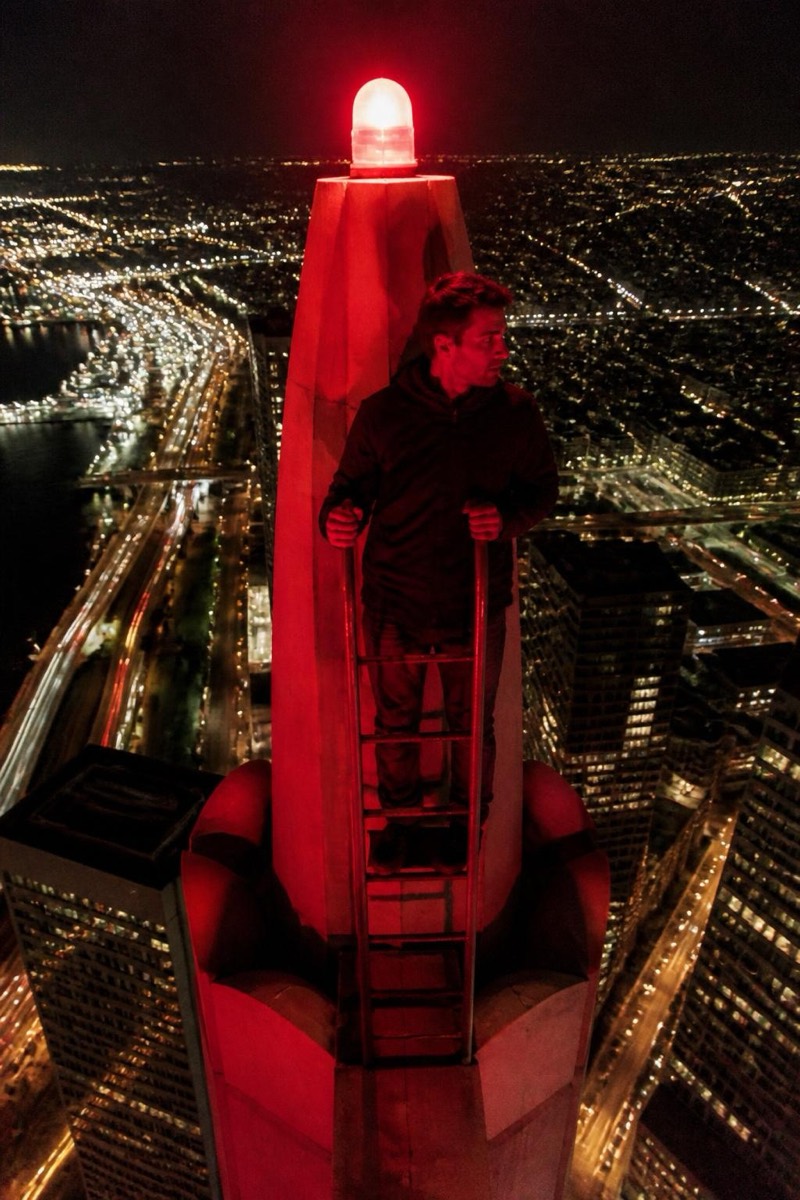
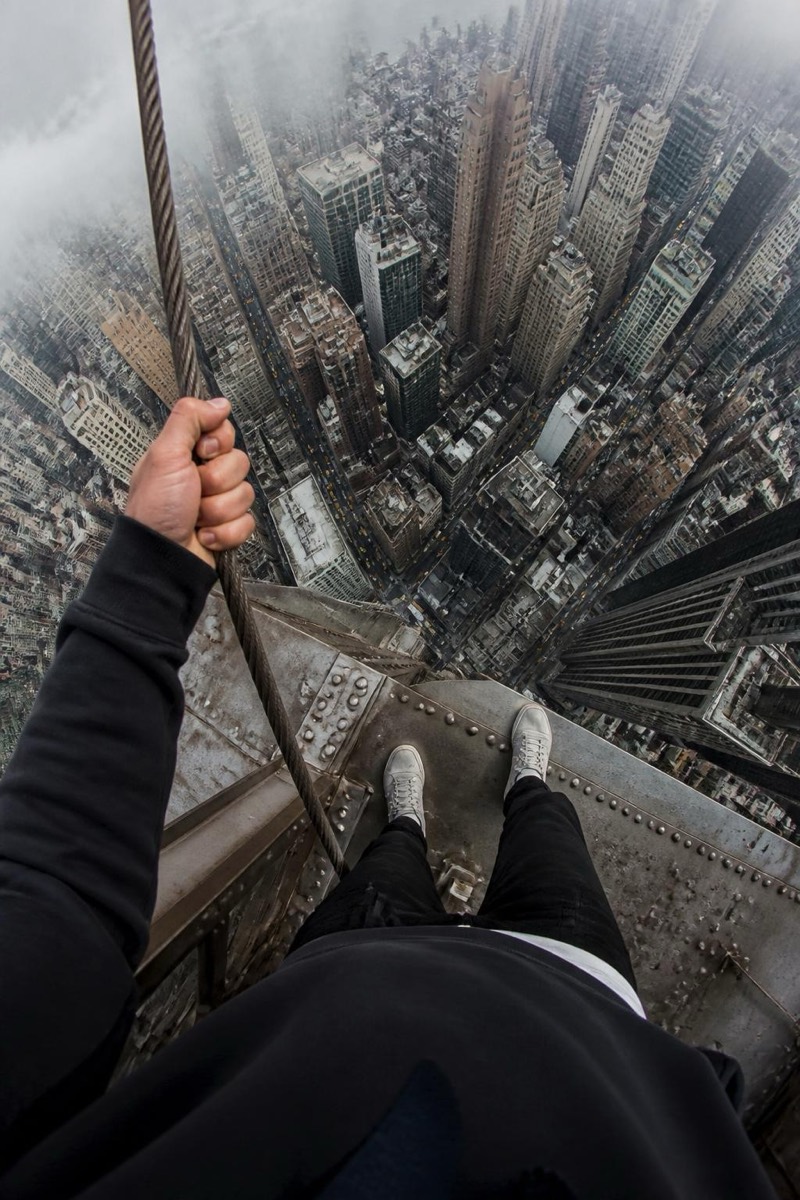
The look-down shot: your shoes at the edge of a steel beam, and beneath them, four hundred meters of nothing. This filter builds the classic vertigo POV that made urban climbing videos unwatchable for anyone with functioning survival instincts — taxis like confetti, streets like circuit boards, and your feet calmly in frame as if this were normal. It's less a portrait than a physical sensation delivered as a photo; people report their palms sweating on your behalf, which is exactly the reaction it's designed for.
How to use it
- 1.
Get Editable
Download Editable (free) from the App Store and open the Explore tab.
- 2.
Pick the Vertigo POV filter
Find Vertigo POV under Upclimb and tap Try.
- 3.
Choose a photo
Pick a photo from your library — the edit runs automatically and is ready in seconds.
Tip: Works from any photo of you — but including your feet or legs in the original gives the POV extra realism.
More Upclimb filters