Upclimb
News Chopper — AI Rooftop Selfie filter
Spotted from the news helicopter.
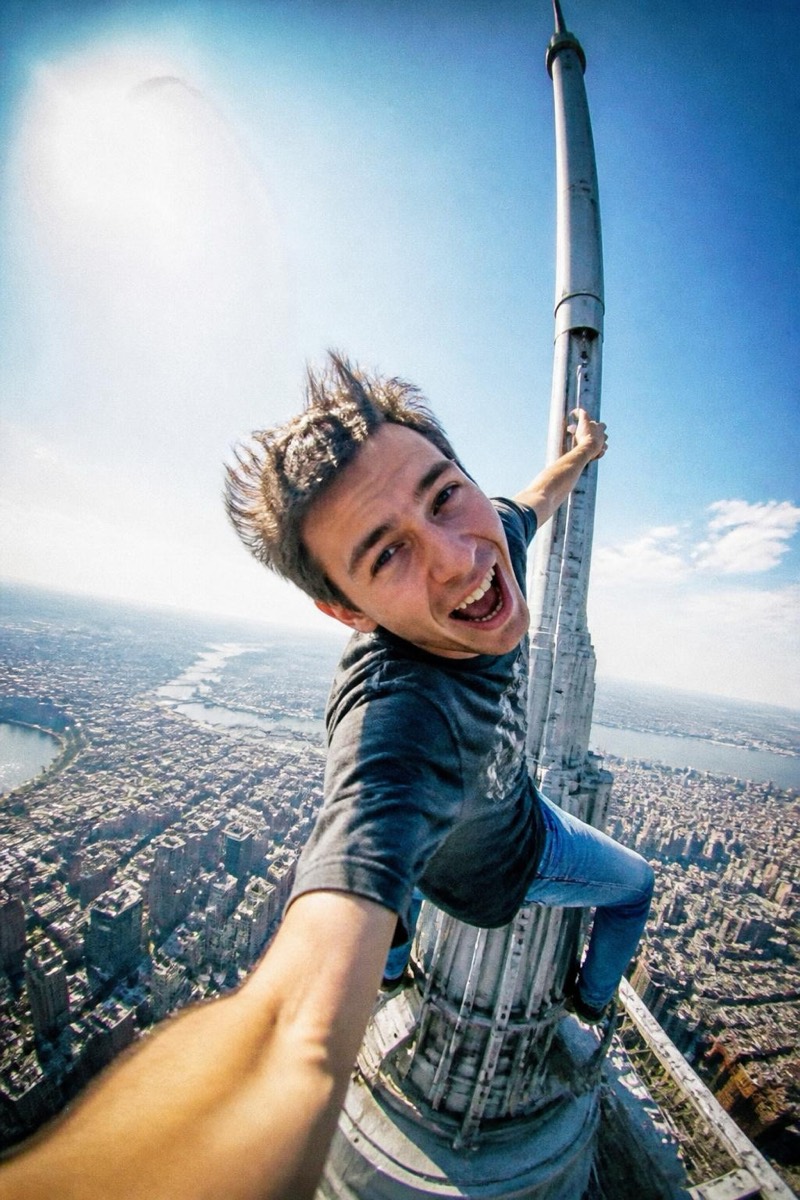
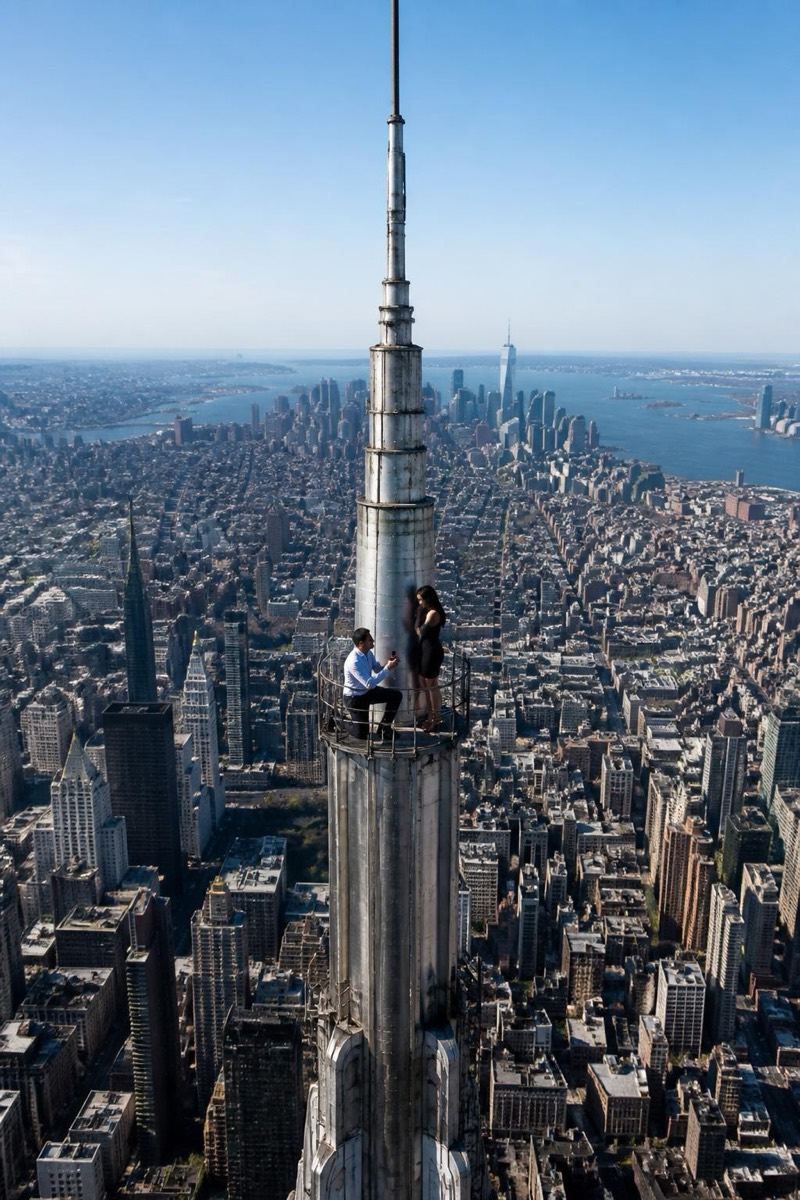
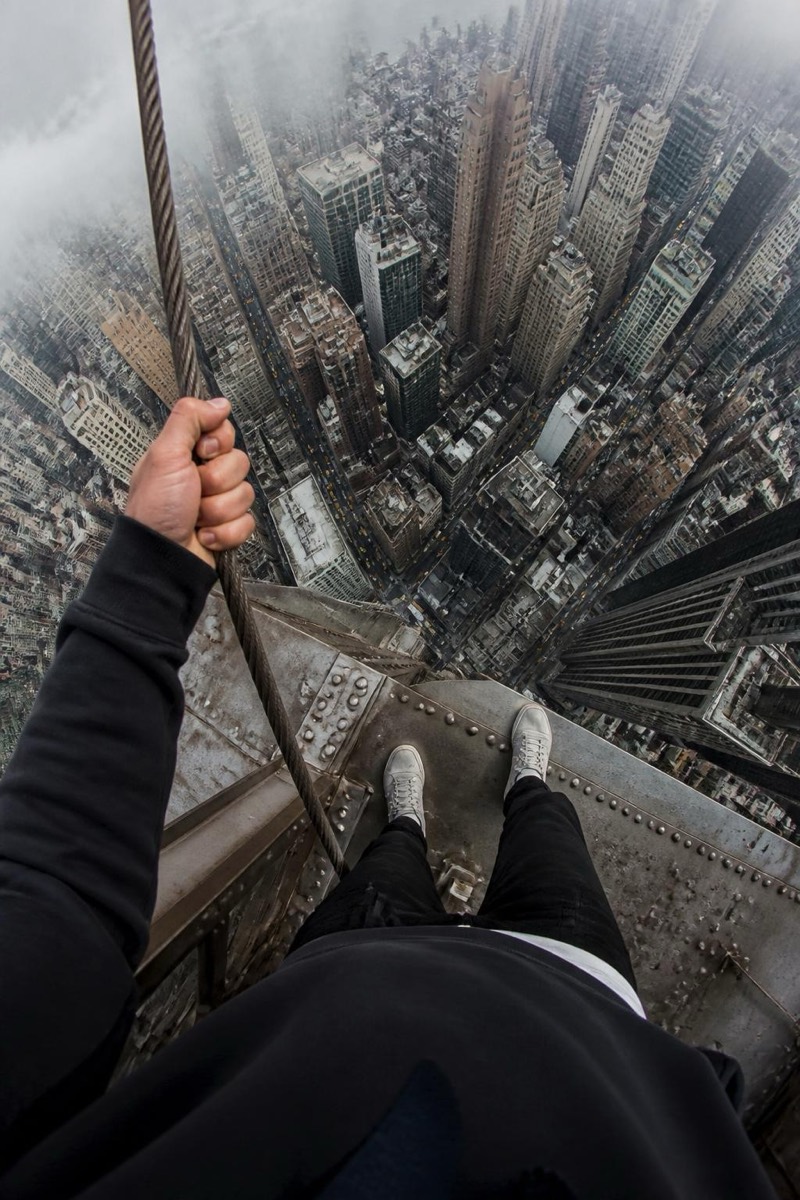
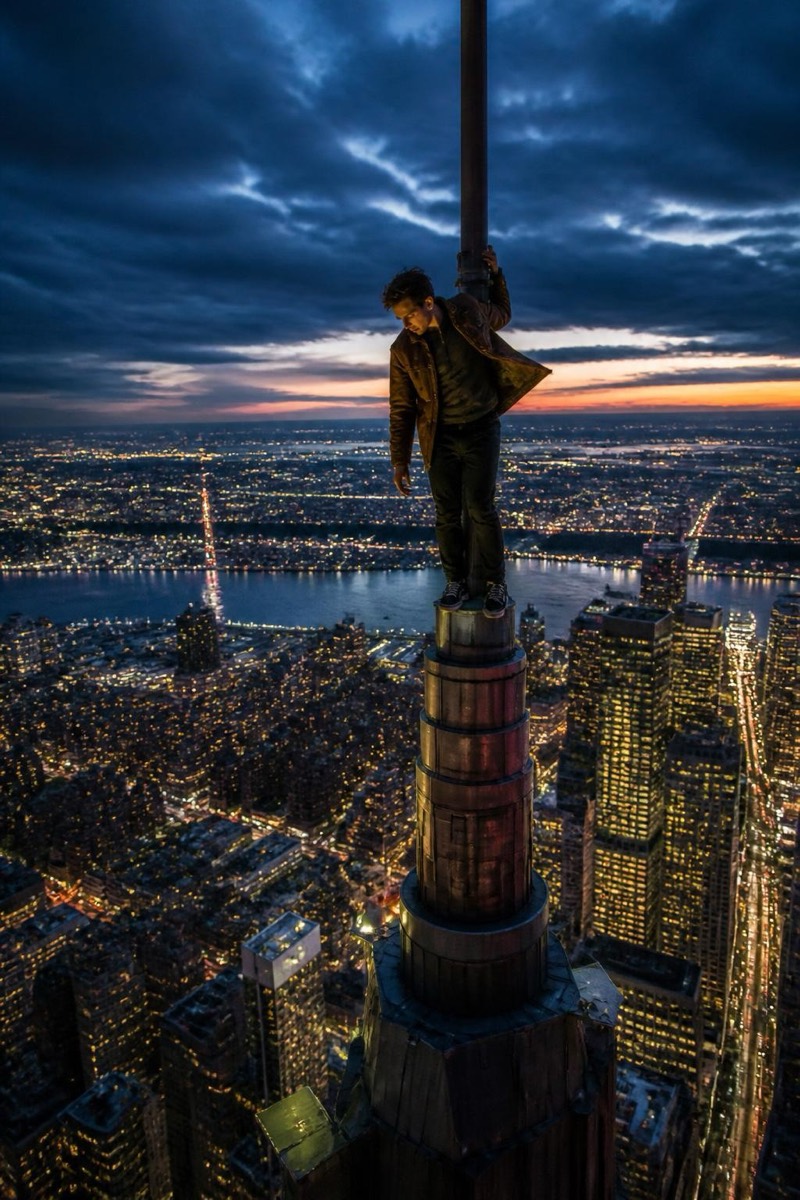
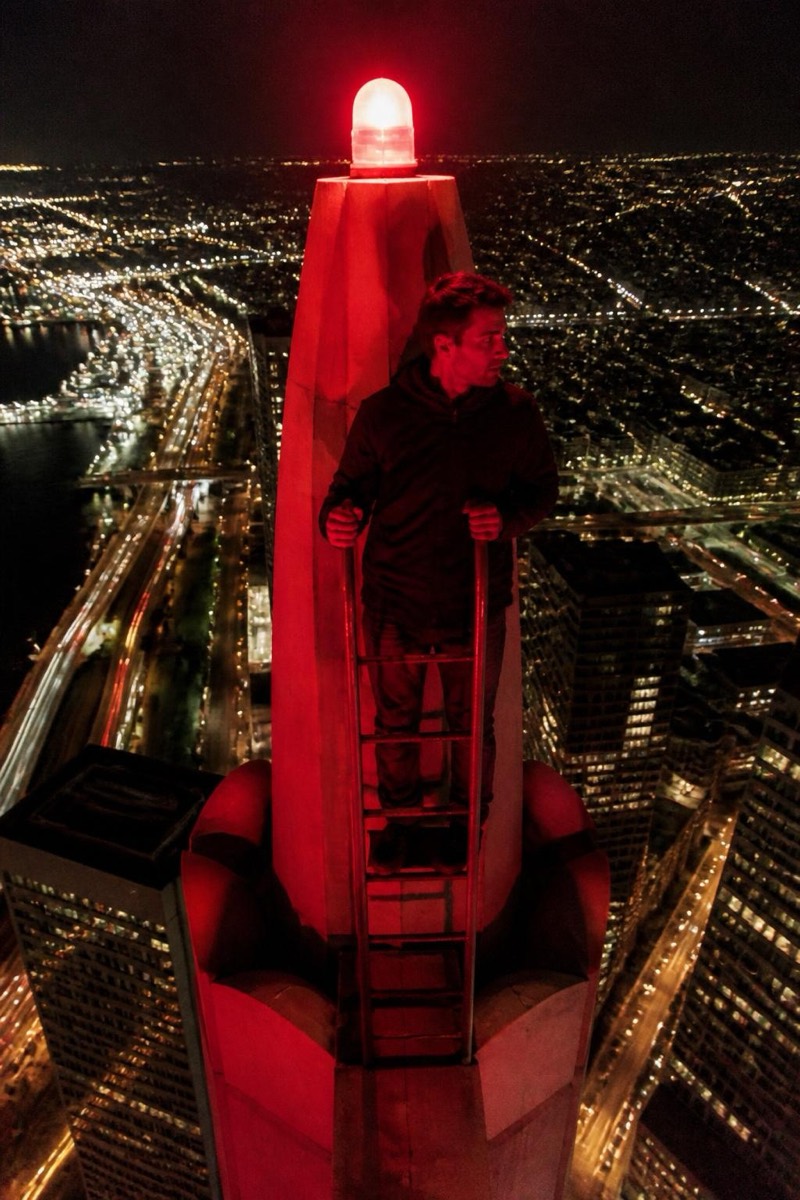
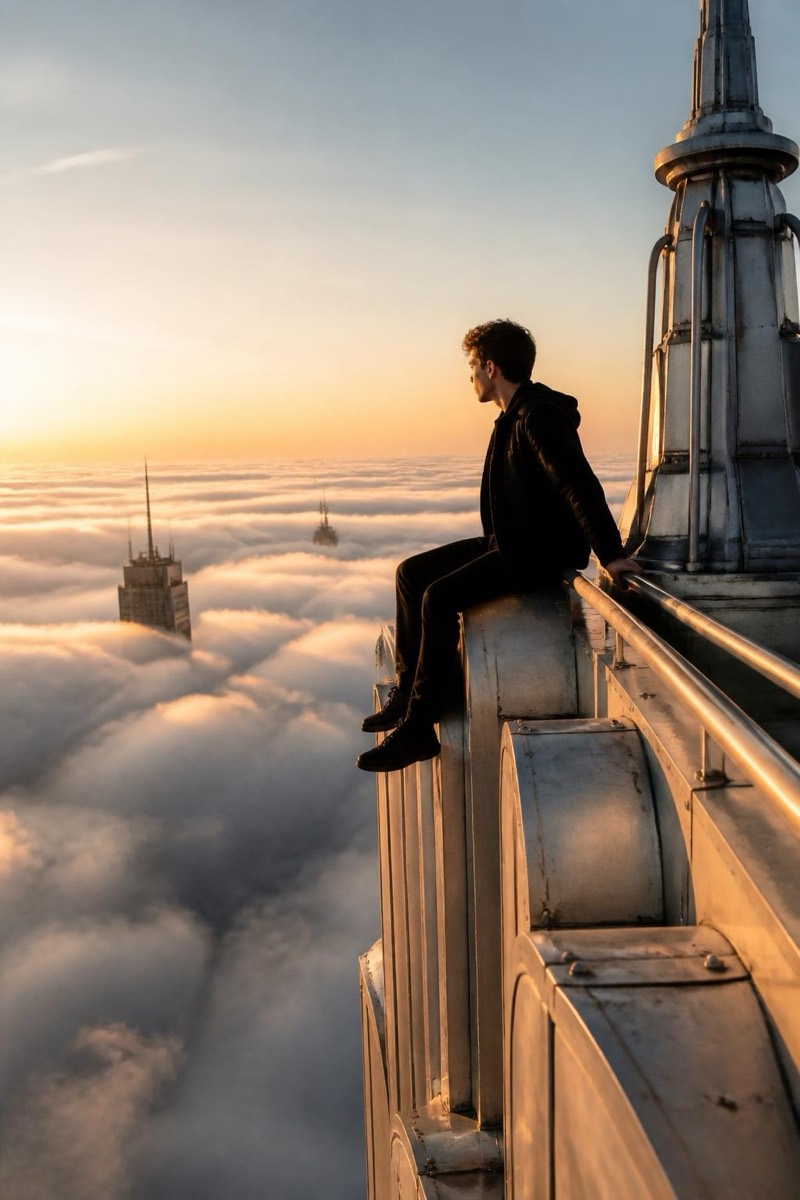
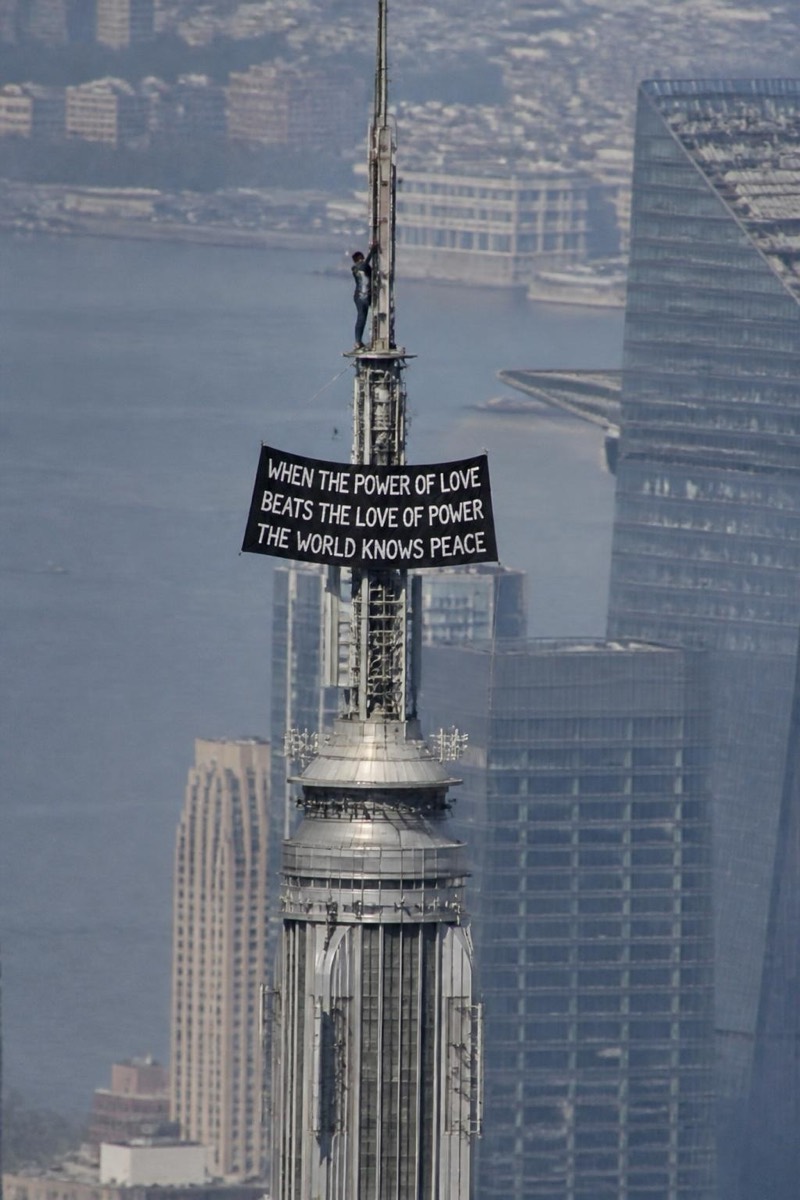
Breaking news: you. This filter frames your photo as helicopter news footage — telephoto compression, broadcast graphics energy, the slightly unsteady aerial angle of a chopper circling a story in progress. You become the unidentified individual on the roof that the whole city is watching on live TV. It's the rare filter with a built-in narrative: every result looks like a screenshot from an evening broadcast someone would text you immediately.
How to use it
- 1.
Get Editable
Download Editable (free) from the App Store and open the Explore tab.
- 2.
Pick the News Chopper filter
Find News Chopper under Upclimb and tap Try.
- 3.
Choose a photo
Pick a photo from your library — the edit runs automatically and is ready in seconds.
Tip: Standing poses read best from the aerial angle — the filter places you on the rooftop stage.
More Upclimb filters