Upclimb
Night Climb — AI Rooftop Selfie filter
City lights far below.
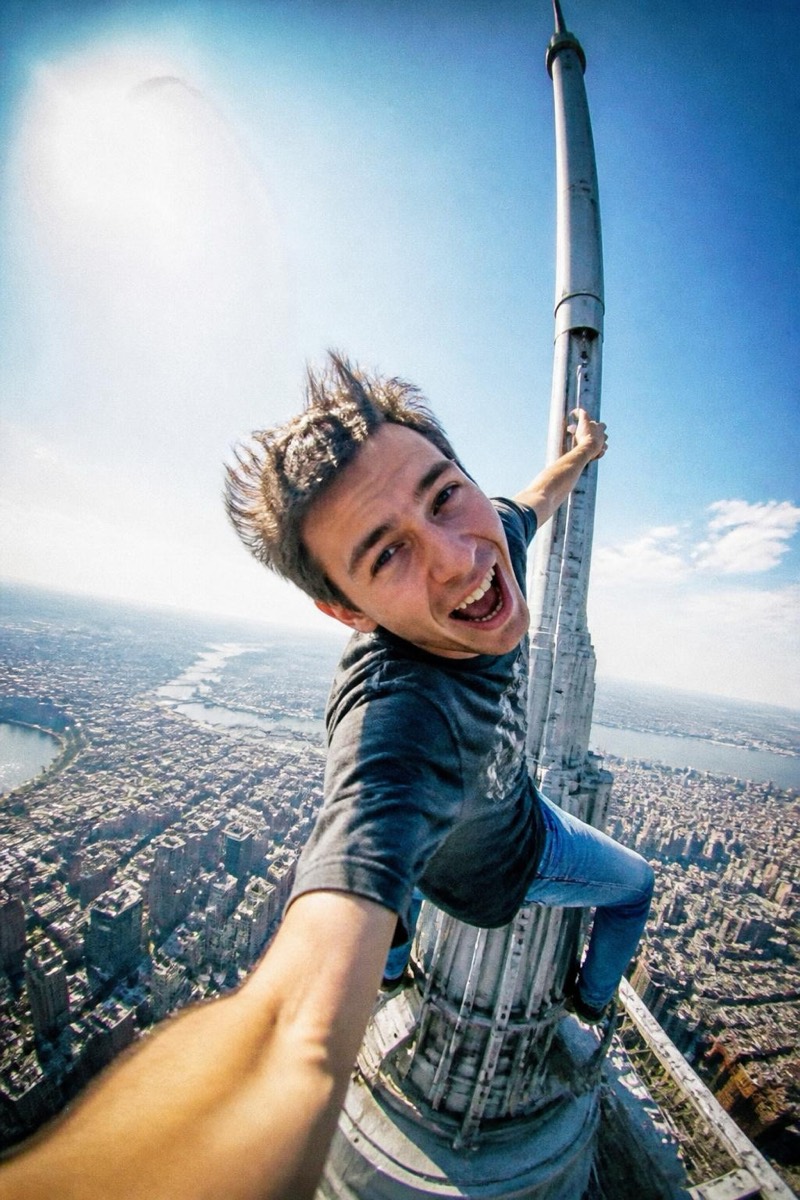
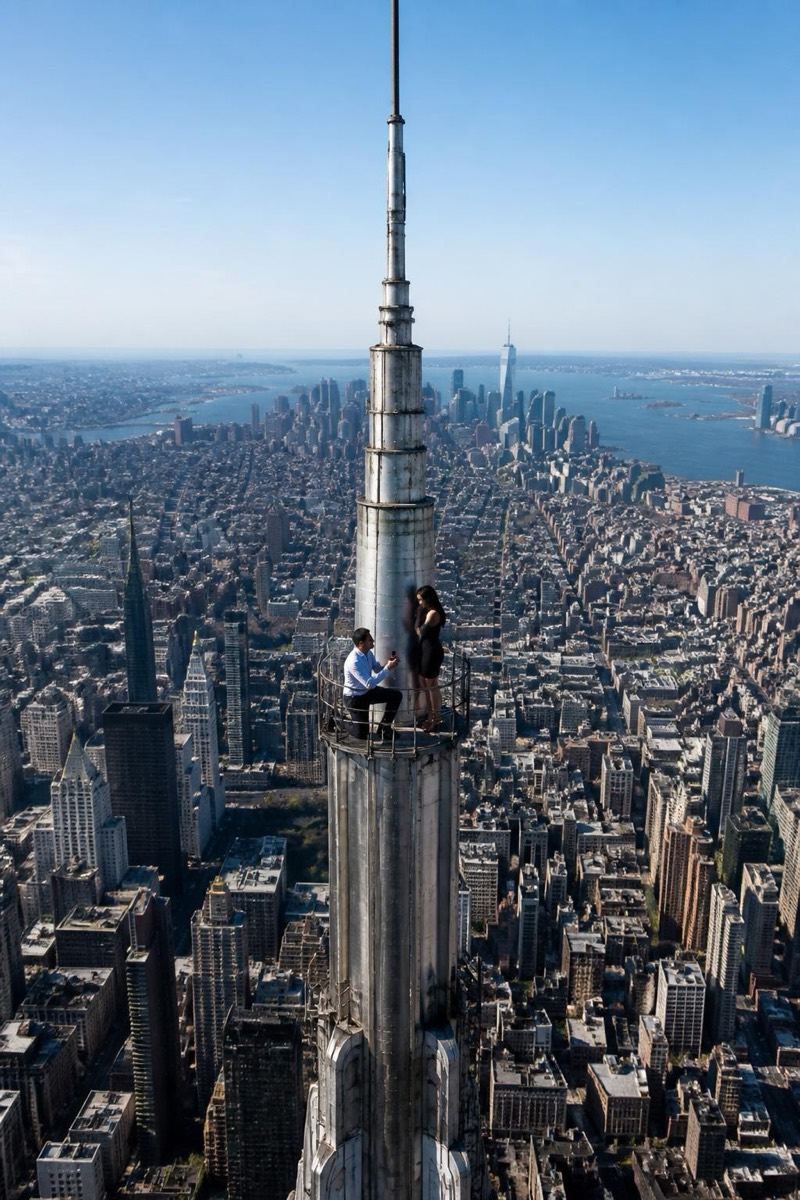
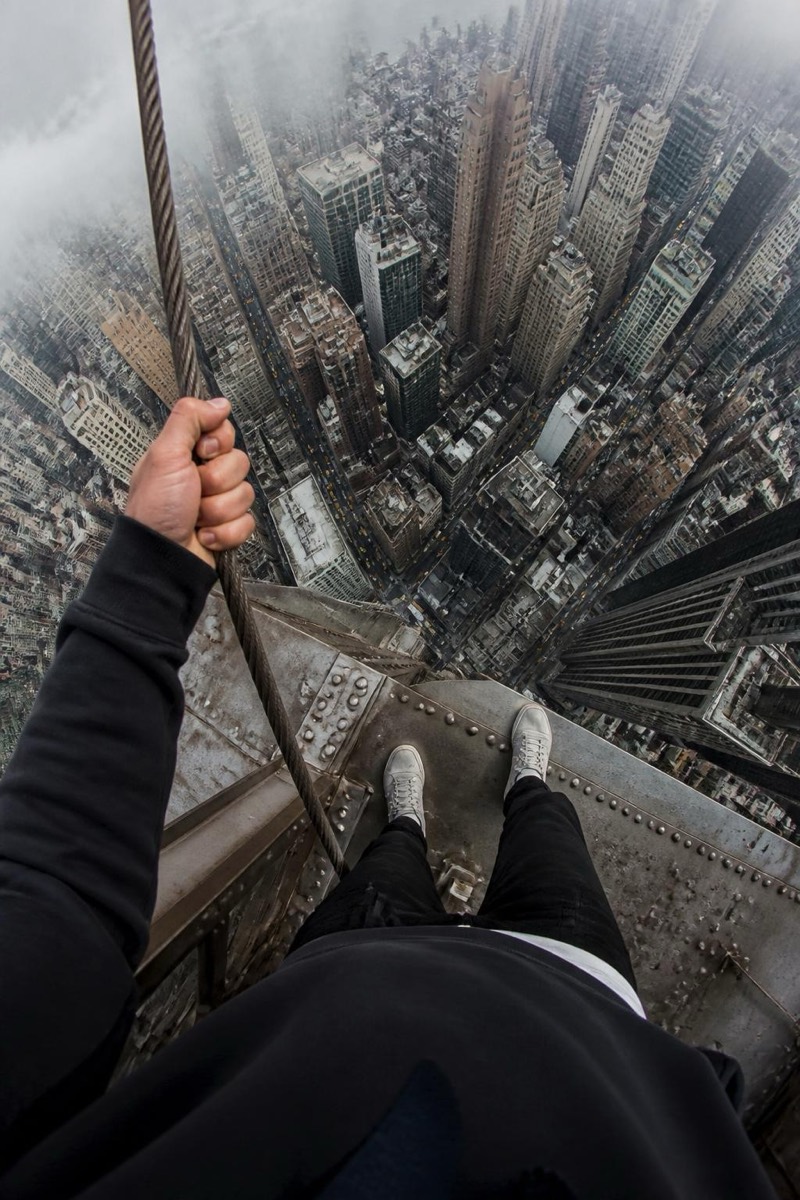
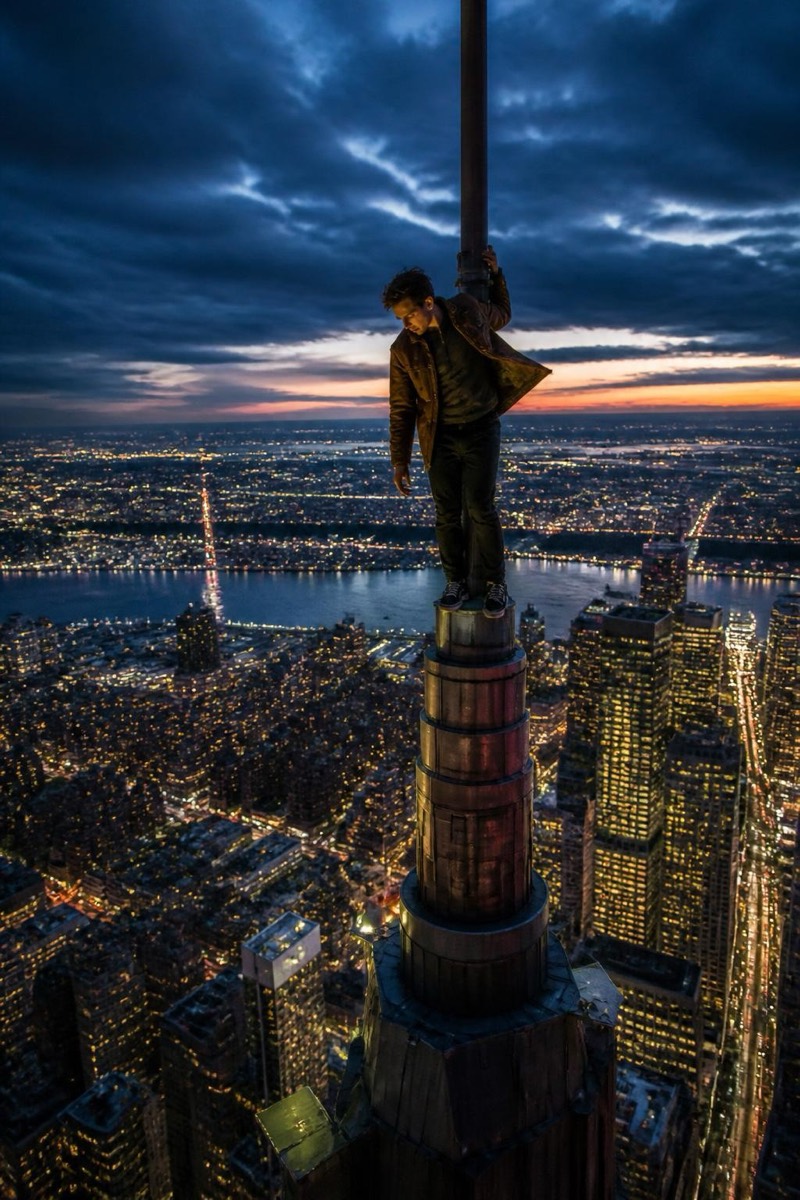
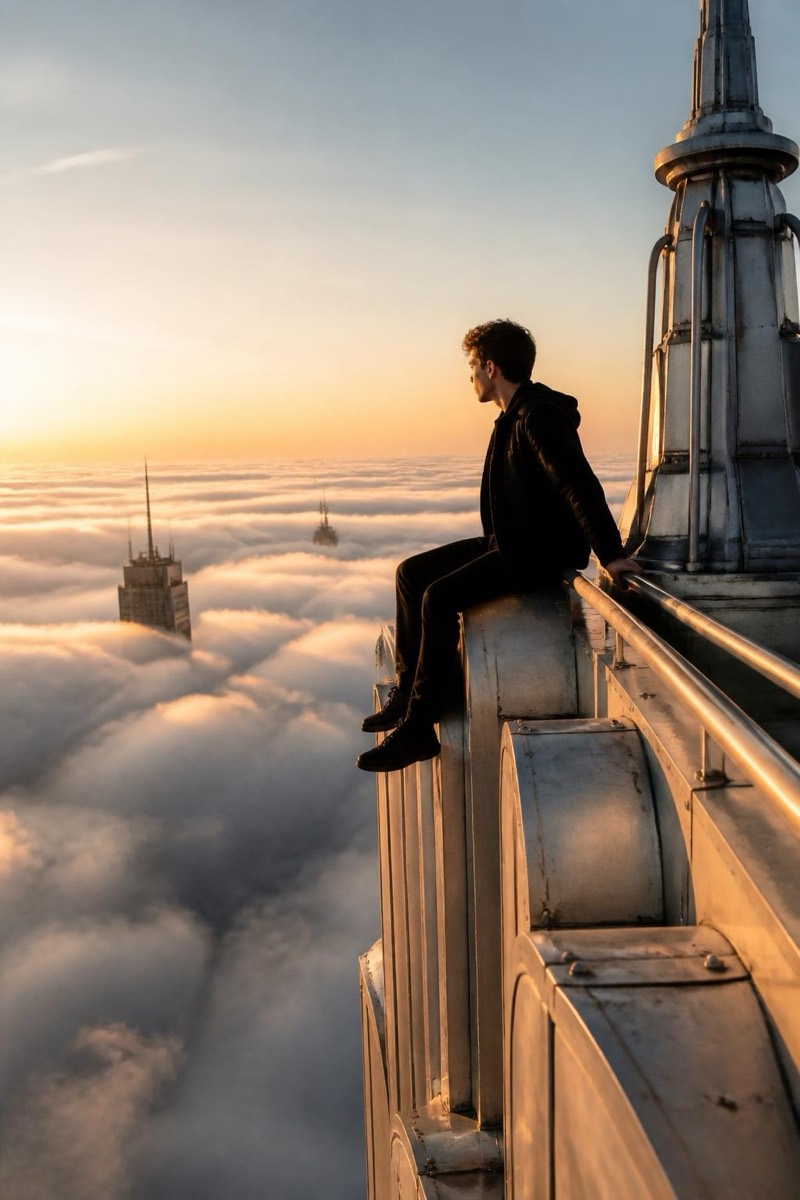
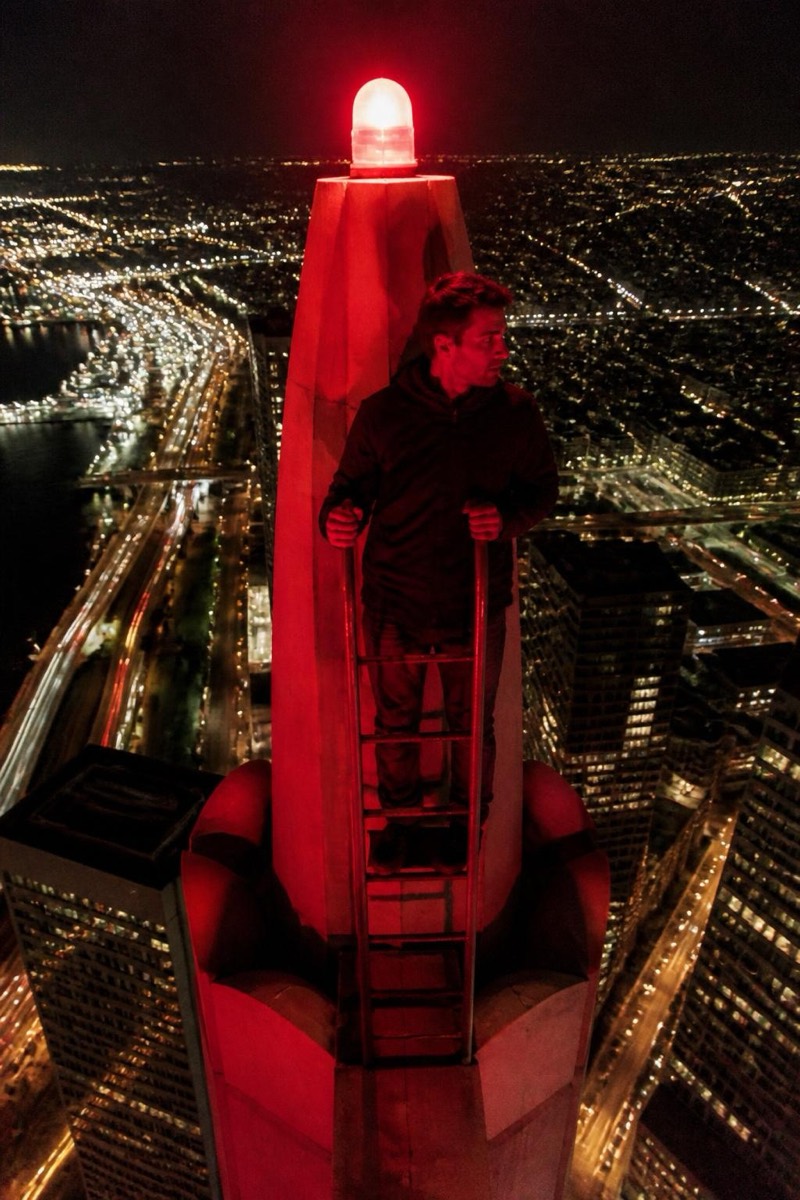
The night climb: you above a galaxy of city lights, lit only by distant neon and your phone screen. This filter trades the daytime version's adrenaline for atmosphere — long-exposure light trails on the streets below, warm windows in dark towers, that blue-hour stillness that makes even reckless altitude look contemplative. It produces the moodiest photo in the category: the shot that gets used as a profile picture for years because nothing manages to top it.
How to use it
- 1.
Get Editable
Download Editable (free) from the App Store and open the Explore tab.
- 2.
Pick the Night Climb filter
Find Night Climb under Upclimb and tap Try.
- 3.
Choose a photo
Pick a photo from your library — the edit runs automatically and is ready in seconds.
Tip: Photos with soft or dim lighting blend most naturally into the night scene.
More Upclimb filters