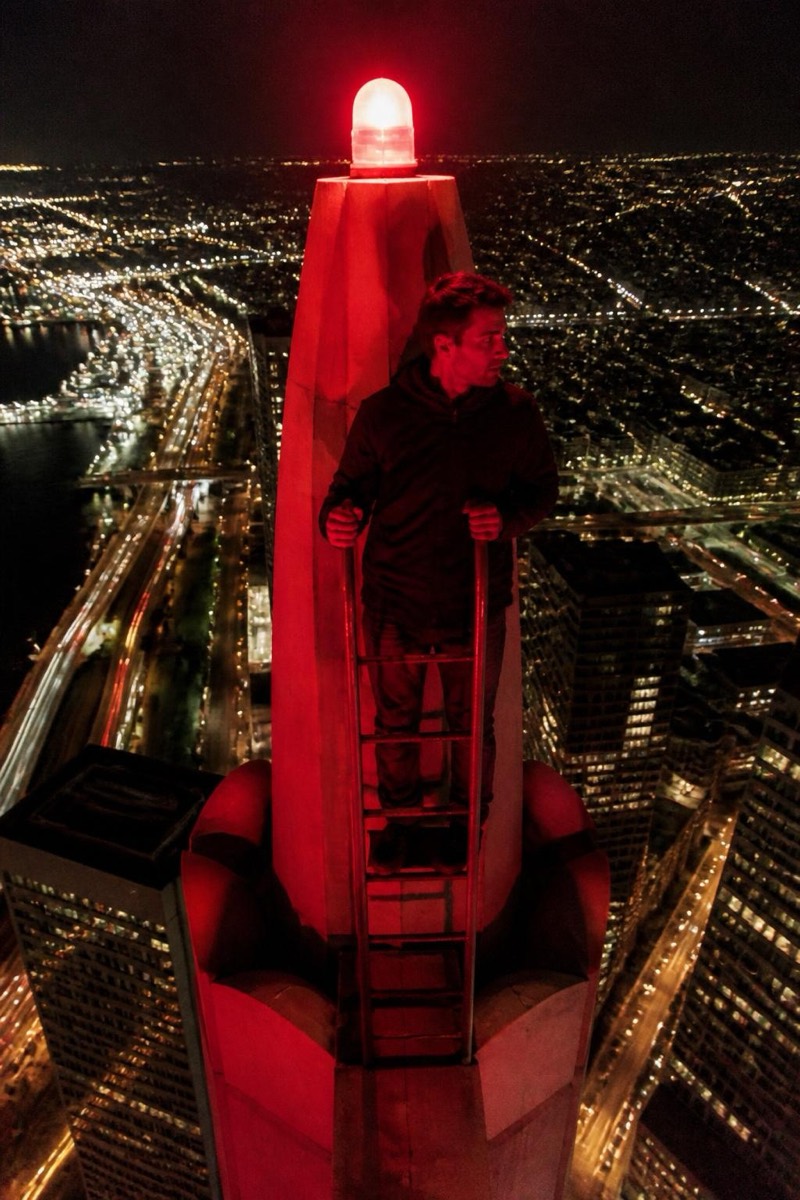
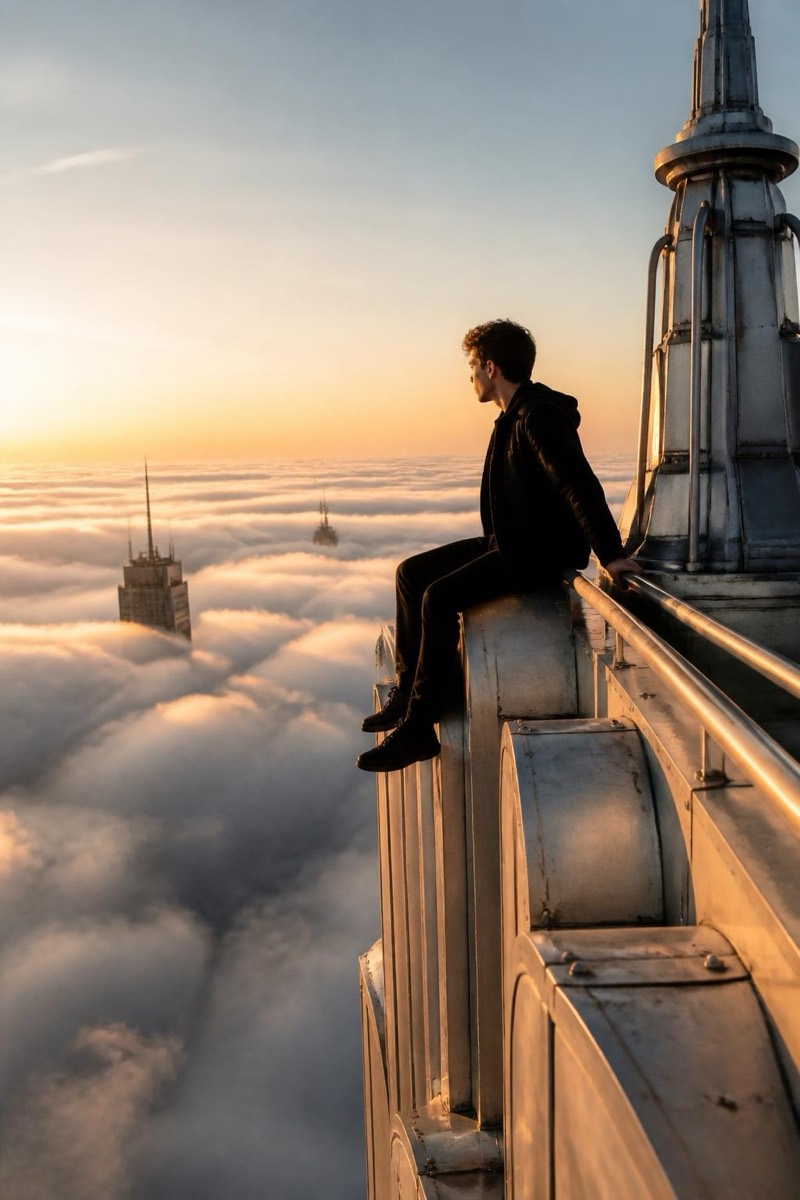
Upclimb
Spire Selfie — AI Rooftop Selfie filter
Selfie at the very top.
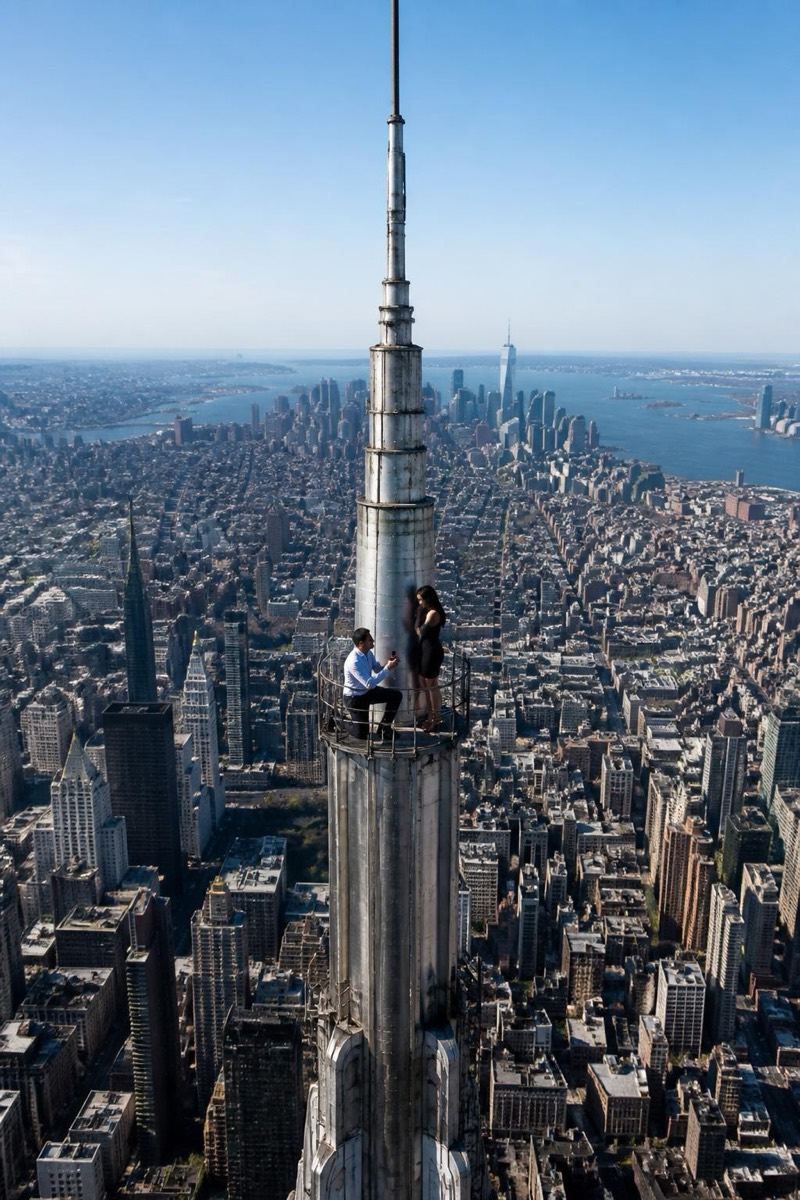
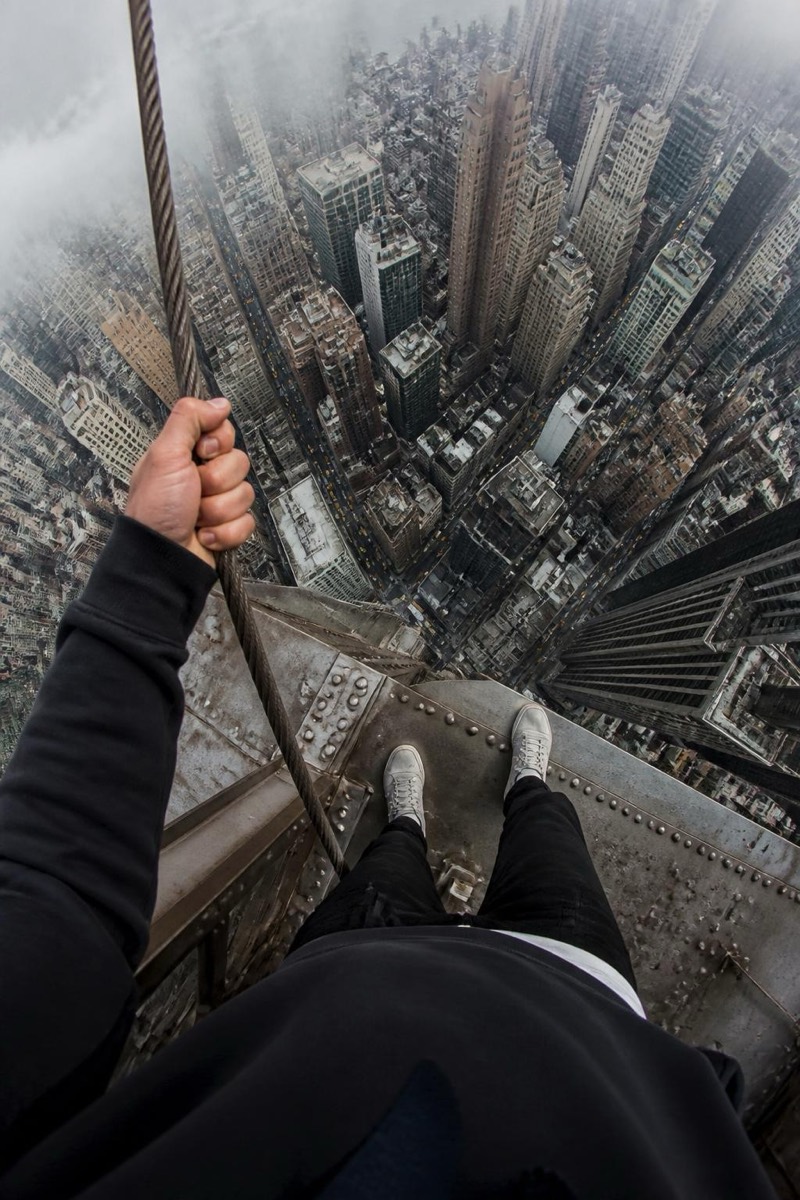
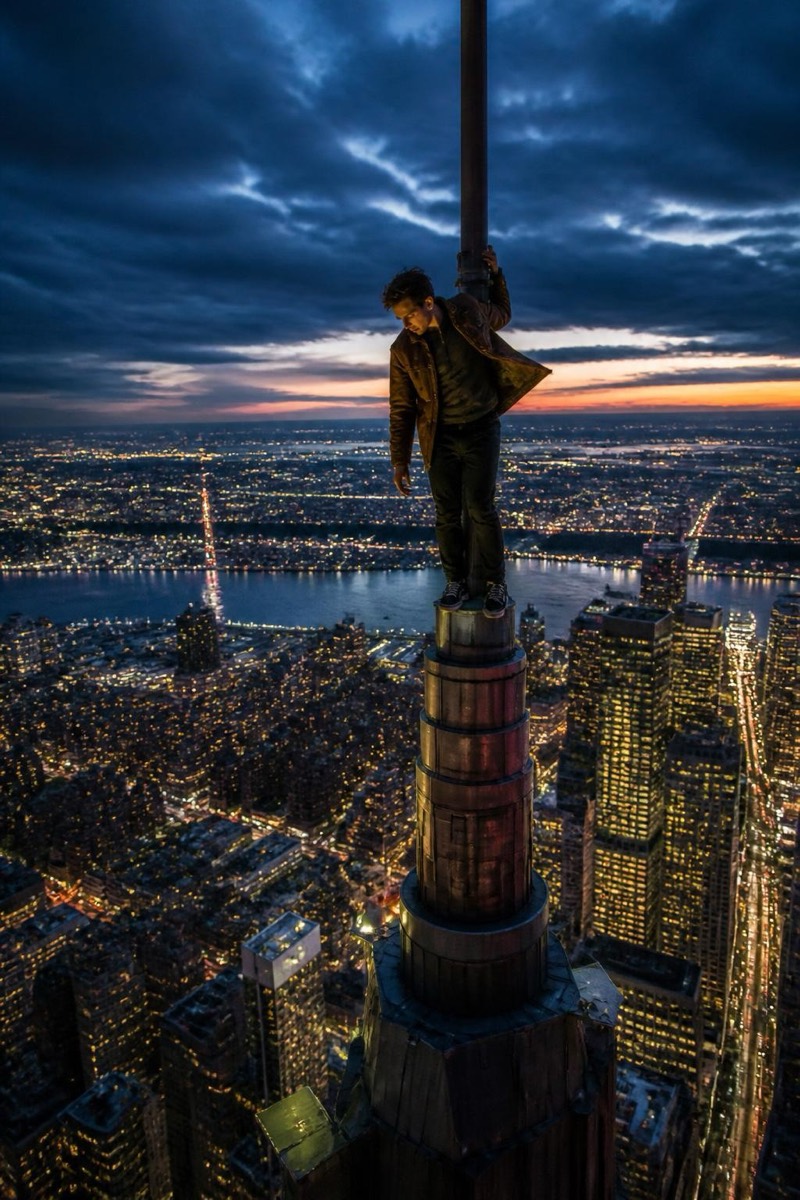
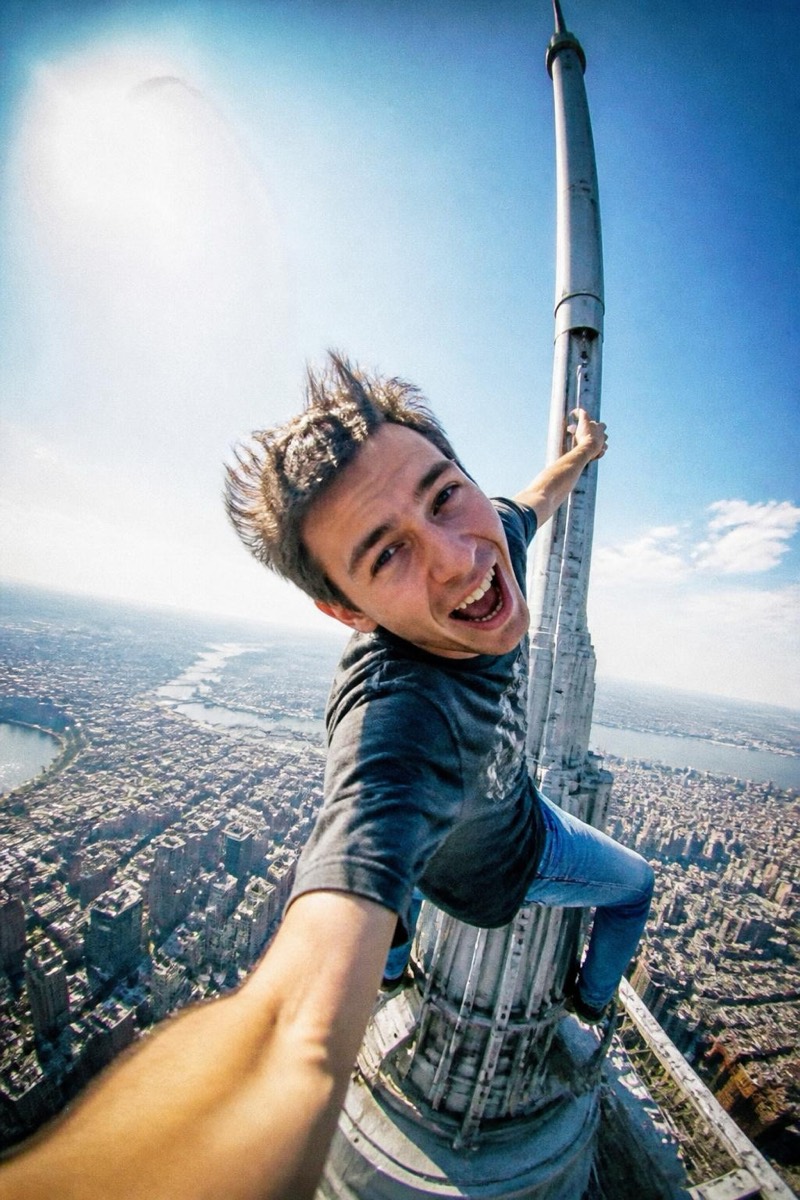
The rooftopper selfie without the felony or the fall risk. This filter puts you at the very top of a skyscraper spire — one arm wrapped around the mast, hair whipping in the wind, fisheye lens bulging, a whole city grid shrinking away beneath your sneakers. The style borrows everything from real urban-climbing videos: the harsh daylight, the slightly blown-out sky, the breathless too-close framing that says the camera almost got dropped. From a plain selfie, it manufactures the single most adrenaline-soaked photo on anyone's grid.
How to use it
- 1.
Get Editable
Download Editable (free) from the App Store and open the Explore tab.
- 2.
Pick the Spire Selfie filter
Find Spire Selfie under Upclimb and tap Try.
- 3.
Choose a photo
Pick a photo from your library — the edit runs automatically and is ready in seconds.
Tip: A close-up selfie with your face filling the frame translates best — the filter builds the world around it.
More Upclimb filters