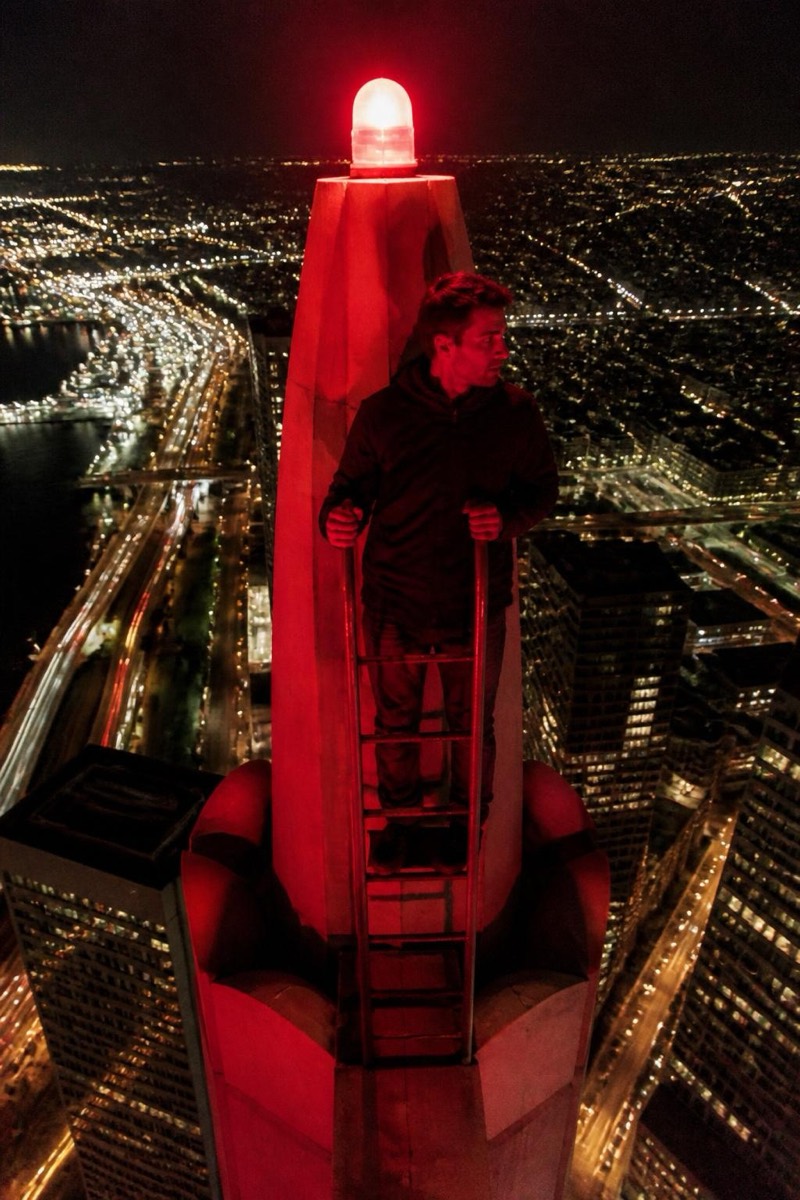
Upclimb
Sunrise Summit — AI Rooftop Selfie filter
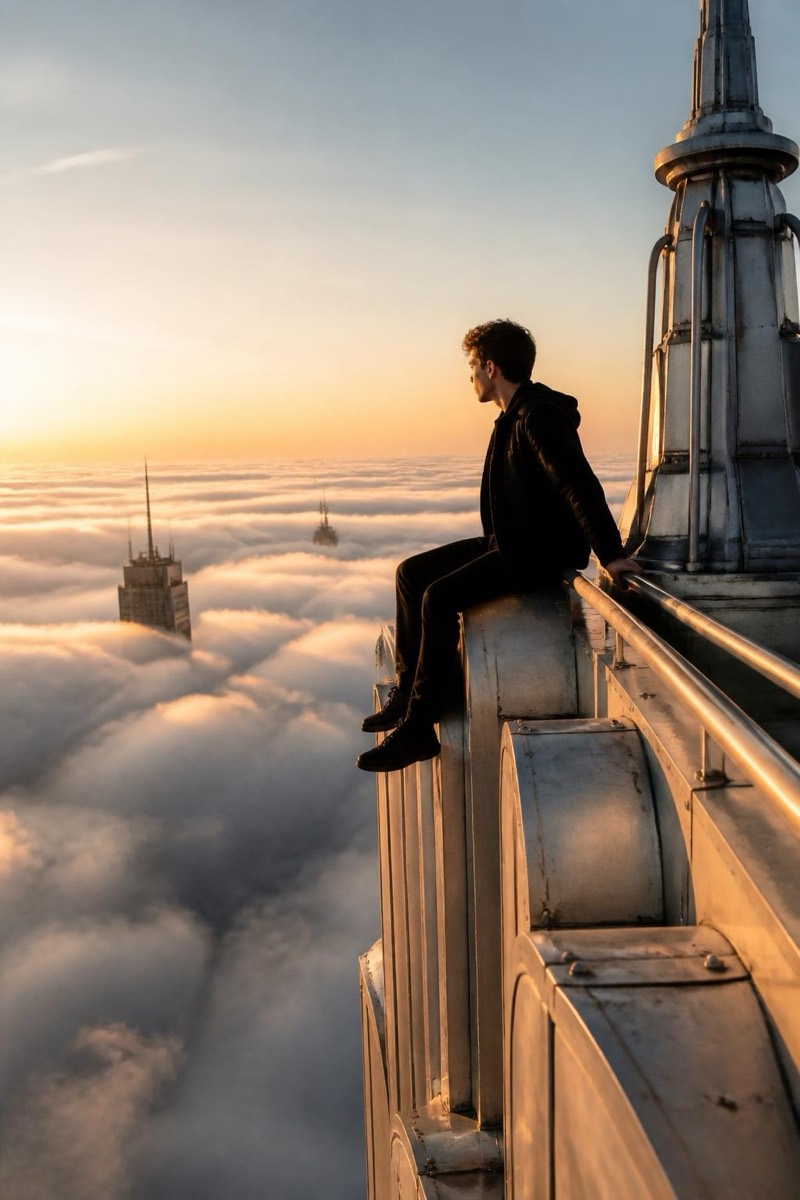
Above a sea of clouds.
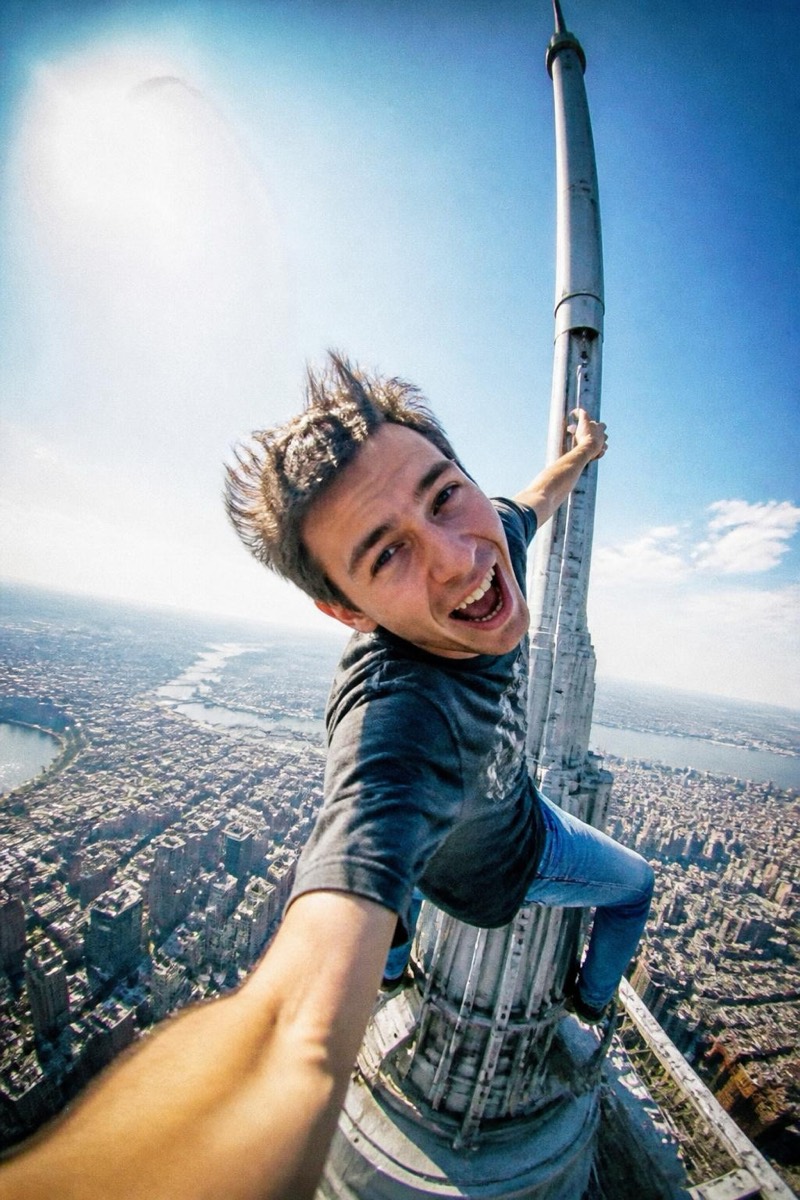
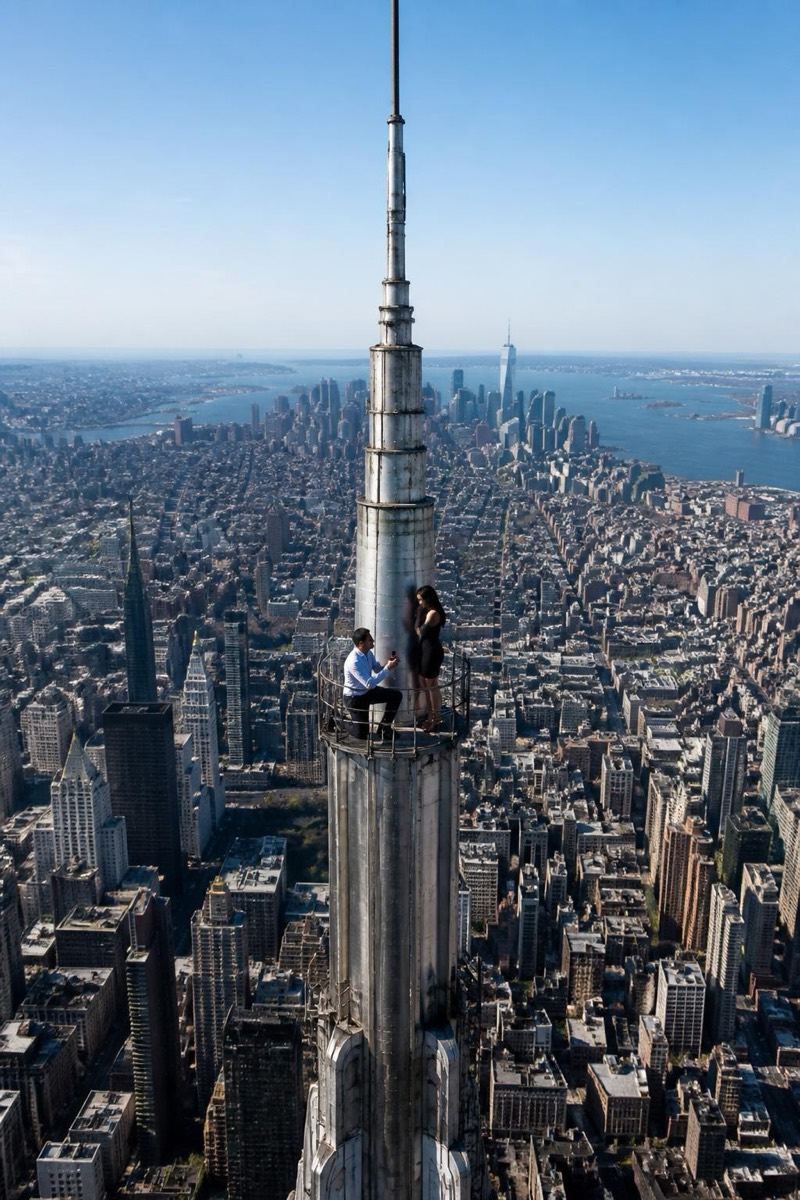
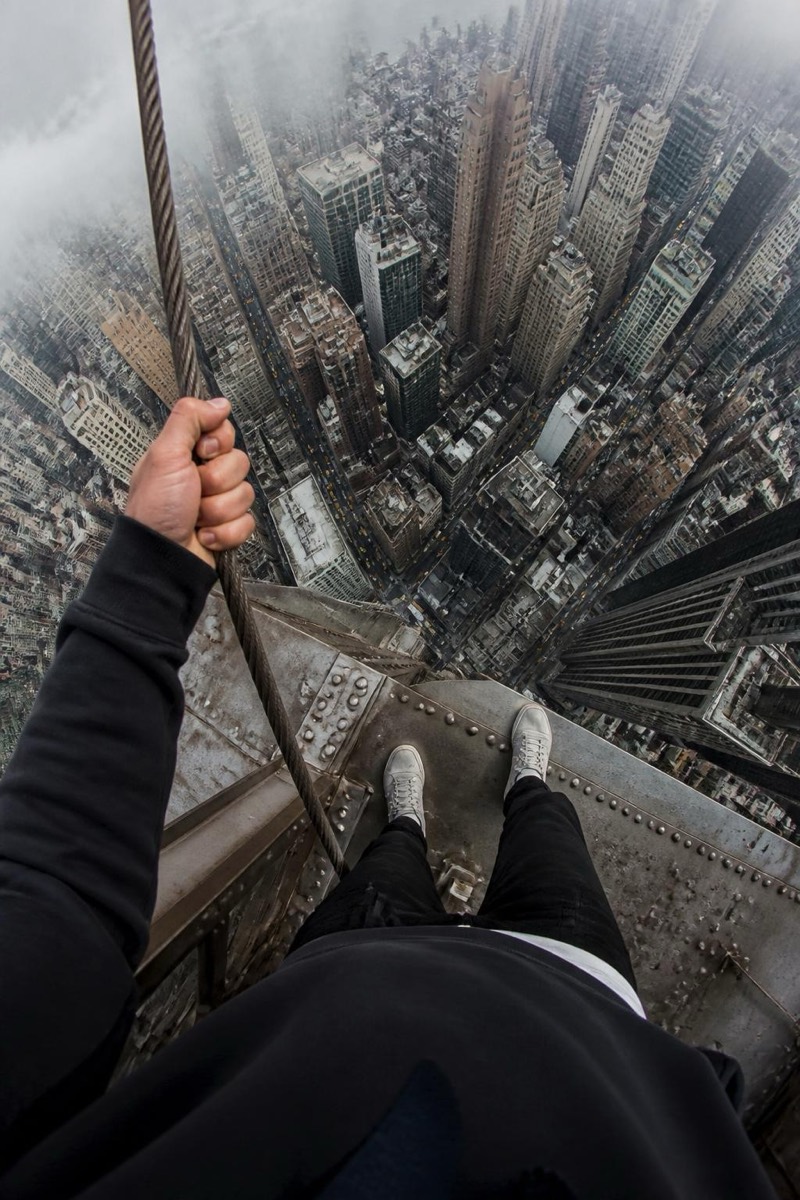
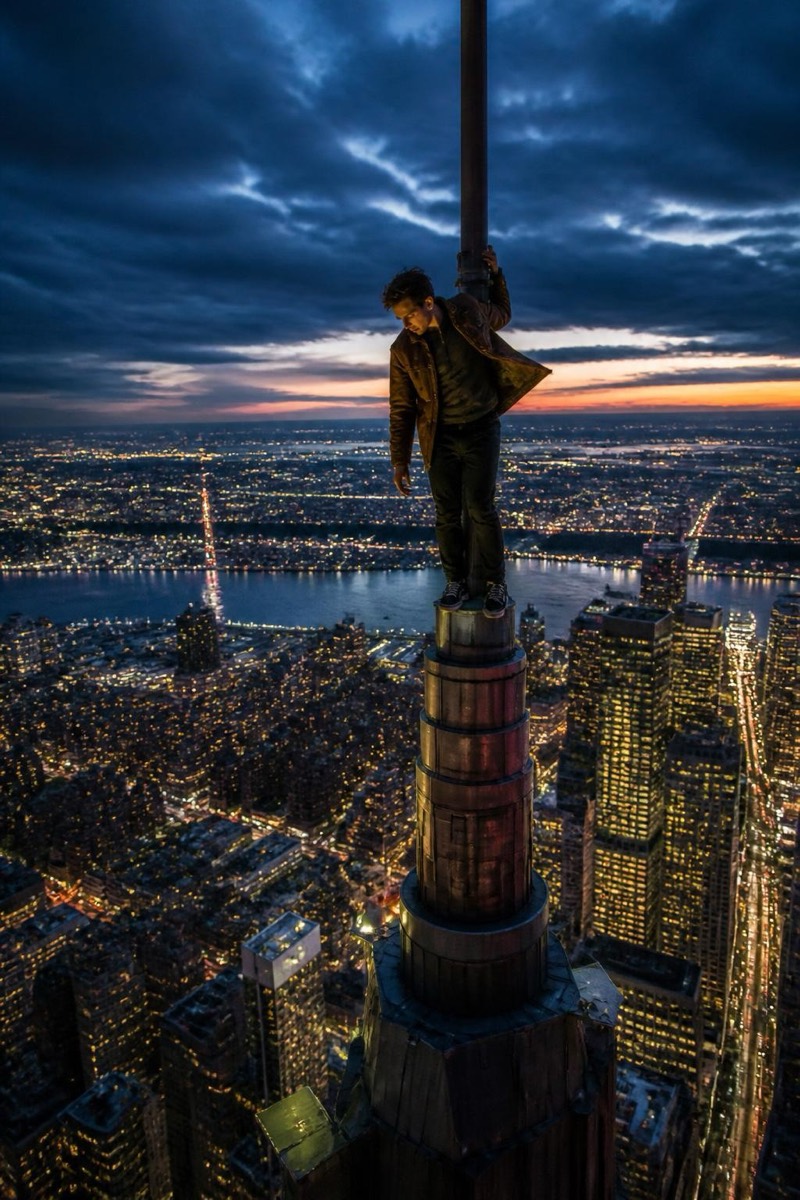
Above the clouds at dawn — the summit shot that mountaineers suffer for, generated from the photo you took in your kitchen. The filter builds a sea of clouds below you, first light bleeding gold across the horizon, the tower's steel catching pink. It's the serene end of the rooftop genre: less 'I could fall' and more 'I woke up worth it'. Predictably, it dominates as a motivational post format — new year, new job, new chapter energy, delivered at altitude.
How to use it
- 1.
Get Editable
Download Editable (free) from the App Store and open the Explore tab.
- 2.
Pick the Sunrise Summit filter
Find Sunrise Summit under Upclimb and tap Try.
- 3.
Choose a photo
Pick a photo from your library — the edit runs automatically and is ready in seconds.
Tip: A calm, forward-facing pose suits the mood — this one is about serenity, not adrenaline.
More Upclimb filters