Upclimb
Drone Orbit — AI Rooftop Selfie filter
Cinematic drone frame.
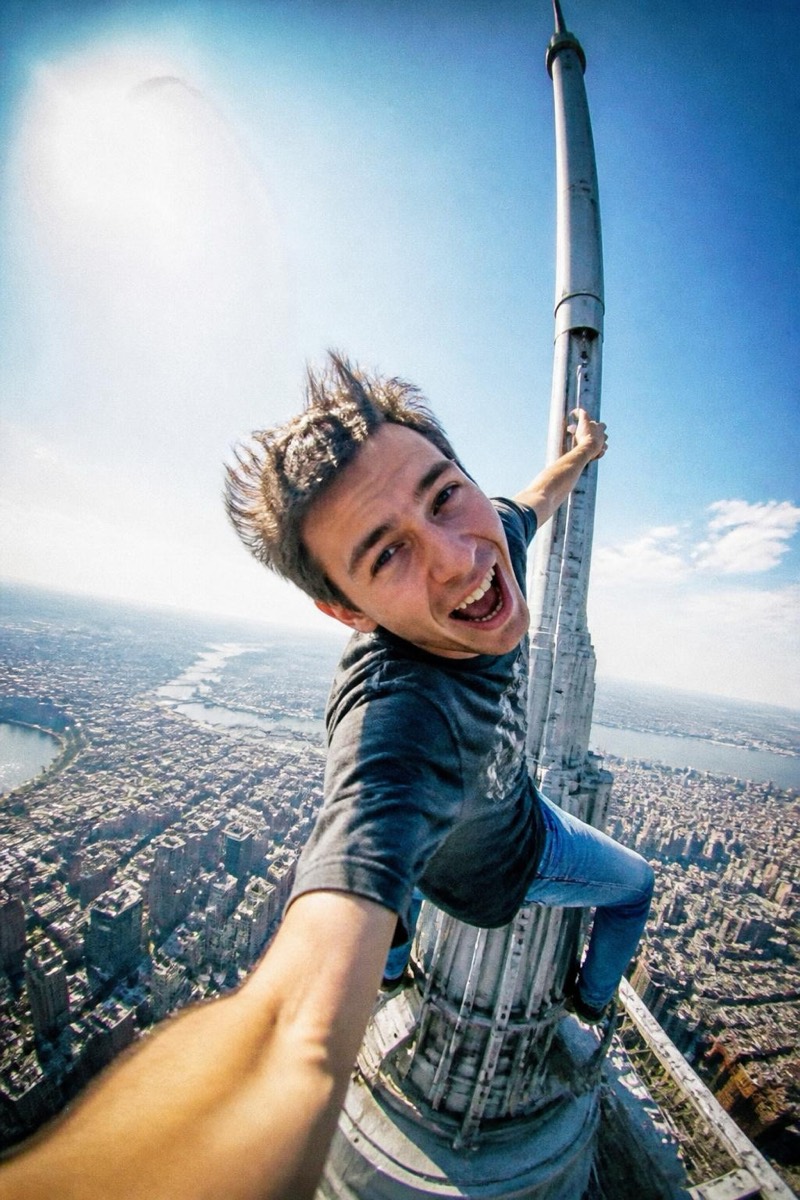
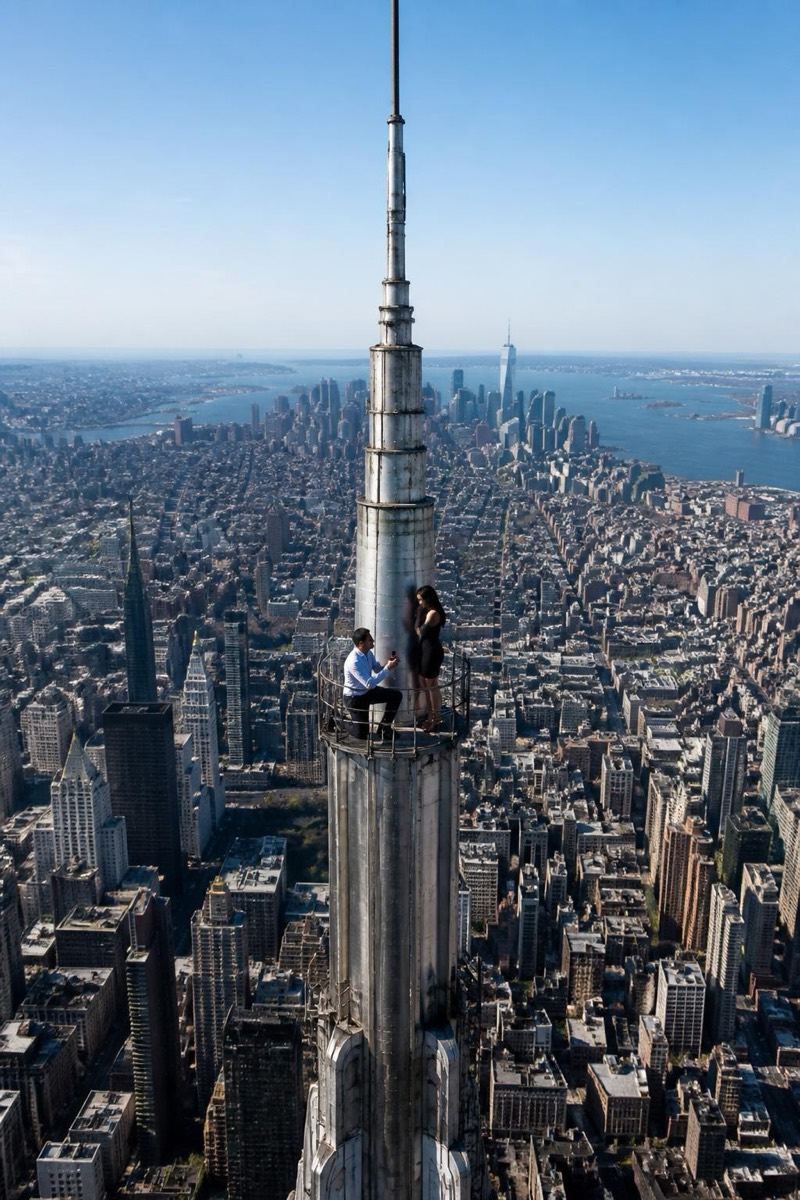
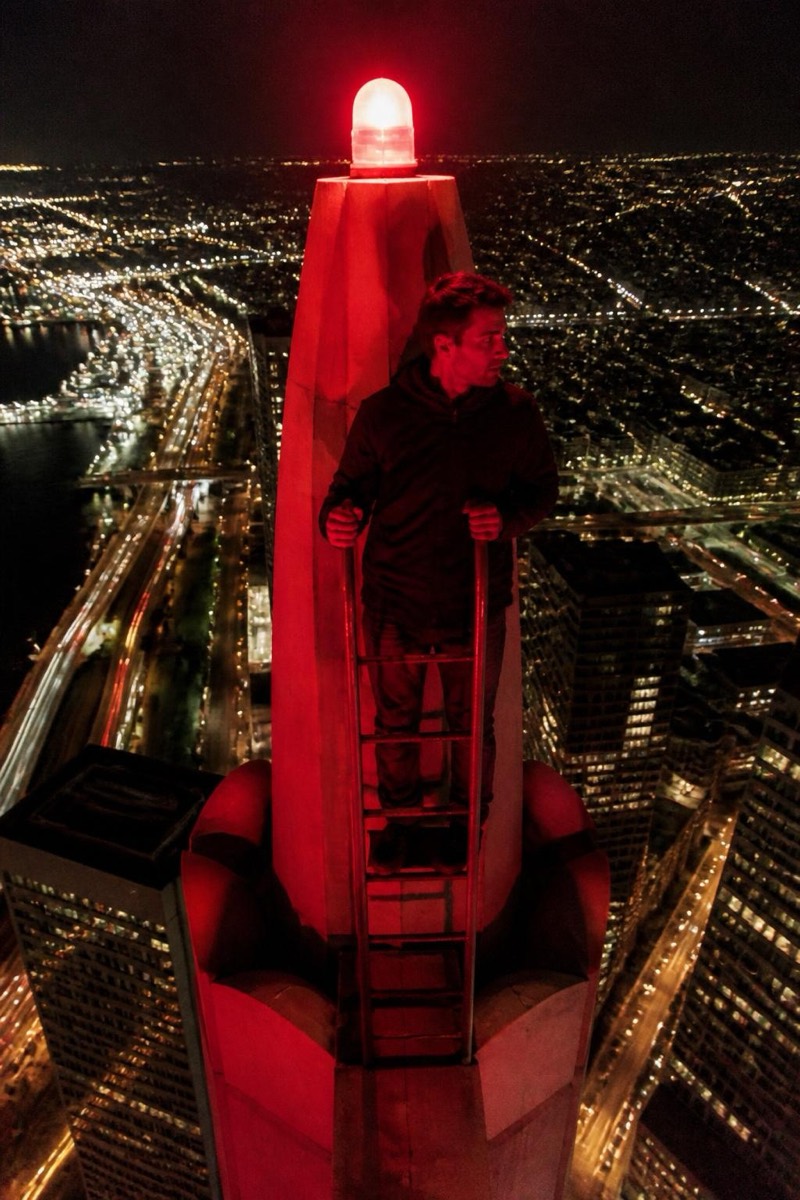
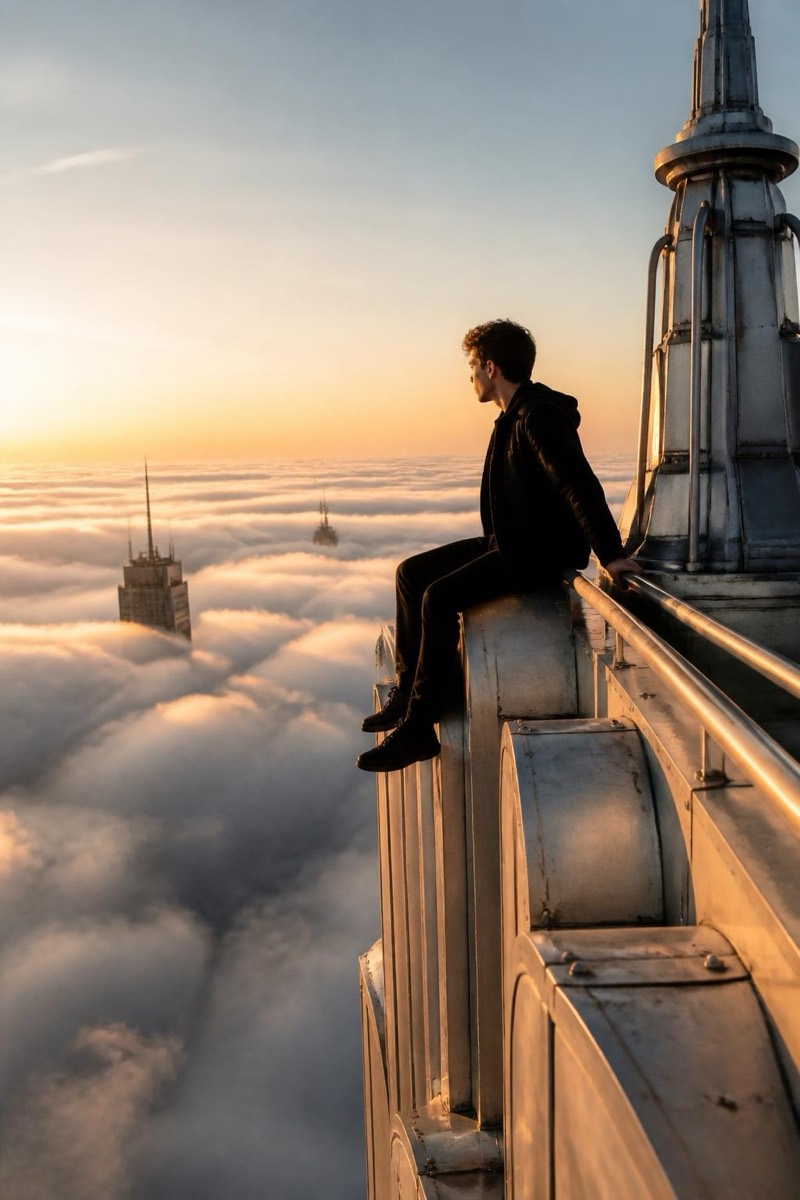
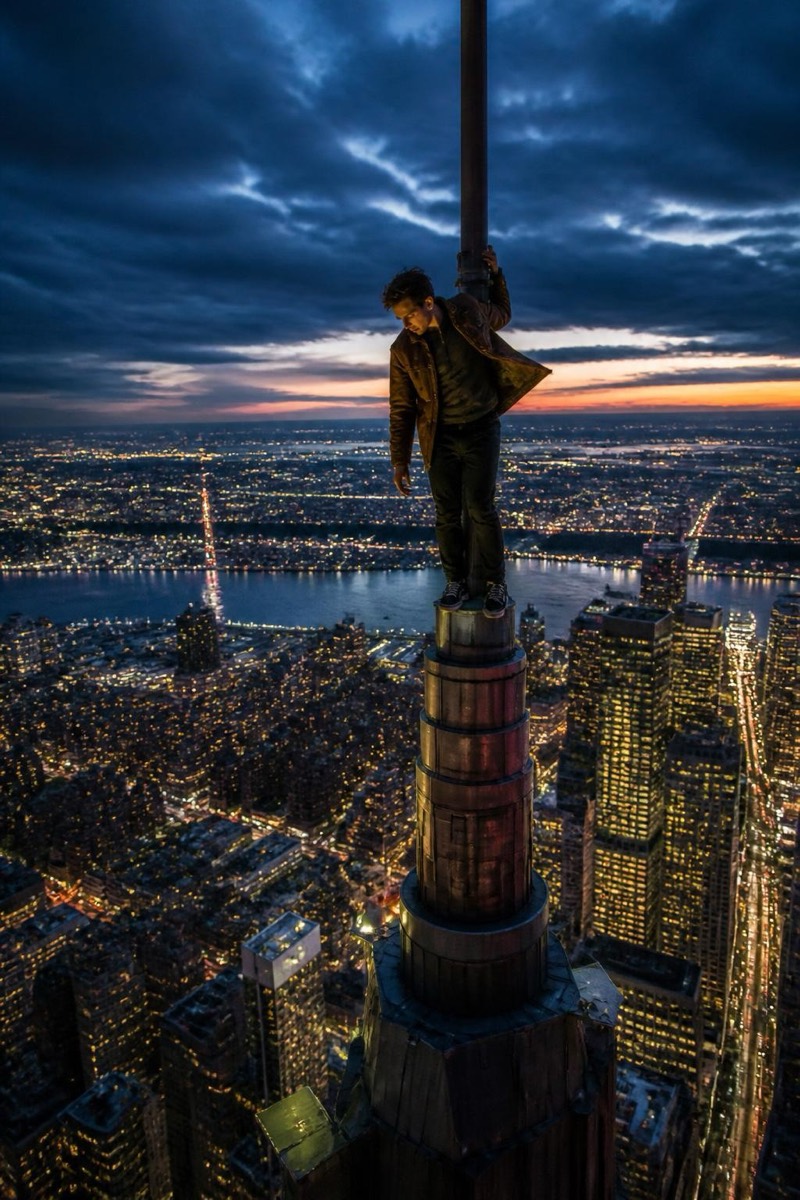
The cinematic drone frame that opens every travel documentary: subject small but sharp on a rooftop, city sweeping past in orbital motion blur, atmosphere hazing the distance. This filter recreates that exact production value from a single ordinary photo — no drone, no pilot's license, no waiting for golden hour. Where the spire selfie screams adrenaline, the drone orbit whispers budget: it makes a solo photo look like a production company was involved.
How to use it
- 1.
Get Editable
Download Editable (free) from the App Store and open the Explore tab.
- 2.
Pick the Drone Orbit filter
Find Drone Orbit under Upclimb and tap Try.
- 3.
Choose a photo
Pick a photo from your library — the edit runs automatically and is ready in seconds.
Tip: Full-body or half-body photos work beautifully here — the drone frame wants to see the figure against the skyline.
More Upclimb filters