Upclimb
Spire Proposal — AI Rooftop Selfie filter
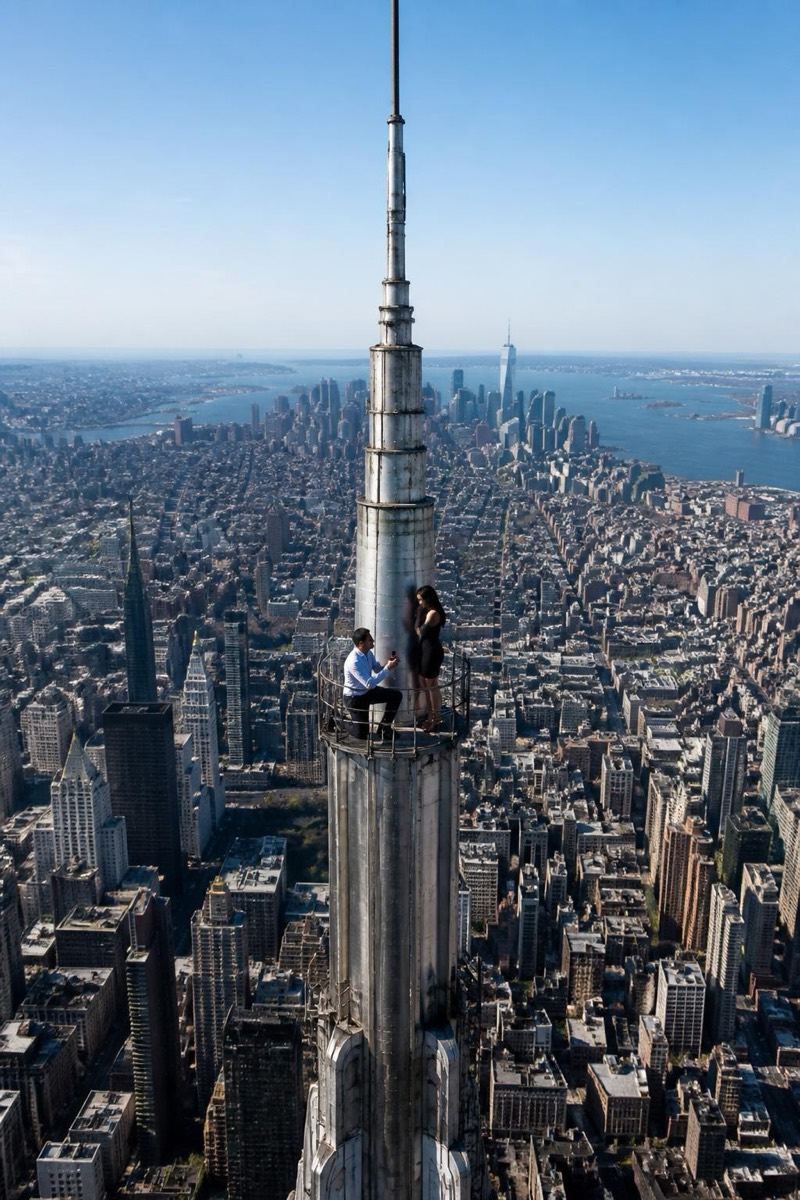
The proposal above the world.
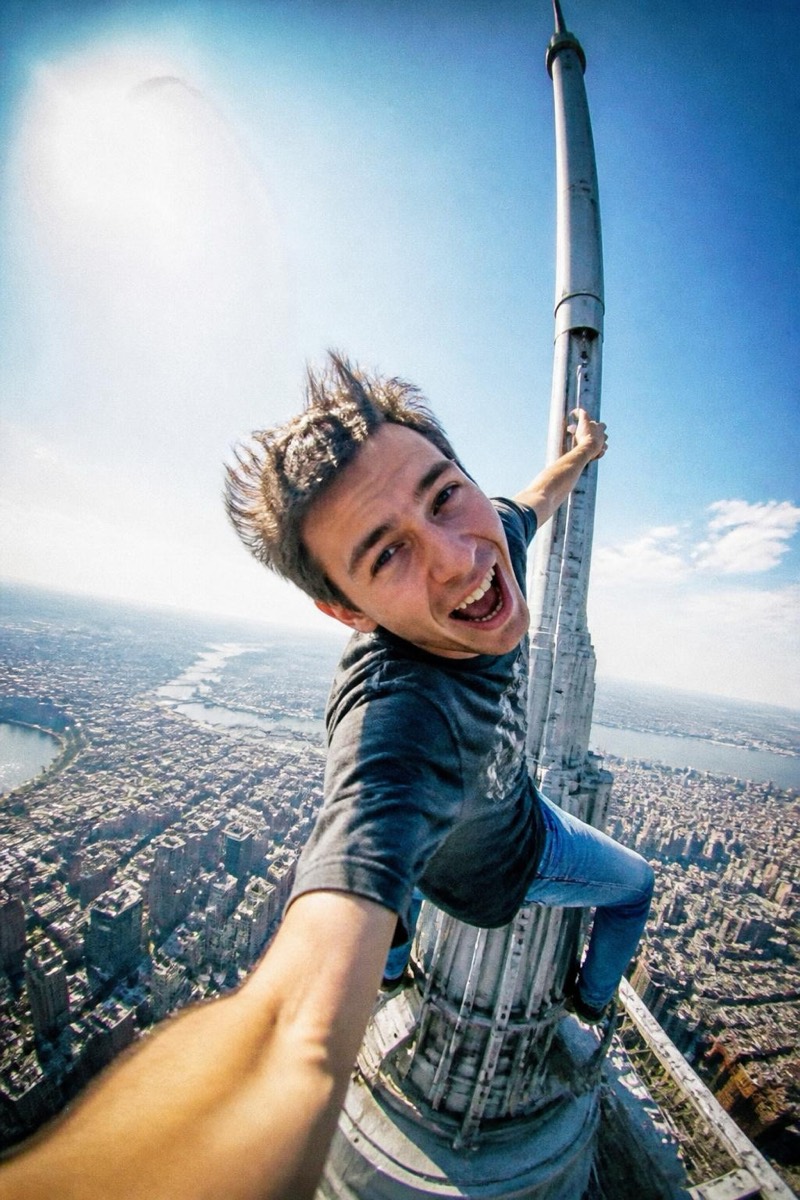
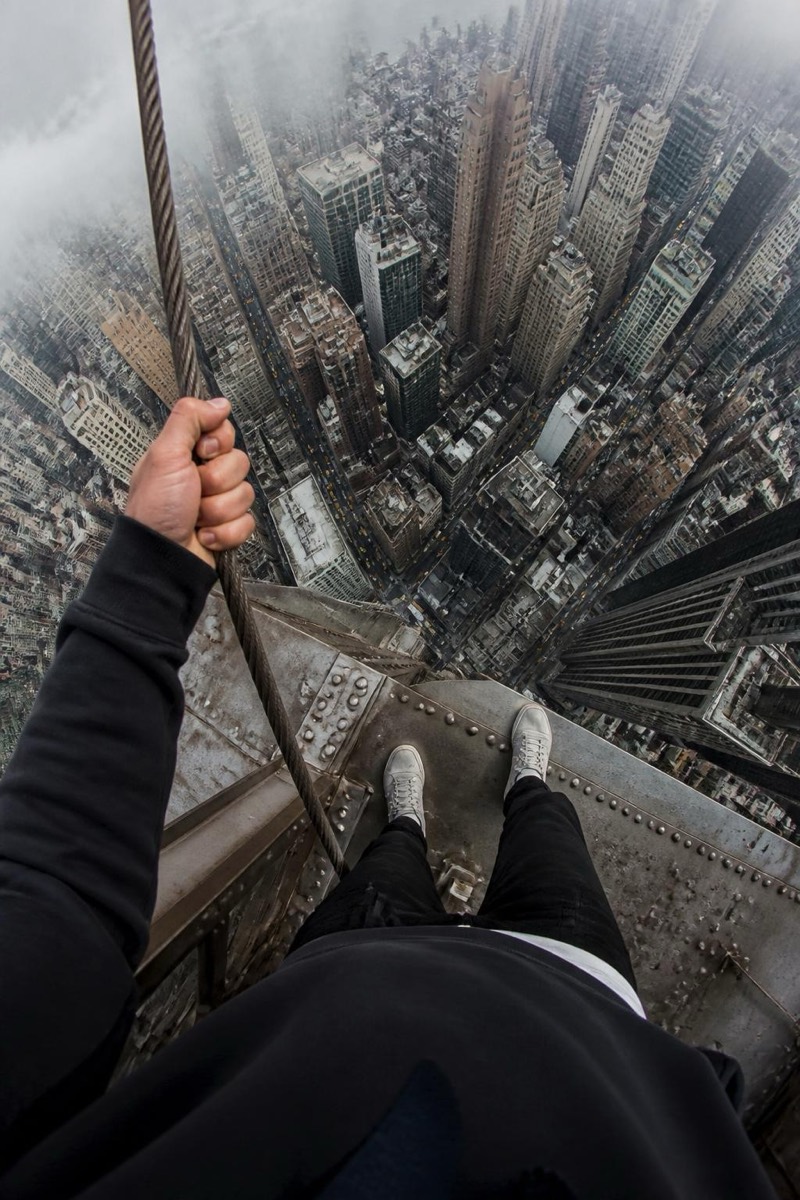
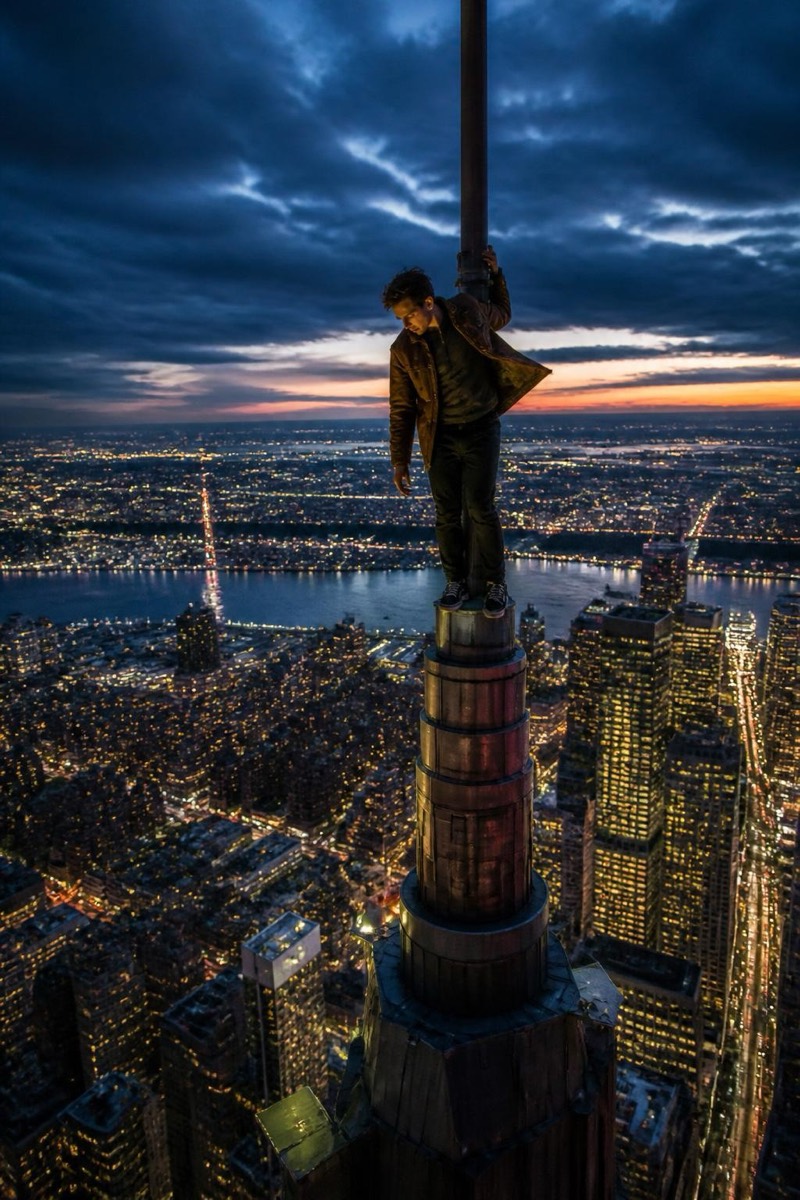
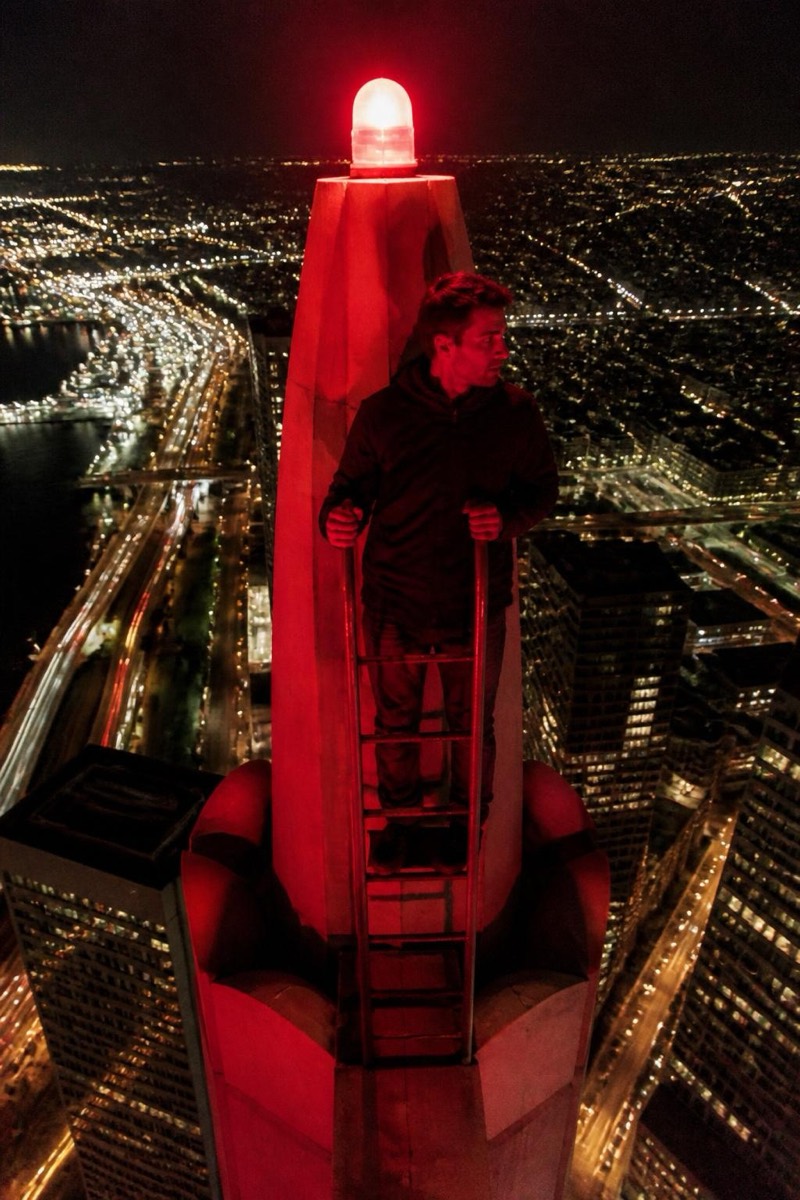
A proposal photo that requires no permits, harnesses, or actual courage — just the two of you, placed at the top of the world with the city dissolving into haze below. The filter stages the scene like the viral rooftop-couple shots: dramatic elevation, golden light, the kind of composition that makes people gasp then immediately ask where it was taken. Couples use it for engagement posts, anniversaries, or just to out-do every beach photo in the group chat.
How to use it
- 1.
Get Editable
Download Editable (free) from the App Store and open the Explore tab.
- 2.
Pick the Spire Proposal filter
Find Spire Proposal under Upclimb and tap Try.
- 3.
Choose a photo
Pick a photo from your library — the edit runs automatically and is ready in seconds.
Tip: Use a photo where both faces are clearly visible and close together — the filter keeps you both recognizable.
More Upclimb filters