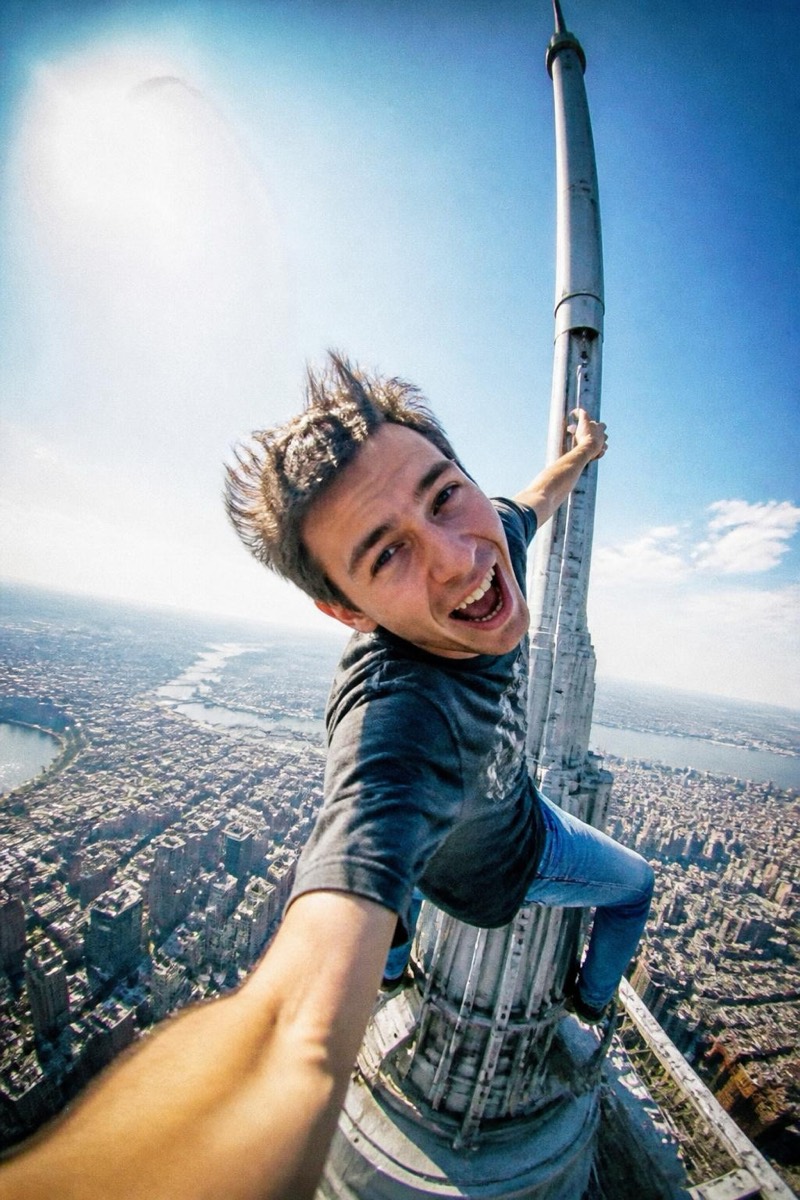
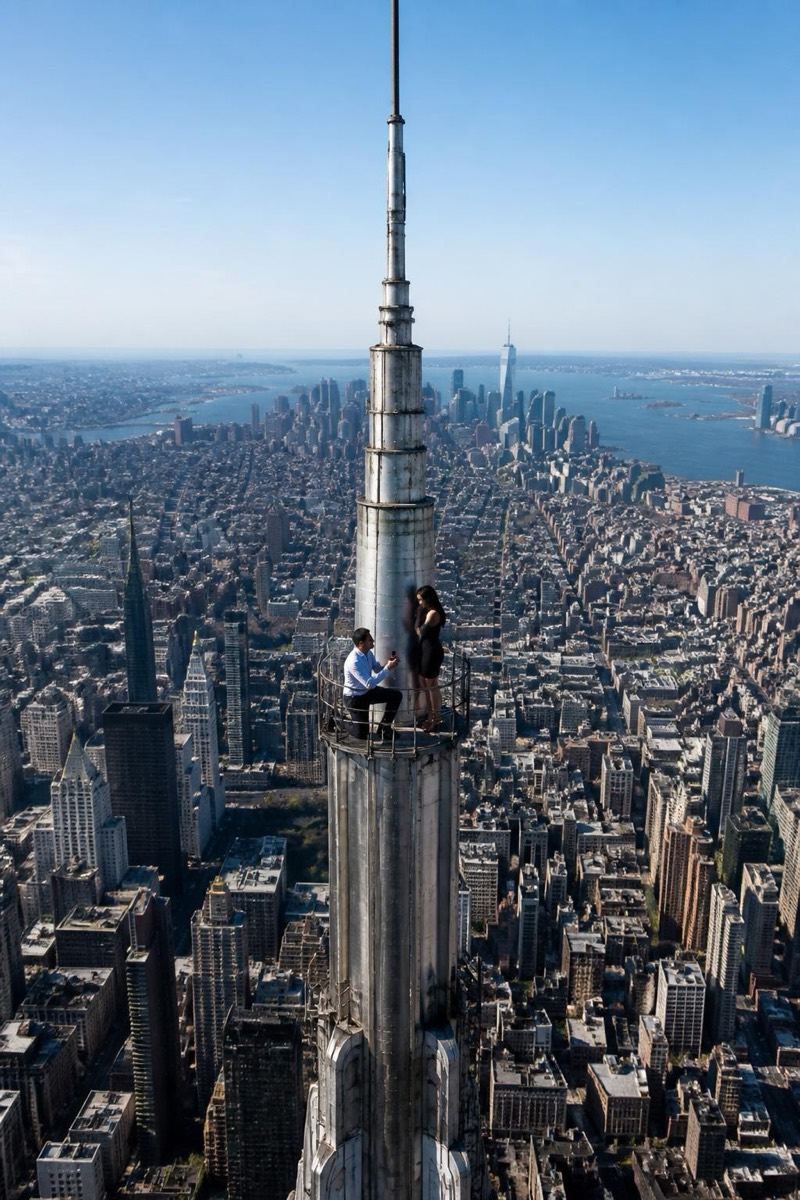
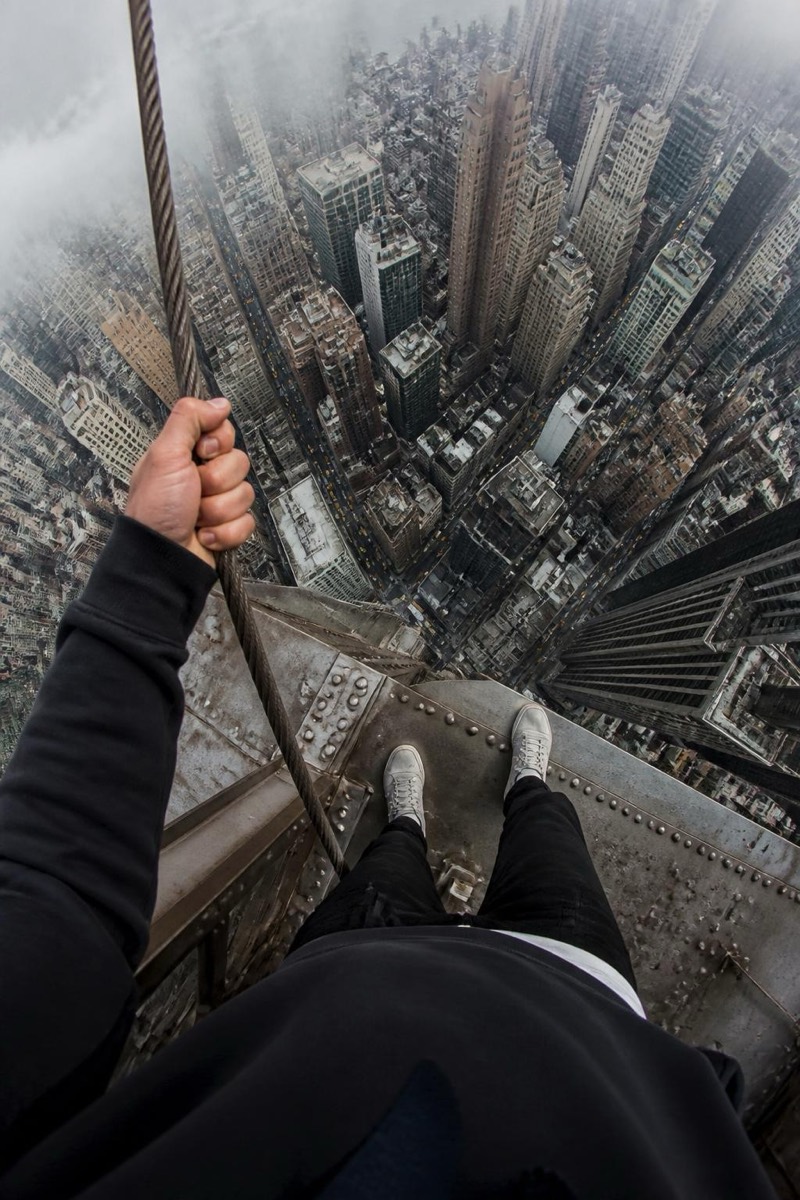
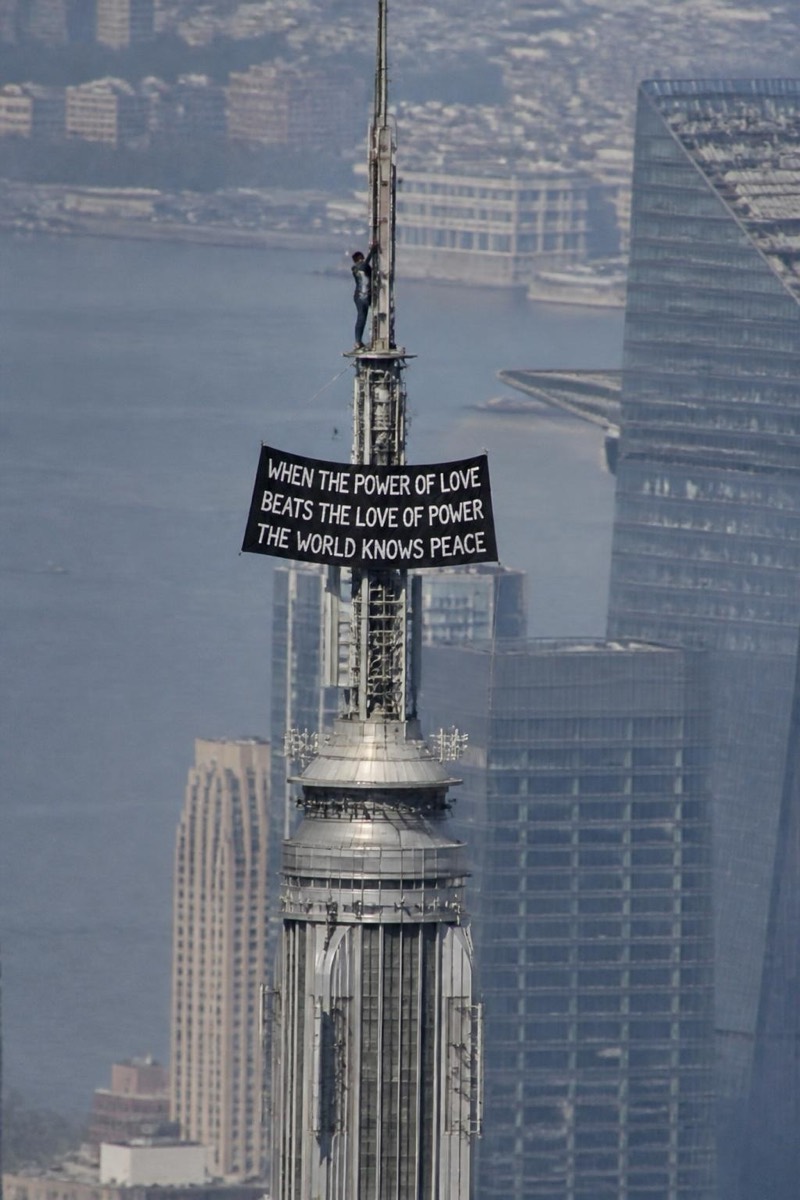
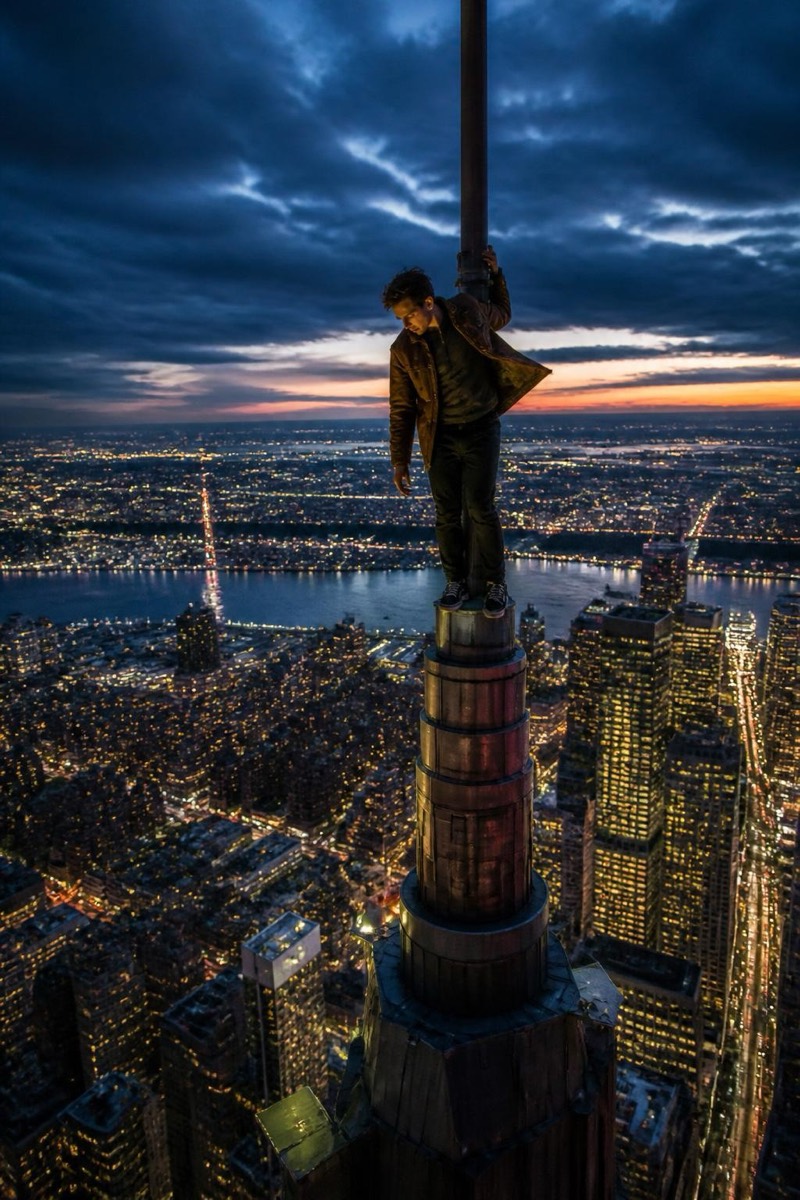
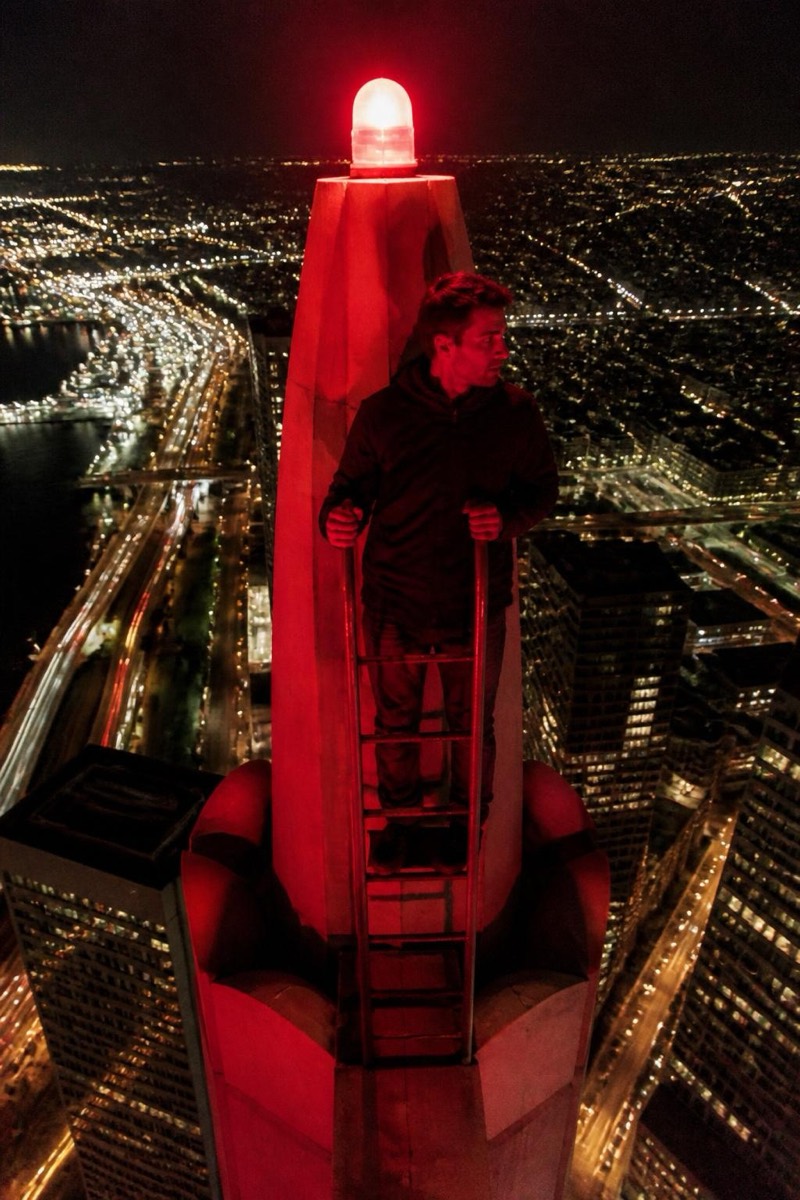
Upclimb
Tower Cam — AI Rooftop Selfie filter
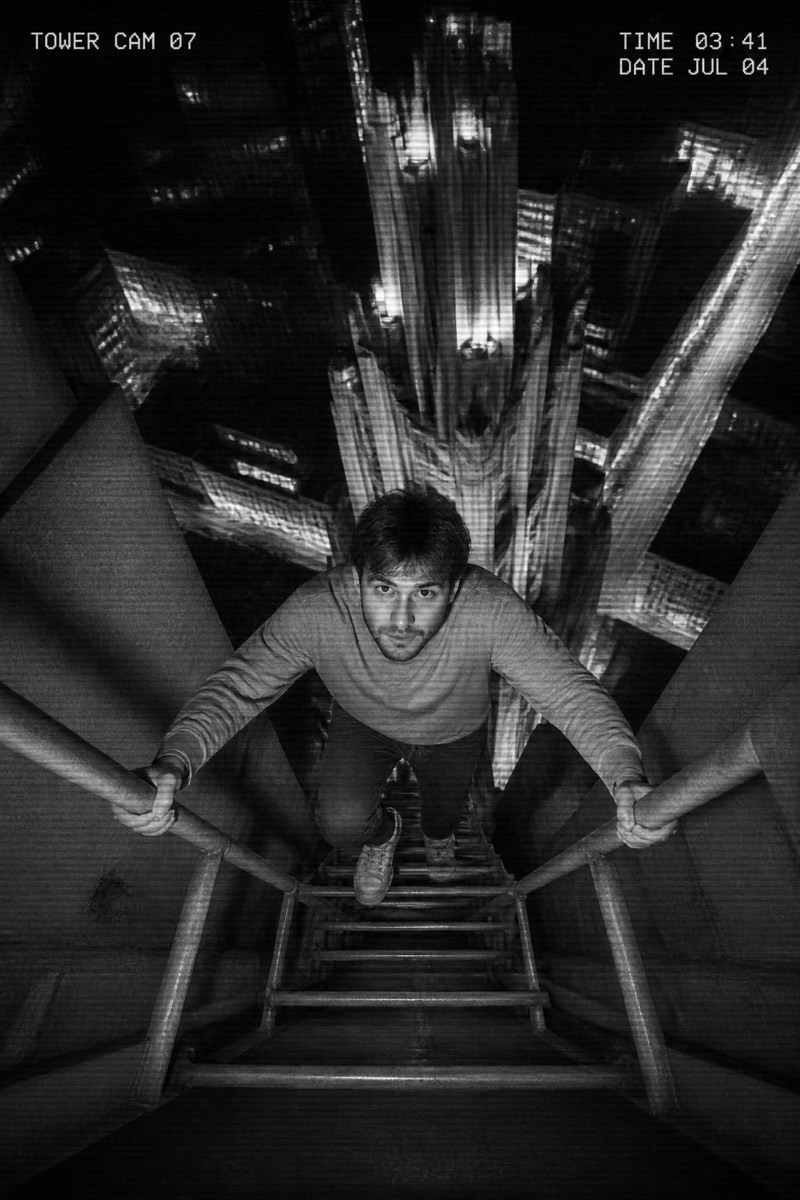
Caught on the tower camera.
Caught on the tower's own security camera: grainy, timestamped, wide-angle footage of someone who absolutely should not be up there — and it's you. This filter merges the rooftop fantasy with surveillance aesthetics: harsh IR-adjacent lighting, monitor scan lines, a camera ID in the corner. The found-footage framing is what sells it; the photo looks leaked rather than posted, which in the attention economy is the difference between a like and a 'wait, is this real?' reply.
How to use it
- 1.
Get Editable
Download Editable (free) from the App Store and open the Explore tab.
- 2.
Pick the Tower Cam filter
Find Tower Cam under Upclimb and tap Try.
- 3.
Choose a photo
Pick a photo from your library — the edit runs automatically and is ready in seconds.
Tip: Any pose works — the more casual you look, the funnier the 'caught on camera' framing gets.
More Upclimb filters