Upclimb
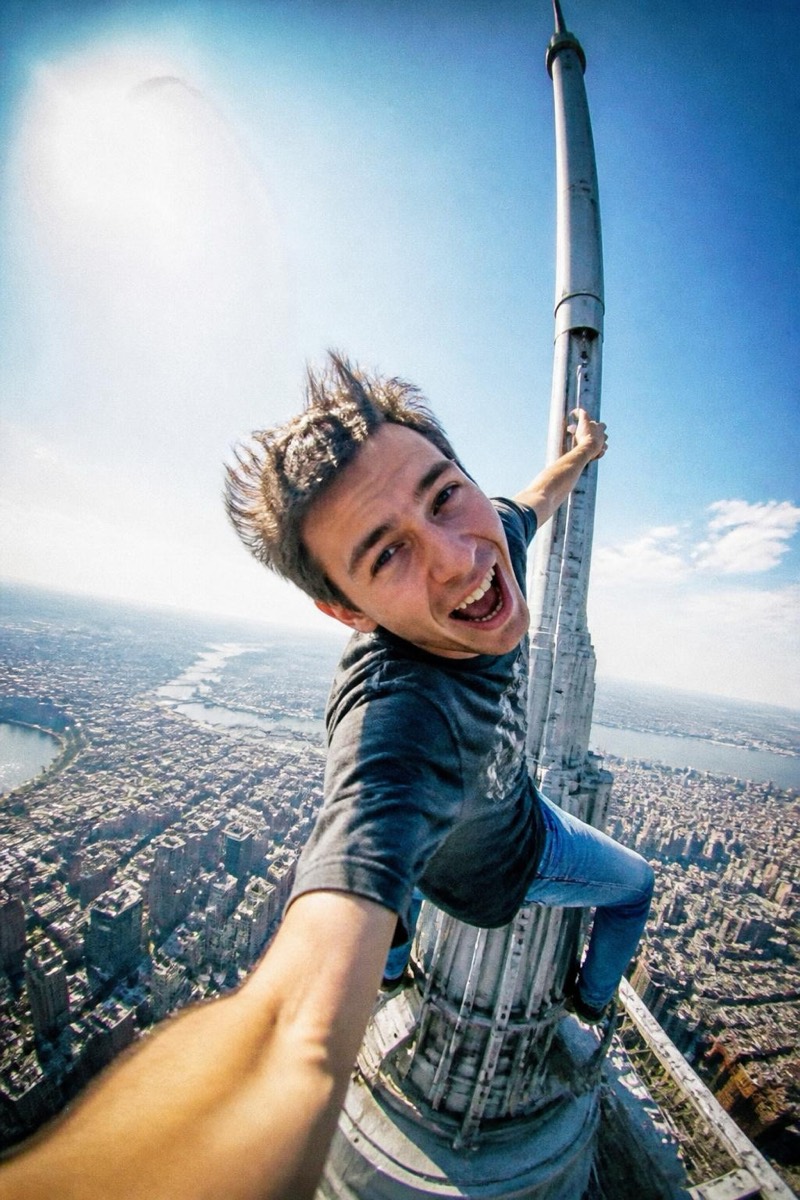
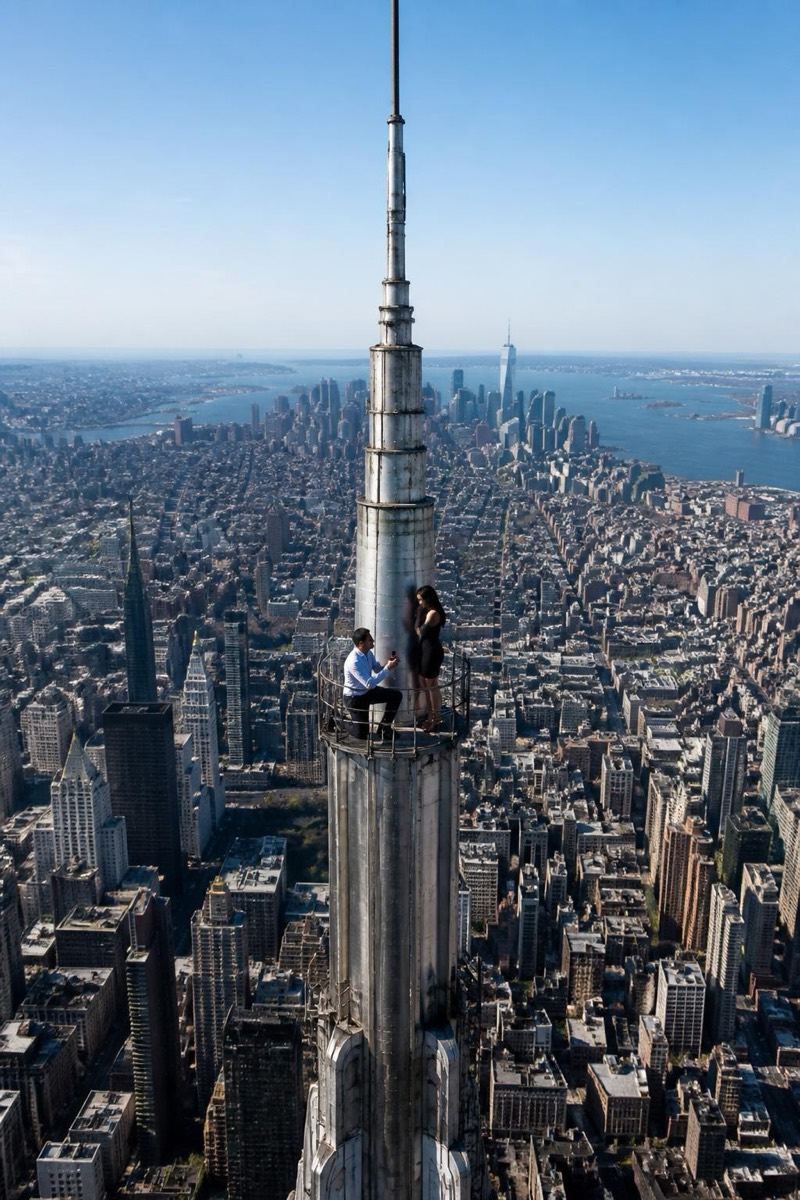
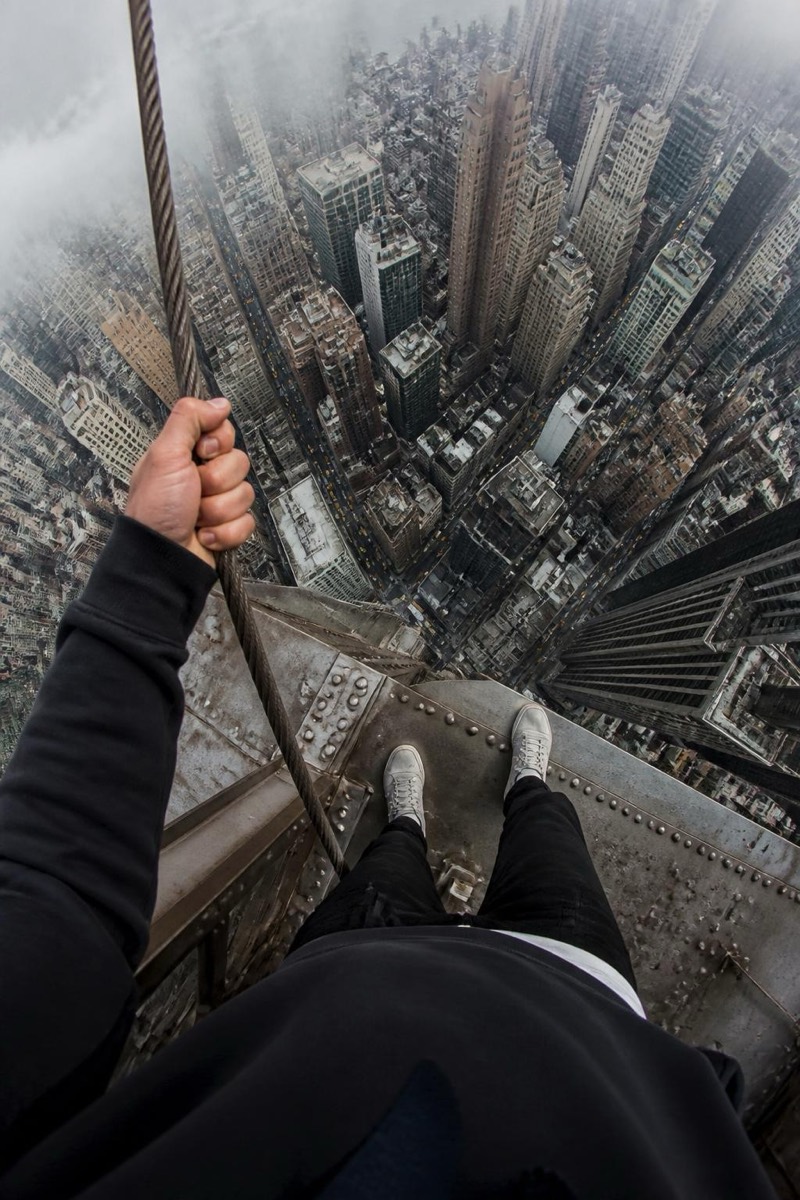
Your Banner — AI Rooftop Selfie filter
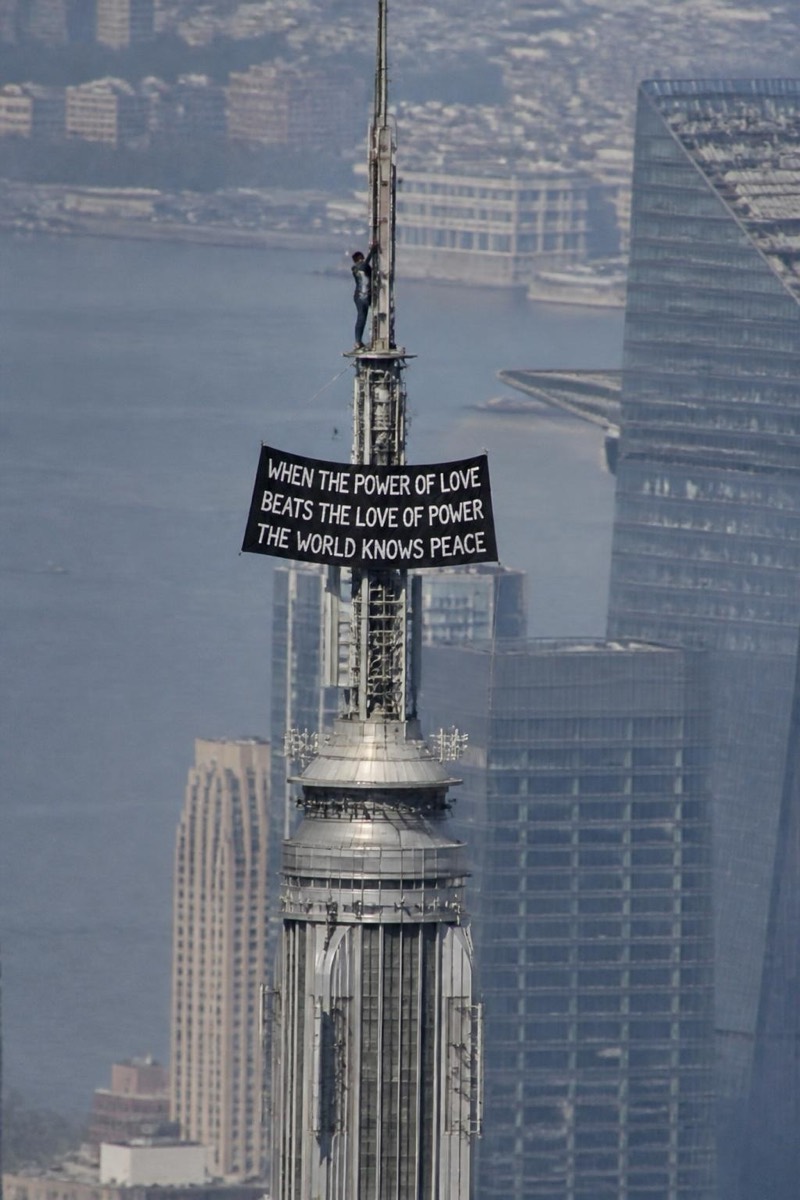
Say it from the top — edit the words.
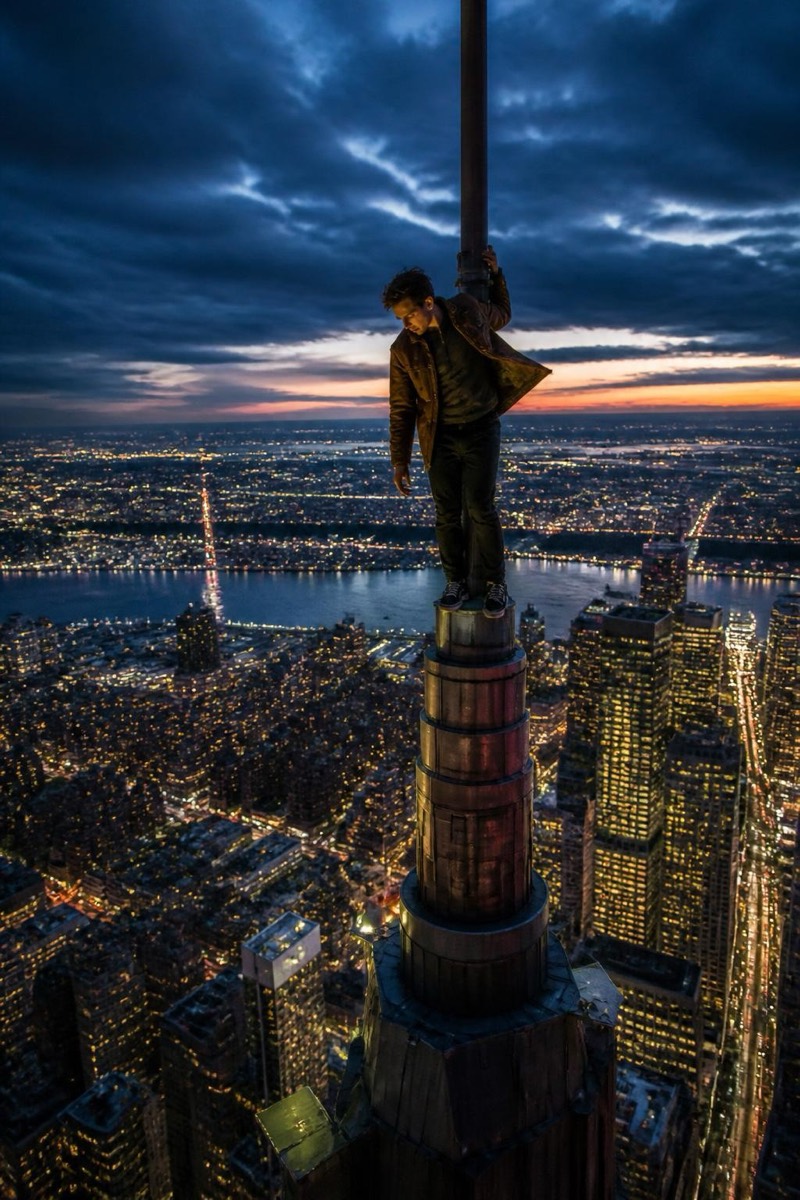
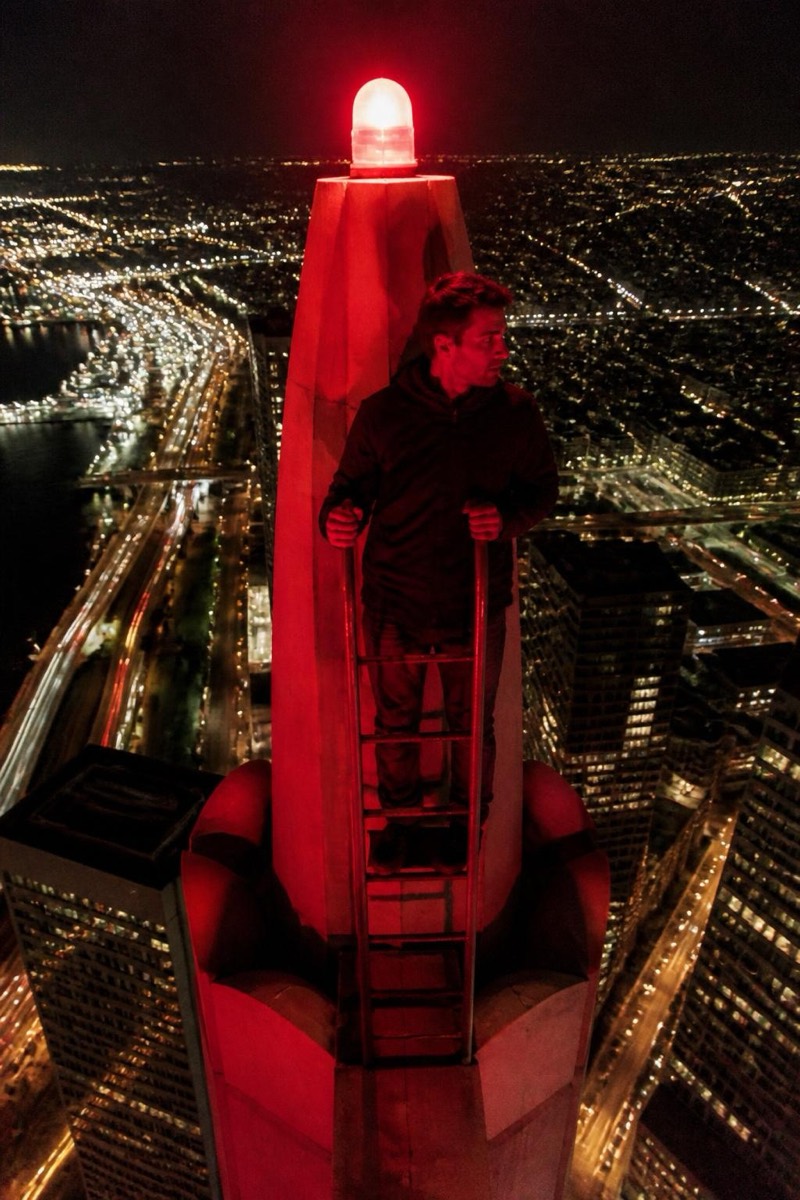
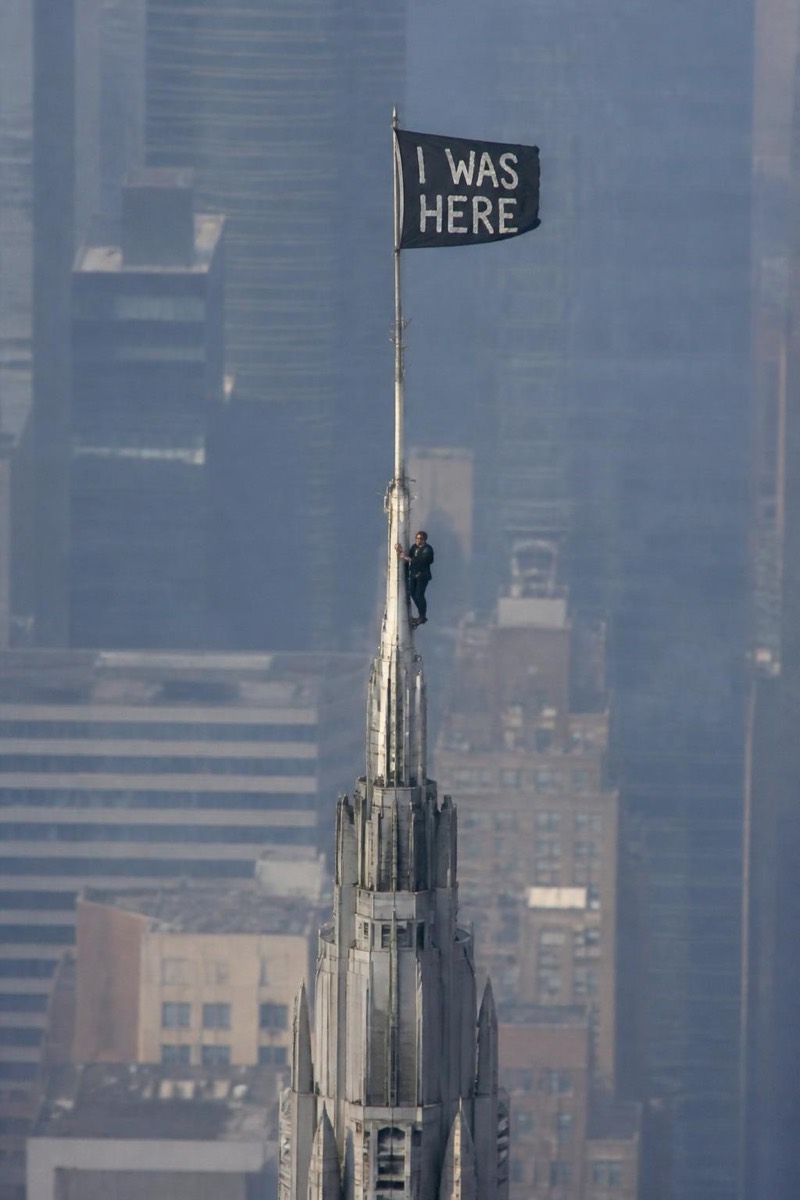
The customizable one: whatever you type gets hoisted on a skyline banner next to you. Birthday wishes, apologies, announcements, inside jokes — if it fits on fabric, it flies over the city. The filter renders the text into the banner with real material behavior, wind distortion and all, so the message reads as manufactured and hung rather than typed on a screen. It's a greeting card format with the production budget of a marketing stunt.
How to use it
- 1.
Get Editable
Download Editable (free) from the App Store and open the Explore tab.
- 2.
Pick the Your Banner filter
Find Your Banner under Upclimb and tap Try.
- 3.
Choose a photo
Pick a photo from your library — the edit runs automatically and is ready in seconds.
Tip: Short messages read best — three to five words hit hardest from a rooftop.
More Upclimb filters