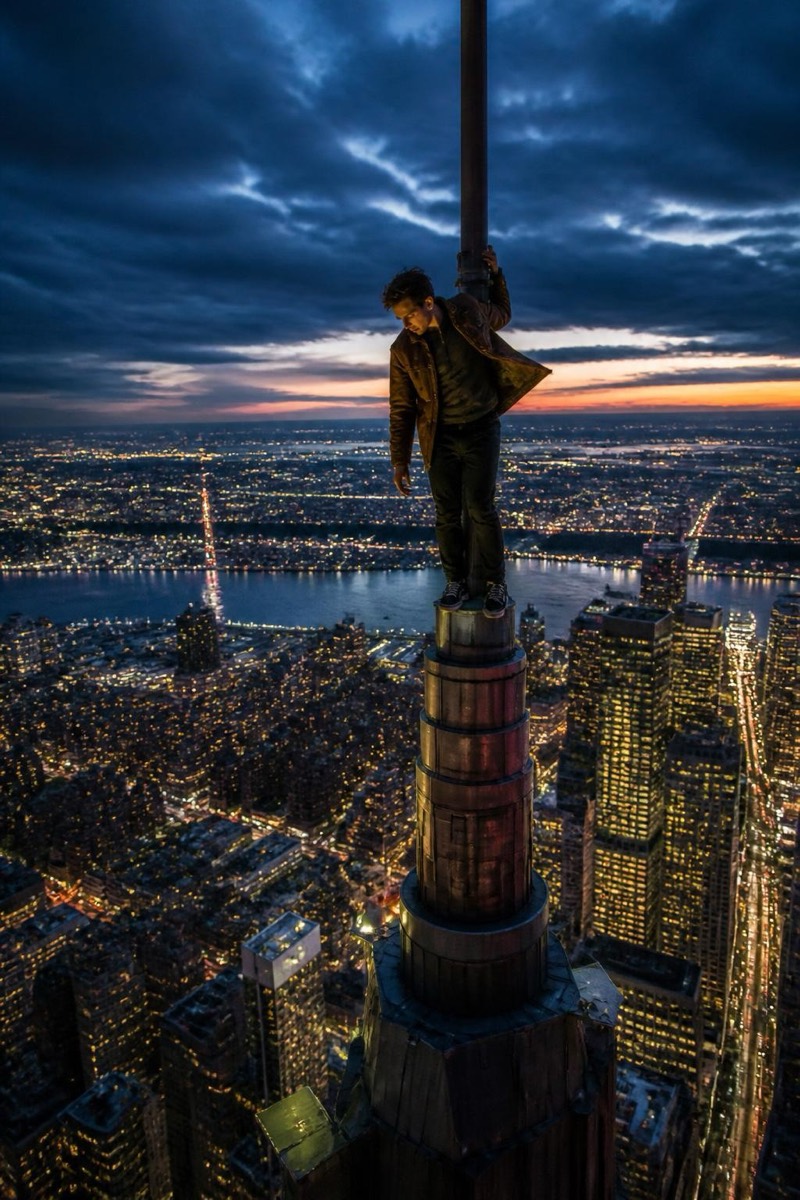
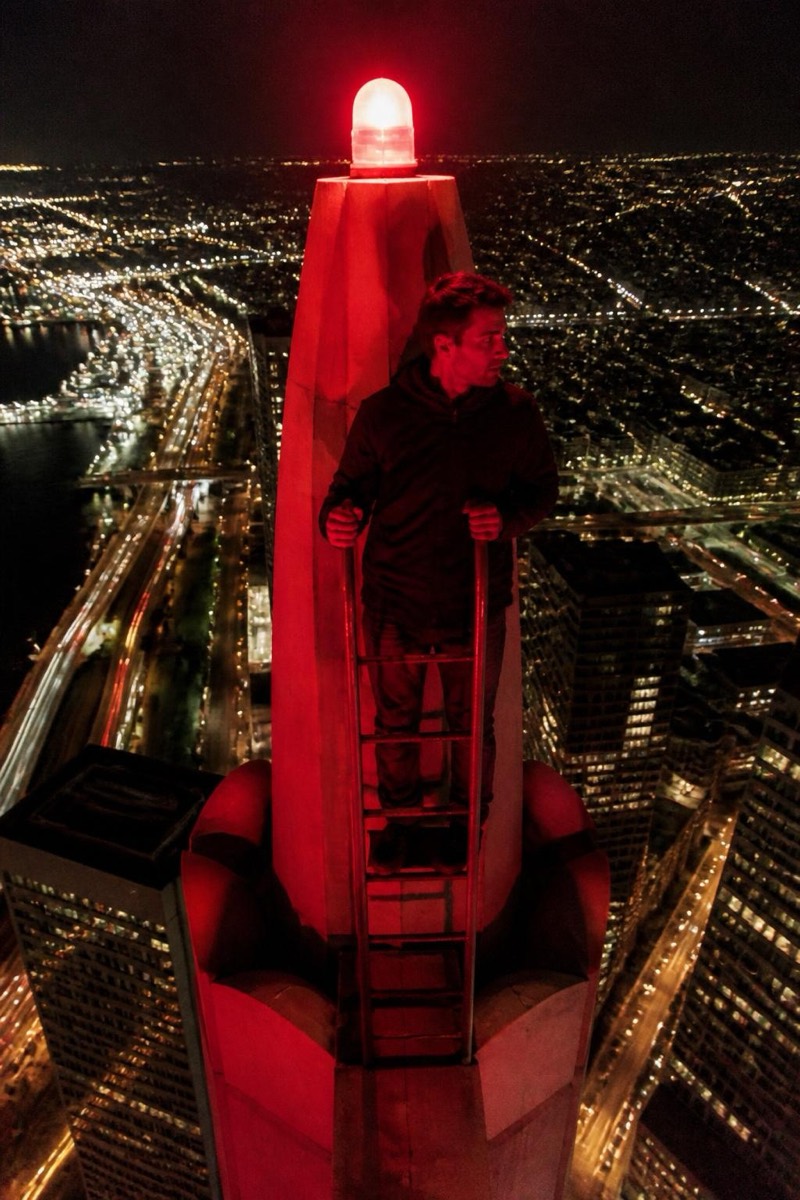
Upclimb
Marry Me Banner — AI Rooftop Selfie filter
Pop the question to the whole city.
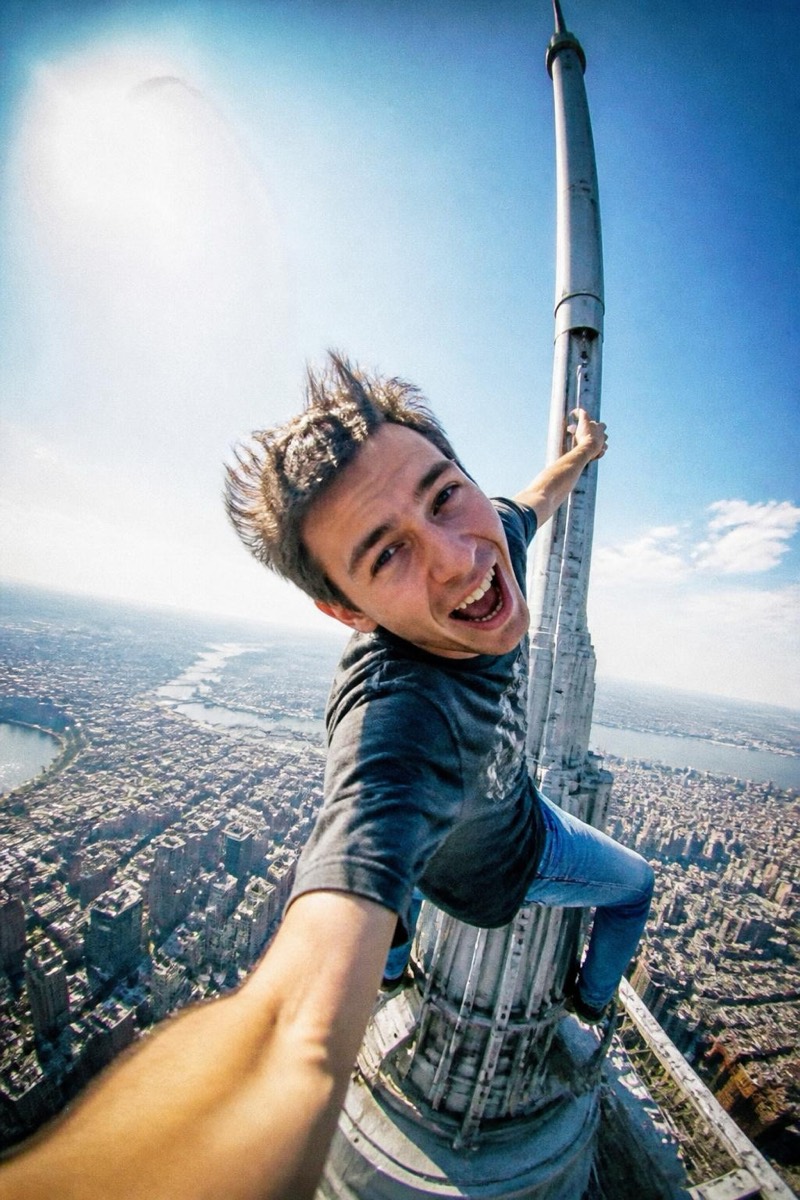
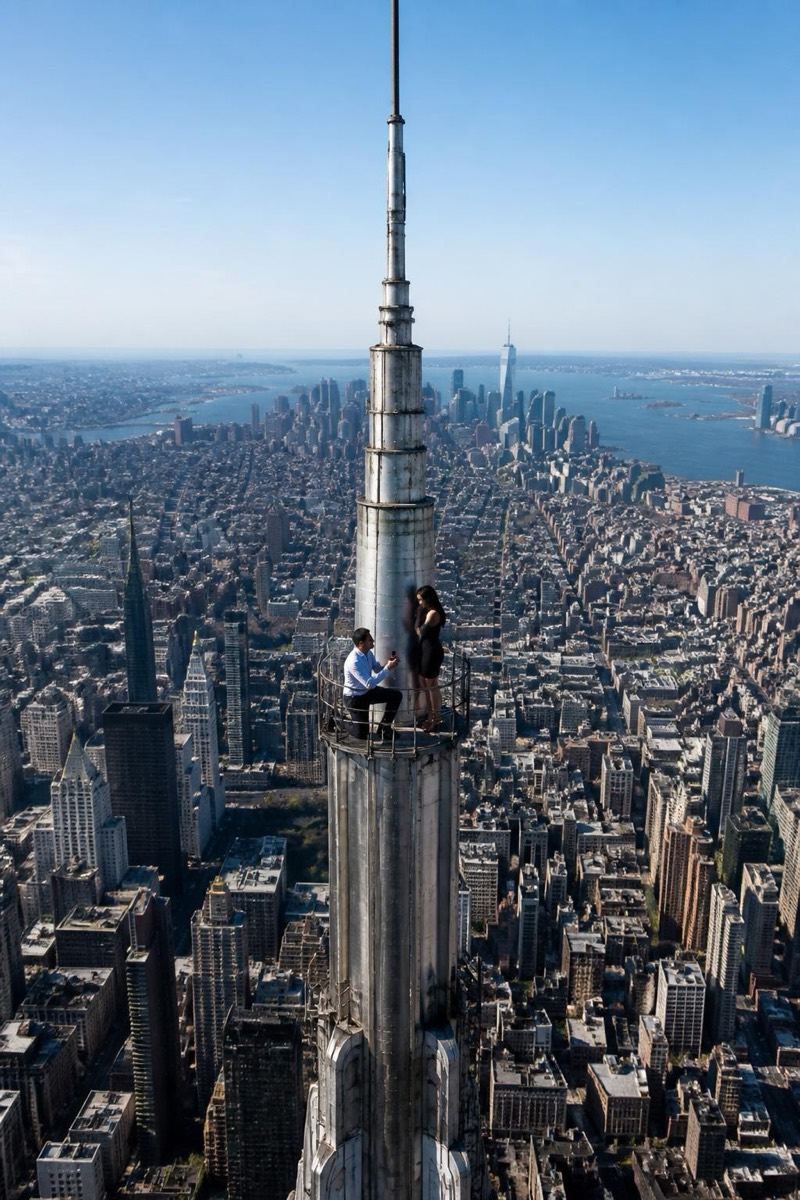
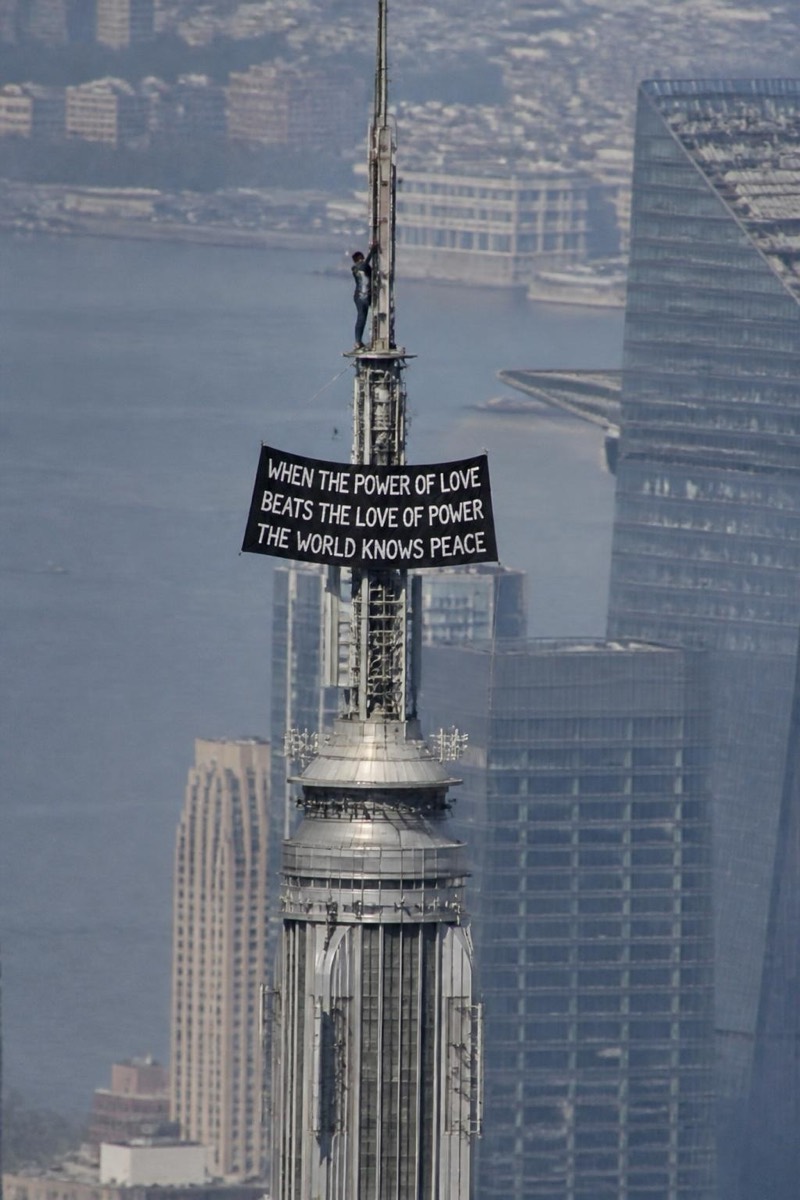
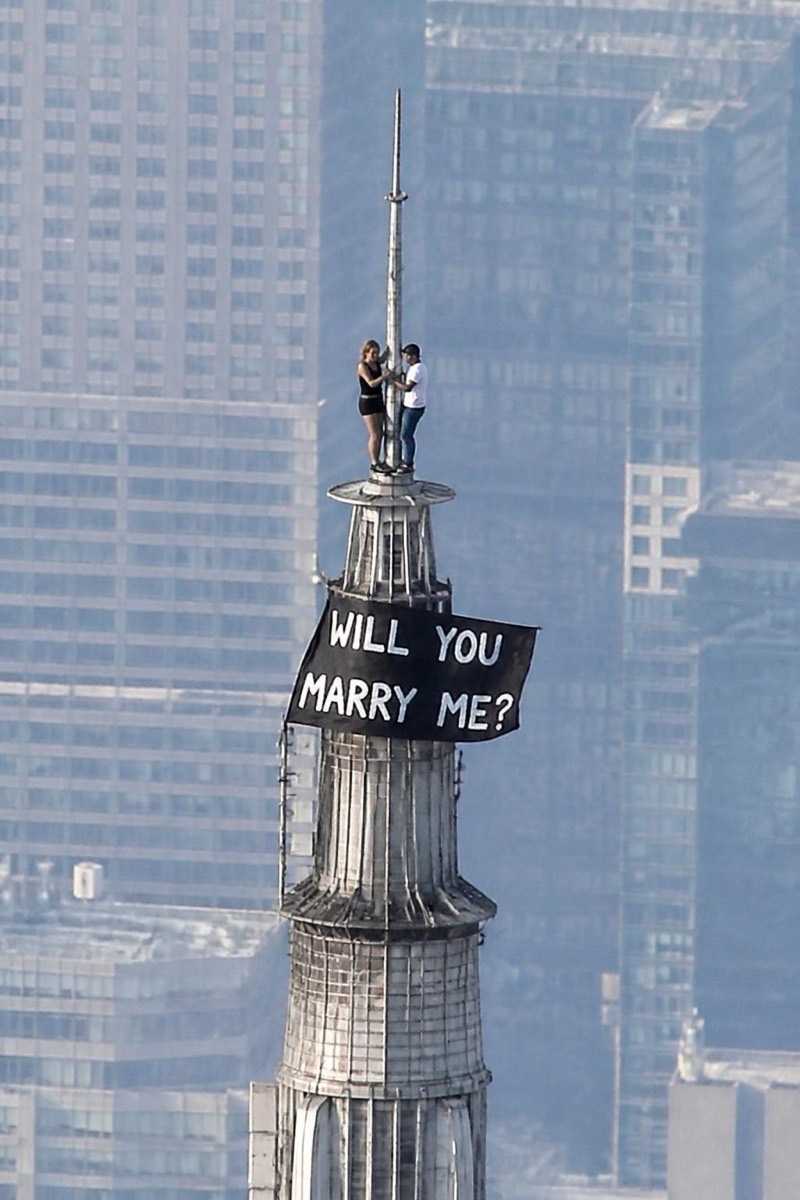
Propose to the whole city. This filter hangs a massive MARRY ME banner from the tower you're standing on — fabric rippling in the wind, letters readable from the street, you triumphant beside it. It's the maximalist proposal format: part romance, part stunt, entirely screenshot-proof. Some people send it as the actual proposal; others use it after the yes, as the announcement post that buries every ring-on-hand photo in the feed.
How to use it
- 1.
Get Editable
Download Editable (free) from the App Store and open the Explore tab.
- 2.
Pick the Marry Me Banner filter
Find Marry Me Banner under Upclimb and tap Try.
- 3.
Choose a photo
Pick a photo from your library — the edit runs automatically and is ready in seconds.
Tip: Pair it with a genuinely happy expression — the banner does the shouting, your face does the convincing.
More Upclimb filters