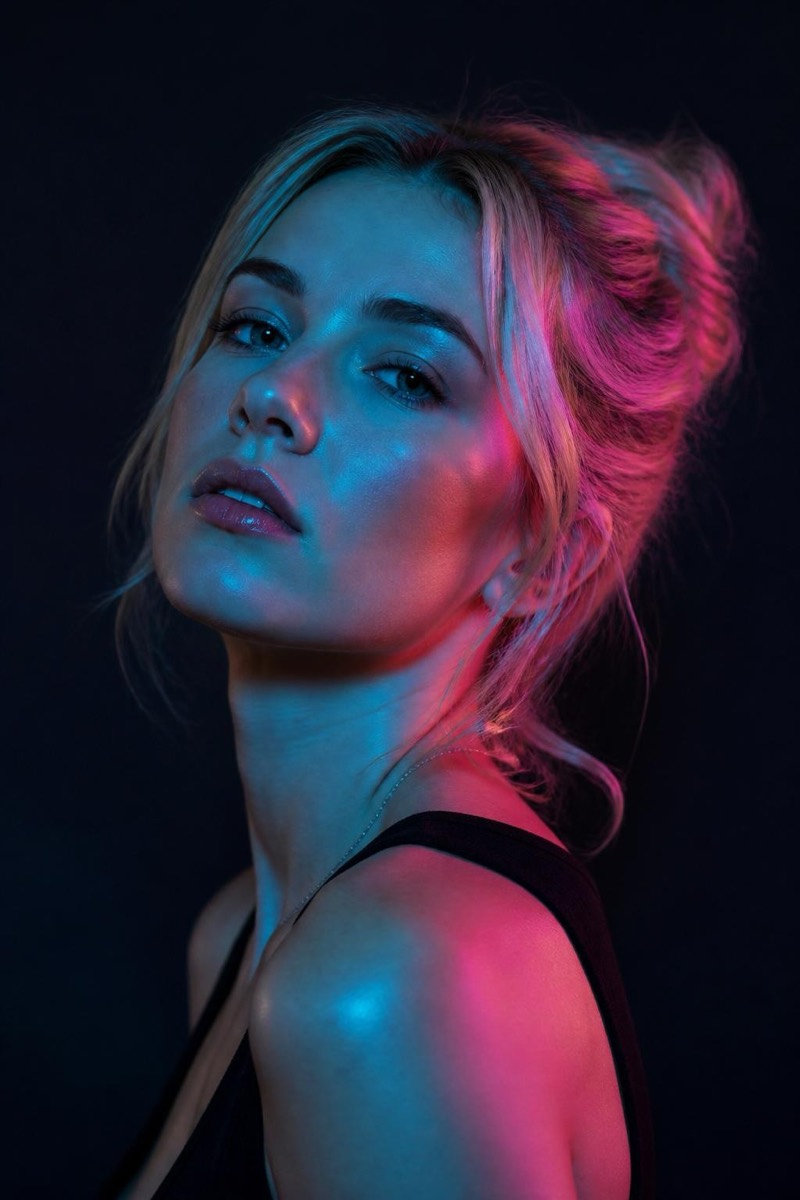
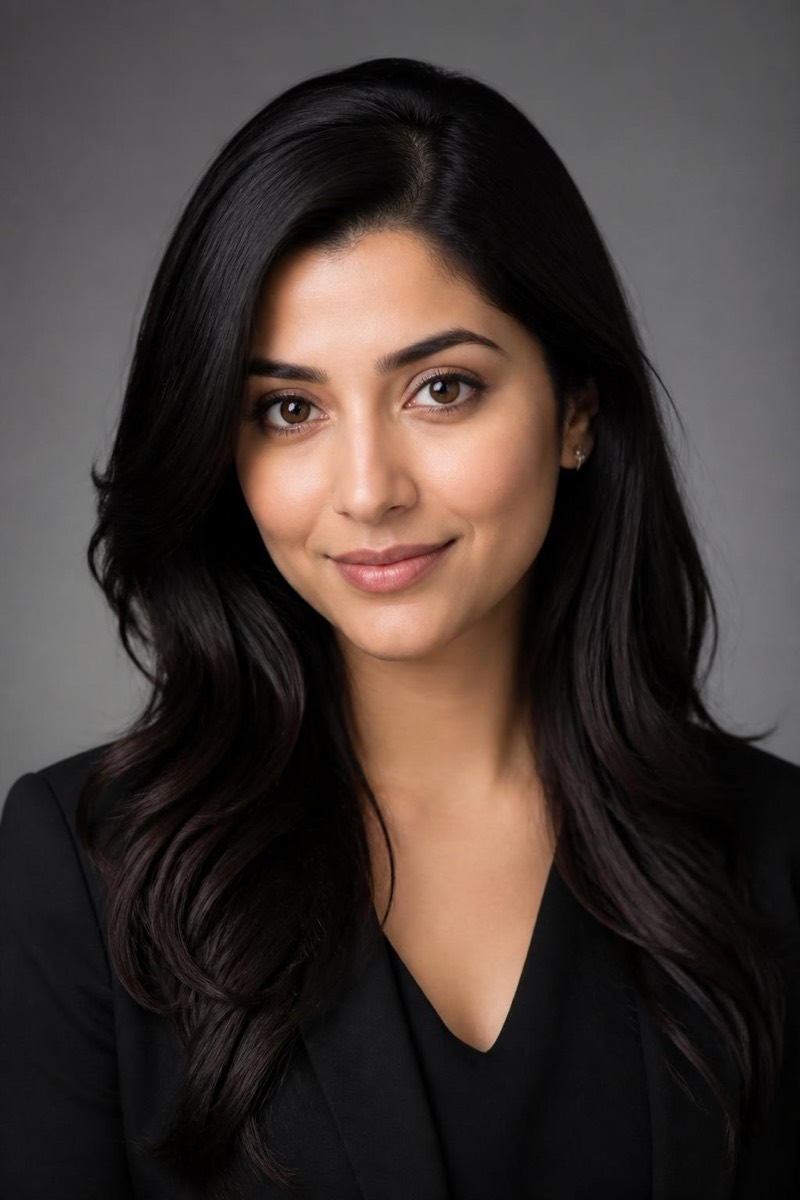
Studio Portrait
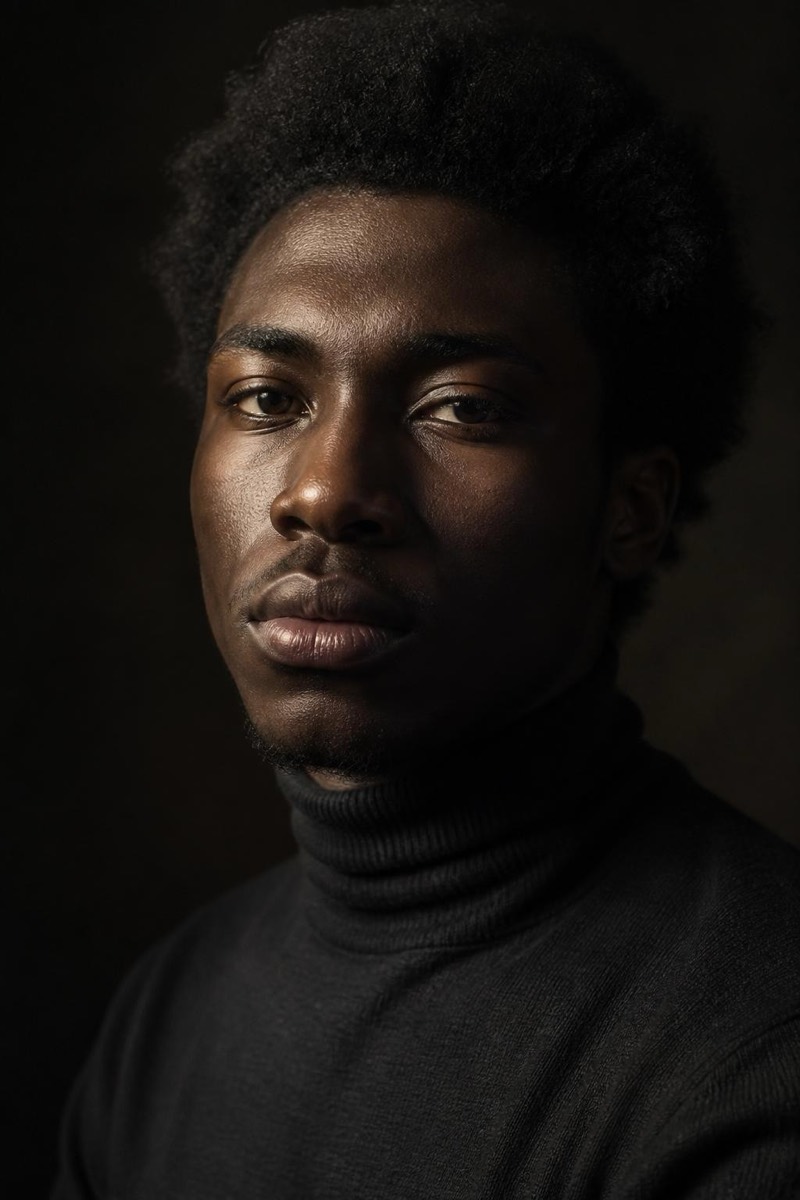
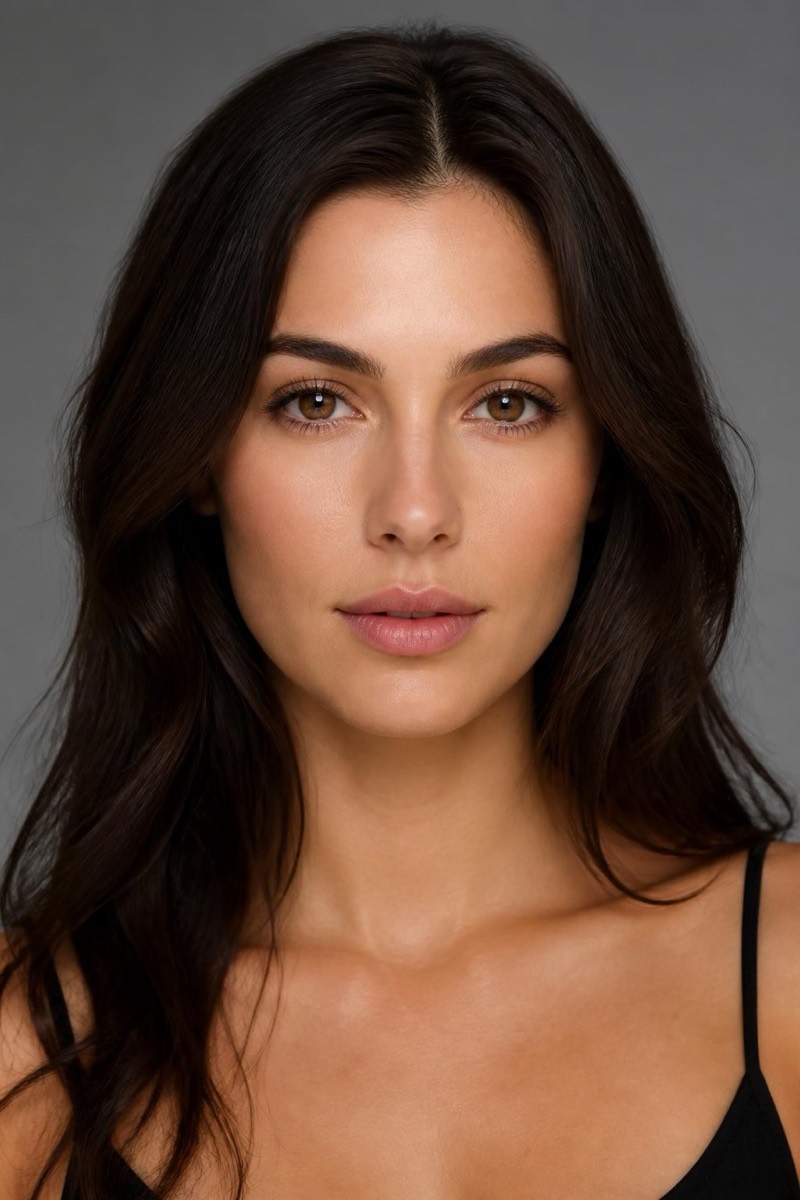
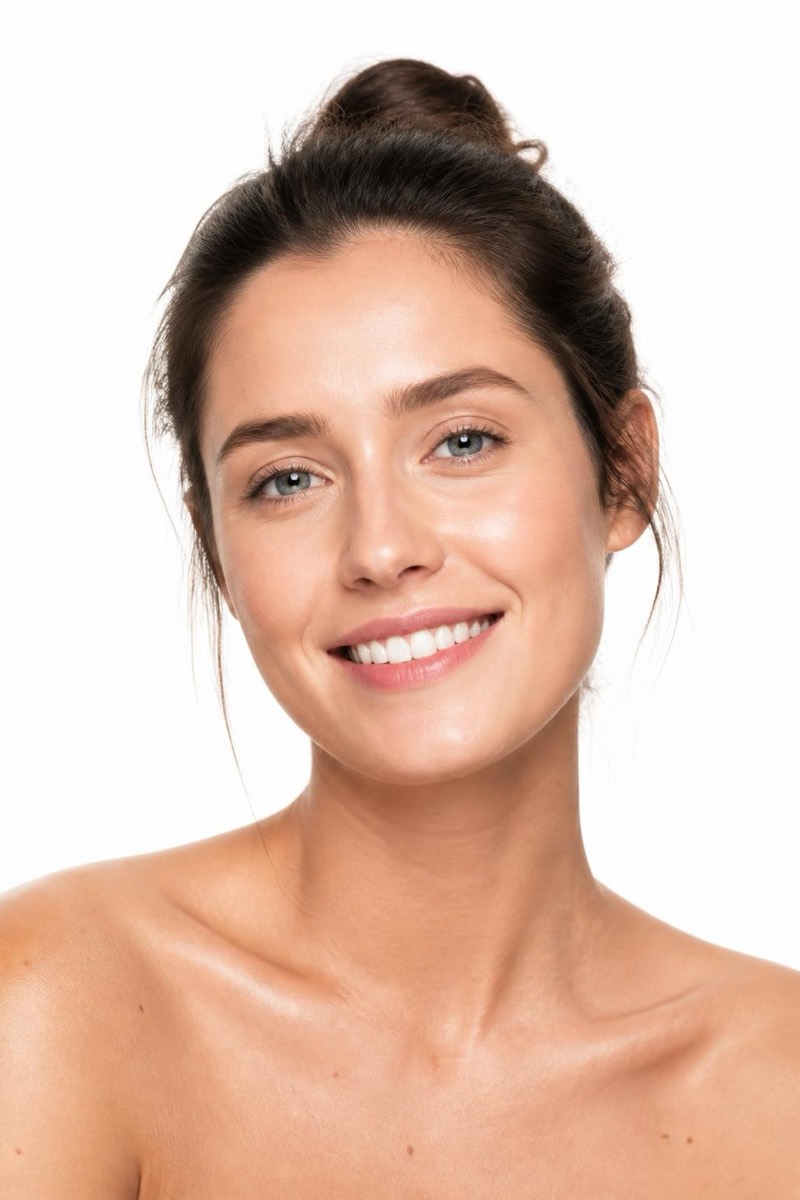
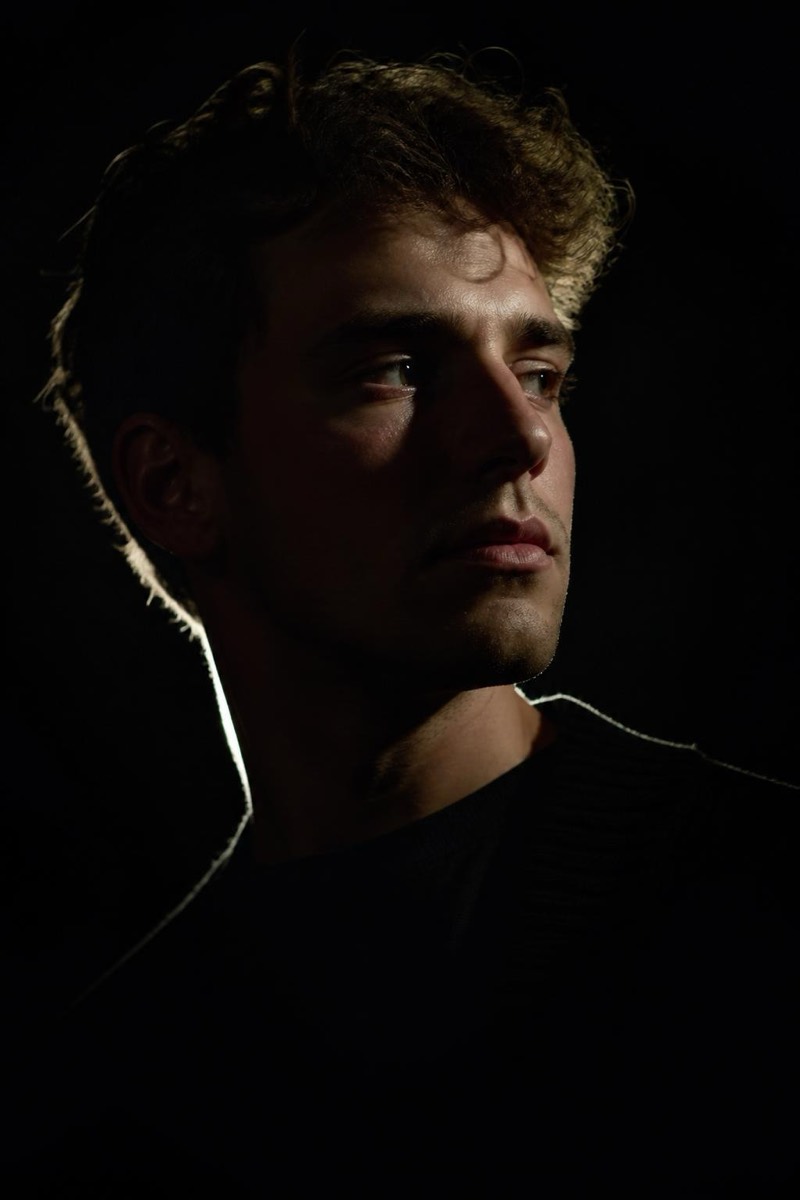
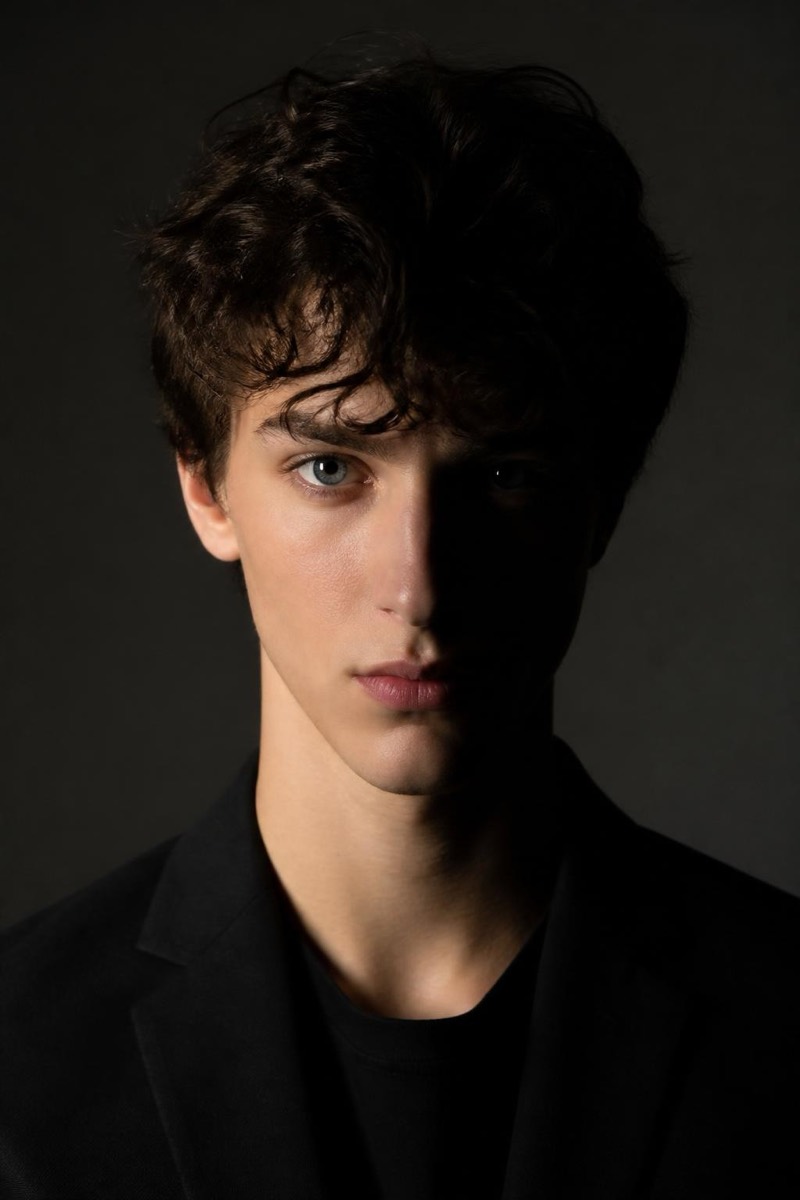
Split Light — AI Studio Lighting filter
Bold half-lit face, dramatic contrast.
Split lighting: exactly half the face lit, the other half in shadow, divided down the middle. It's the boldest statement in classical portraiture — used for boxers, CEOs in profile pieces, and album covers about duality. This filter imposes that hard geometry on your photo, turning ambient snapshots into something deliberate and severe. Few lighting setups communicate intensity this efficiently; none do it with one light.
How to use it
- 1.
Get Editable
Download Editable (free) from the App Store and open the Explore tab.
- 2.
Pick the Split Light filter
Find Split Light under Studio Portrait and tap Try.
- 3.
Choose a photo
Pick a photo from your library — the edit runs automatically and is ready in seconds.
Tip: A neutral, direct stare into the camera matches the light's severity — smiles fight the format.
More Studio Portrait filters