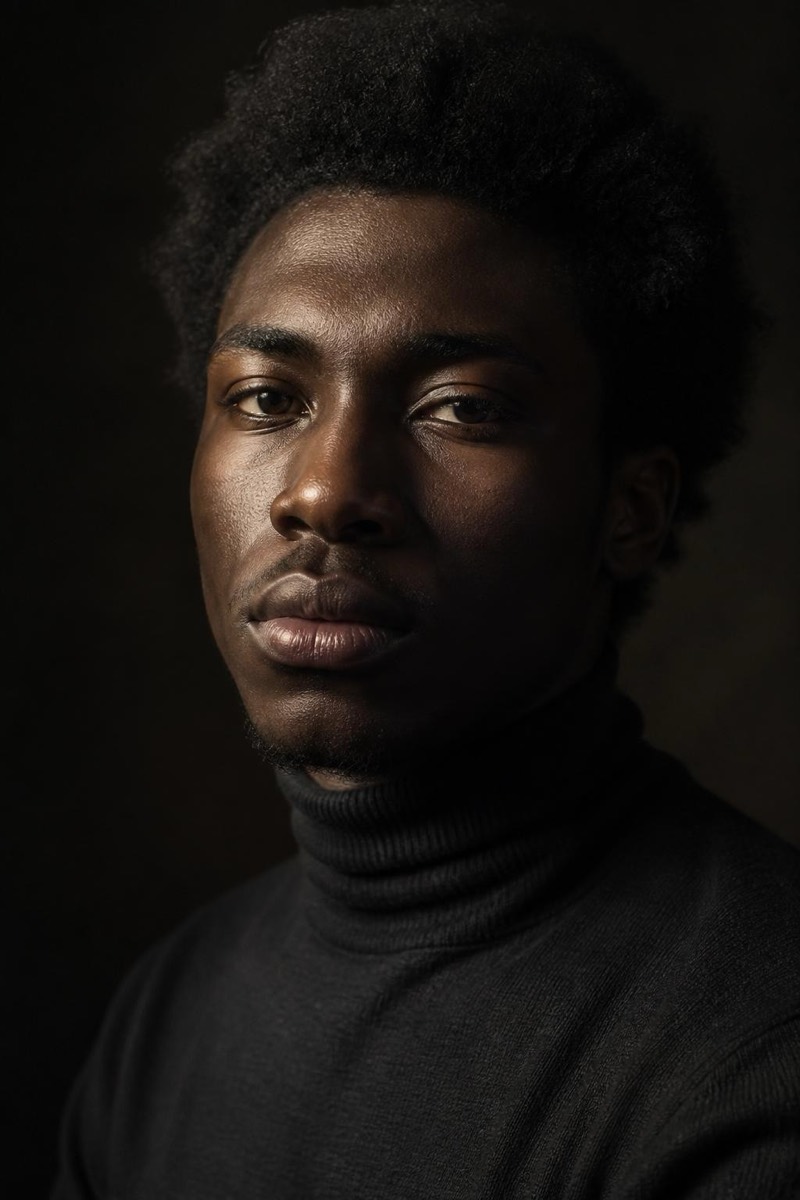
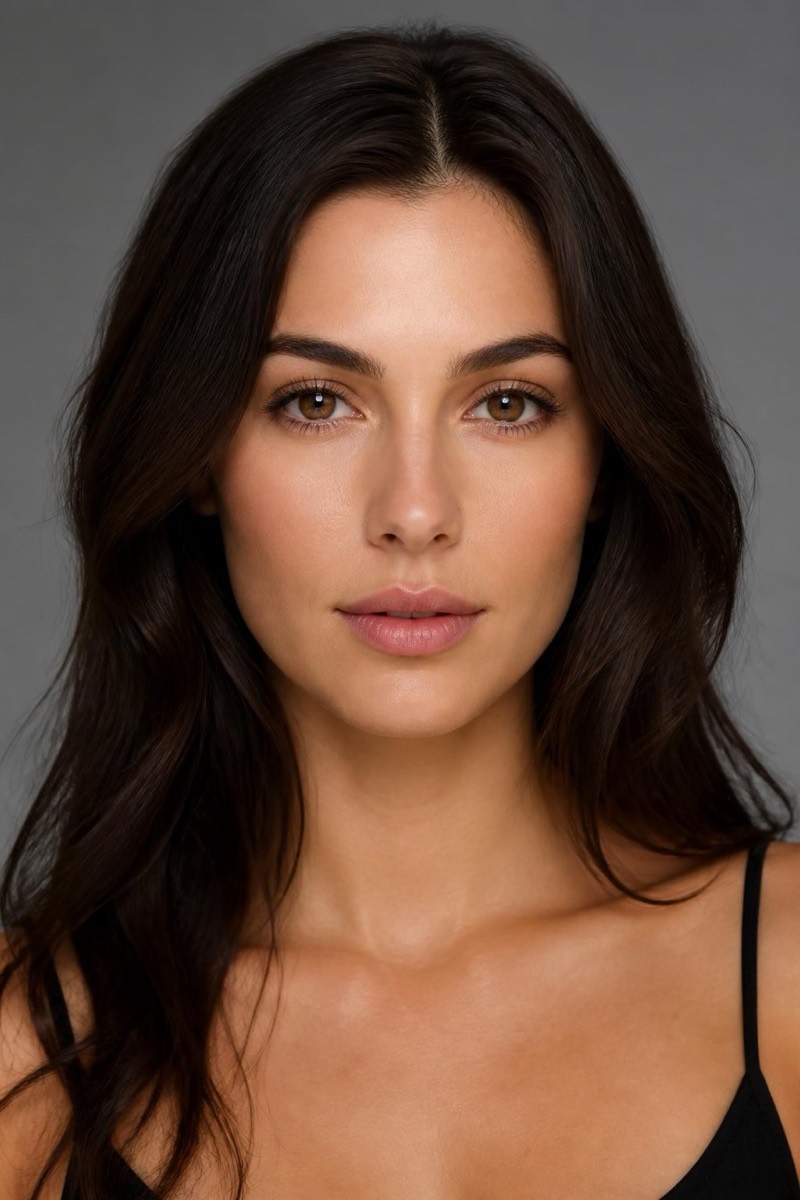
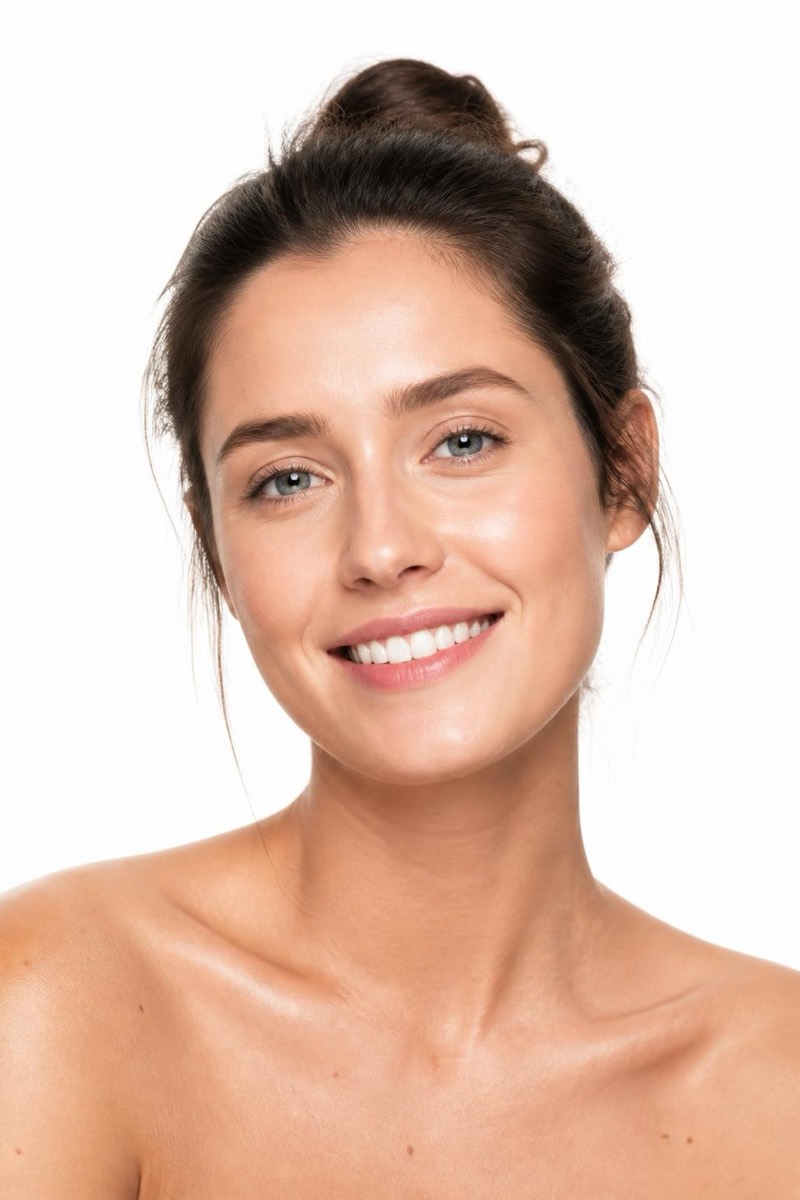
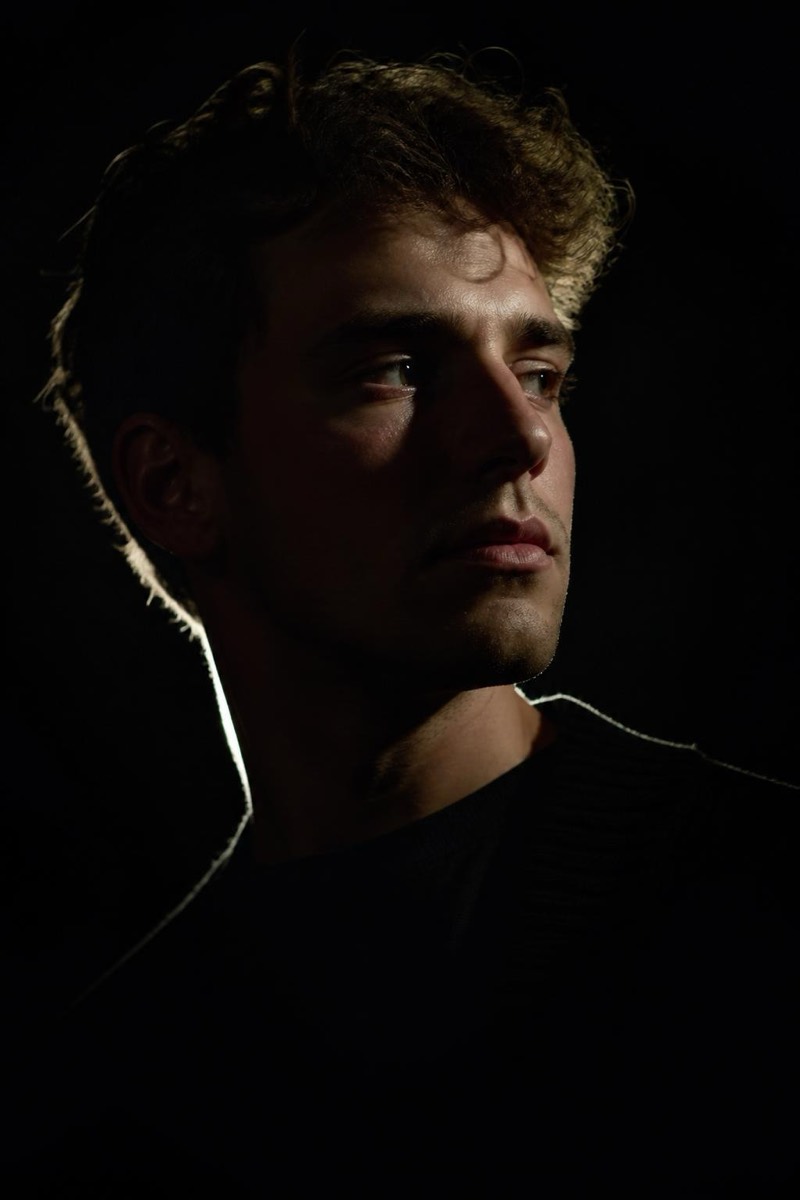
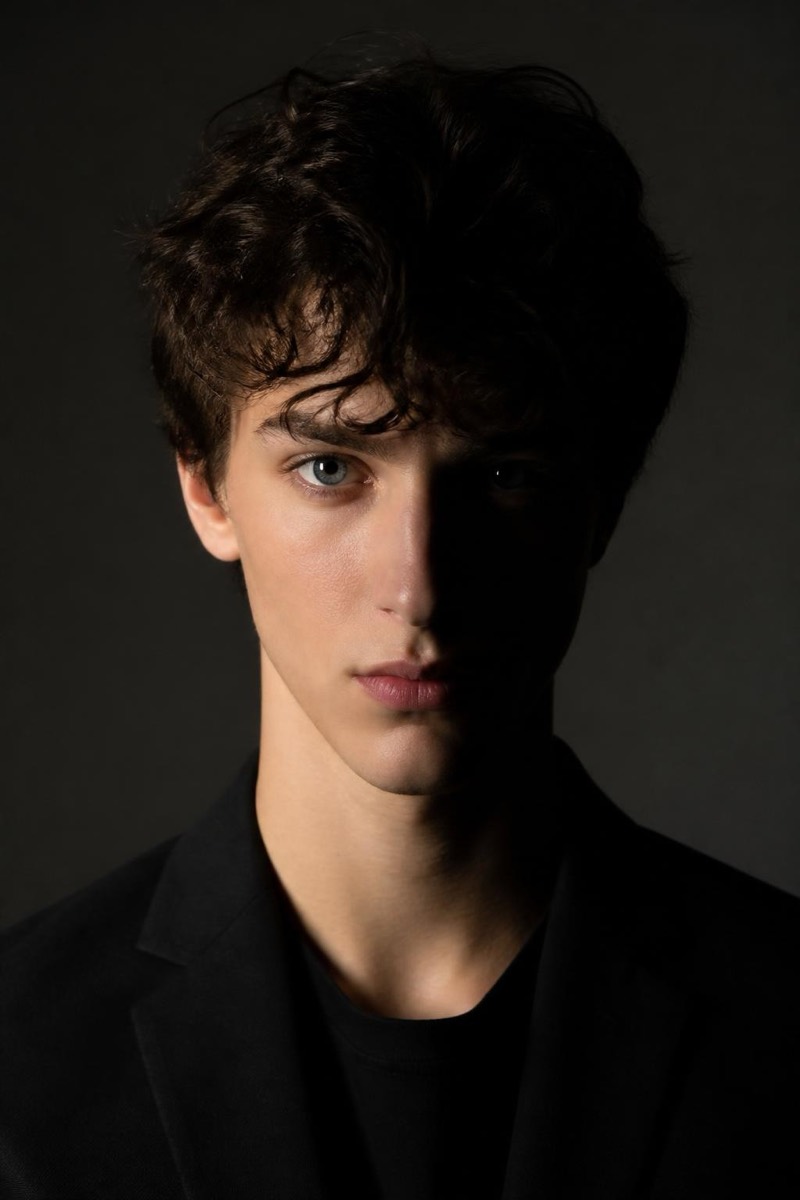
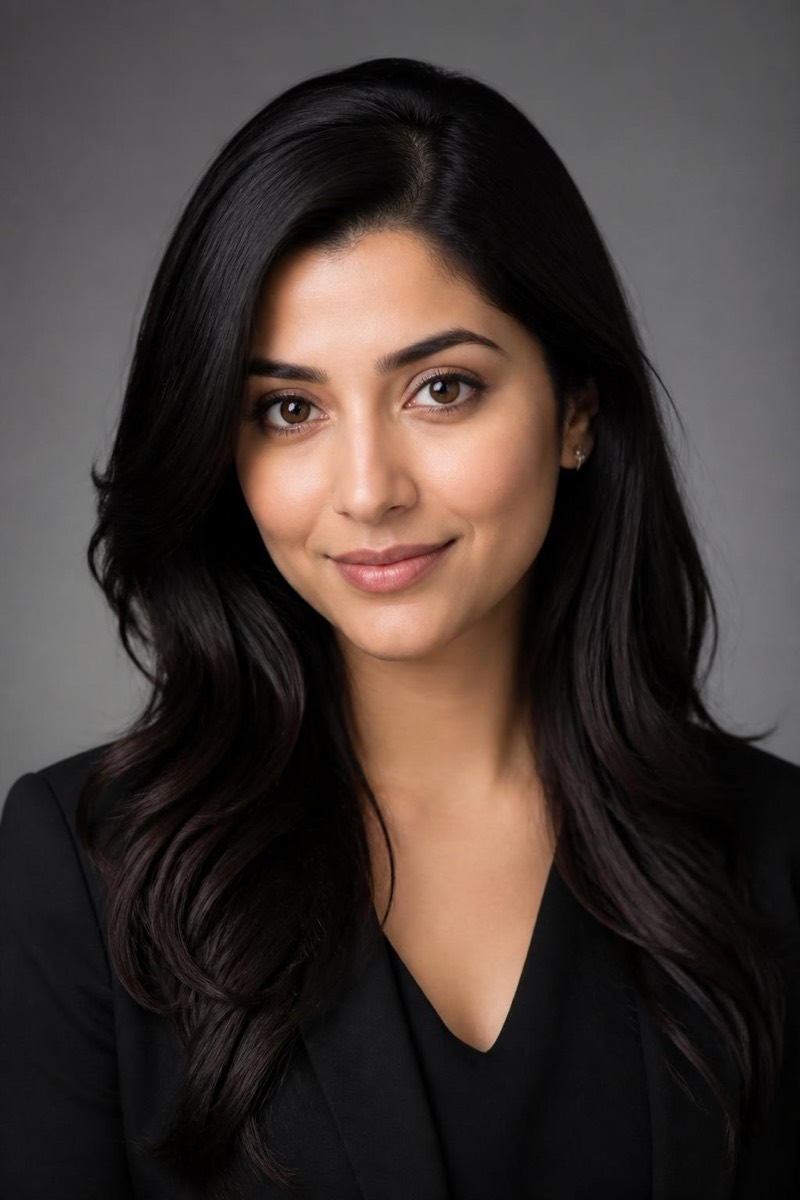
Studio Portrait
Colour Gel — AI Studio Lighting filter
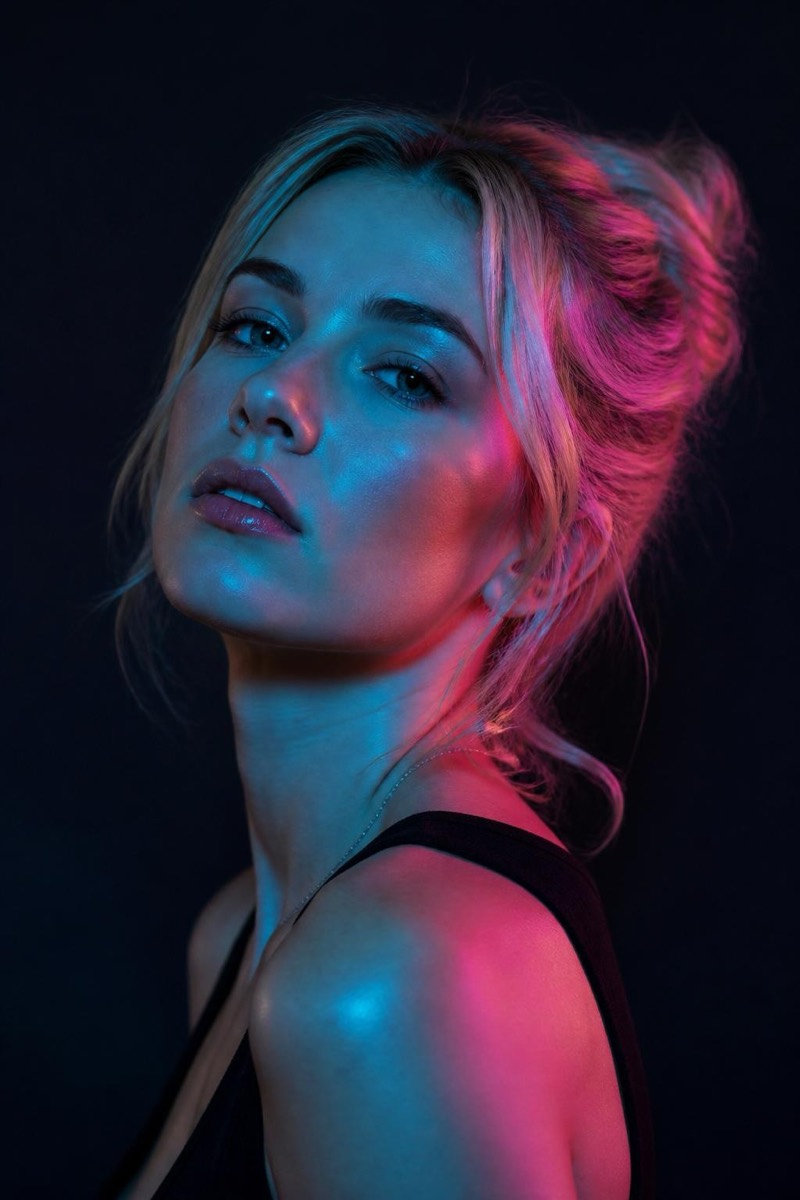
Editorial teal & magenta gel lighting.
Teal on one side, magenta on the other — the coloured-gel look that took over editorial photography and never left. This filter splits your portrait between two saturated light sources, the way fashion magazines and music promos light their covers. It's the most stylized entry in the studio set: less about flattering the face, more about making the whole image feel like a poster. Predictably, it thrives as profile art for anyone whose personal brand involves a synthesizer.
How to use it
- 1.
Get Editable
Download Editable (free) from the App Store and open the Explore tab.
- 2.
Pick the Colour Gel filter
Find Colour Gel under Studio Portrait and tap Try.
- 3.
Choose a photo
Pick a photo from your library — the edit runs automatically and is ready in seconds.
Tip: Simple backgrounds take the gel colors most dramatically — busy scenes dilute the effect.
More Studio Portrait filters