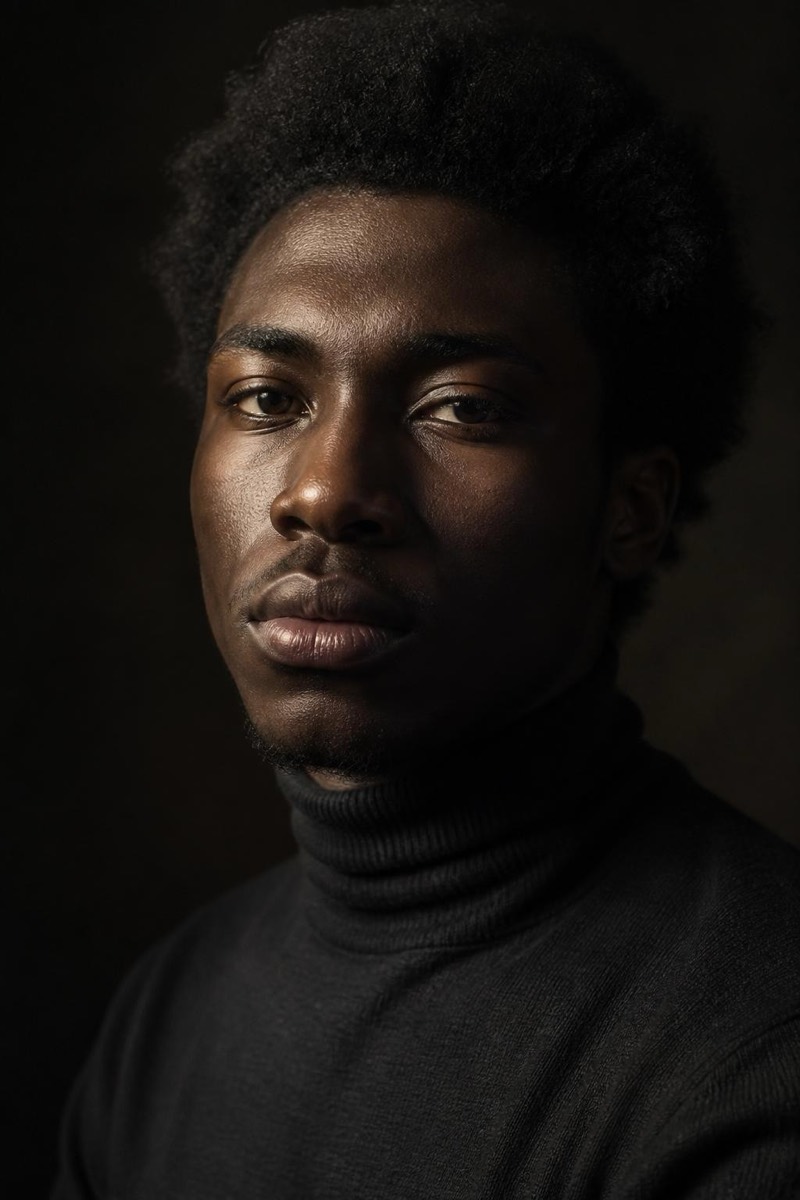
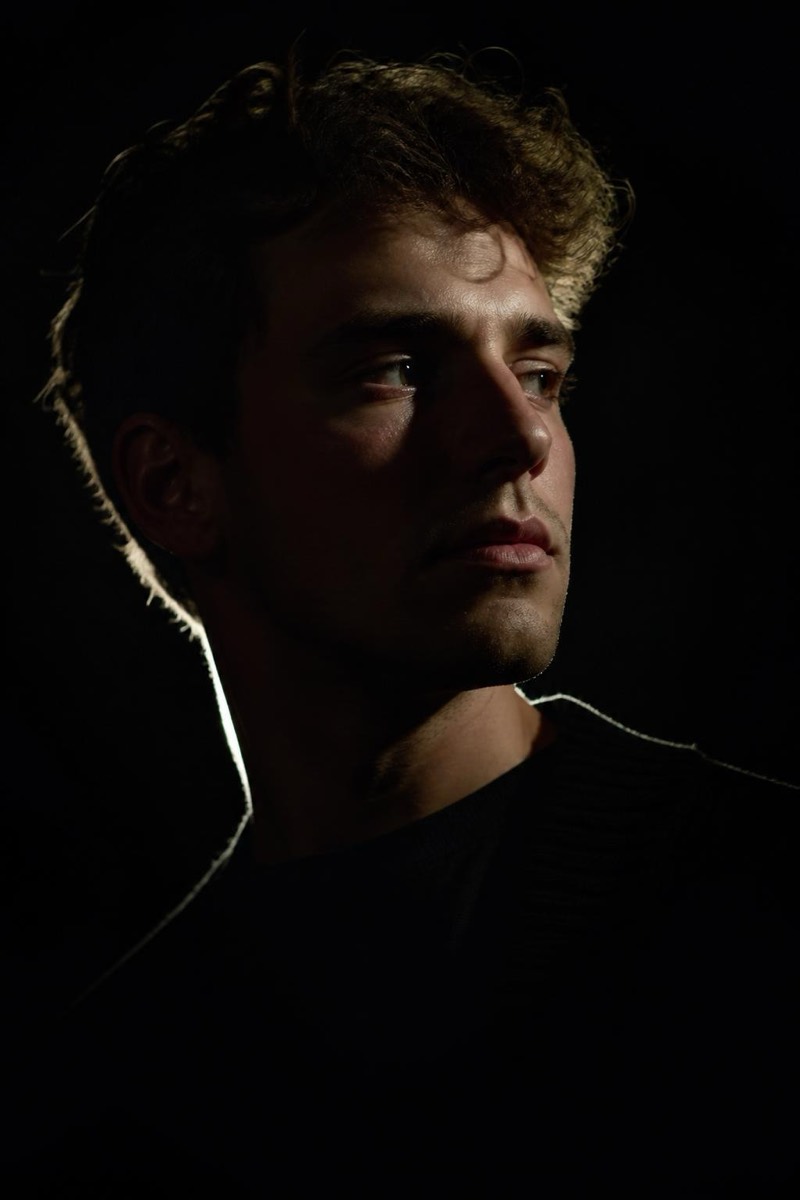
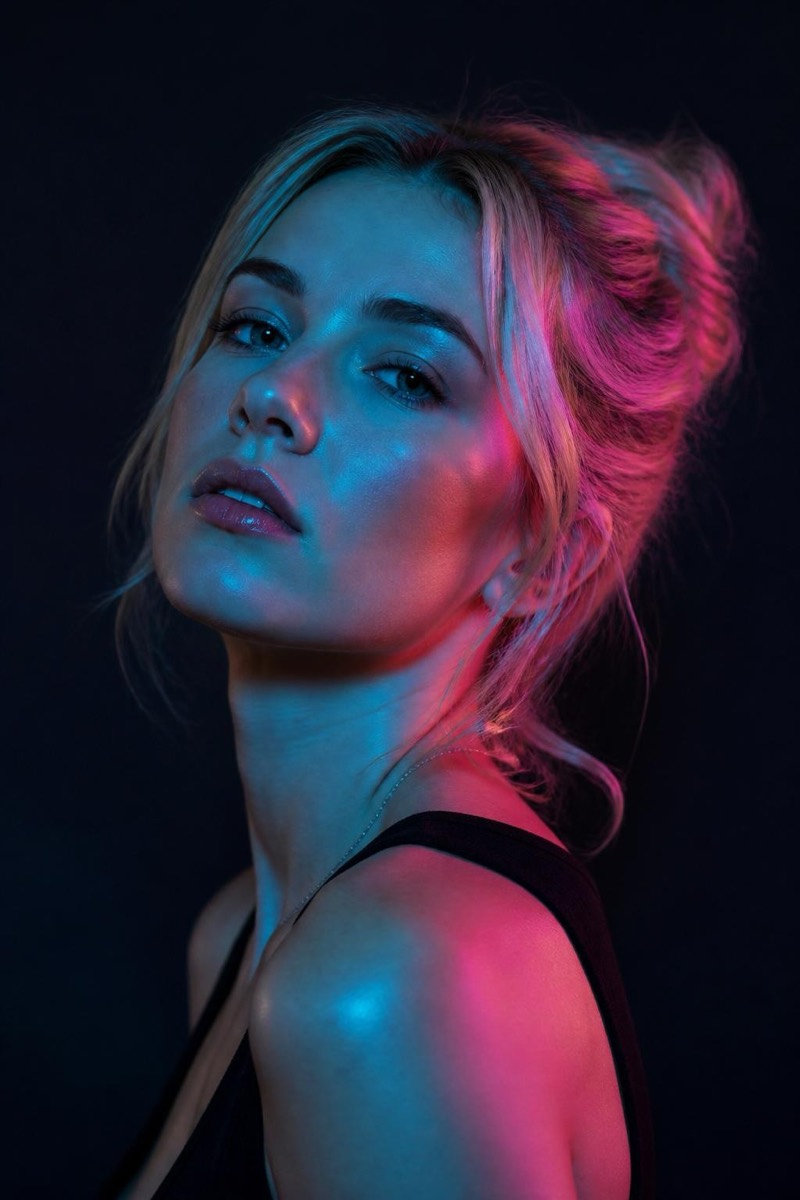
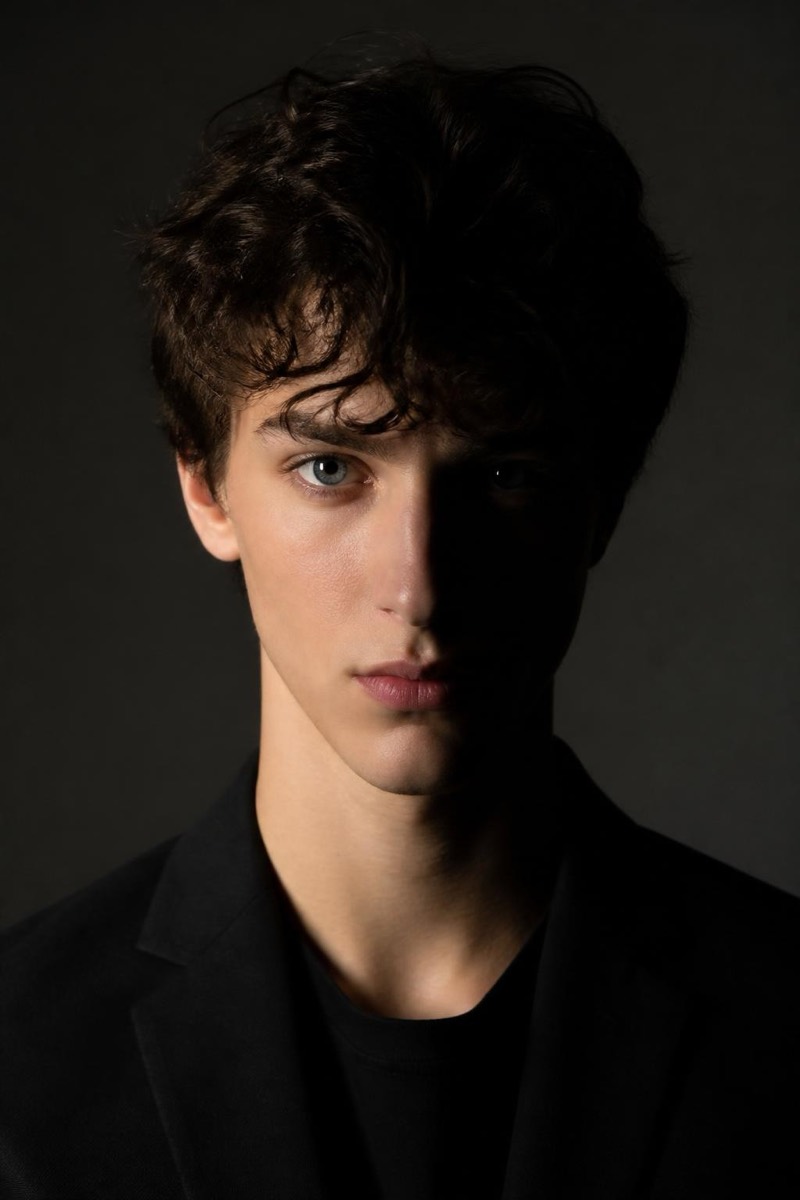
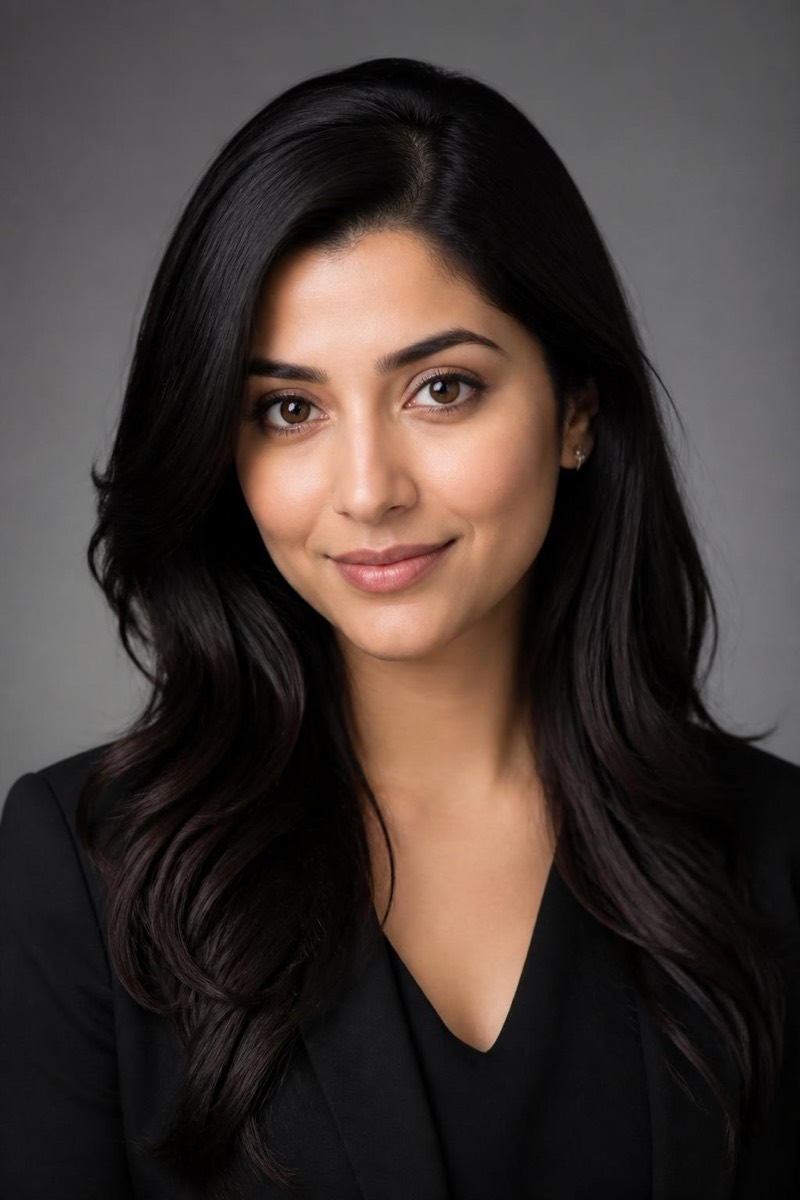
Studio Portrait
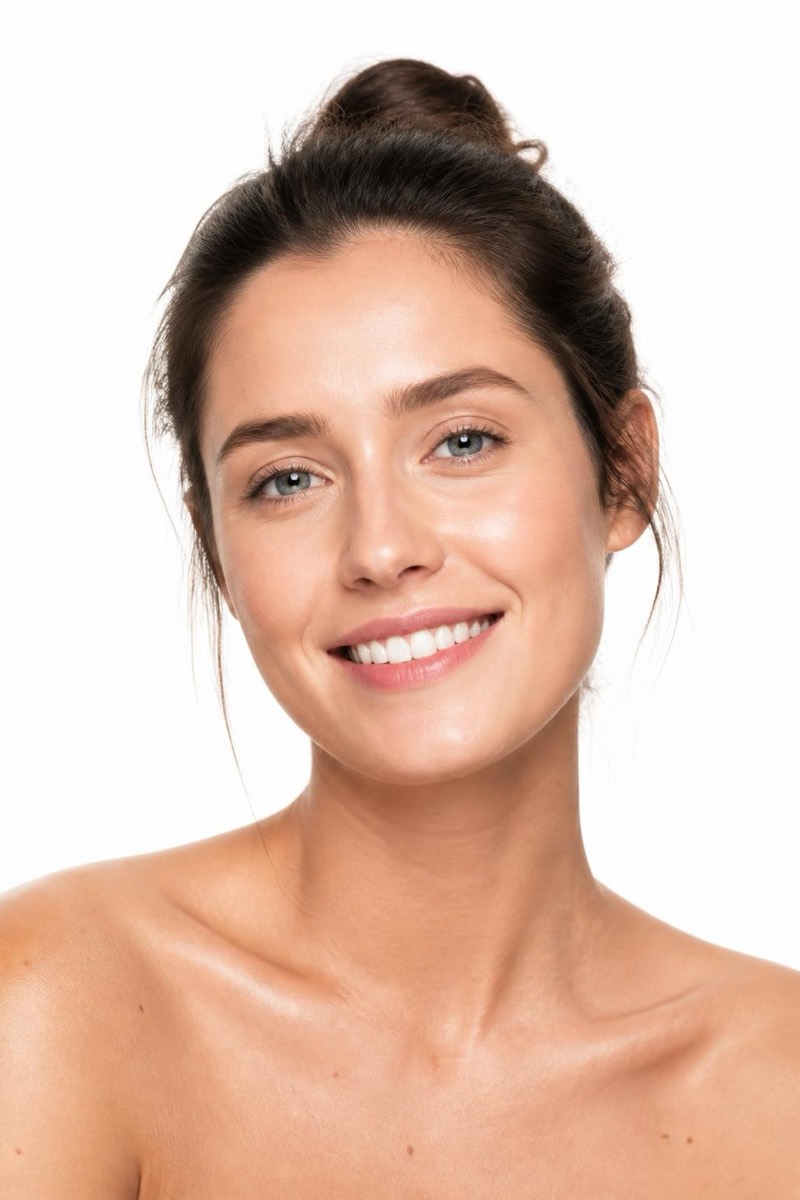
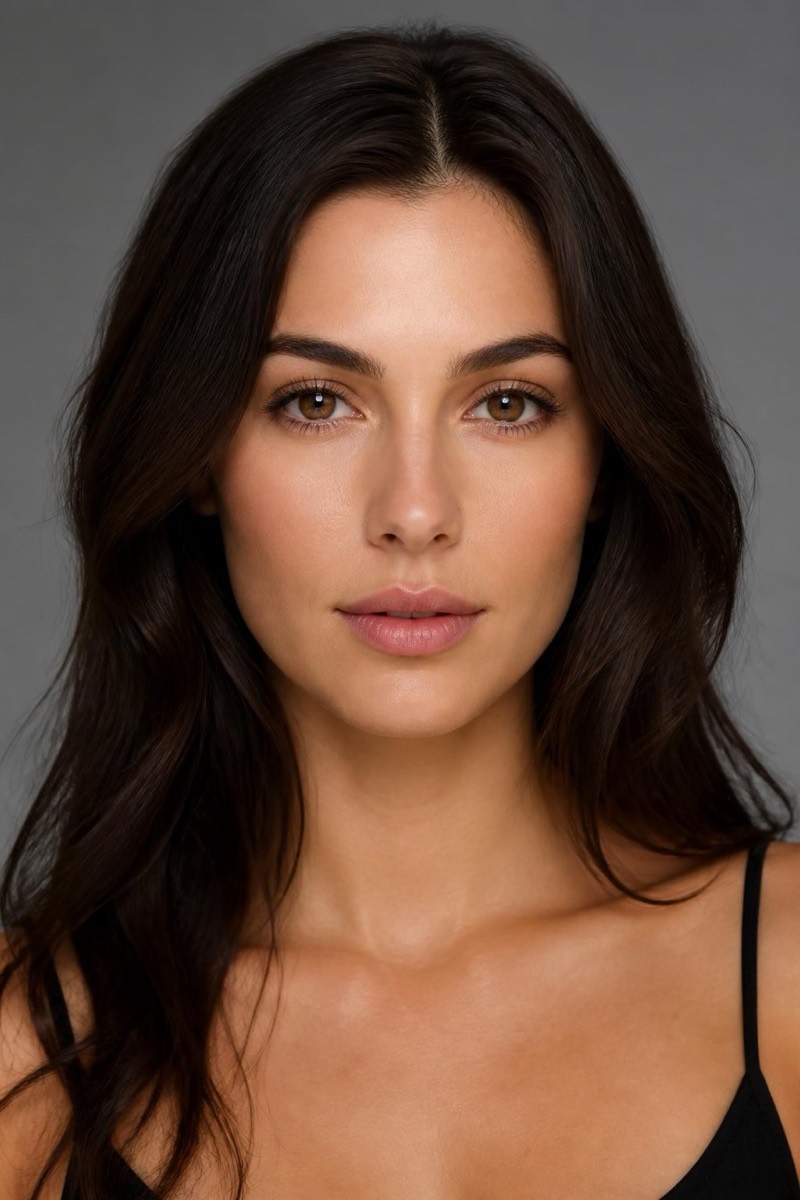
Butterfly — AI Studio Lighting filter
Glamour beauty light — soft, even, frontal glow.
Butterfly lighting — the key light directly above the camera, casting a small symmetrical shadow under the nose — is the glamour standard from the golden age of Hollywood portraiture. It flatters almost every face: cheekbones lift, skin evens, eyes catch light. This filter rebuilds your photo under that setup, delivering the soft frontal glow of a beauty campaign from an ordinary snapshot. If you only try one studio light on a portrait, this is the crowd-pleaser.
How to use it
- 1.
Get Editable
Download Editable (free) from the App Store and open the Explore tab.
- 2.
Pick the Butterfly filter
Find Butterfly under Studio Portrait and tap Try.
- 3.
Choose a photo
Pick a photo from your library — the edit runs automatically and is ready in seconds.
Tip: A straight-on, face-forward photo gets the full symmetrical glamour effect.
More Studio Portrait filters