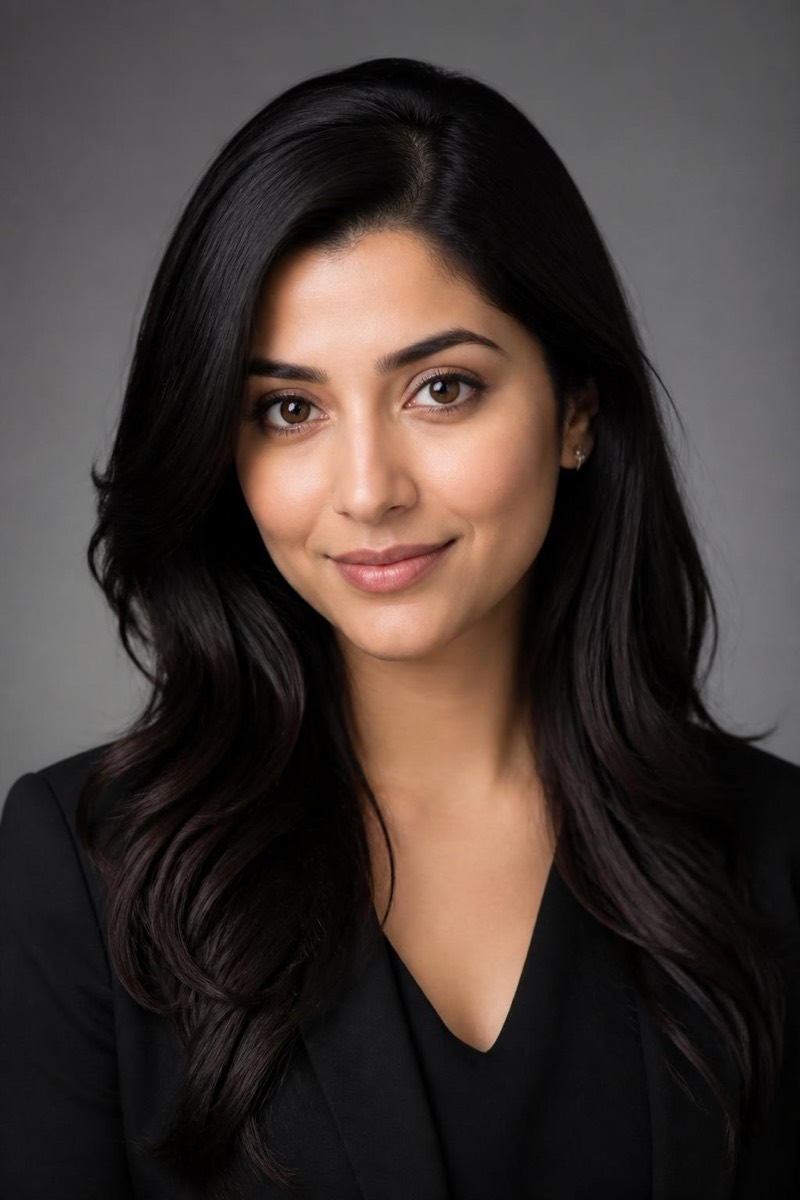
Studio Portrait
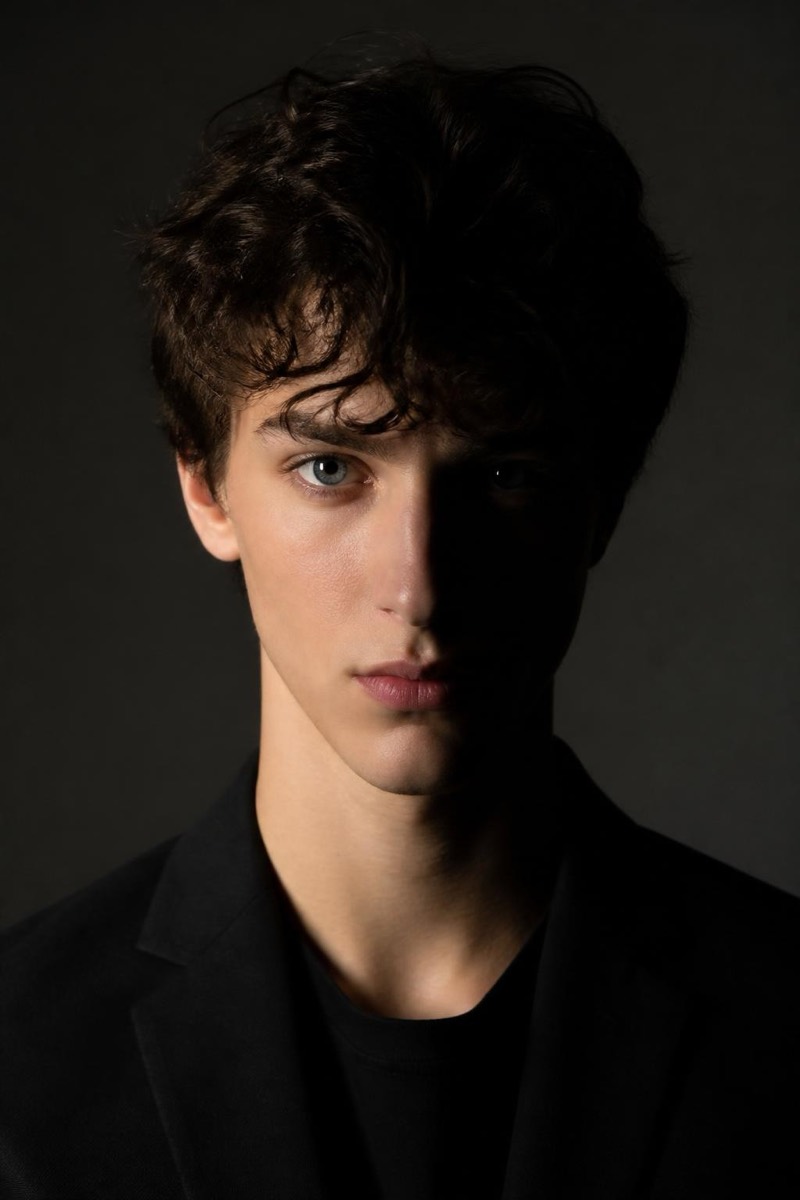
Low-Key — AI Studio Lighting filter
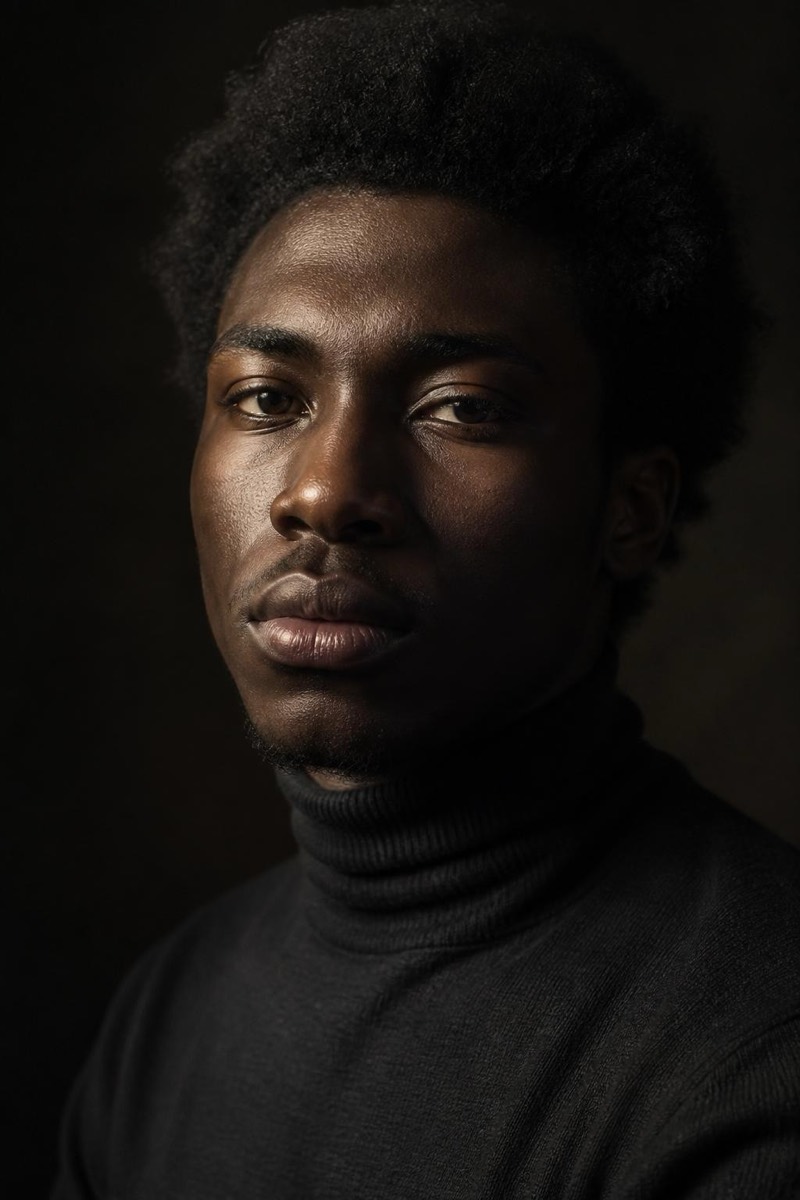
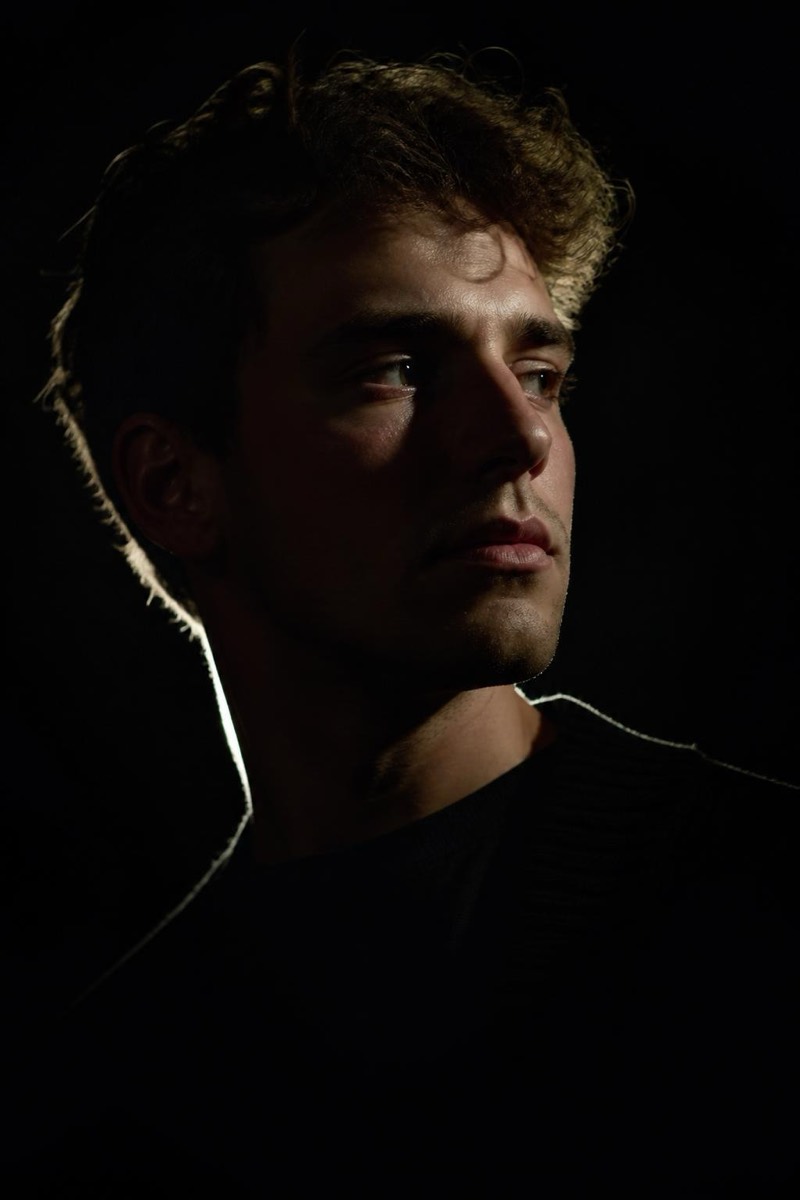
Moody chiaroscuro — deep shadows, single rim light.
Low-key is the opposite bet: let the darkness do the composition. One light, deep shadows, a face emerging from black — chiaroscuro, the drama school of portraiture. This filter re-renders your photo in that moody register: rim-lit edges, carved features, a background that simply ends. It produces the most cinematic single-face image in the studio set, equally at home as an author photo, an album cover, or the profile picture of someone going through a mysterious phase.
How to use it
- 1.
Get Editable
Download Editable (free) from the App Store and open the Explore tab.
- 2.
Pick the Low-Key filter
Find Low-Key under Studio Portrait and tap Try.
- 3.
Choose a photo
Pick a photo from your library — the edit runs automatically and is ready in seconds.
Tip: Strong facial expressions survive the shadows best — subtlety disappears into the black.
More Studio Portrait filters