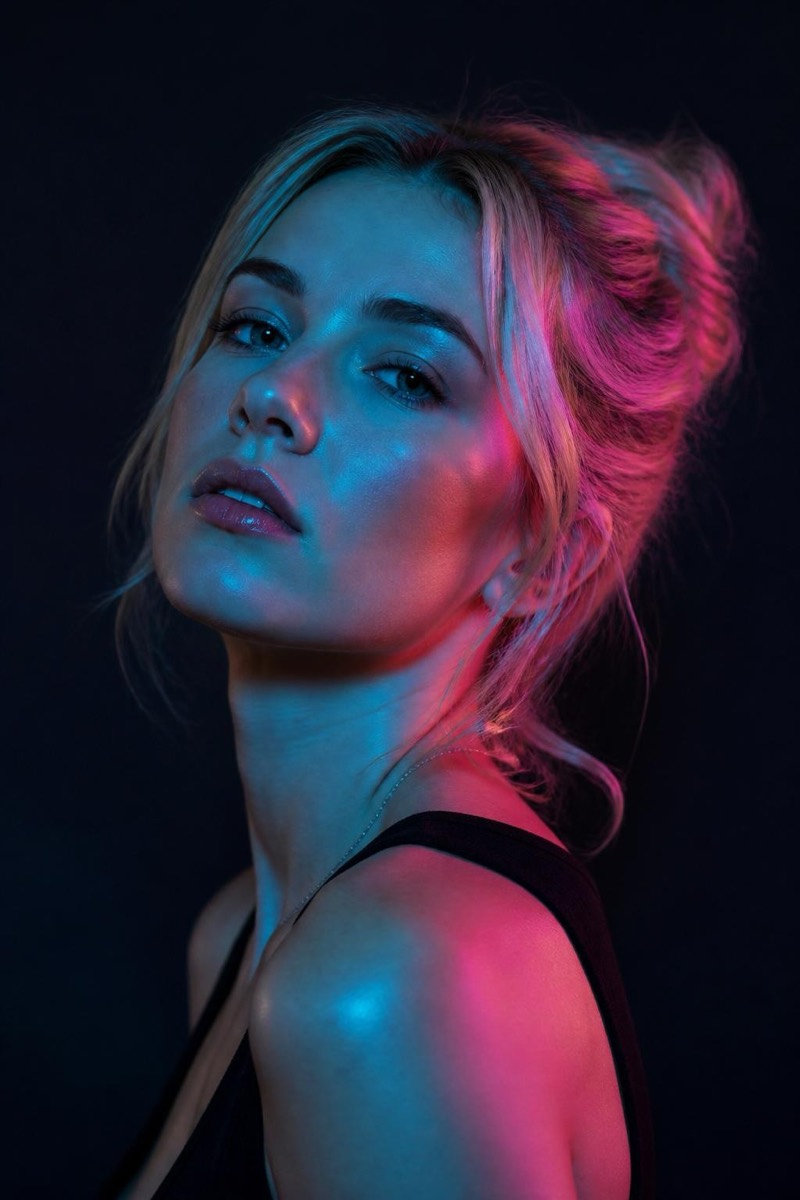
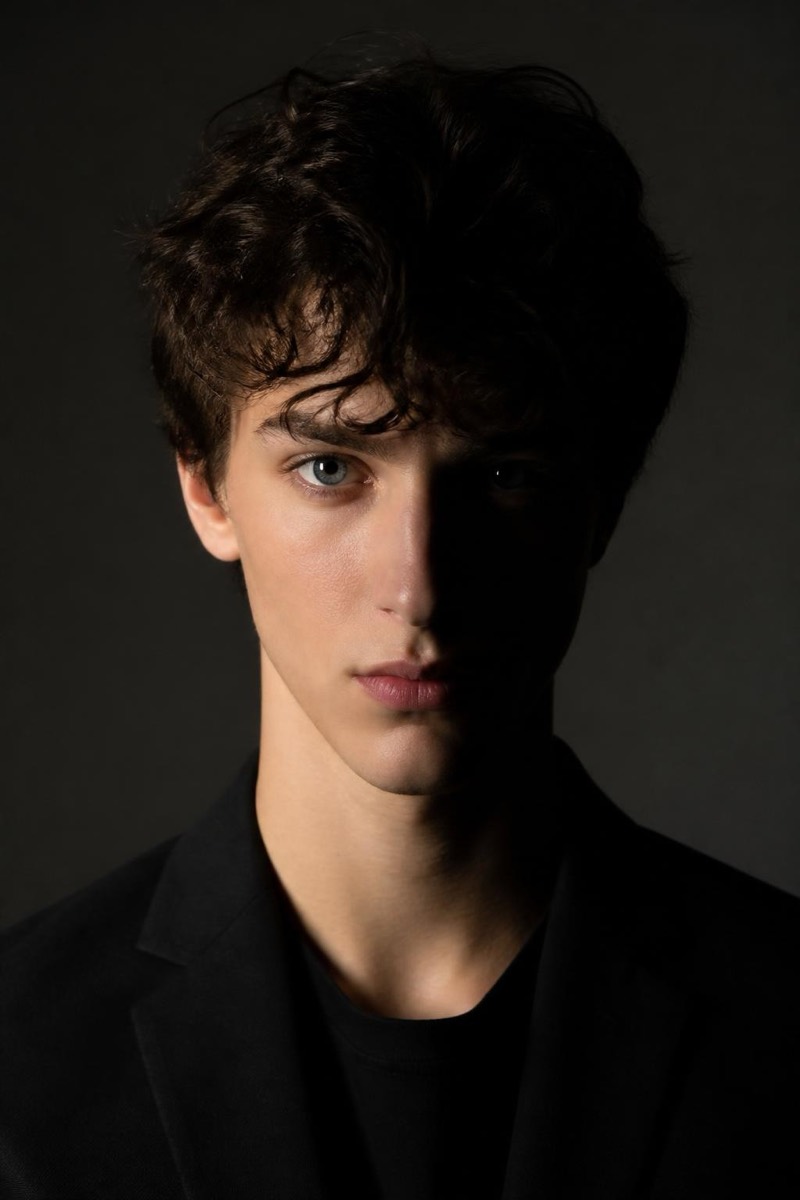
Studio Portrait
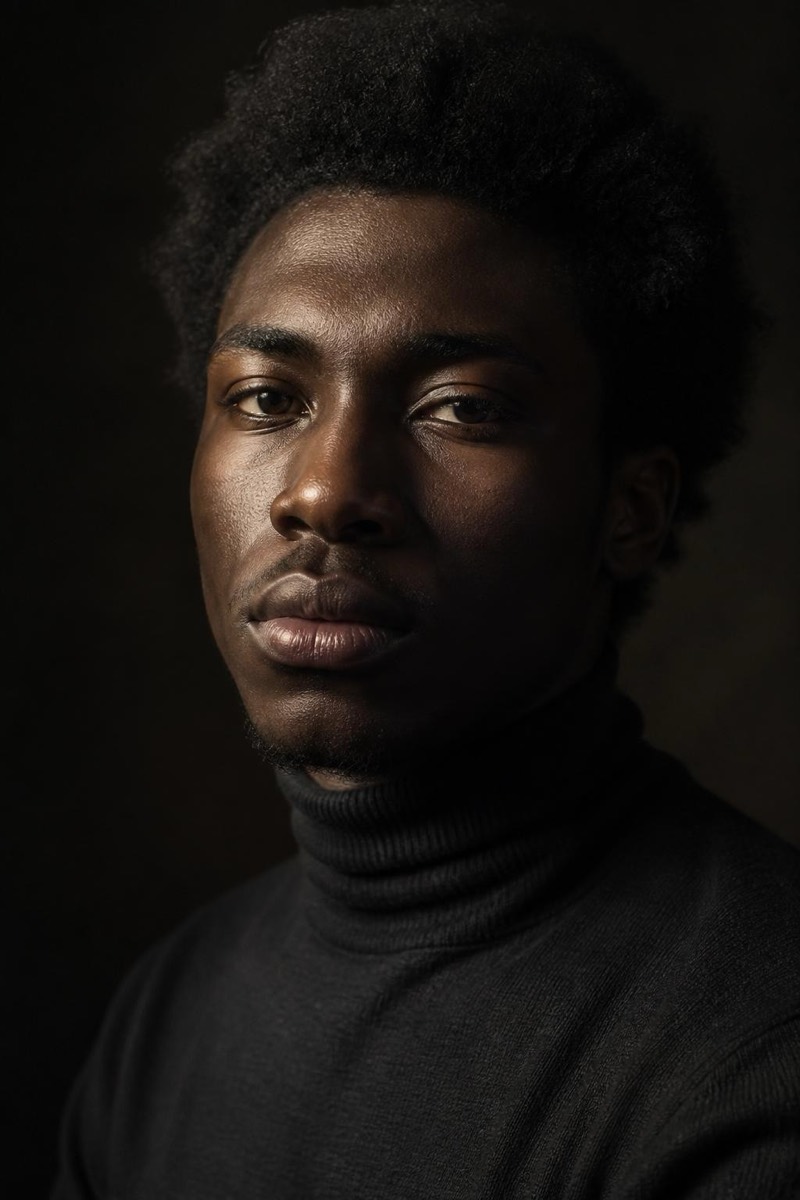
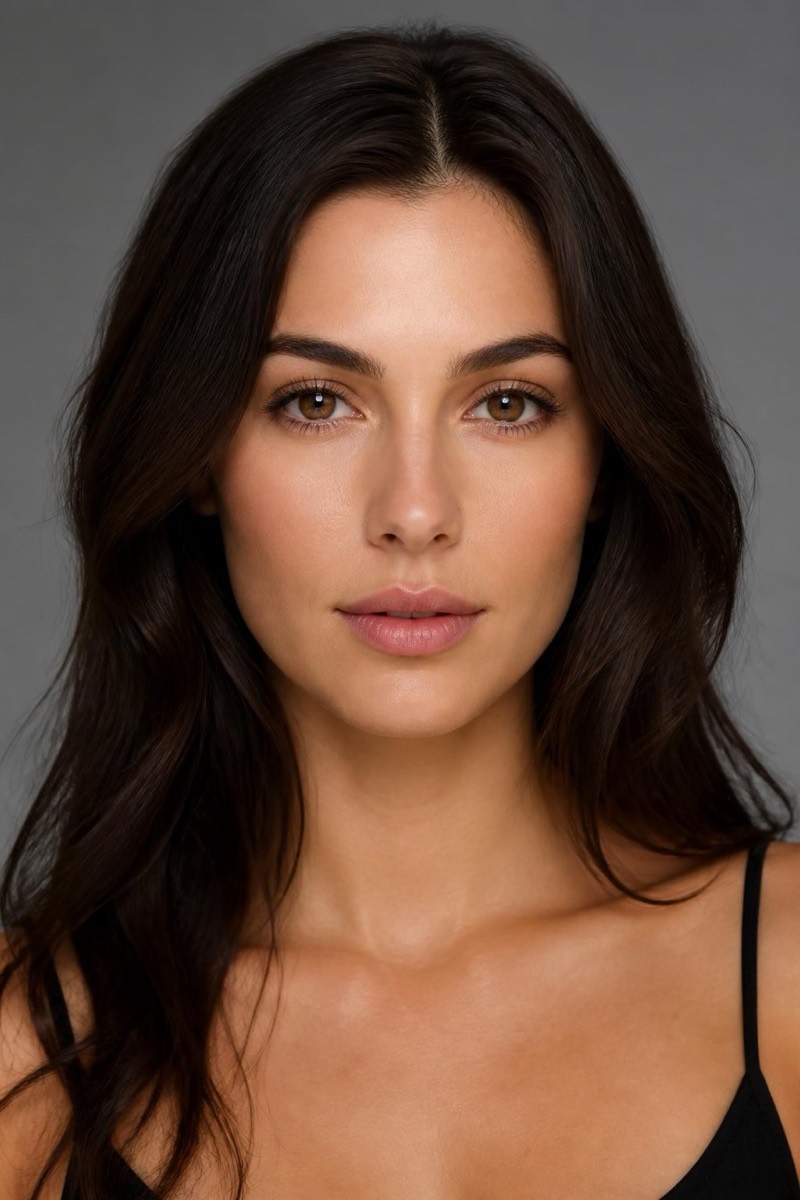
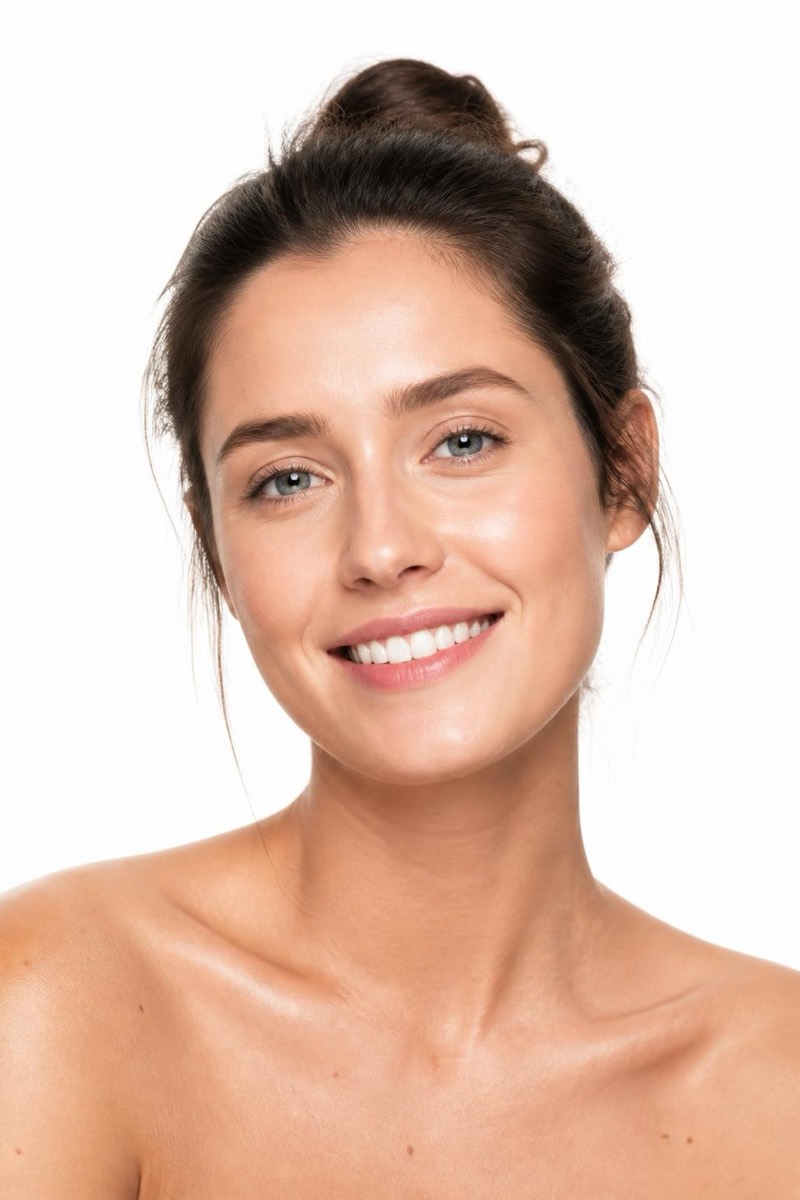
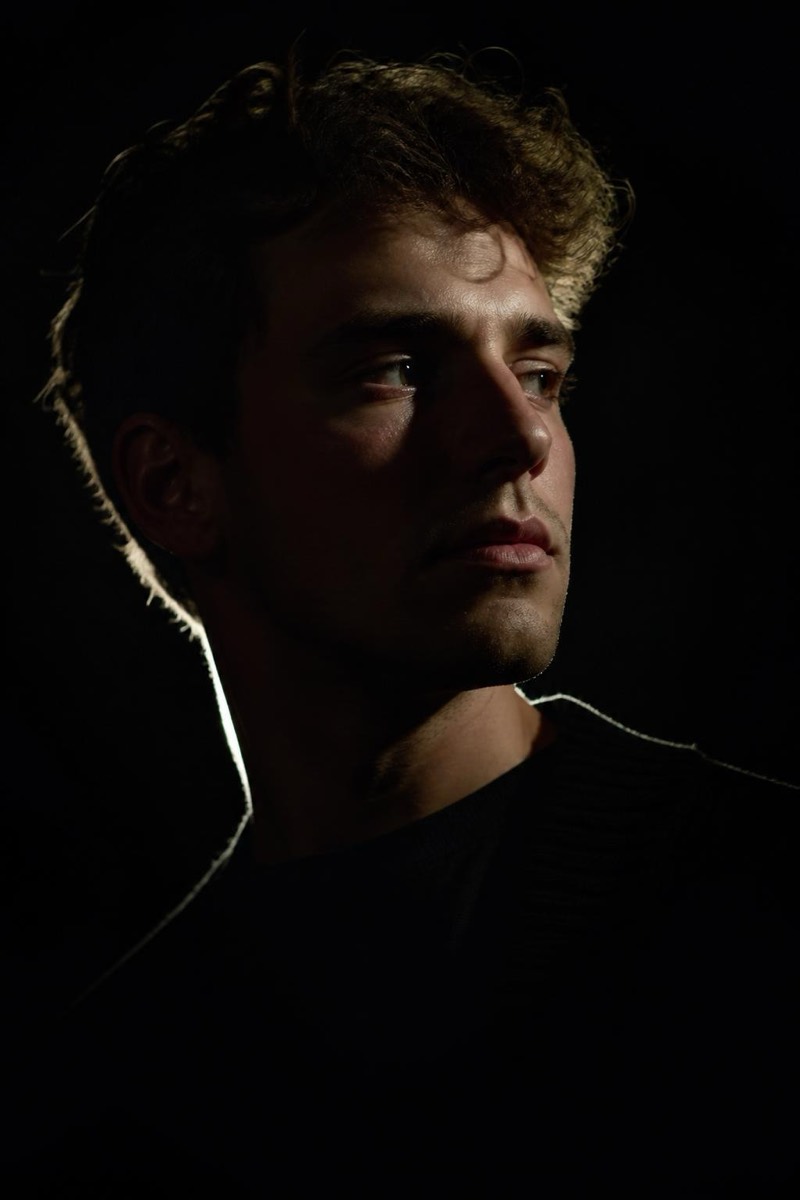
Loop Light — AI Studio Lighting filter
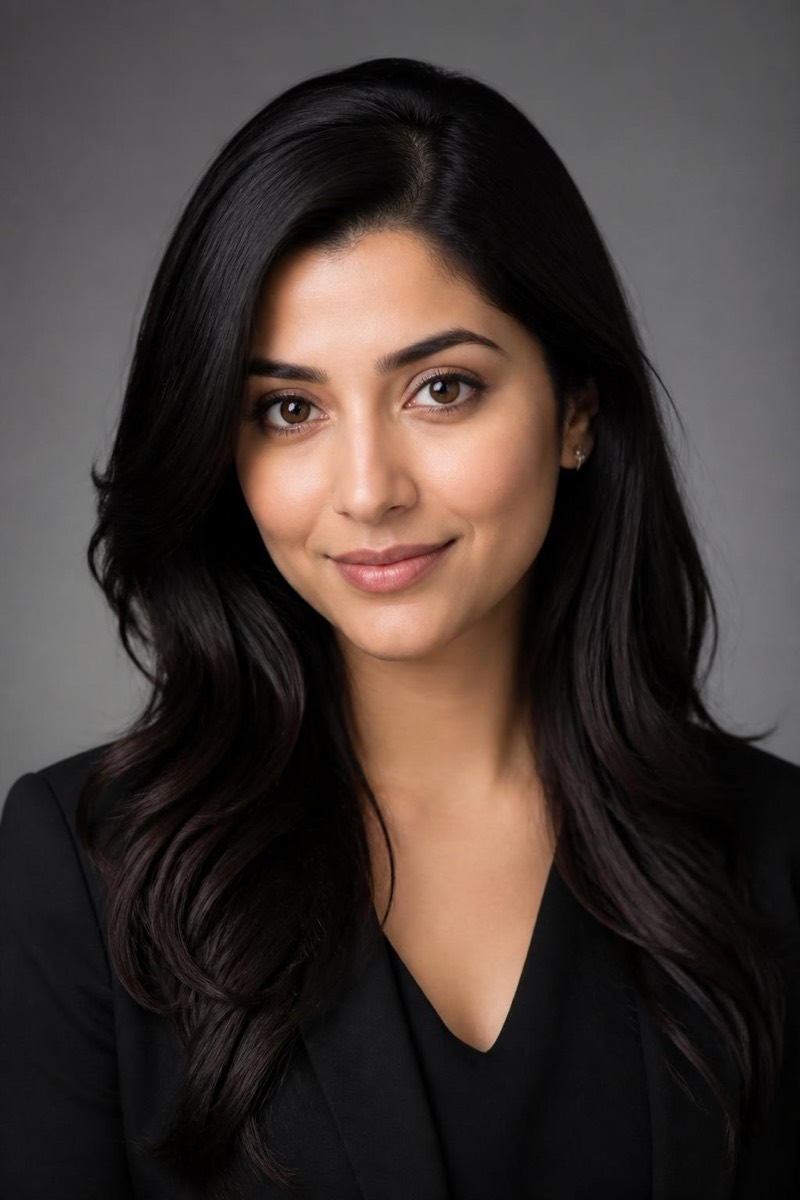
Natural loop-lighting portrait.
Loop lighting is the workhorse of professional portraiture: key light slightly above and to the side, casting a small shadow 'loop' beside the nose. It's what most people are actually photographed under when they pay for headshots — dimensional but natural, flattering without announcing itself. This filter applies that quiet professionalism to any photo. It's the least dramatic option in the studio set, which is precisely the point: the photo looks better and nobody can tell why.
How to use it
- 1.
Get Editable
Download Editable (free) from the App Store and open the Explore tab.
- 2.
Pick the Loop Light filter
Find Loop Light under Studio Portrait and tap Try.
- 3.
Choose a photo
Pick a photo from your library — the edit runs automatically and is ready in seconds.
Tip: The universal donor of portrait lighting — use it when you want 'professionally photographed', not 'stylized'.
More Studio Portrait filters