Studio Portrait
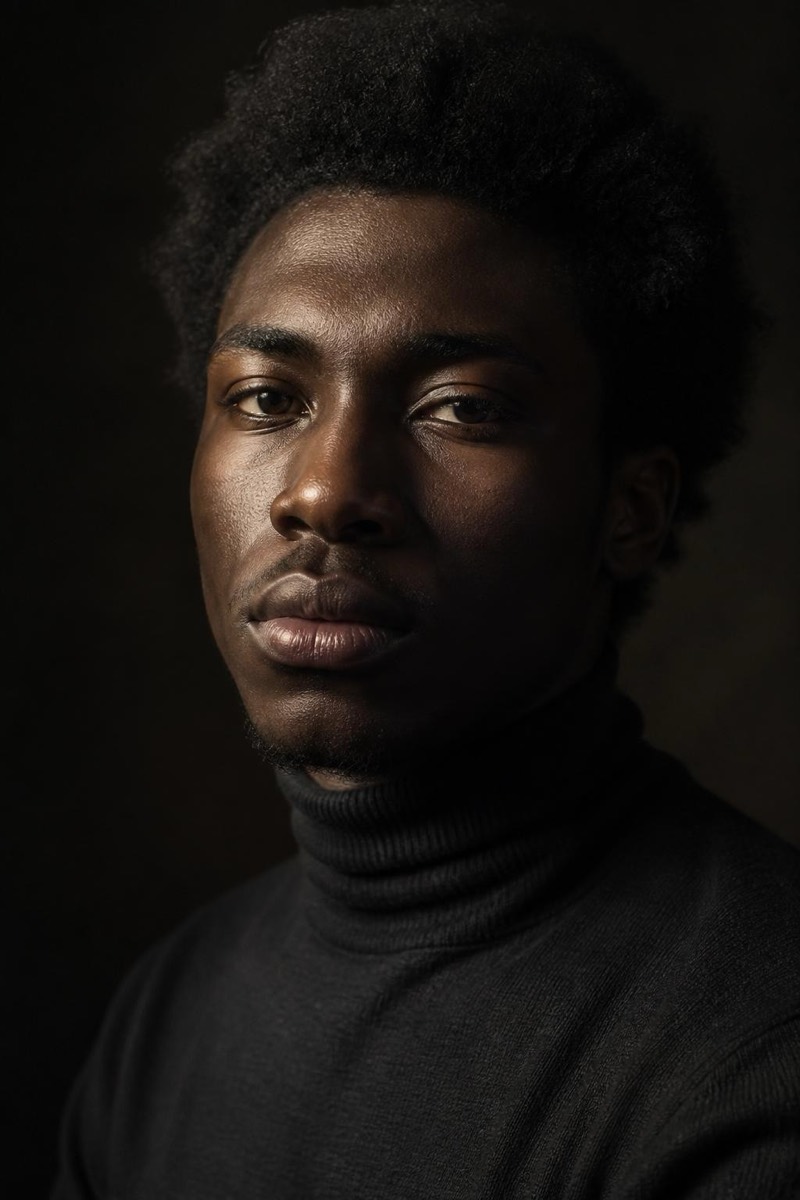
Rembrandt — AI Studio Lighting filter
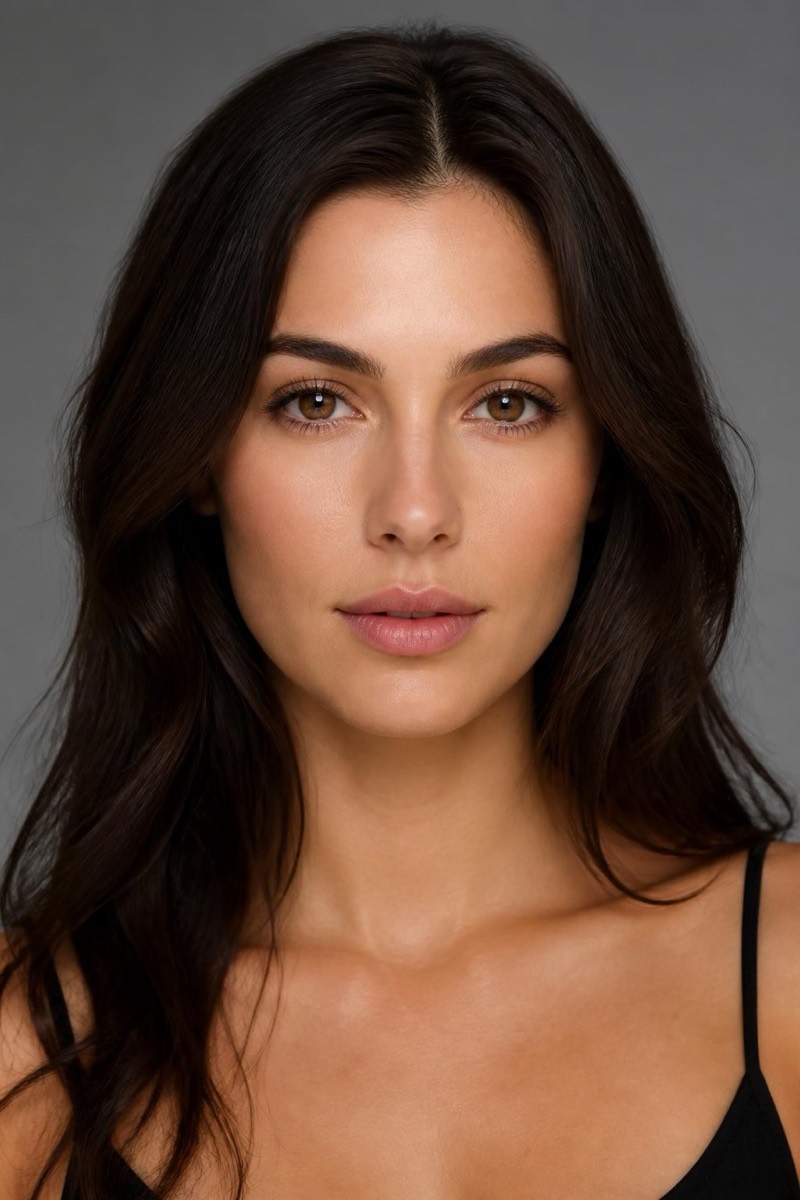
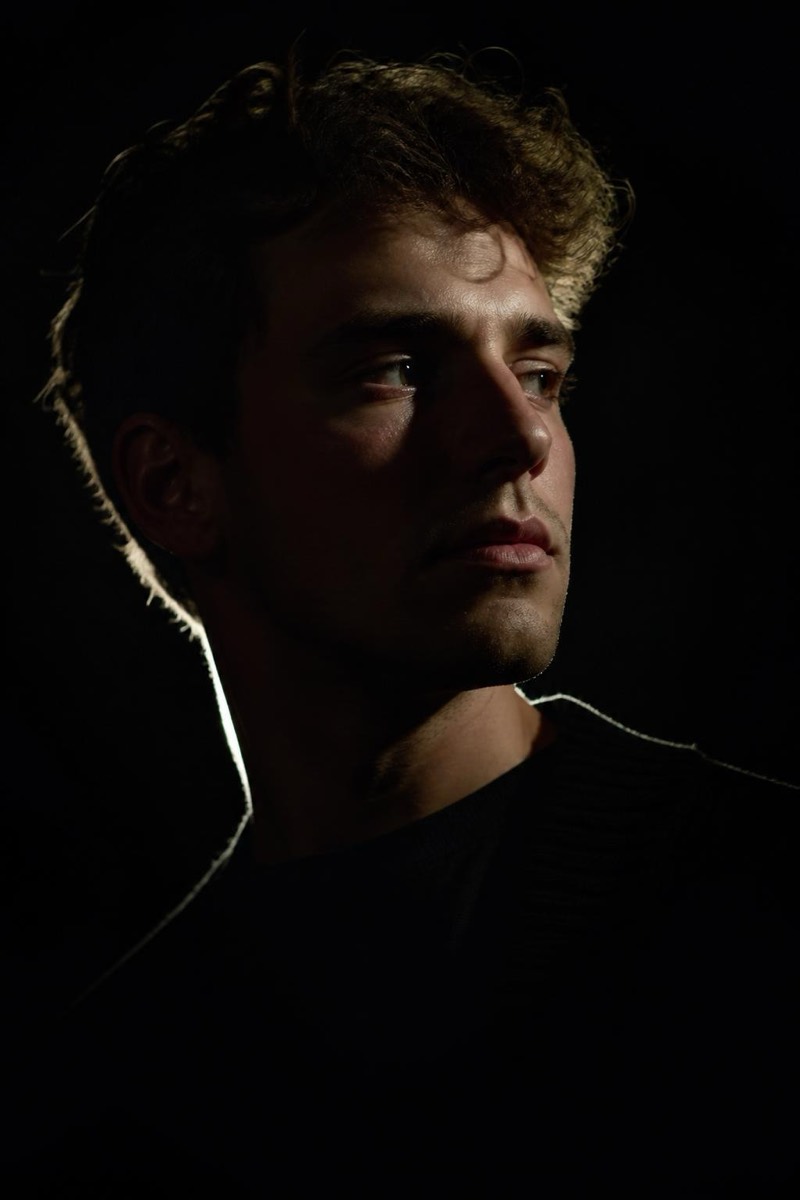
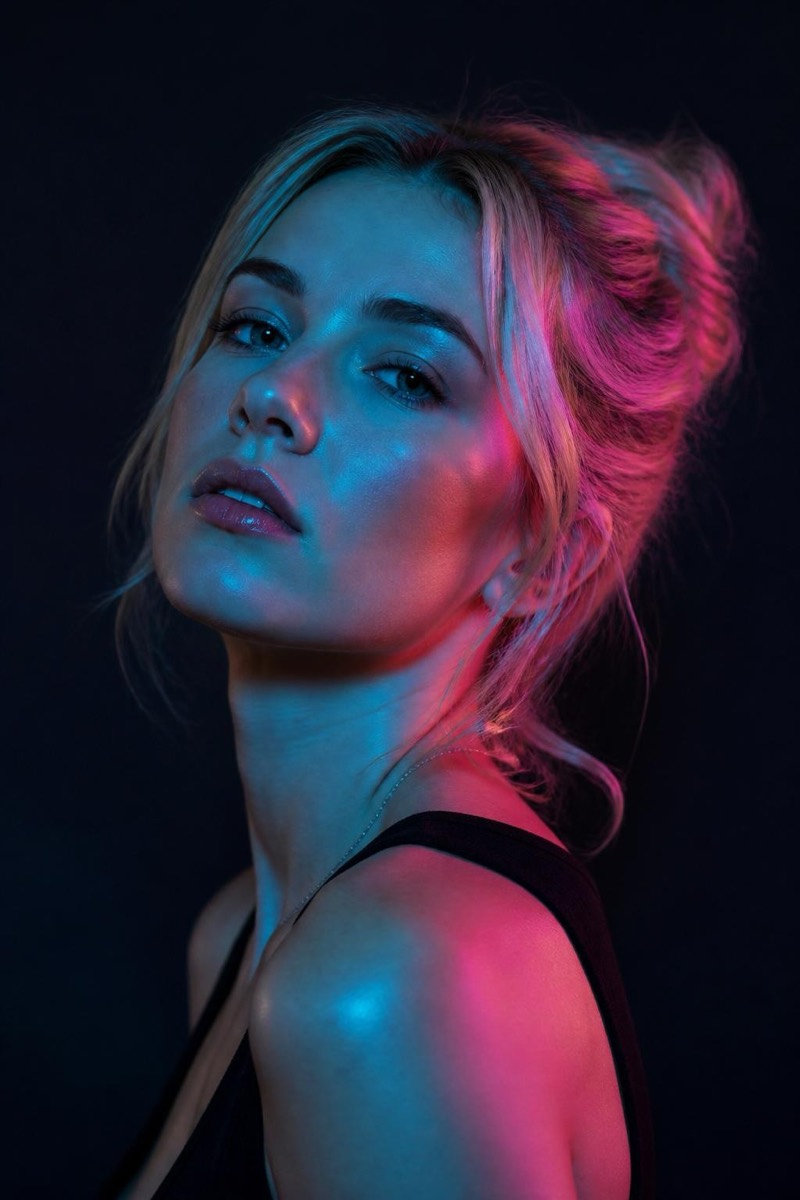
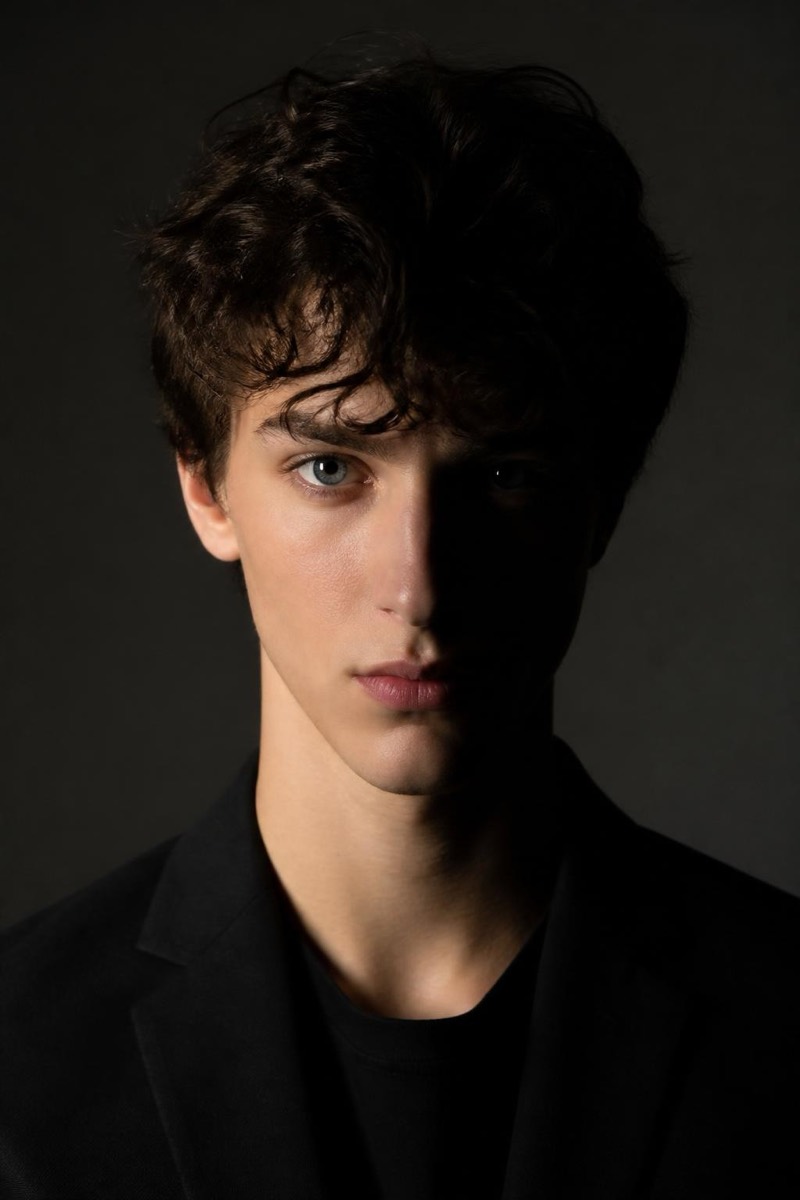
Classic 45° key with the signature cheek-light triangle.
Rembrandt lighting is the portrait setup photographers learn first and master last: a key light at 45 degrees that leaves a small triangle of light on the shadowed cheek. Painters used it for gravitas; studios still charge for it. This filter re-lights your photo into that exact geometry — sculpted, serious, timeless — regardless of where or how the original was shot. The result carries the quiet authority of a formal portrait session, which is why it works so well for profile photos meant to be taken seriously.
How to use it
- 1.
Get Editable
Download Editable (free) from the App Store and open the Explore tab.
- 2.
Pick the Rembrandt filter
Find Rembrandt under Studio Portrait and tap Try.
- 3.
Choose a photo
Pick a photo from your library — the edit runs automatically and is ready in seconds.
Tip: Face the camera at a slight angle in the source photo — the signature cheek triangle needs a three-quarter view to appear.
More Studio Portrait filters