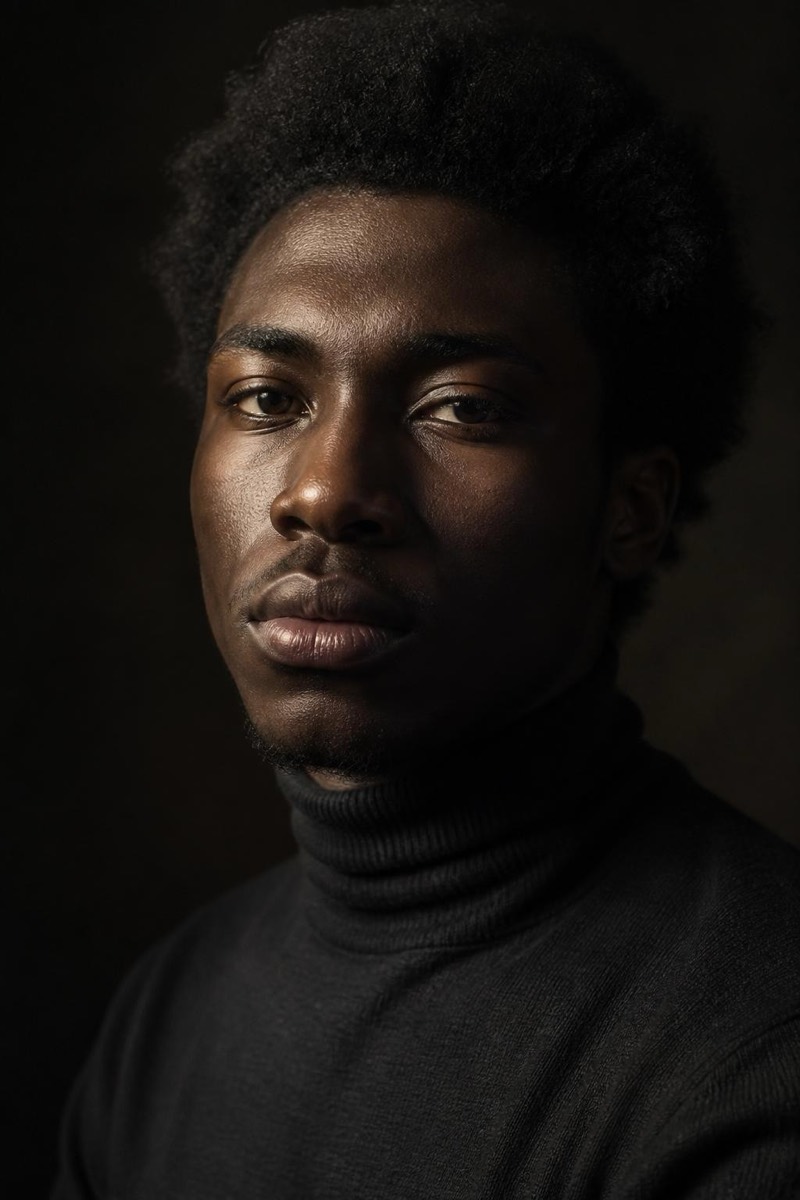
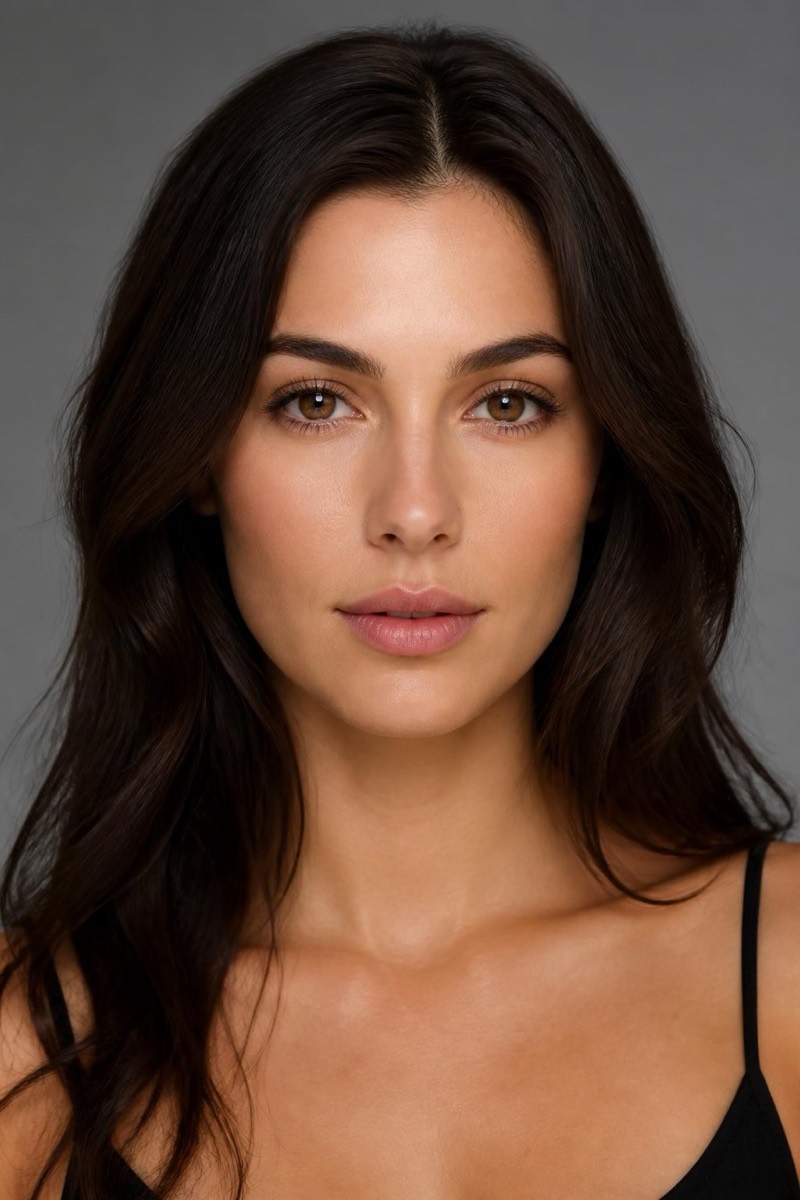
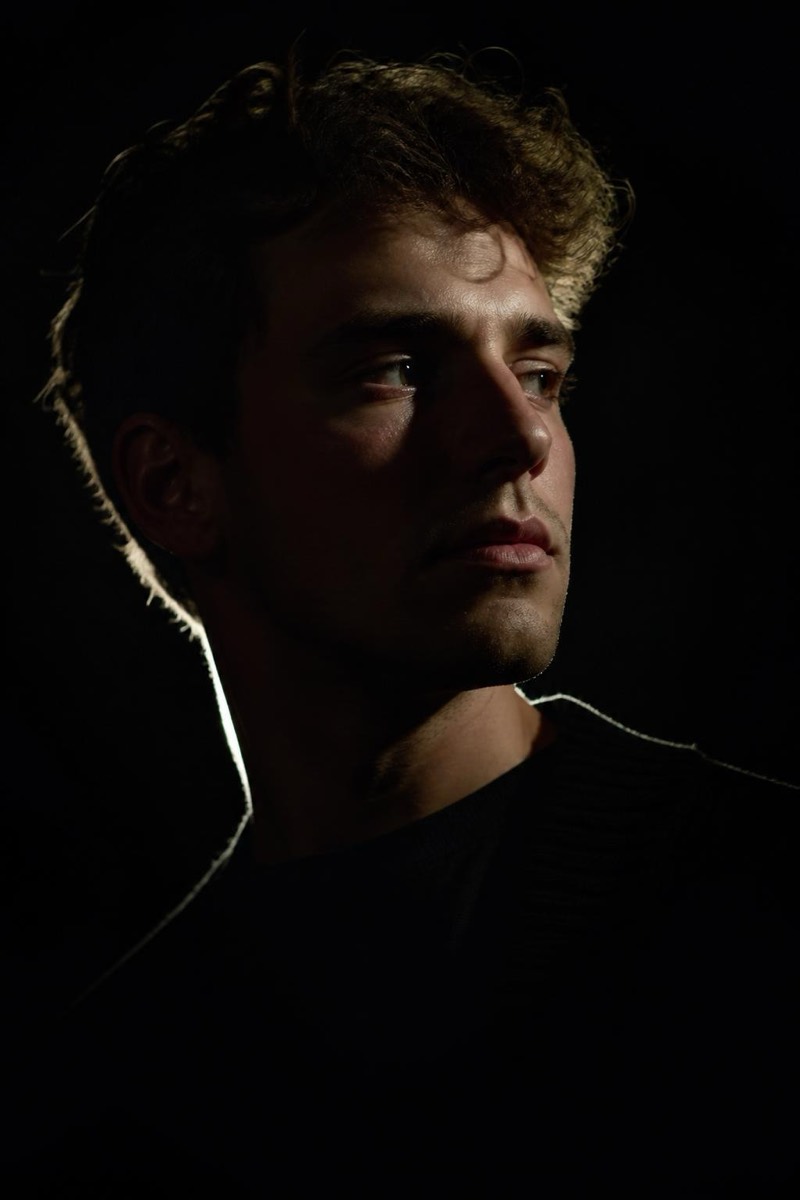
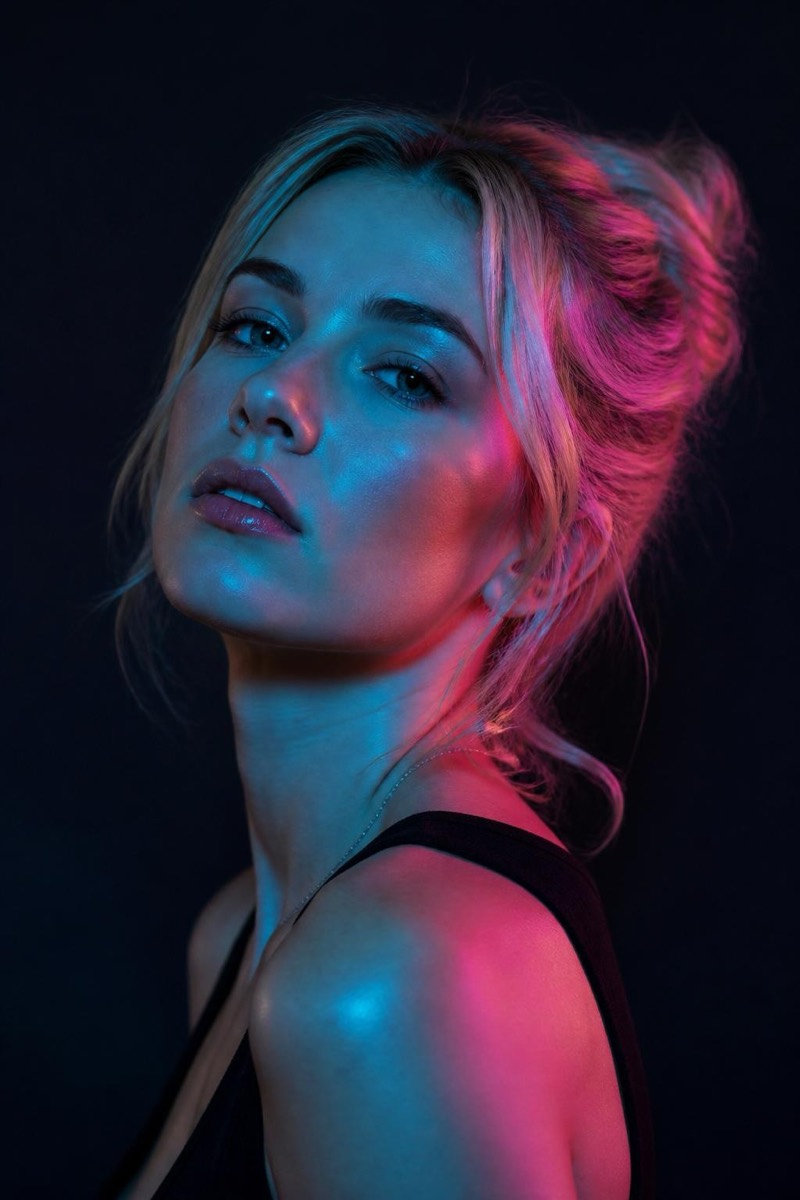
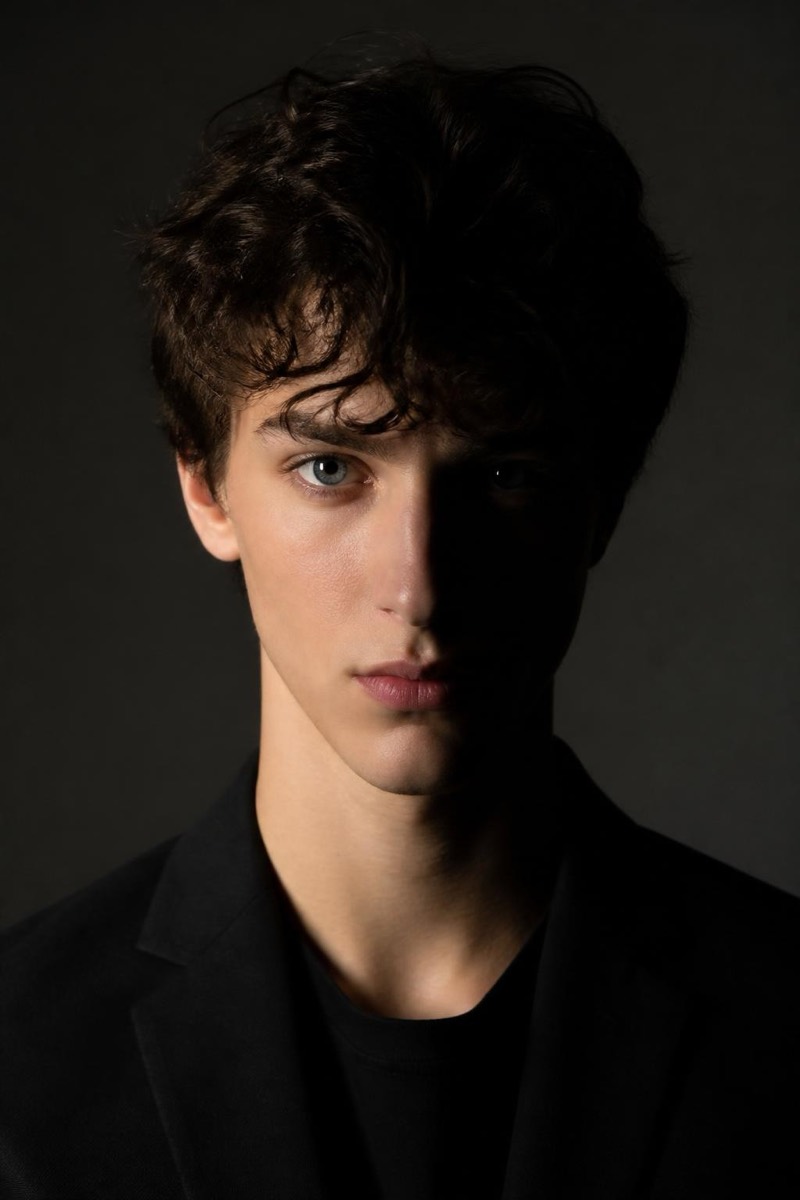
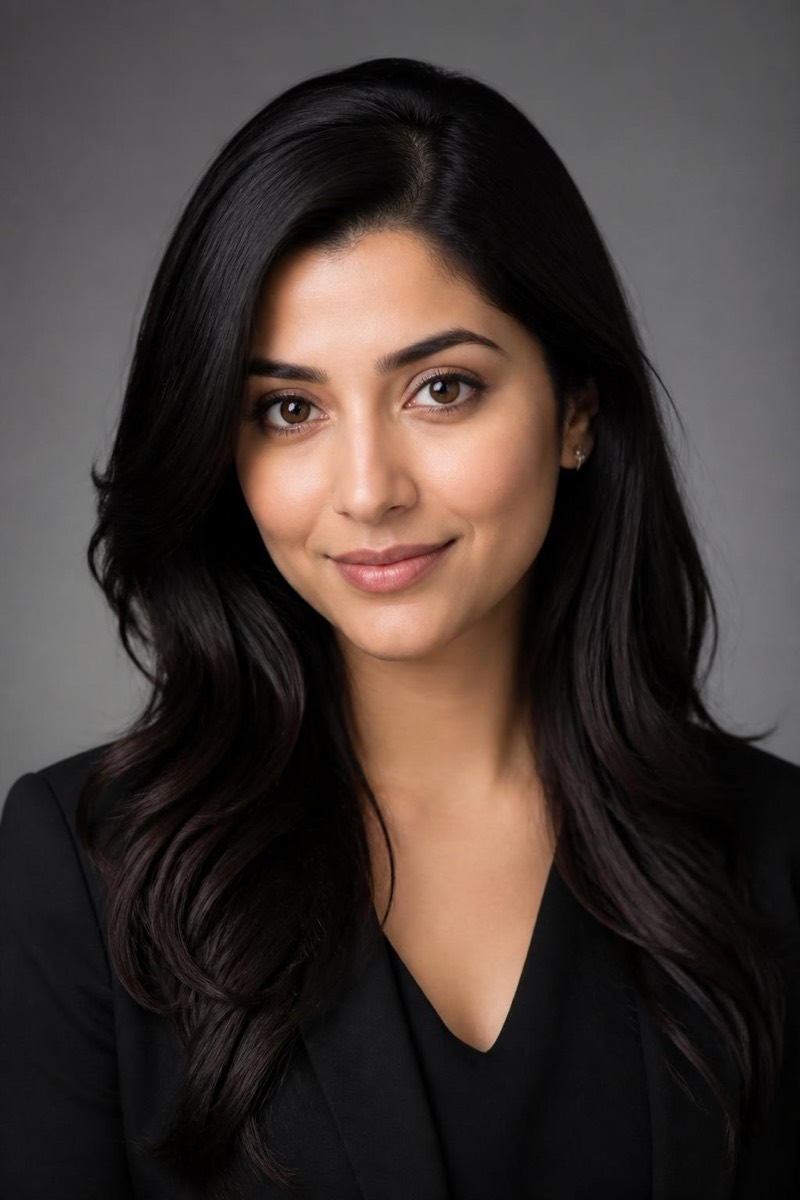
Studio Portrait
High-Key — AI Studio Lighting filter
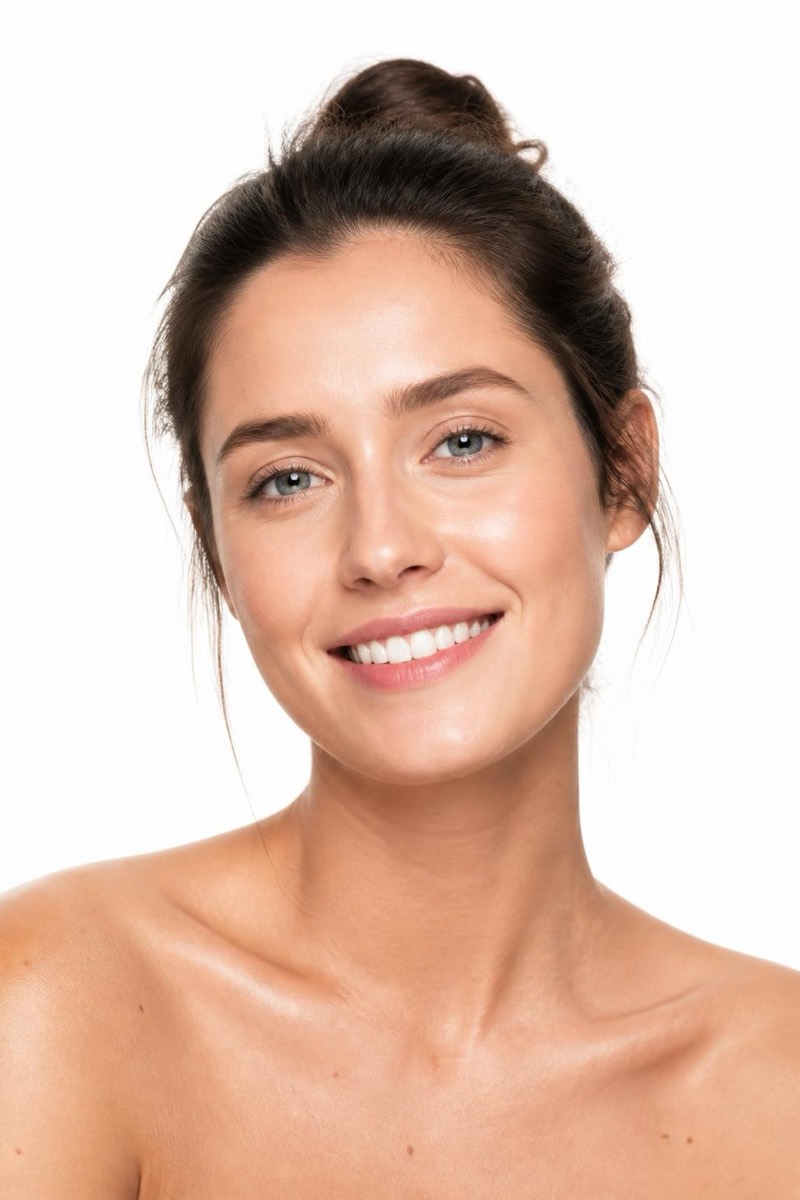
Bright, airy high-key on a clean white backdrop.
High-key clamshell: light from above, fill from below, white backdrop, nowhere for a shadow to hide. It's the look of beauty editorials, skincare ads and expensive corporate portraits — bright, open, optimistic. This filter re-lights your photo into that airy setup and swaps the environment for clean white, producing the kind of image that reads 'professional' before the viewer can articulate why. Particularly strong for profile photos on light-mode interfaces, where it blends into the page like it was commissioned for it.
How to use it
- 1.
Get Editable
Download Editable (free) from the App Store and open the Explore tab.
- 2.
Pick the High-Key filter
Find High-Key under Studio Portrait and tap Try.
- 3.
Choose a photo
Pick a photo from your library — the edit runs automatically and is ready in seconds.
Tip: Works on any portrait, but neutral or light clothing completes the high-key palette.
More Studio Portrait filters