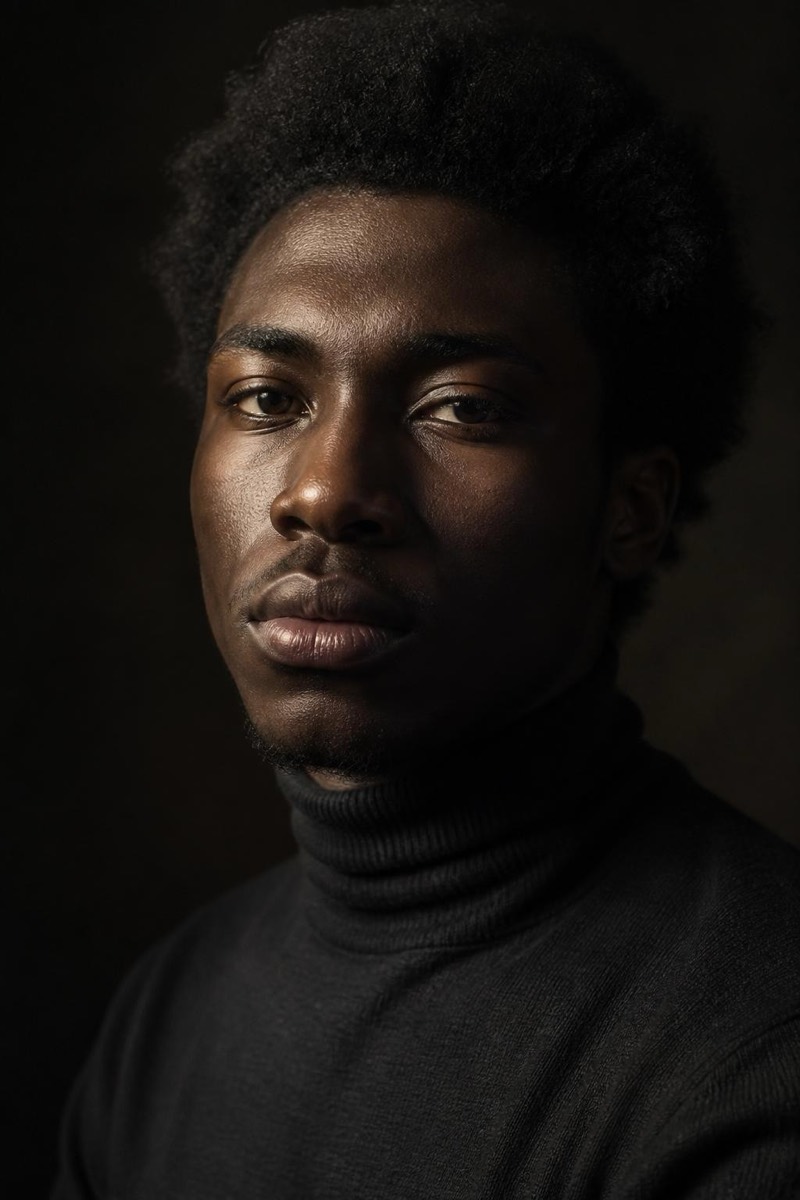
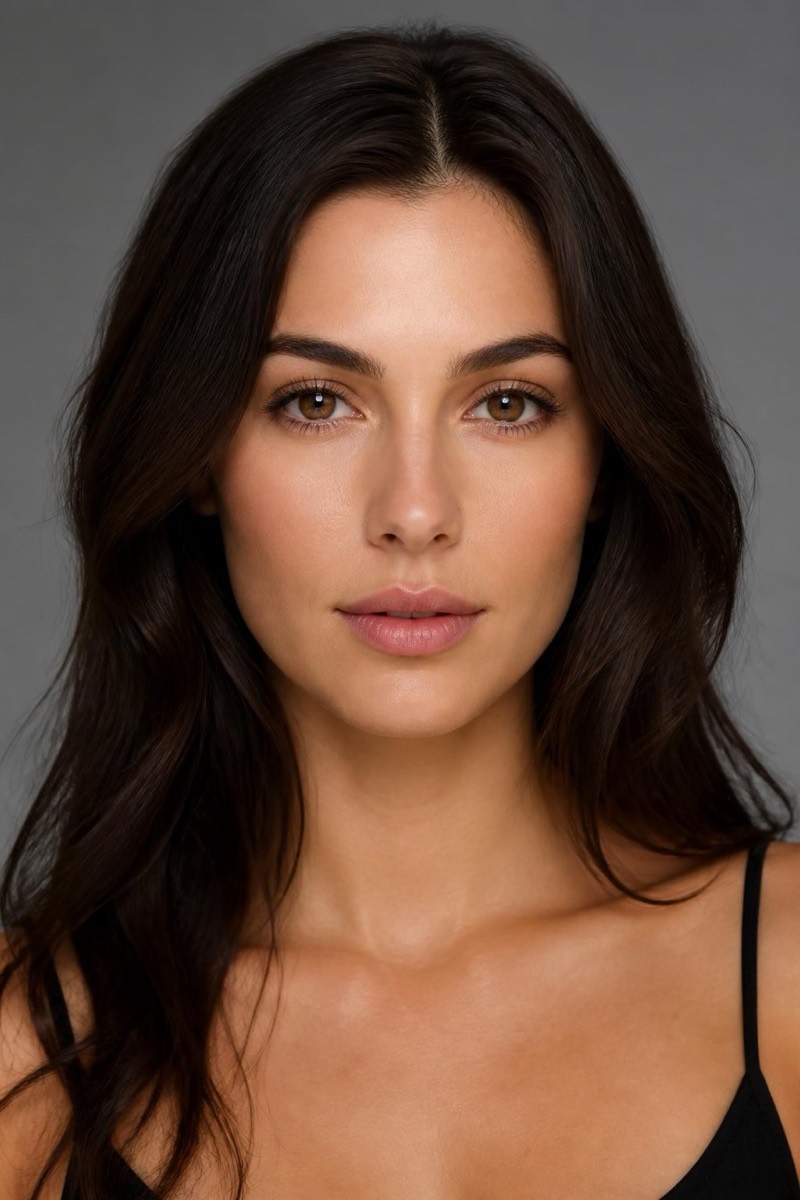
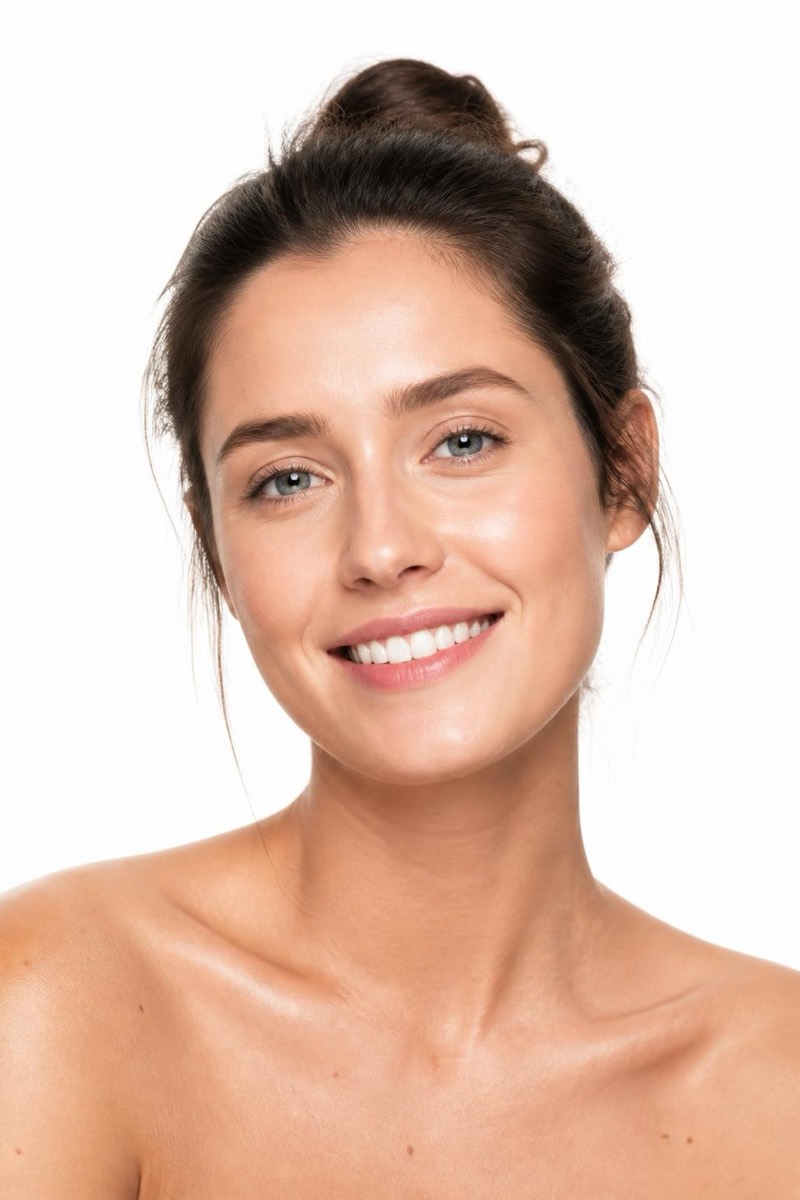
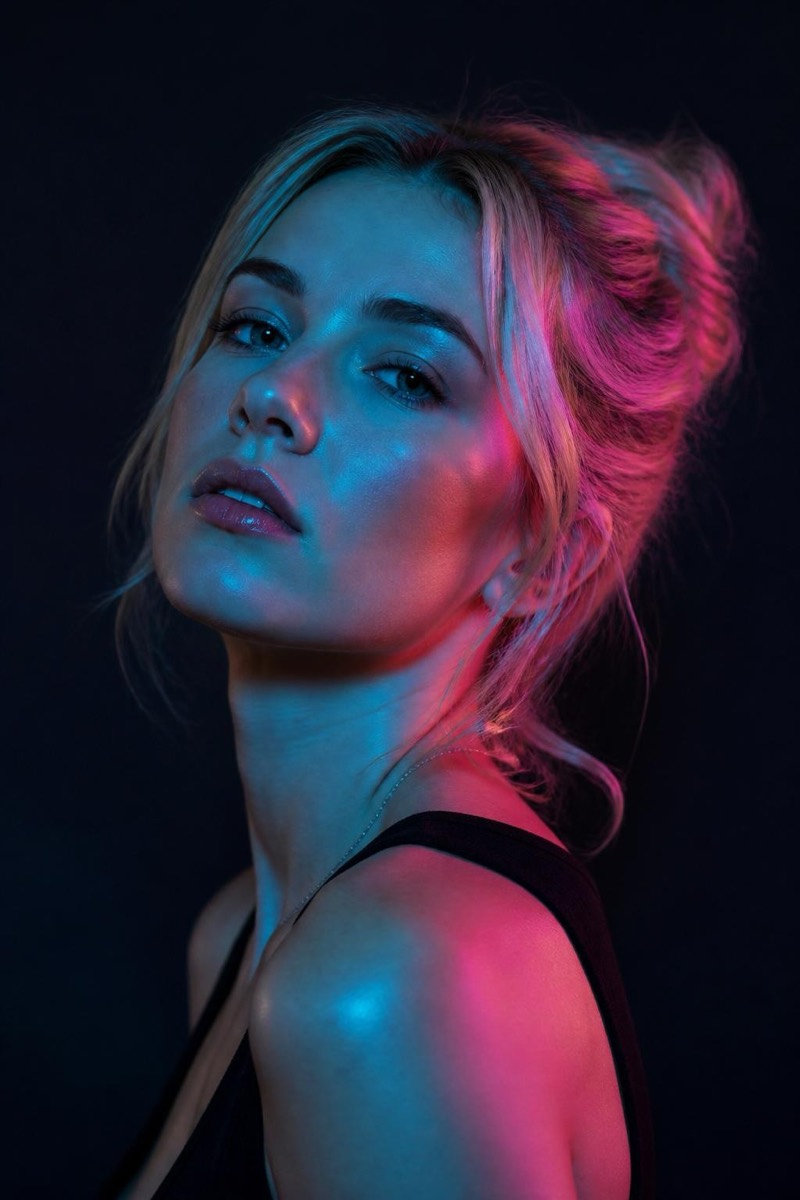
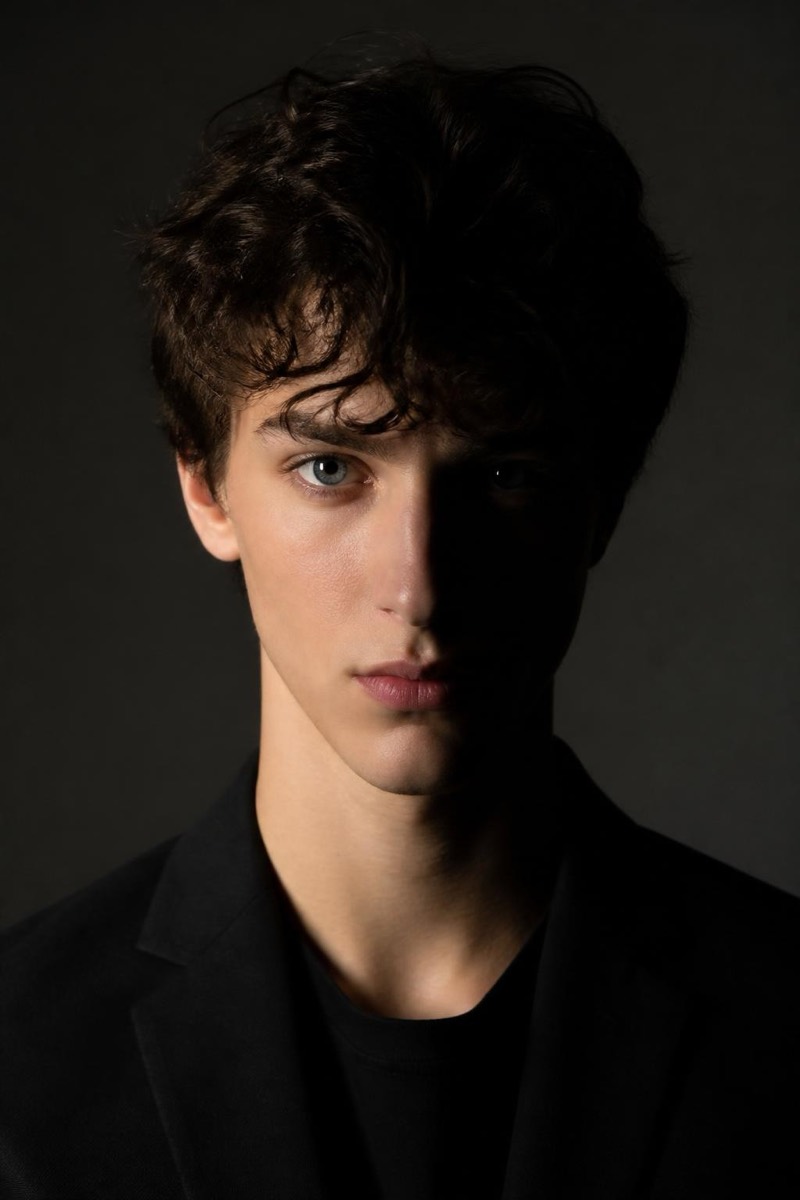
Studio Portrait
Rim Glow — AI Studio Lighting filter
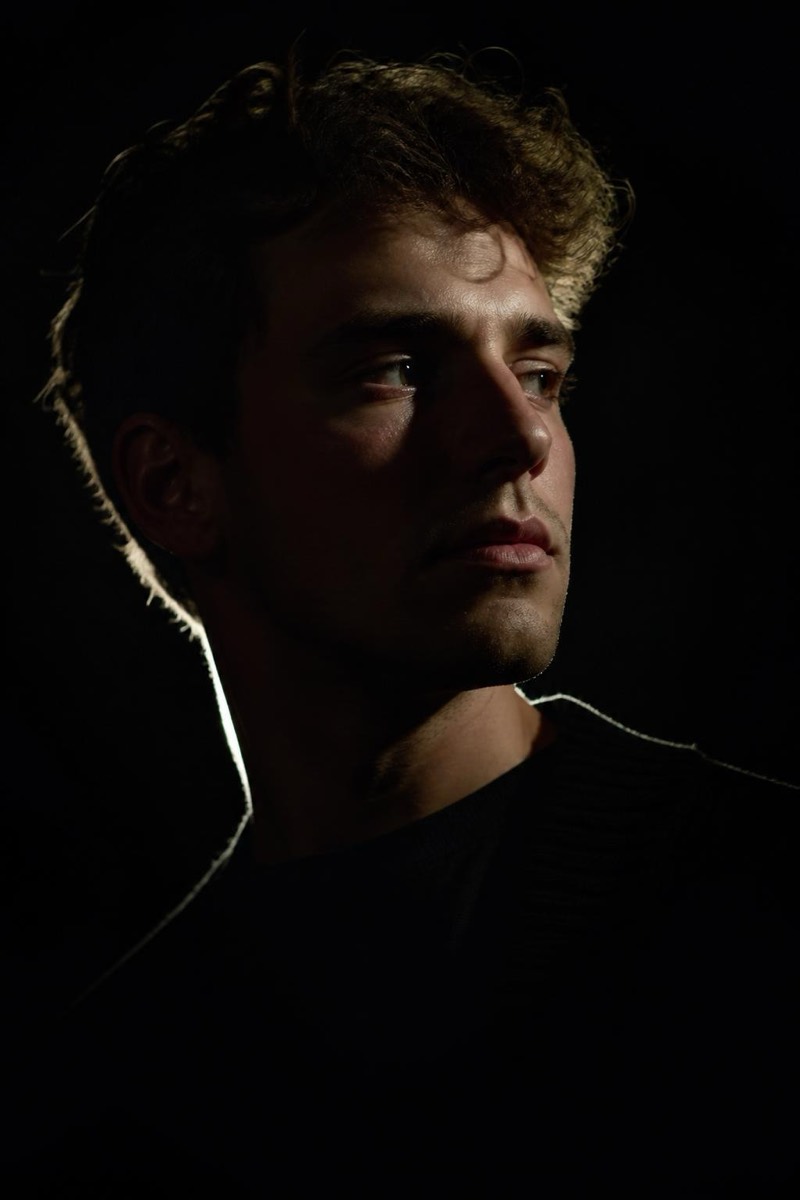
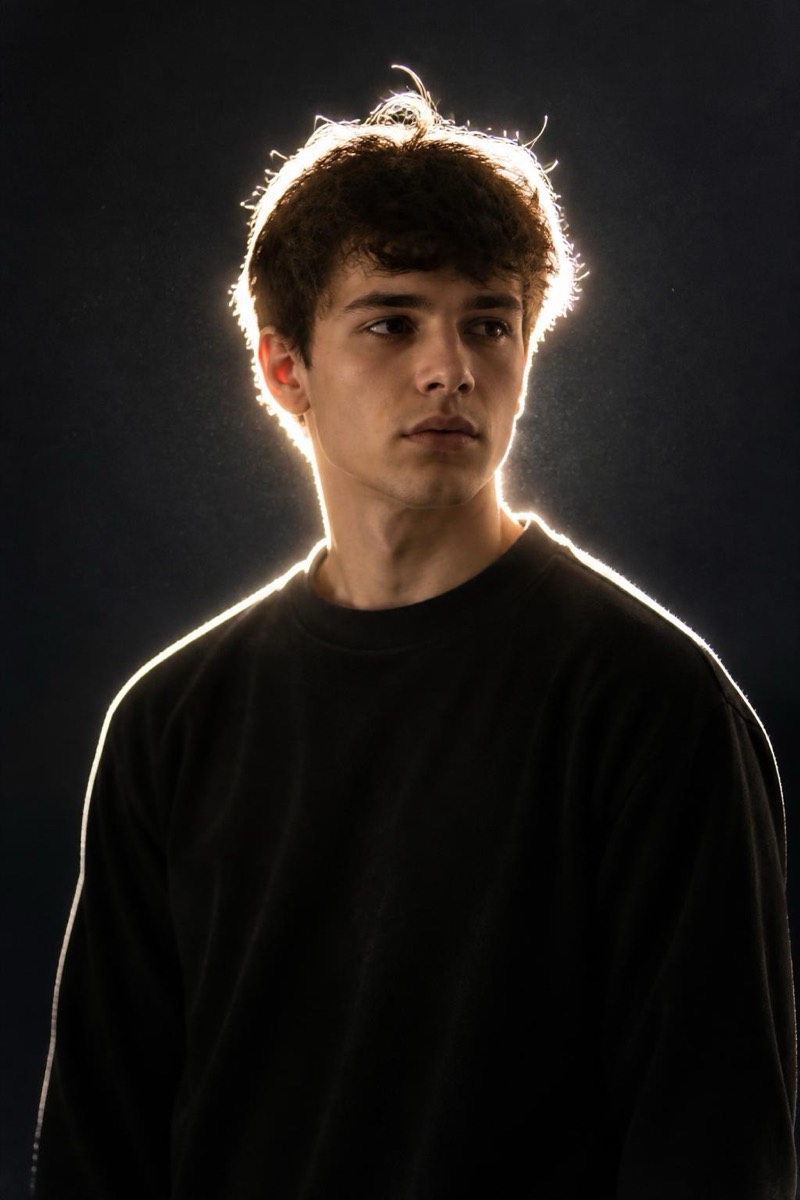
Dramatic rim-light edge.
Rim light draws a bright edge around the subject and lets everything else fall dark — the silhouette-with-a-halo look of sports campaigns and movie posters. This filter re-renders your photo with that dramatic backlit edge: hair and shoulders traced in light, features in low-key shadow, background gone. It's the most athletic-looking light in the set; portraits come out lookin like they were shot in a training-montage.
How to use it
- 1.
Get Editable
Download Editable (free) from the App Store and open the Explore tab.
- 2.
Pick the Rim Glow filter
Find Rim Glow under Studio Portrait and tap Try.
- 3.
Choose a photo
Pick a photo from your library — the edit runs automatically and is ready in seconds.
Tip: Profile or three-quarter poses give the rim more edge to trace than straight-on shots.
More Studio Portrait filters