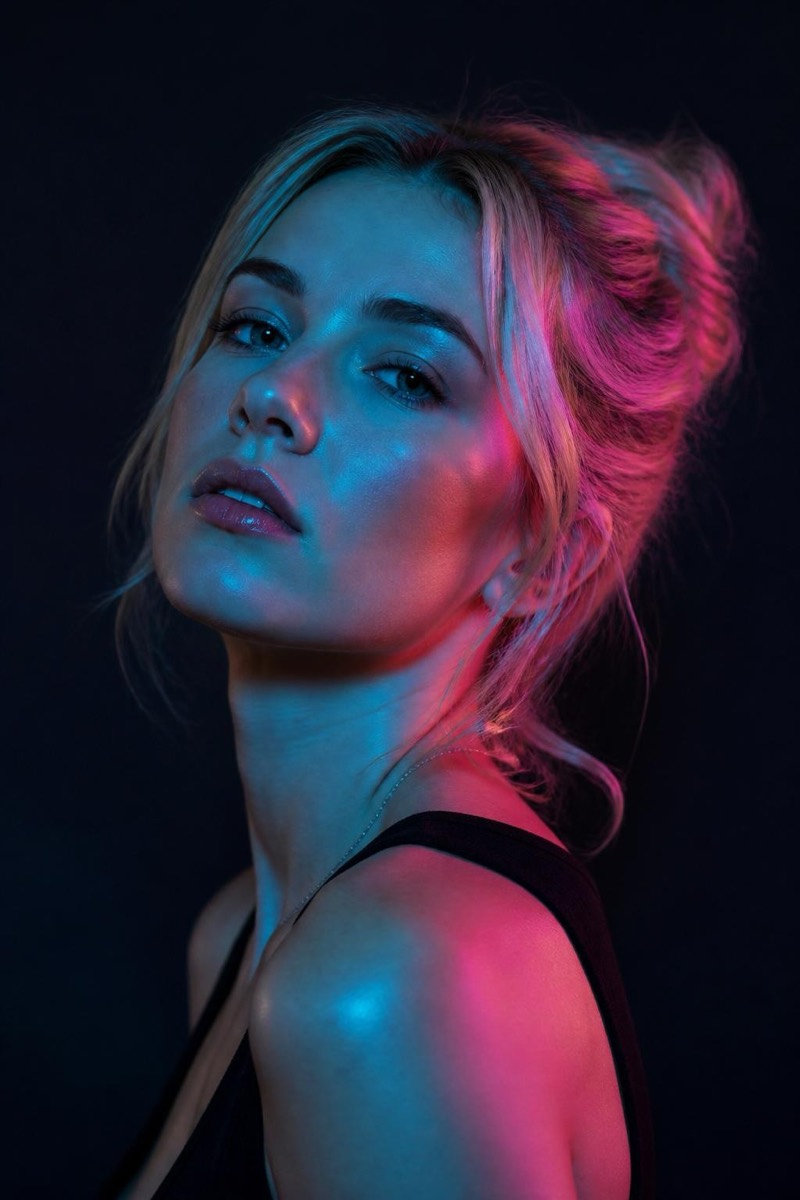
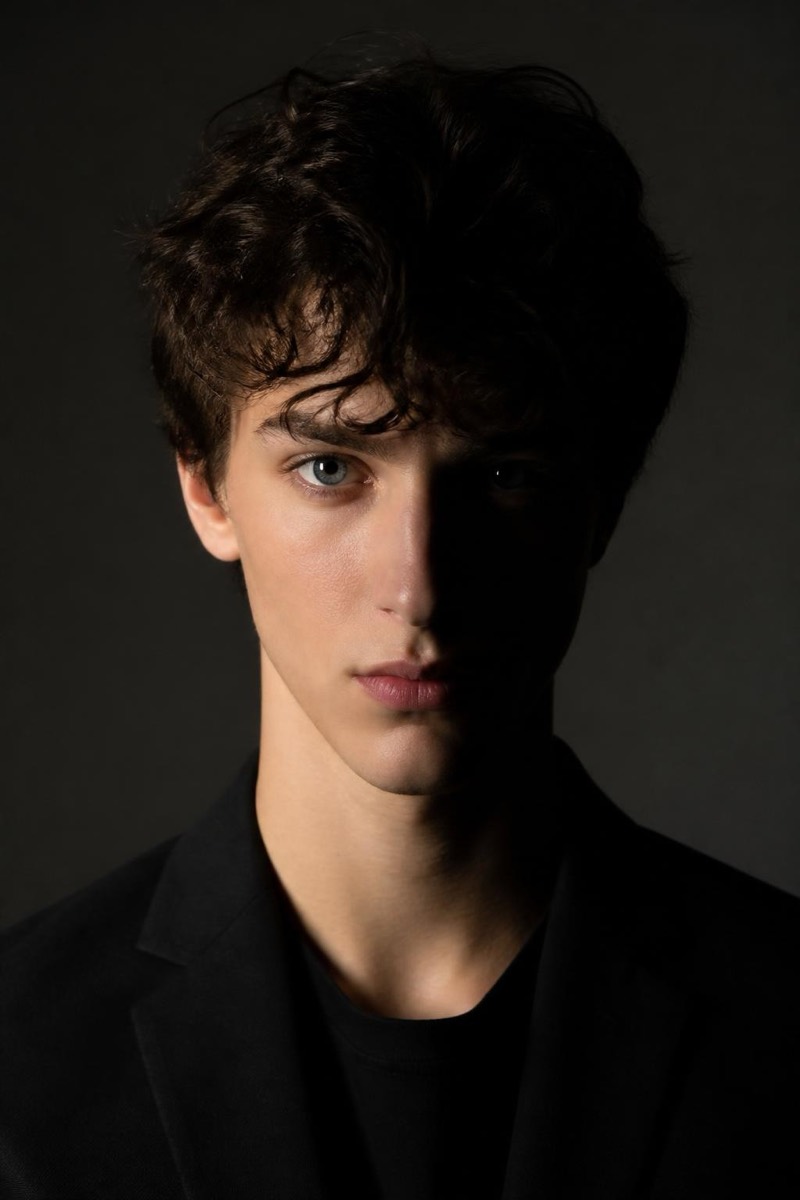
Studio Portrait
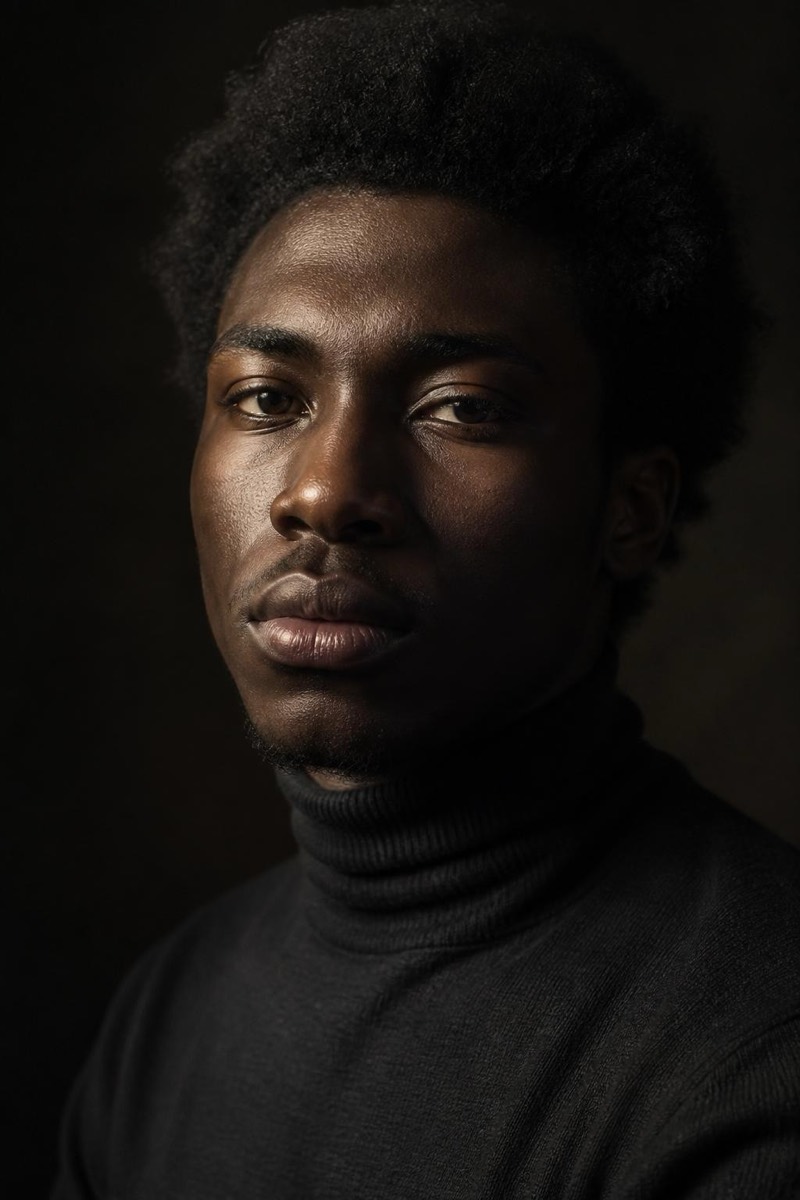
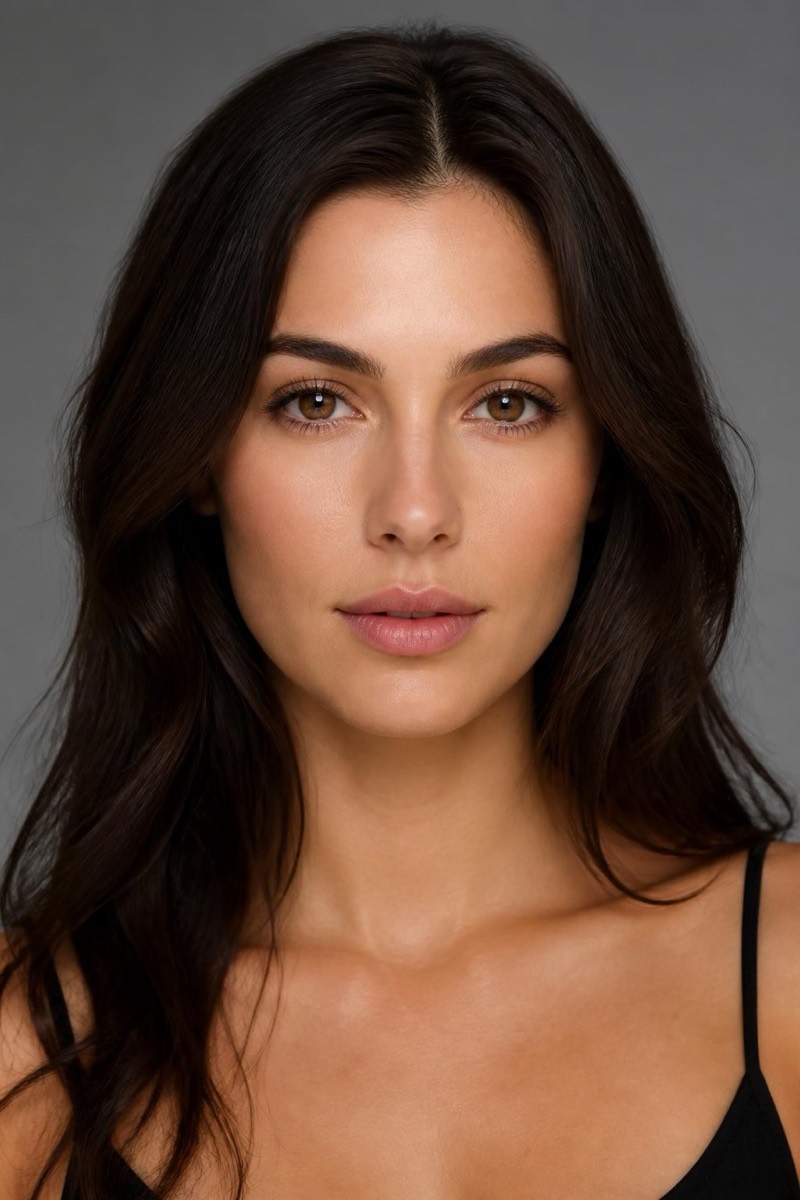
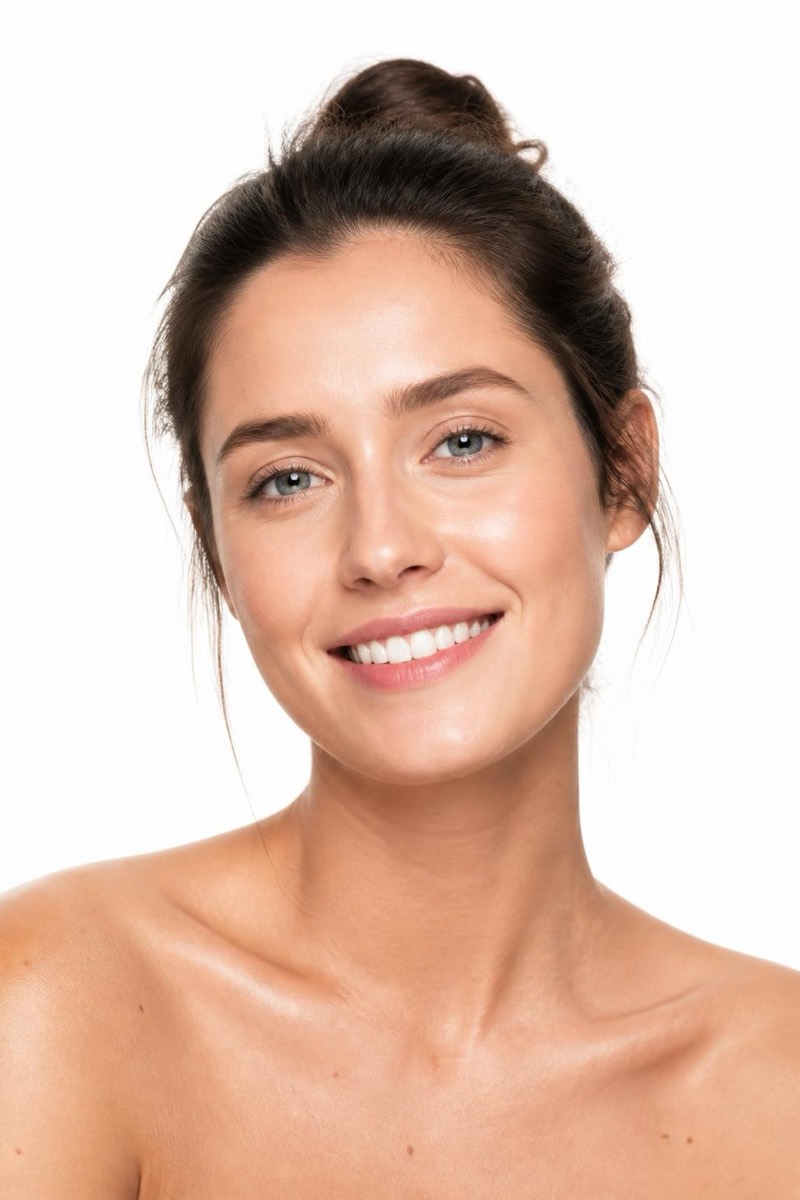
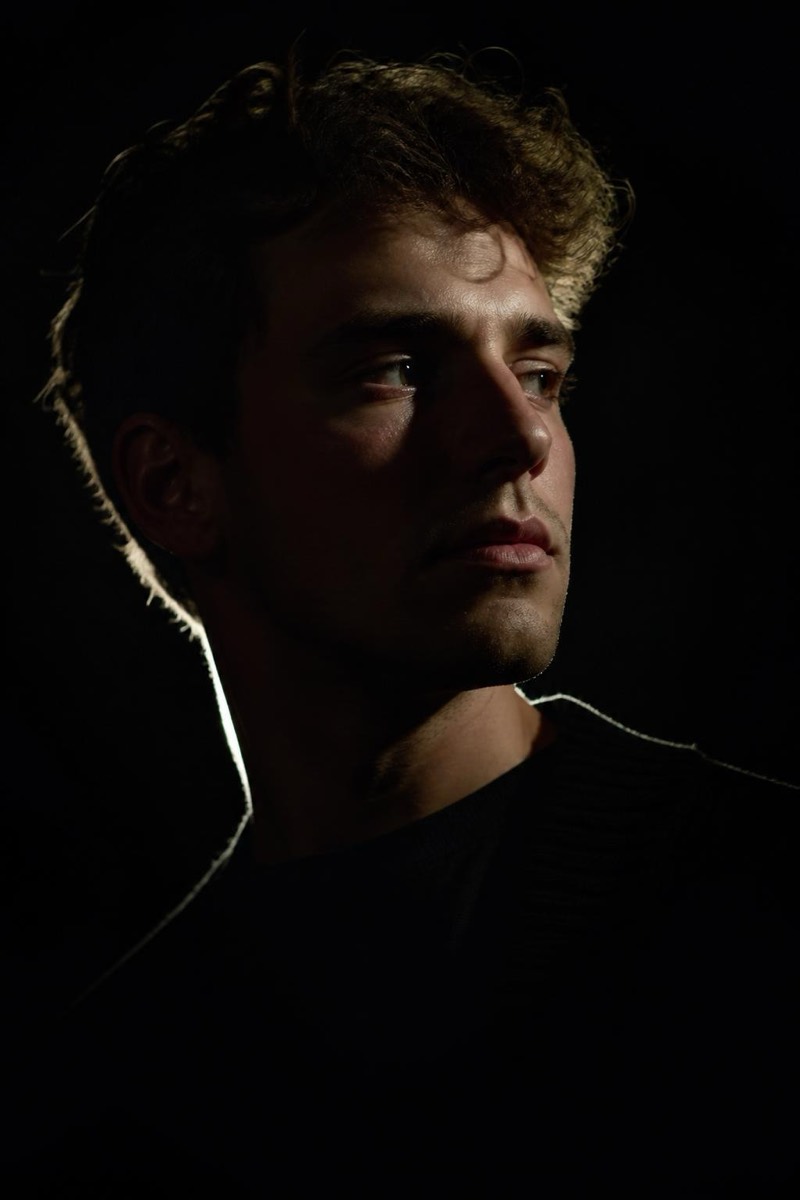
Broad Light — AI Studio Lighting filter
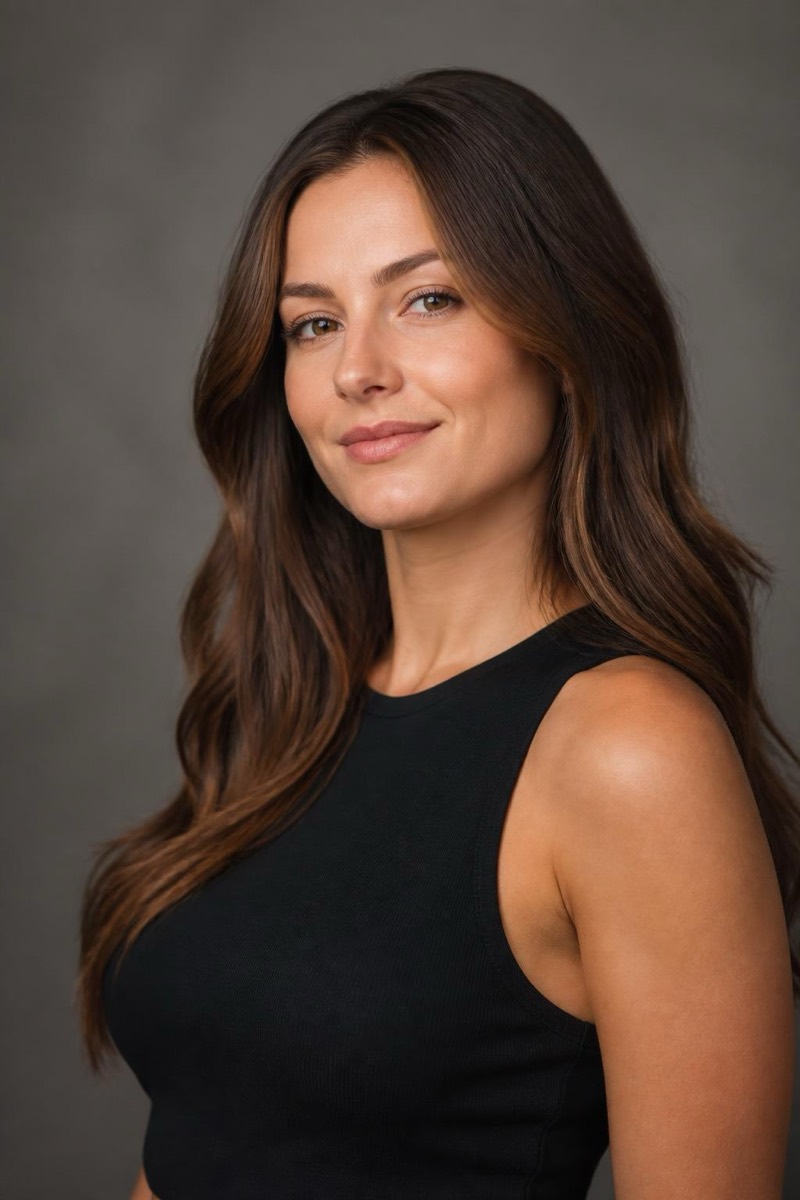
Bold broad-lit portrait.
Broad lighting turns the lit side of the face toward the camera, widening and opening the features — the confident, approachable setup used for speakers, hosts, and anyone whose job involves being trusted quickly. This filter re-lights your portrait with that generous, front-footed illumination. It photographs as friendly authority: more open than Rembrandt, more dimensional than flat frontal light. A strong choice for team pages and speaker bios.
How to use it
- 1.
Get Editable
Download Editable (free) from the App Store and open the Explore tab.
- 2.
Pick the Broad Light filter
Find Broad Light under Studio Portrait and tap Try.
- 3.
Choose a photo
Pick a photo from your library — the edit runs automatically and is ready in seconds.
Tip: Pairs well with a slight smile — the lighting is warm and the expression should agree with it.
More Studio Portrait filters