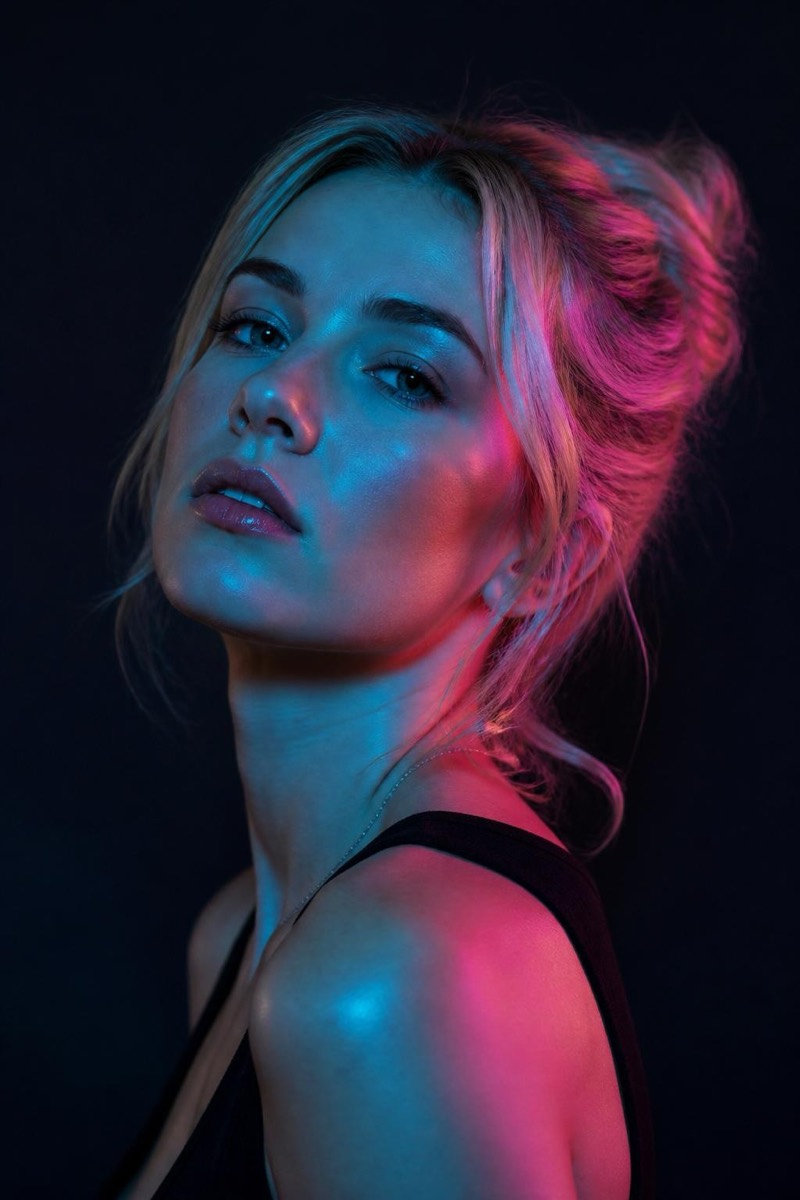
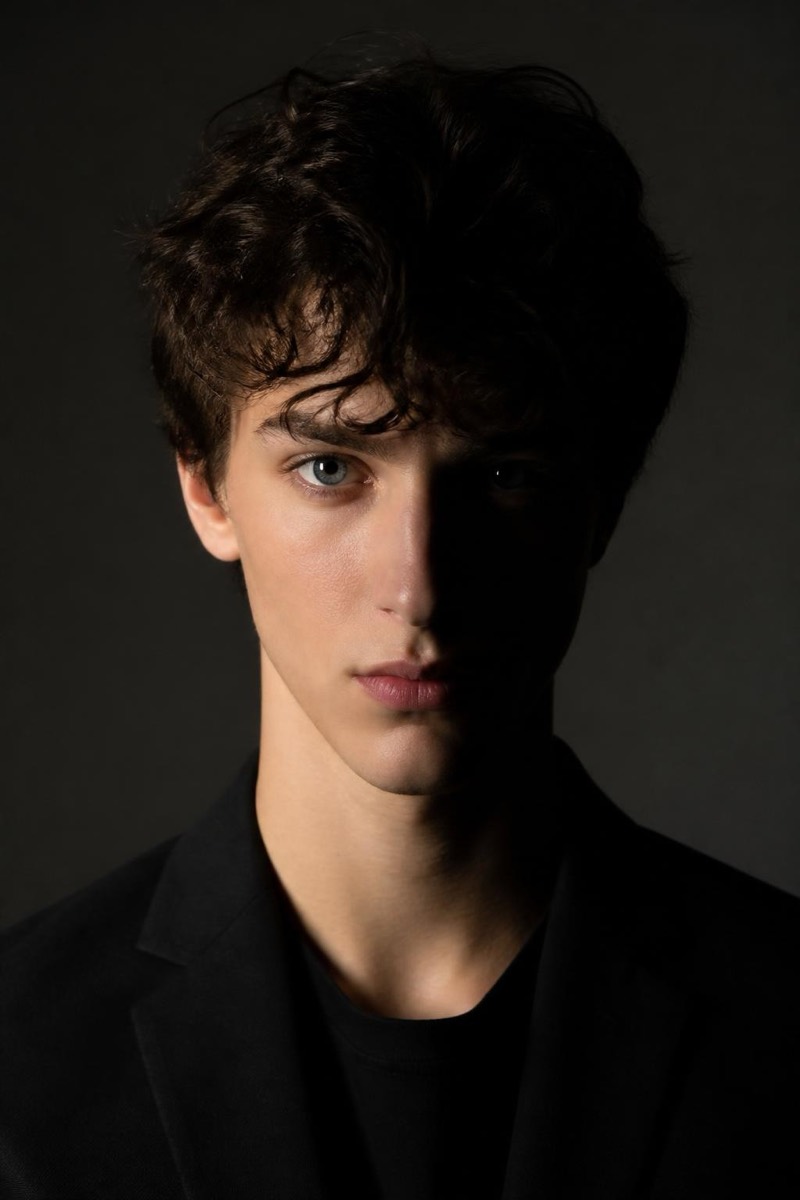
Studio Portrait
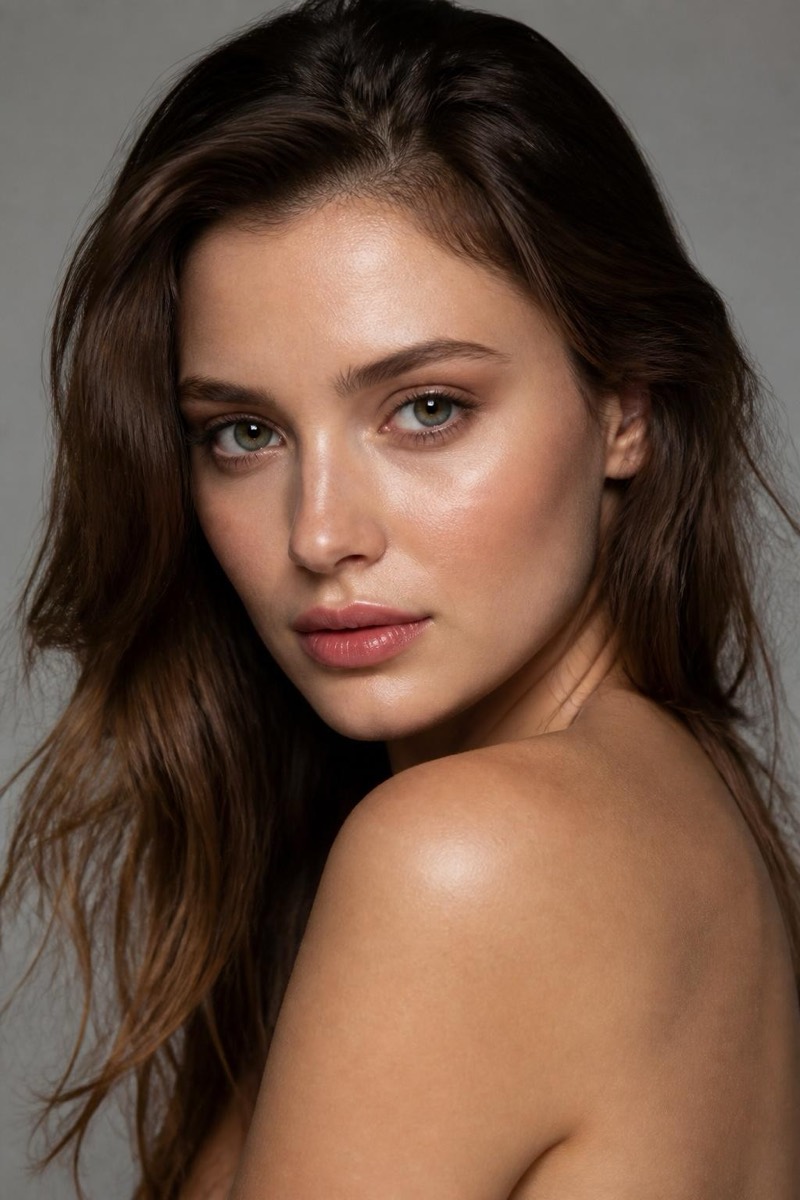
Beauty Dish — AI Studio Lighting filter
Crisp beauty-dish glamour.
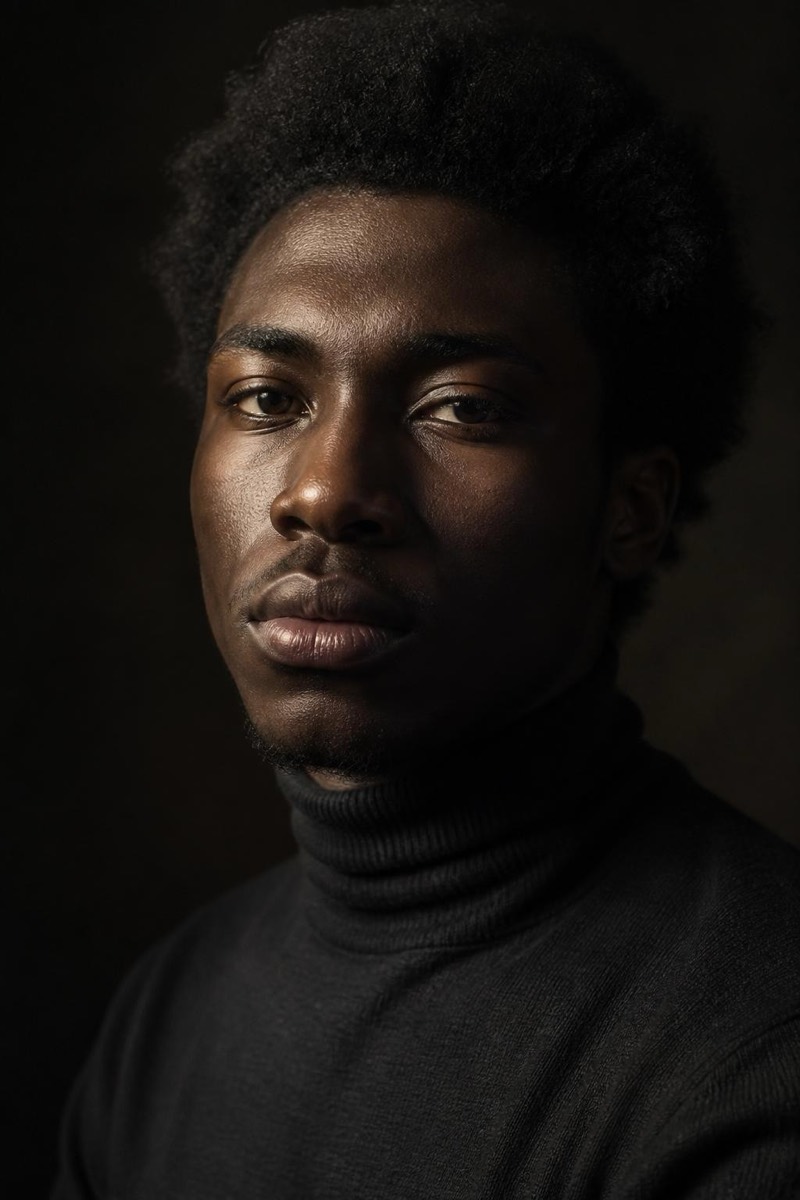
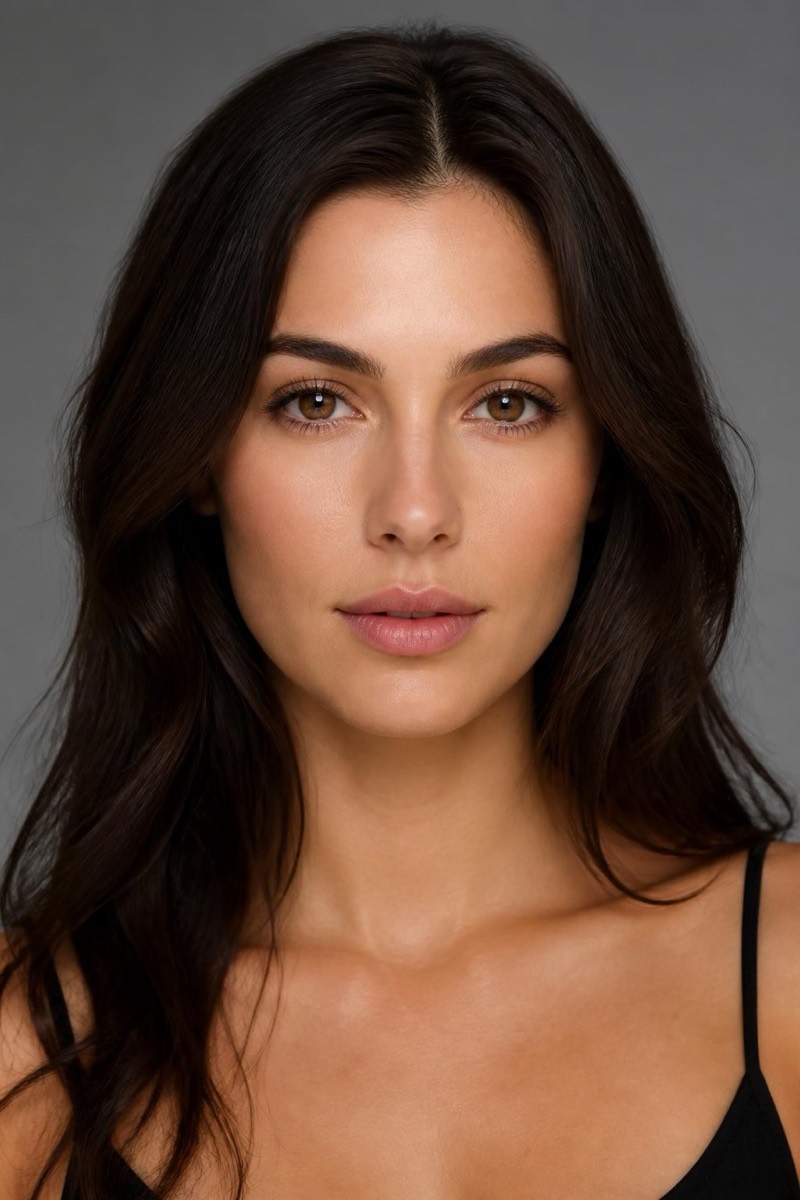
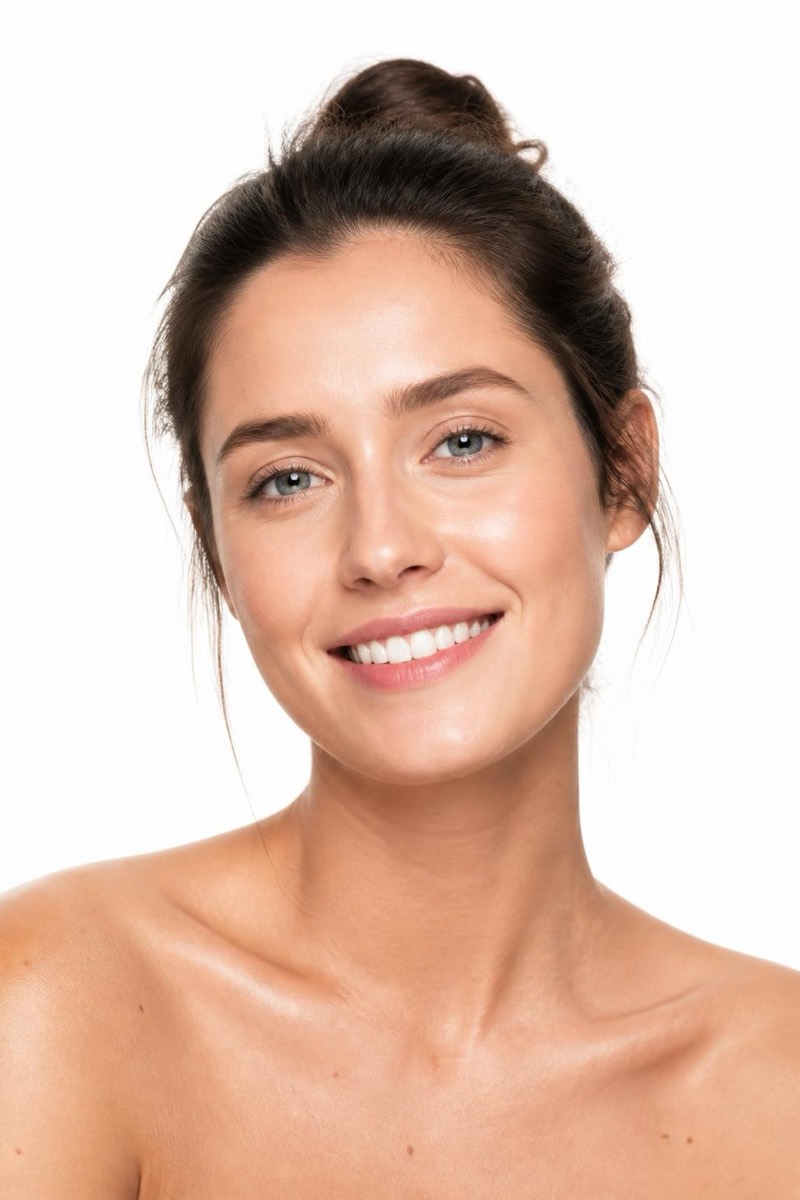
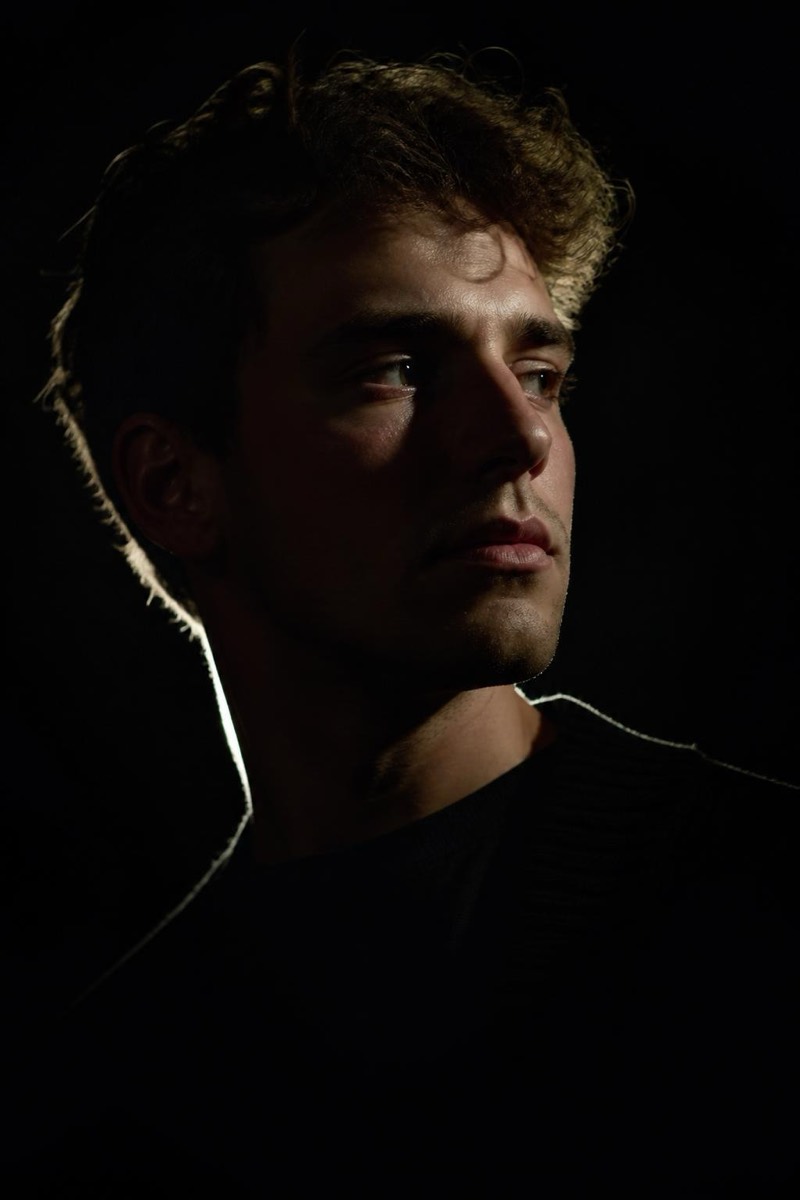
The beauty dish is the fashion industry's favorite light modifier: crisper than a softbox, kinder than bare flash, with a signature circular catchlight in the eyes. This filter applies its distinctive quality — sculpted but luminous skin, defined features, that editorial 'snap' — to an ordinary portrait. Of all the studio looks this one most resembles what a magazine cover session actually produces, which makes it the strongest choice when the goal is simply 'make this photo look expensive'.
How to use it
- 1.
Get Editable
Download Editable (free) from the App Store and open the Explore tab.
- 2.
Pick the Beauty Dish filter
Find Beauty Dish under Studio Portrait and tap Try.
- 3.
Choose a photo
Pick a photo from your library — the edit runs automatically and is ready in seconds.
Tip: Sharp, well-focused source photos benefit most — the beauty dish look rewards detail.
More Studio Portrait filters