Home Edit
Mid-Century — AI Home & Interior filter
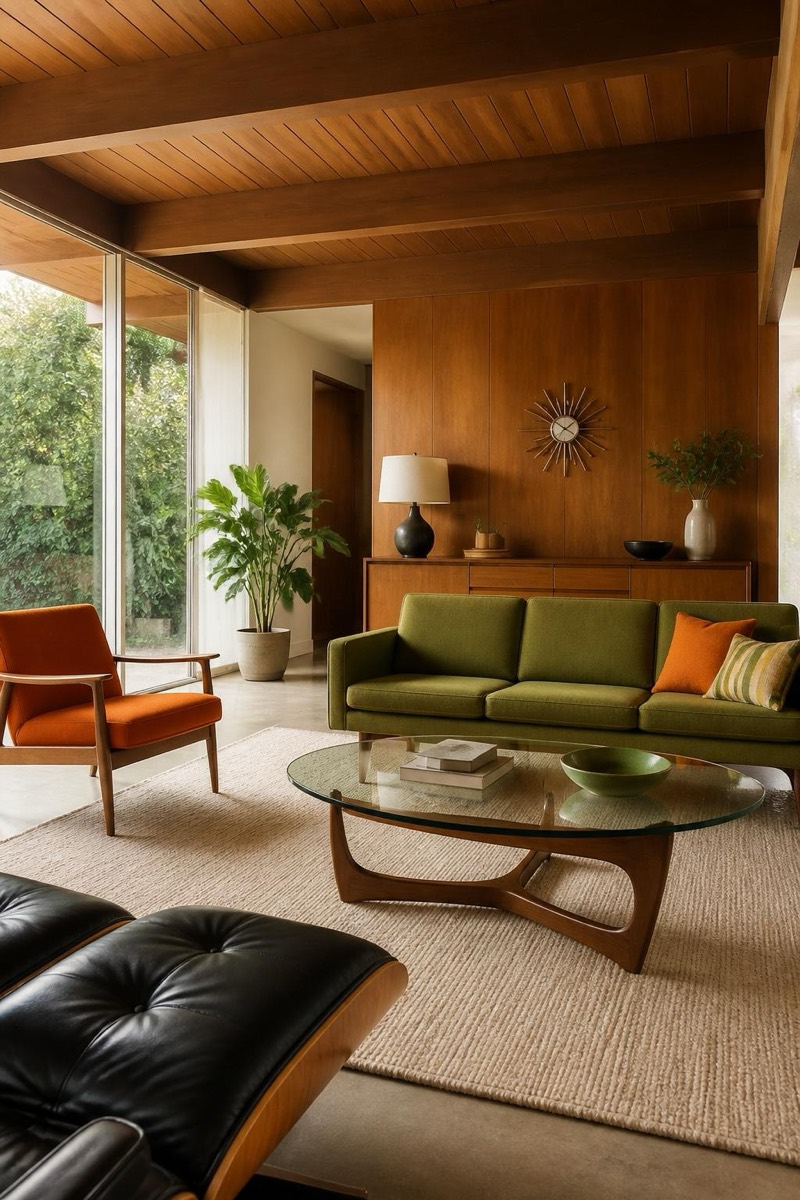
Retro mid-century modern.
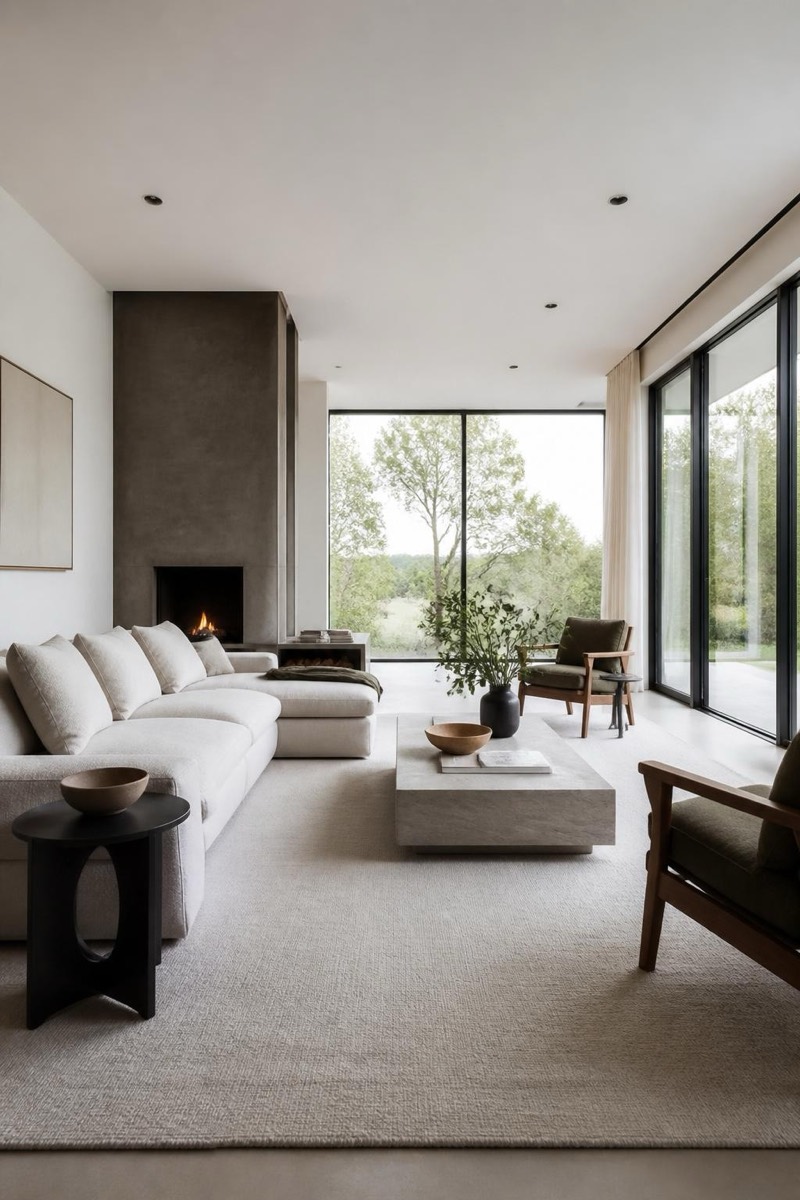
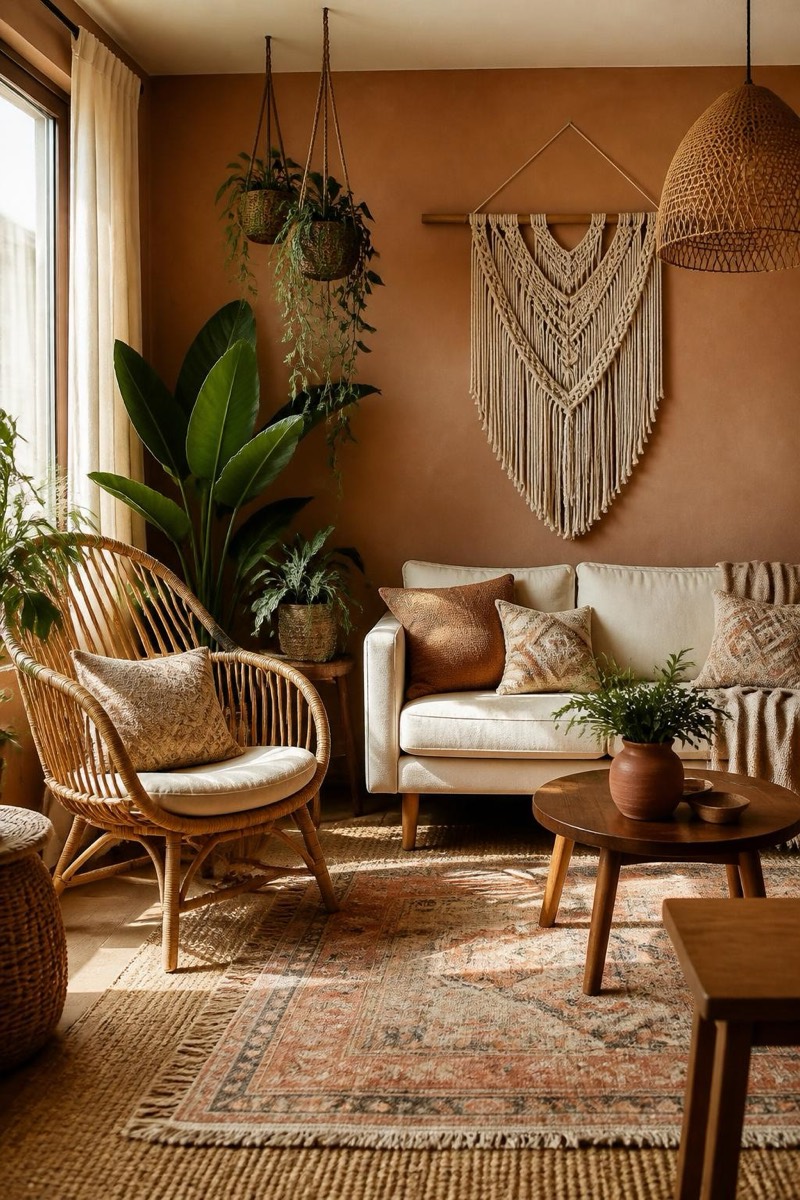
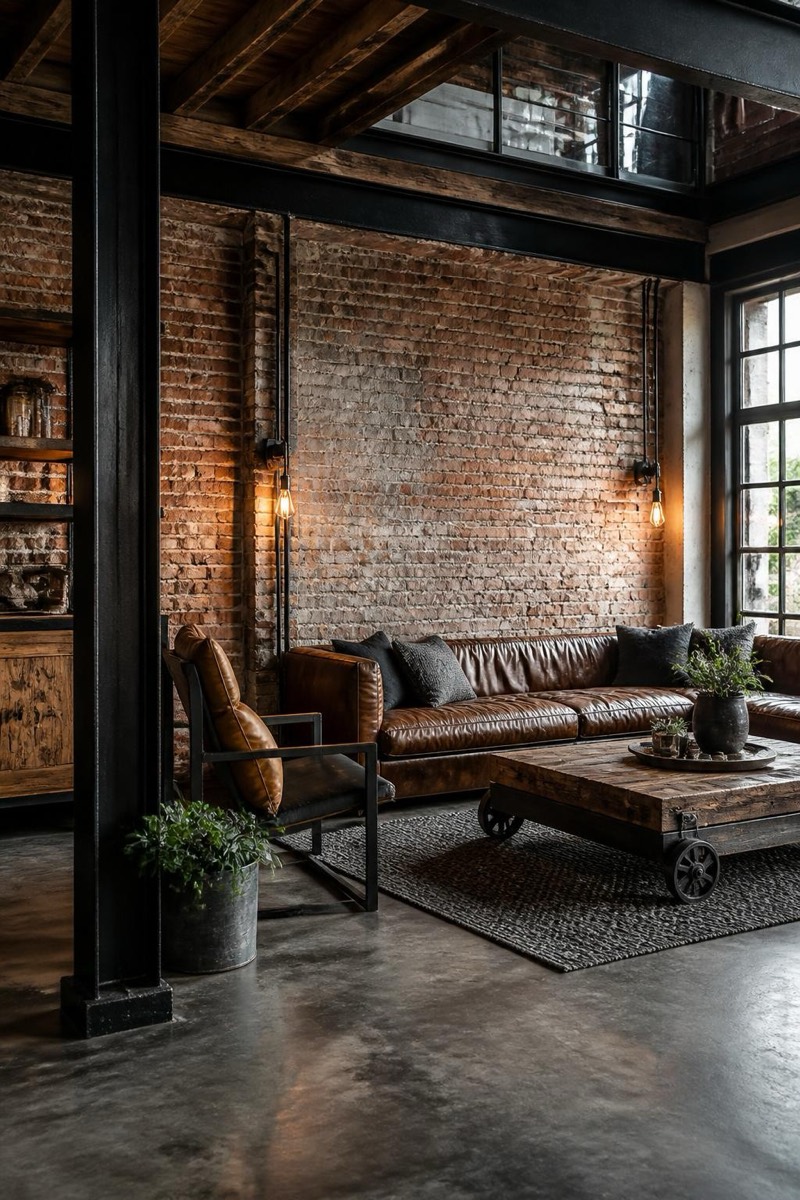
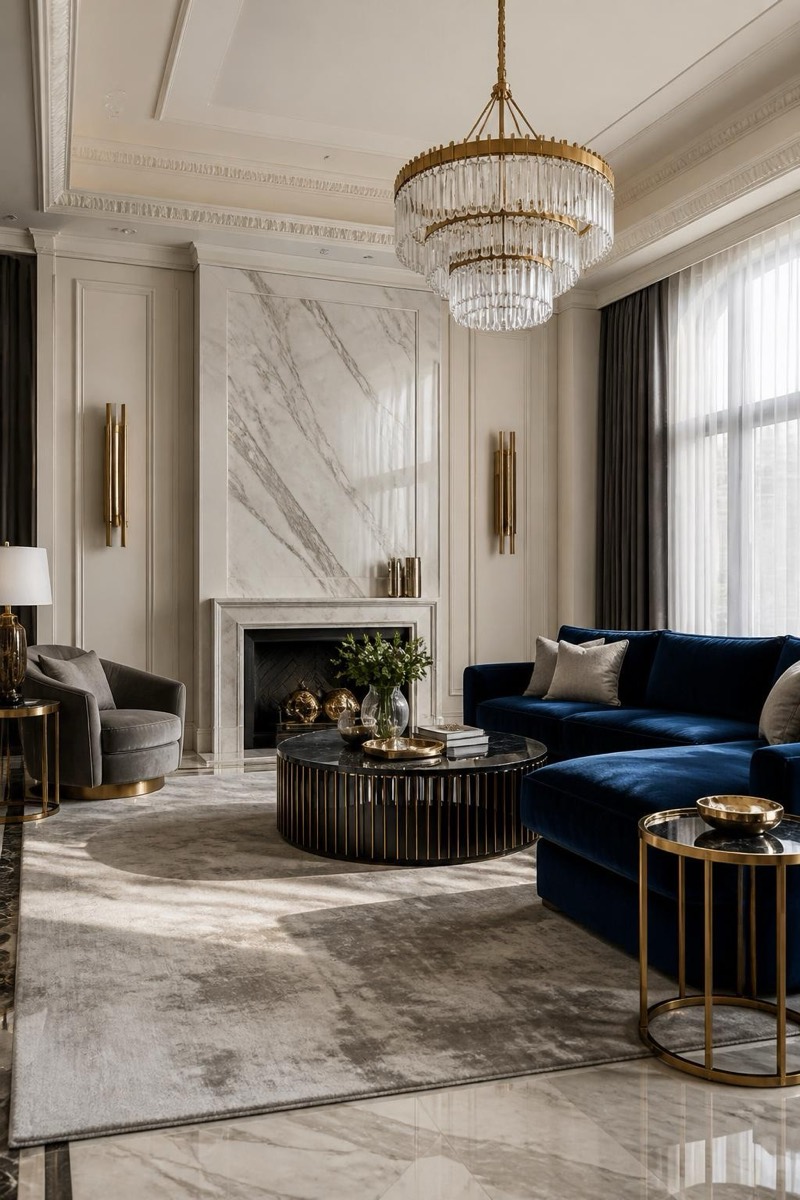
Mid-century modern: teak, tapered legs, mustard and olive accents, the 1950s-60s design language that never actually left. This filter restyles your interior with that era's confident geometry — statement chairs, warm wood, atomic-age lighting. It's the interior equivalent of a vinyl collection: instantly characterful, aging in reverse. Living rooms take to it like they've been waiting.
How to use it
- 1.
Get Editable
Download Editable (free) from the App Store and open the Explore tab.
- 2.
Pick the Mid-Century filter
Find Mid-Century under Home Edit and tap Try.
- 3.
Choose a photo
Pick a photo from your library — the edit runs automatically and is ready in seconds.
Tip: Rooms with simple architecture let the furniture do the talking, as the era intended.
More Home Edit filters