Home Edit
Declutter — AI Home & Interior filter
Tidy and clear the whole space.
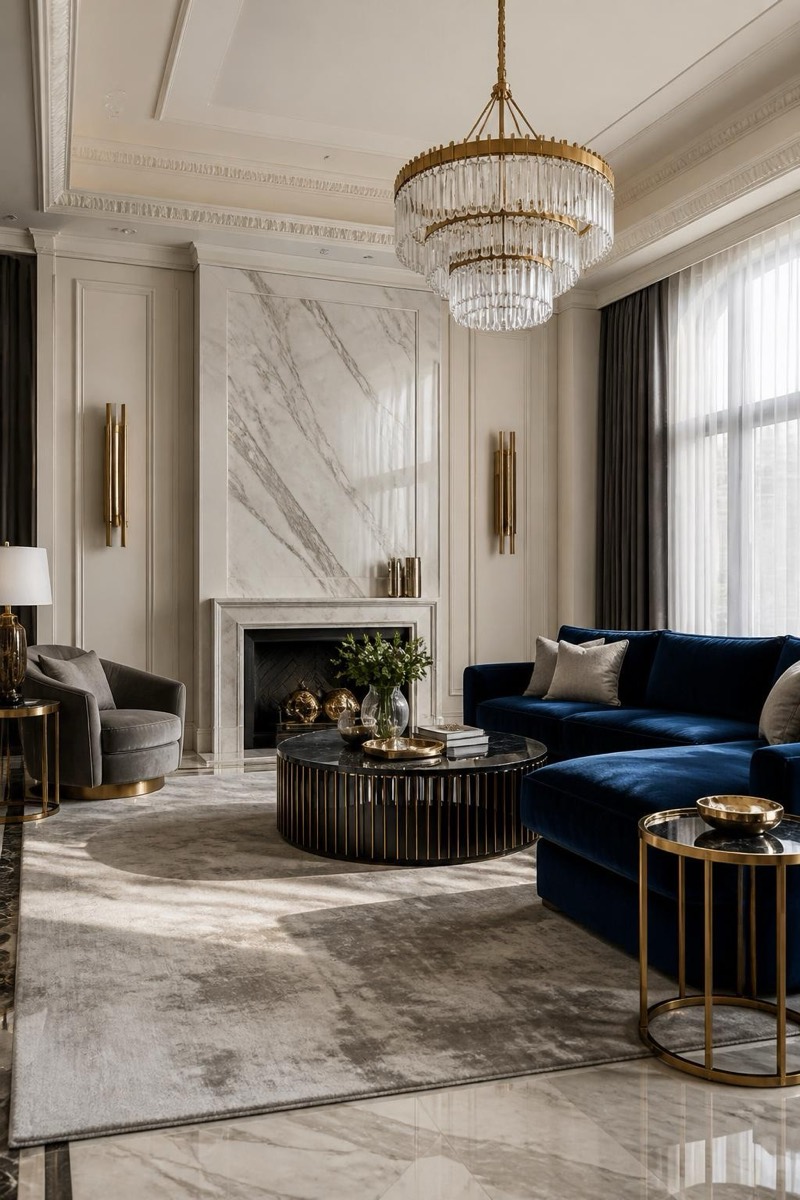
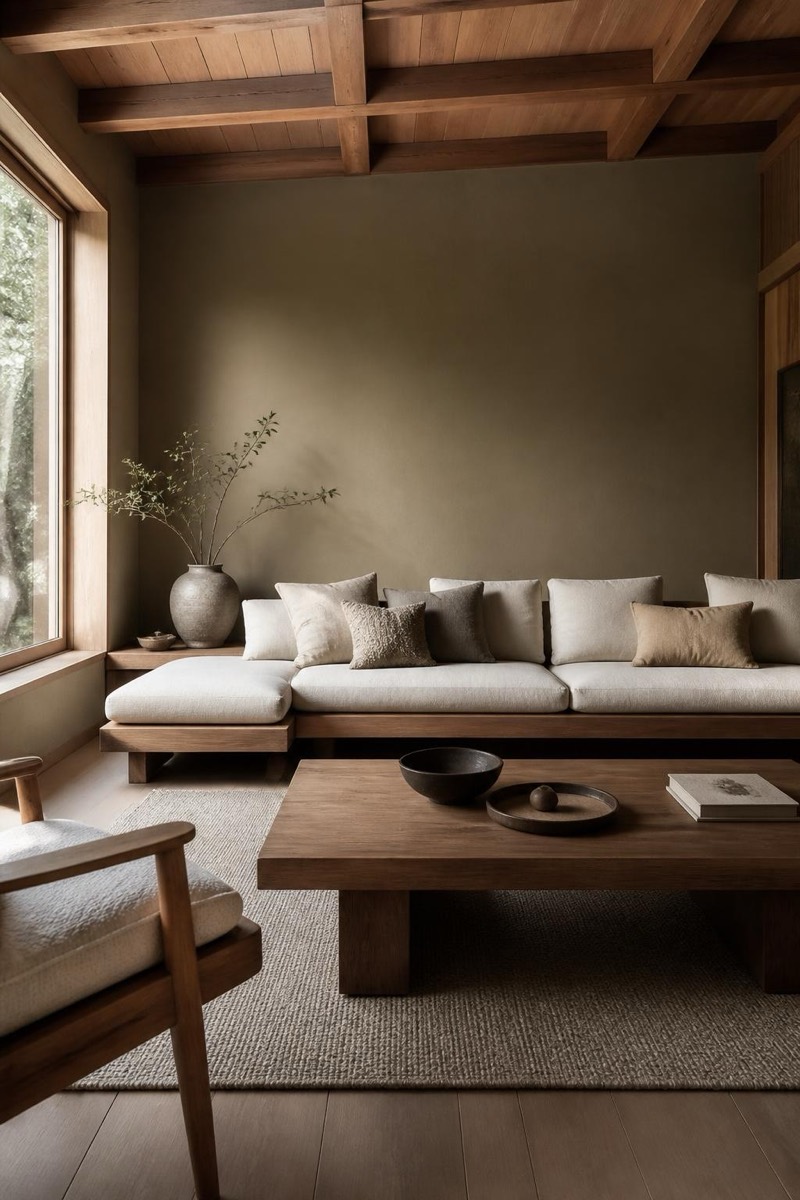
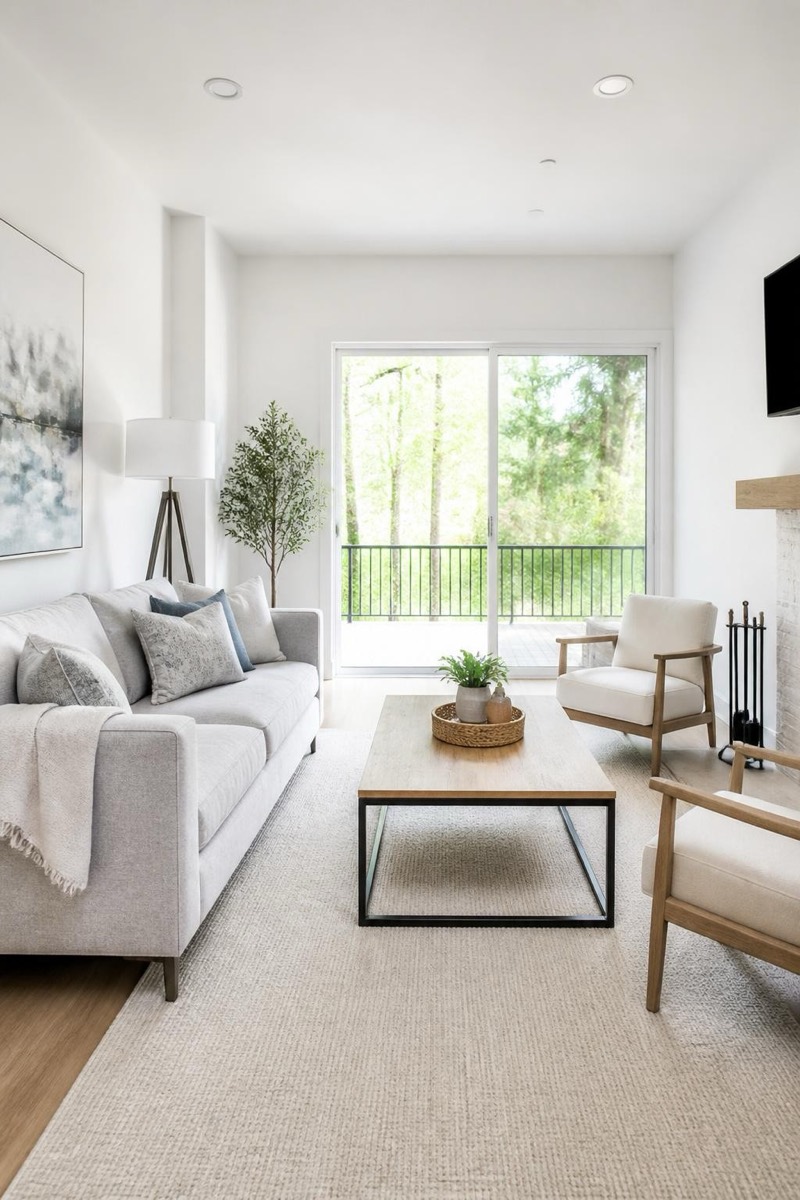
The declutter: everything that shouldn't be in the photo, removed — dishes, cables, laundry, the pile that has achieved permanent-resident status. This filter tidies the entire space while keeping the actual room and furniture intact: not a redesign, a deep clean without the labor. It's the most honest interior filter and the standard prep step before listing photos, rental ads, or sending your mother proof of adulthood.
How to use it
- 1.
Get Editable
Download Editable (free) from the App Store and open the Explore tab.
- 2.
Pick the Declutter filter
Find Declutter under Home Edit and tap Try.
- 3.
Choose a photo
Pick a photo from your library — the edit runs automatically and is ready in seconds.
Tip: It clears clutter, not furniture — for an empty-room look, see Virtual Staging's opposite workflow.
More Home Edit filters