Home Edit
Modern Minimal — AI Home & Interior filter
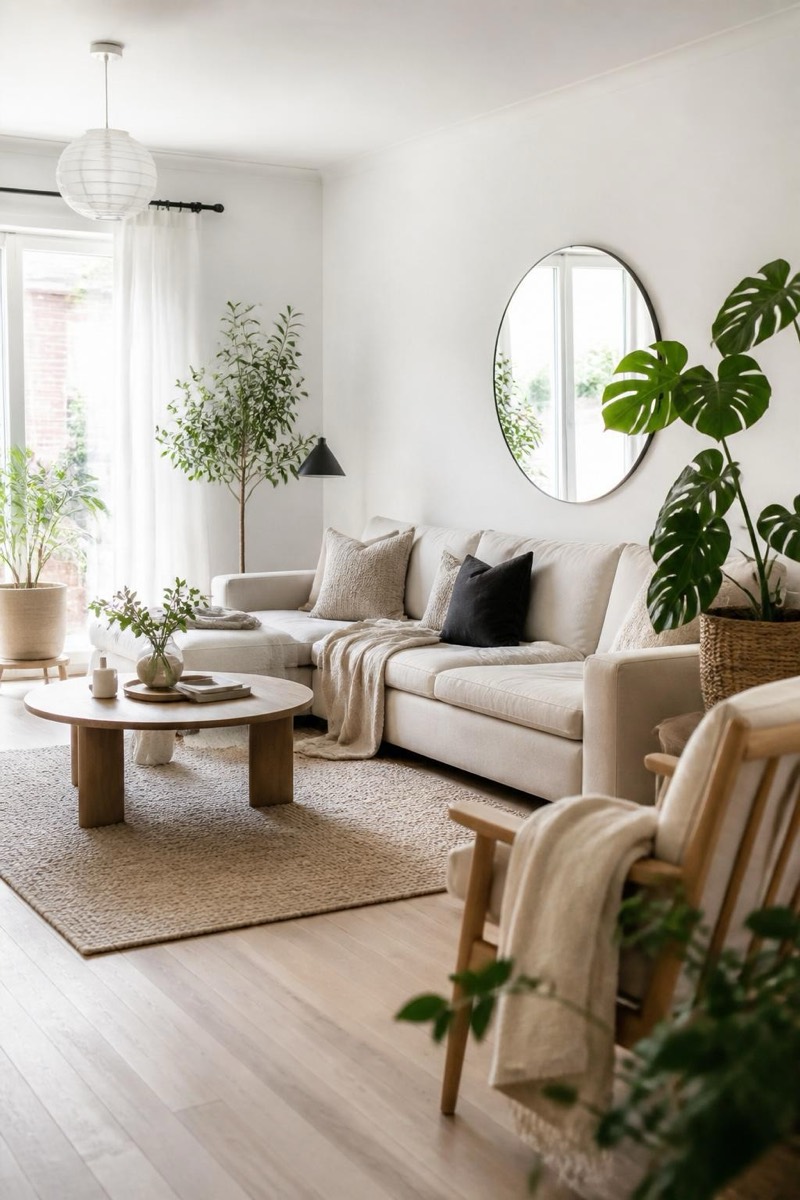
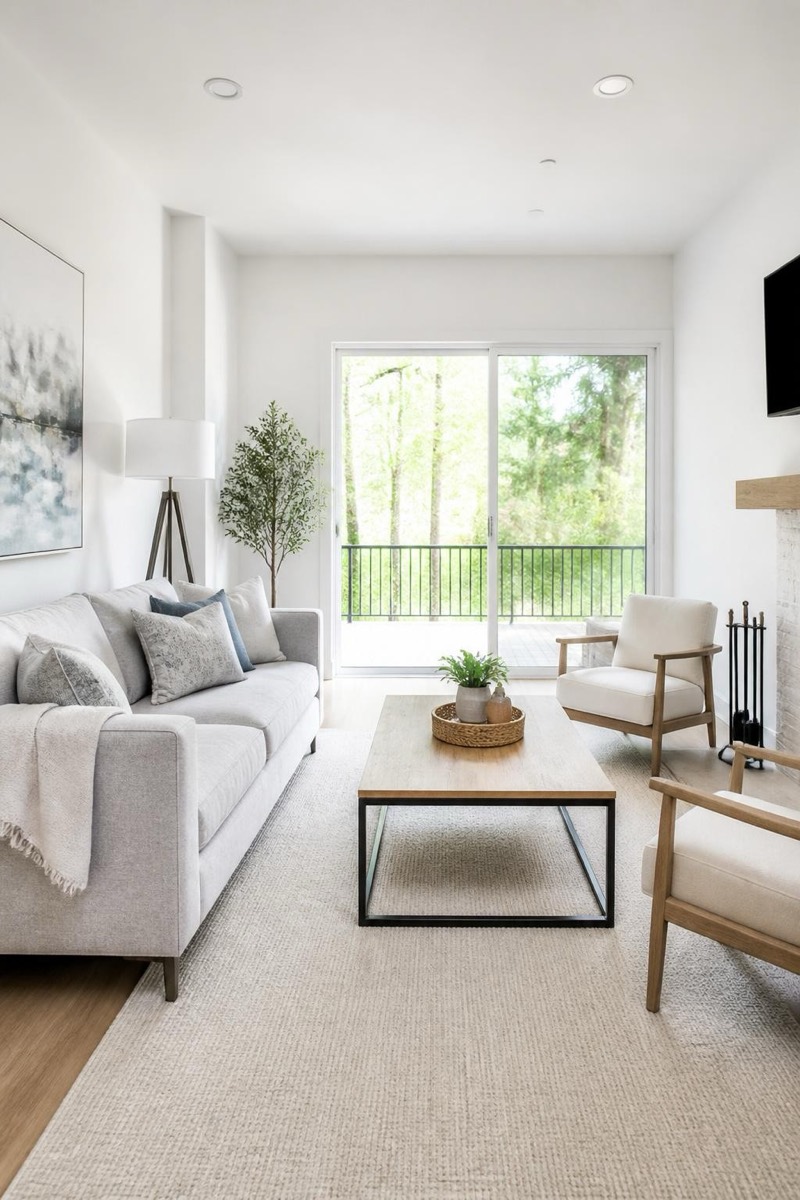
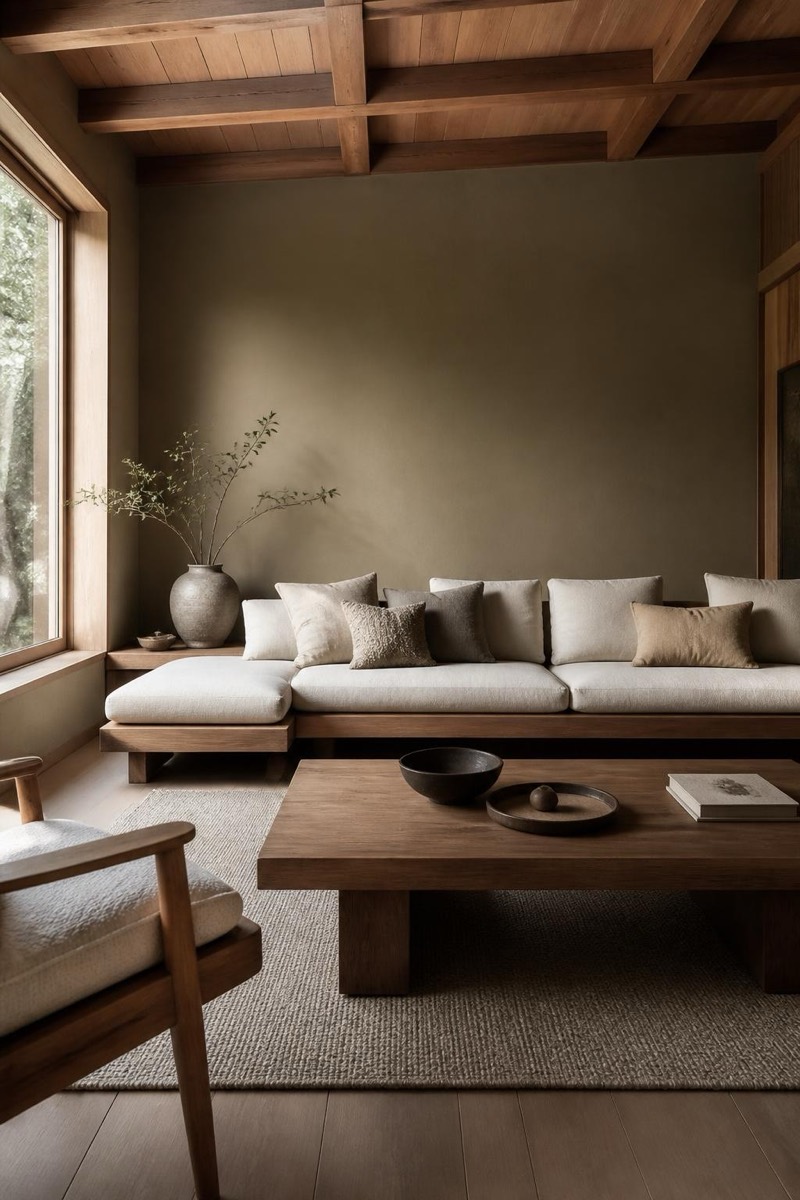
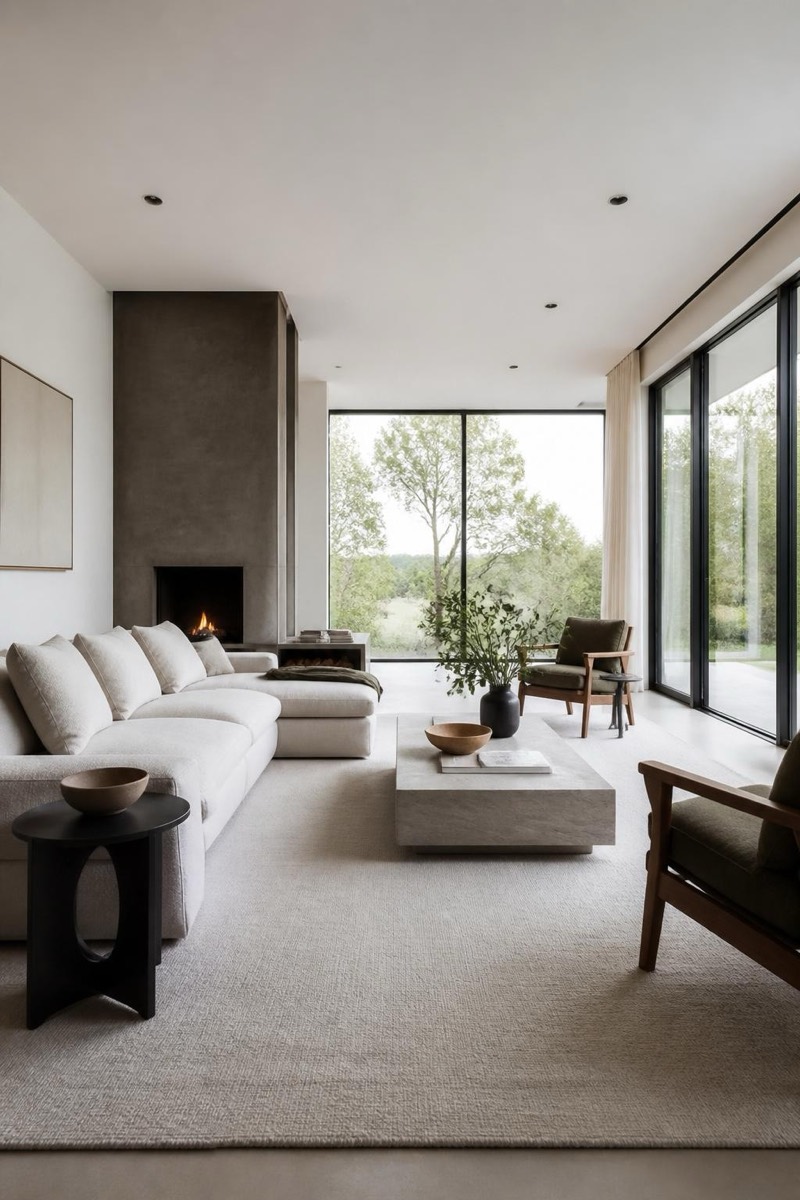
Clean modern minimalist redesign.
Your room, redesigned modern minimal: clutter gone, palette reduced to warm neutrals, furniture swapped for clean-lined pieces with room to breathe. This filter restyles an interior photo into the magazine version of itself — same bones, disciplined execution. It's a genuine decision tool: see whether minimalism suits your actual space and light before donating half your possessions on a hunch.
How to use it
- 1.
Get Editable
Download Editable (free) from the App Store and open the Explore tab.
- 2.
Pick the Modern Minimal filter
Find Modern Minimal under Home Edit and tap Try.
- 3.
Choose a photo
Pick a photo from your library — the edit runs automatically and is ready in seconds.
Tip: Shoot the room from a corner at chest height, daylight on — the redesign works with the space it can see.
More Home Edit filters