Home Edit
Scandinavian — AI Home & Interior filter
Light, cozy Nordic styling.
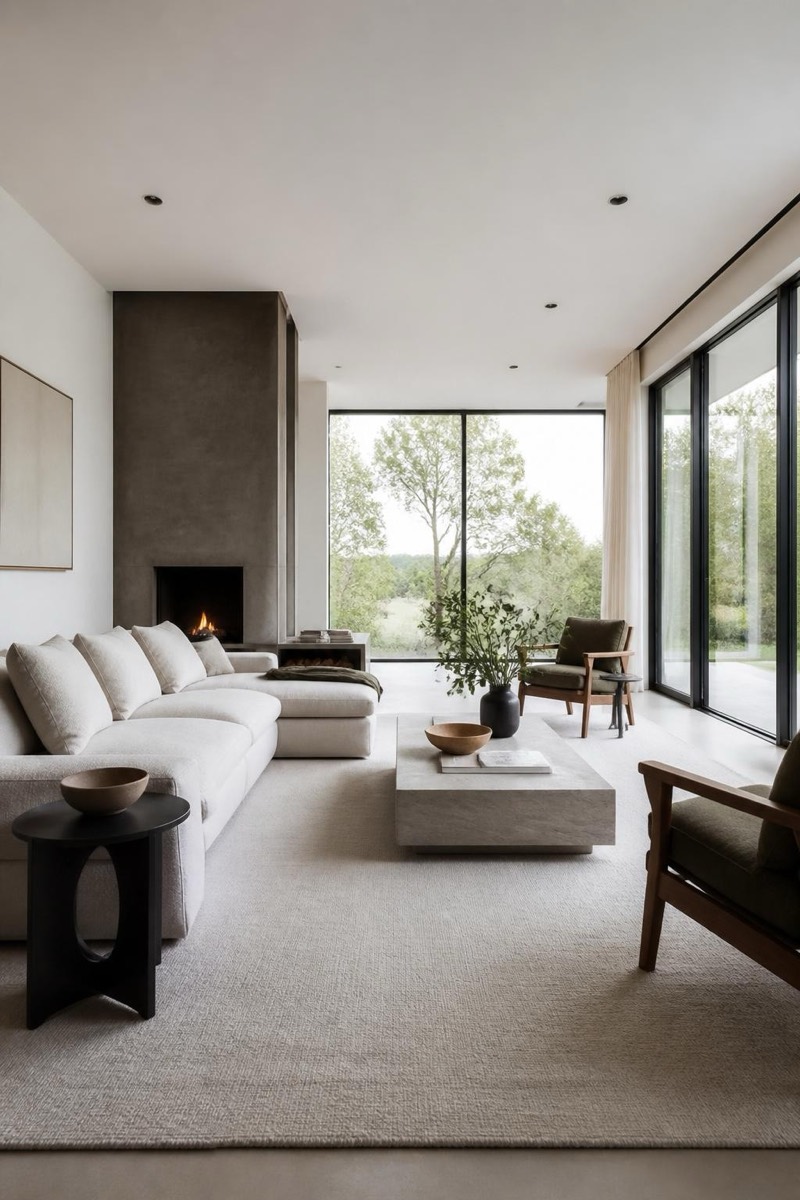
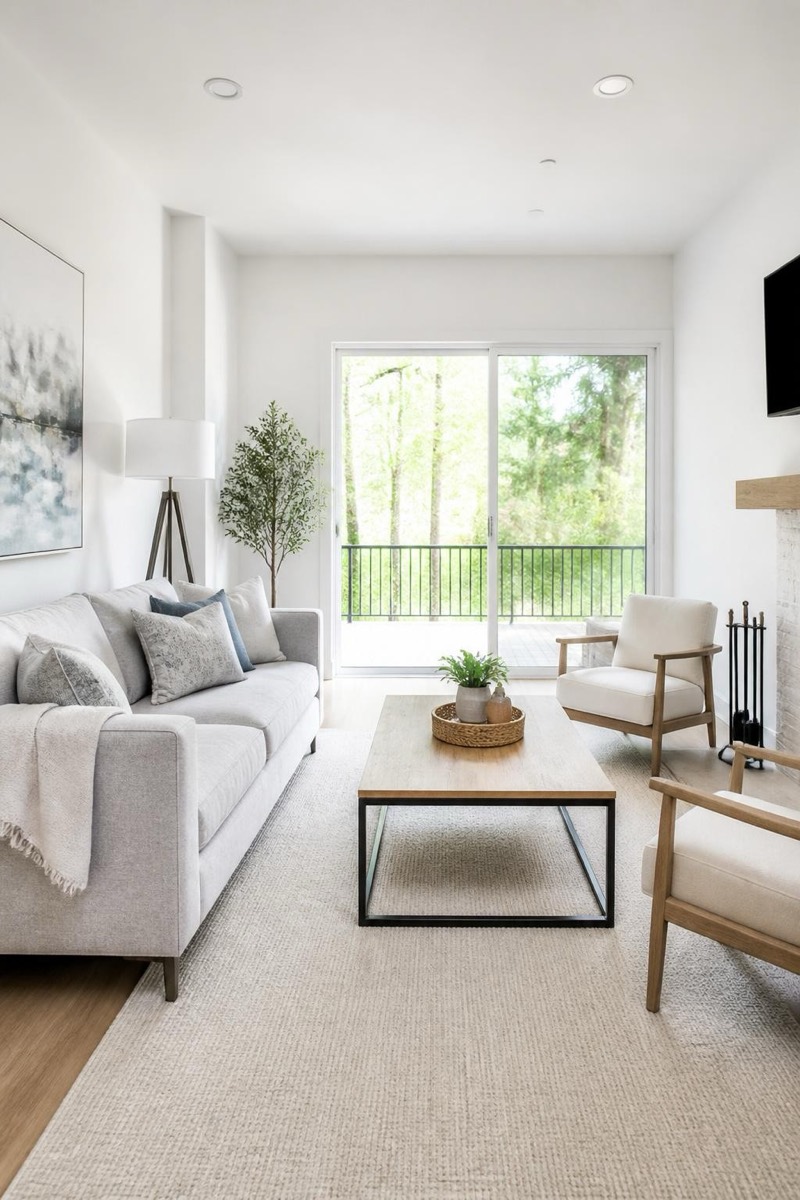
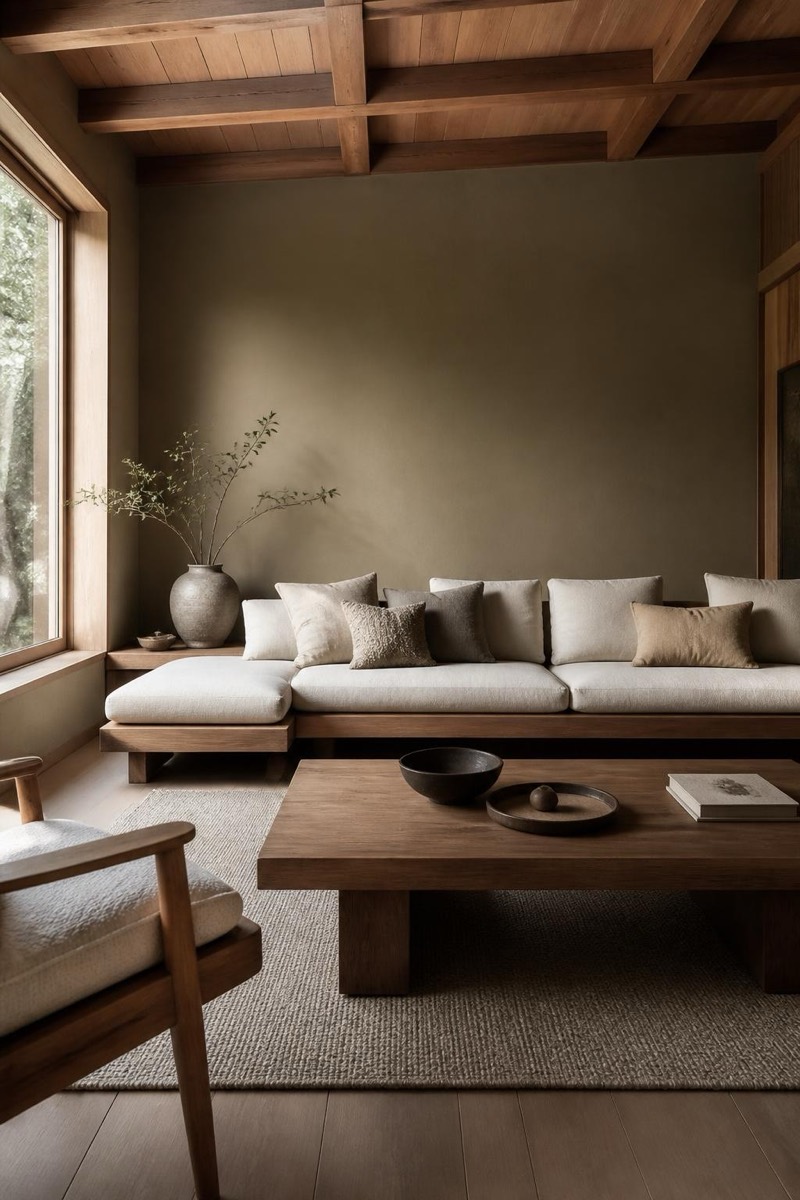
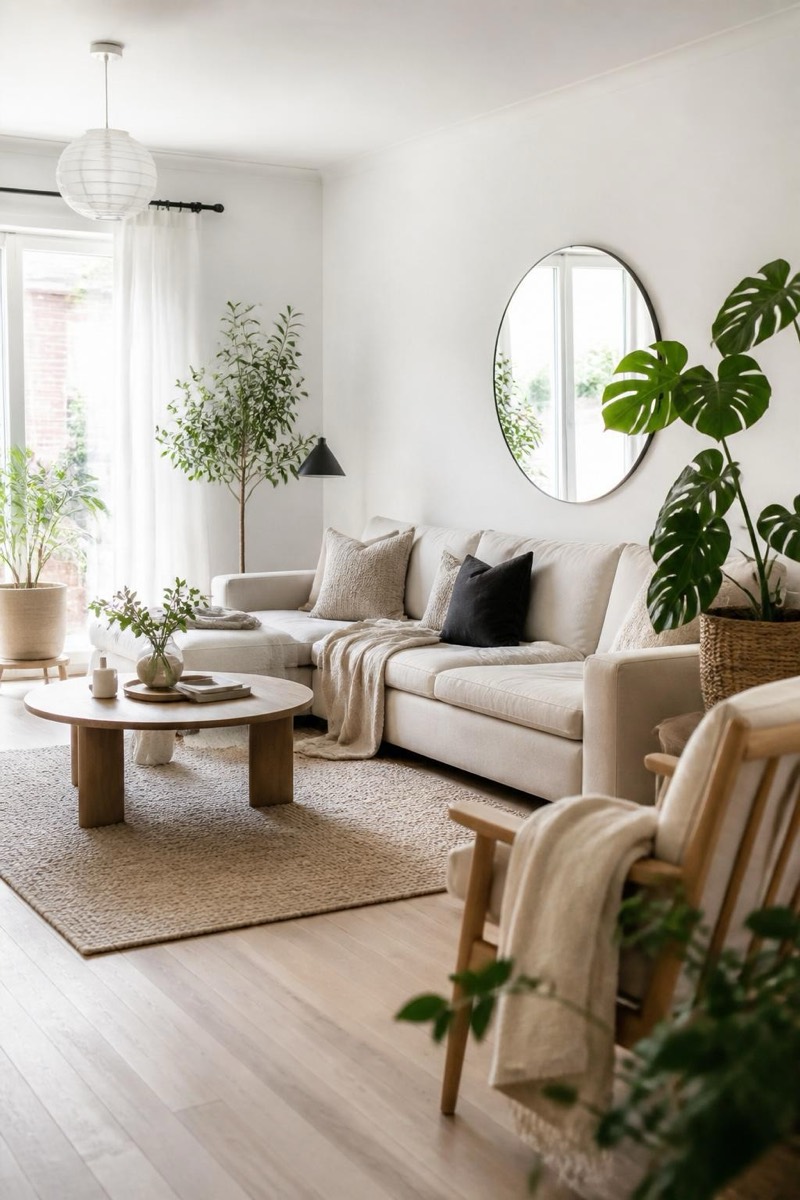
Scandinavian styling: light woods, white walls, wool textures, the cozy-bright Nordic formula that made an entire region synonymous with livable design. This filter restyles your room photo into that register — hygge without the flat-pack assembly. Walls lighten, textiles soften, plants appear where plants belong. It's the most universally pleasant of the interior styles and the one most likely to make you actually repaint.
How to use it
- 1.
Get Editable
Download Editable (free) from the App Store and open the Explore tab.
- 2.
Pick the Scandinavian filter
Find Scandinavian under Home Edit and tap Try.
- 3.
Choose a photo
Pick a photo from your library — the edit runs automatically and is ready in seconds.
Tip: Rooms with natural light sources take the Nordic brightness most convincingly.
More Home Edit filters