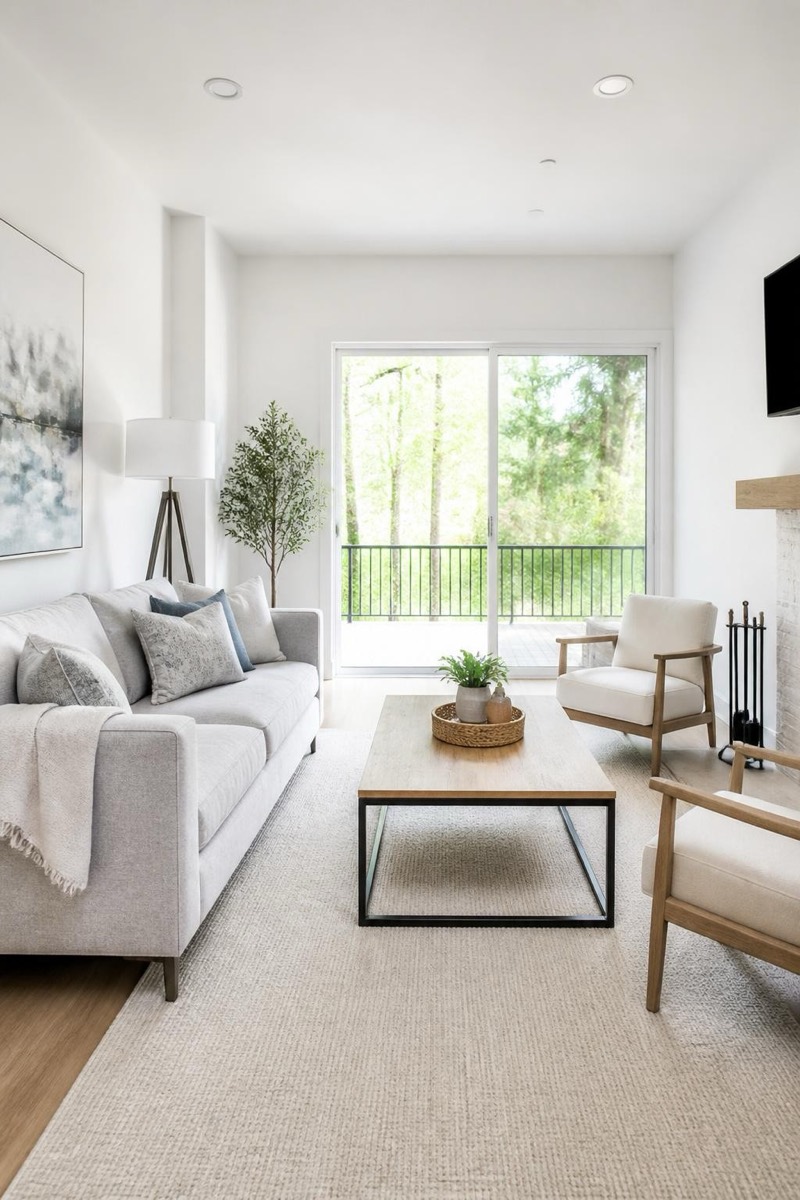
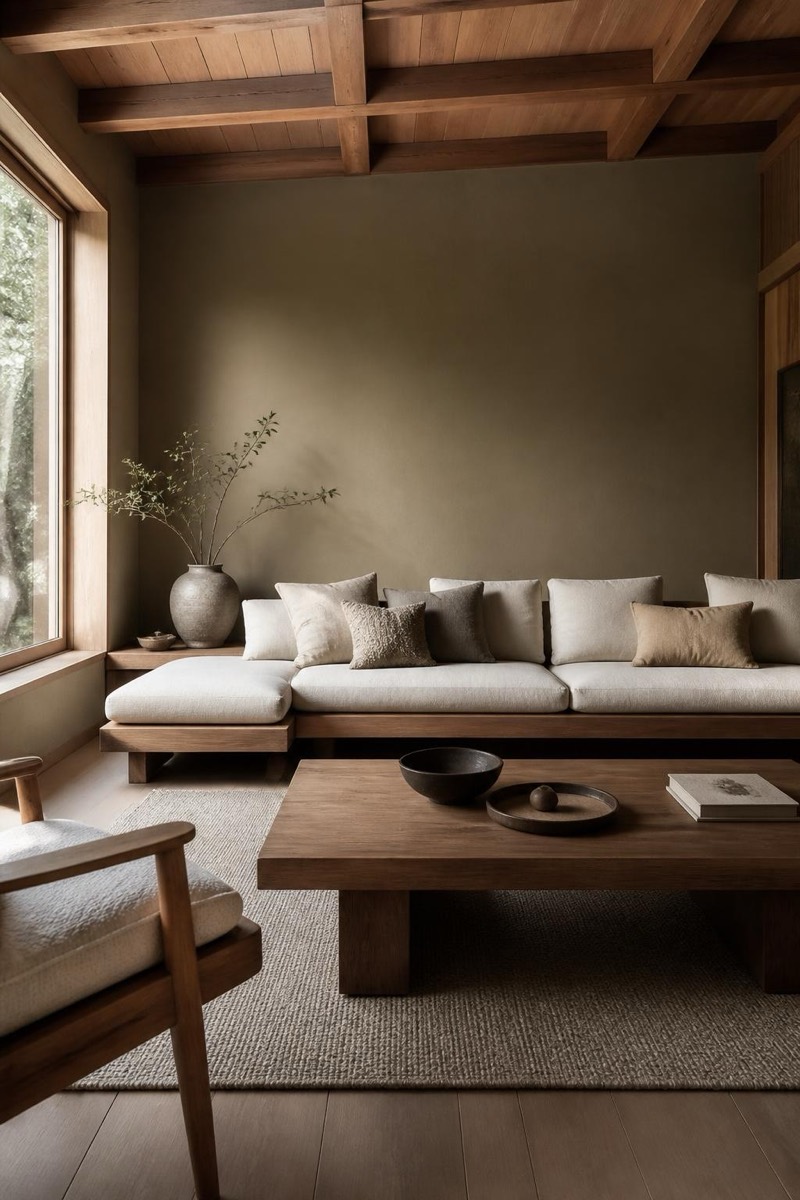
Home Edit
Luxury — AI Home & Interior filter
High-end glam interior.
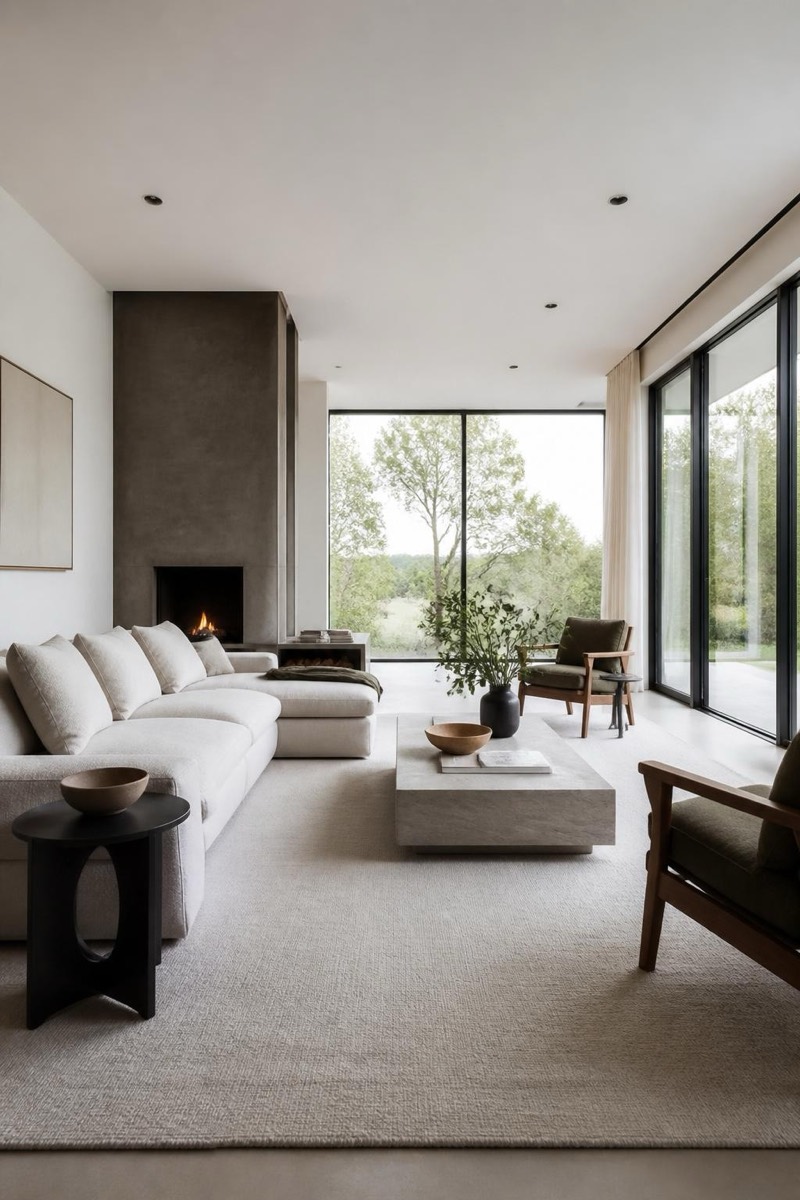
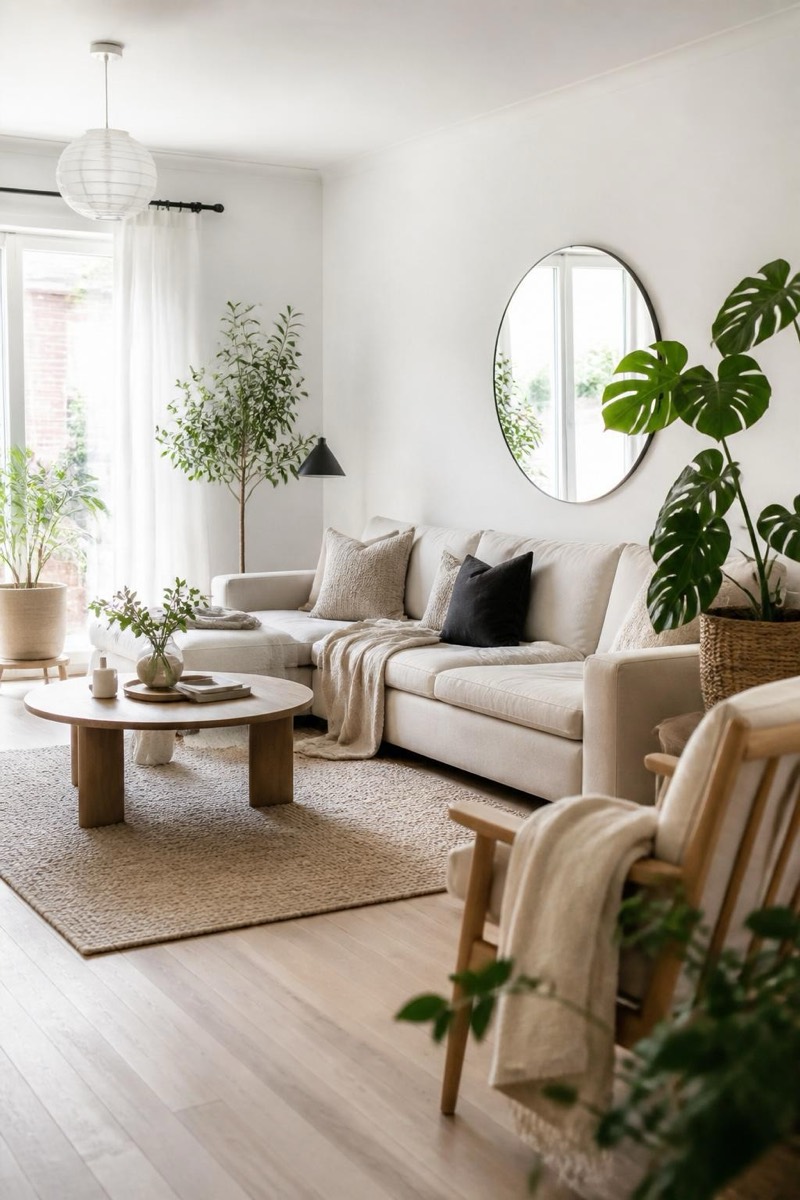
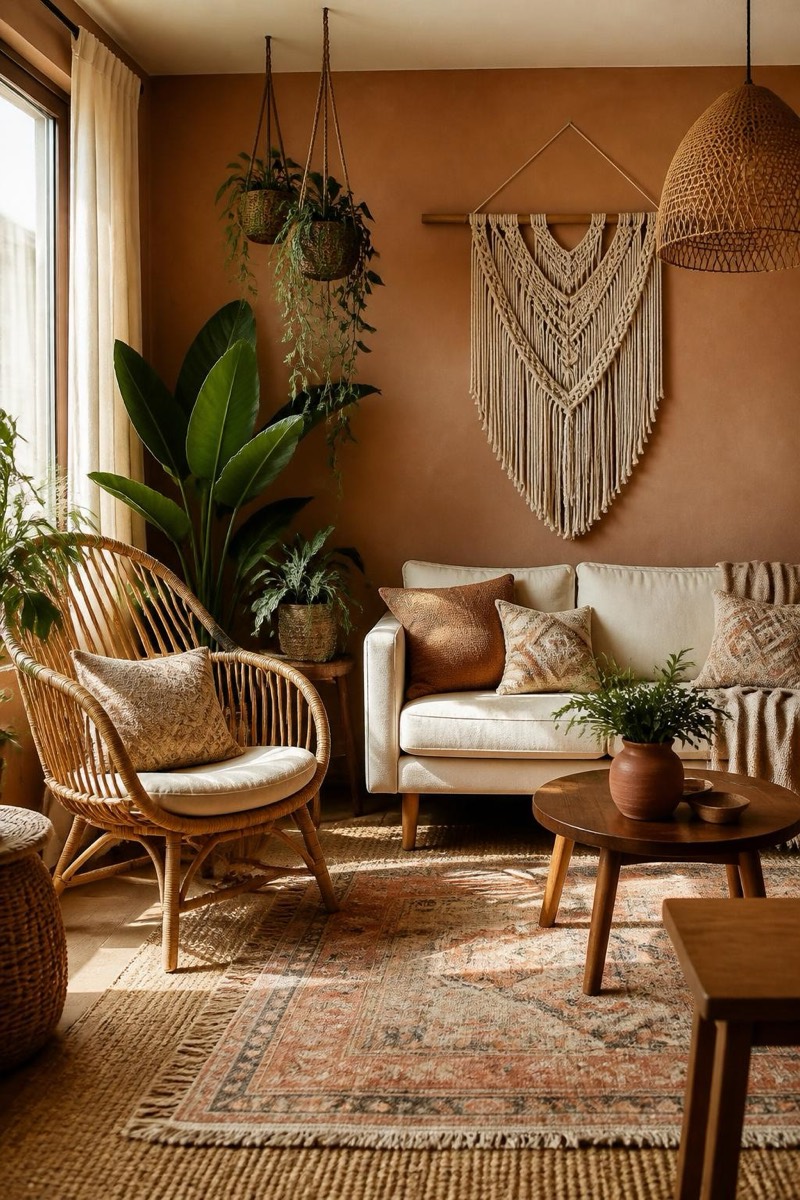
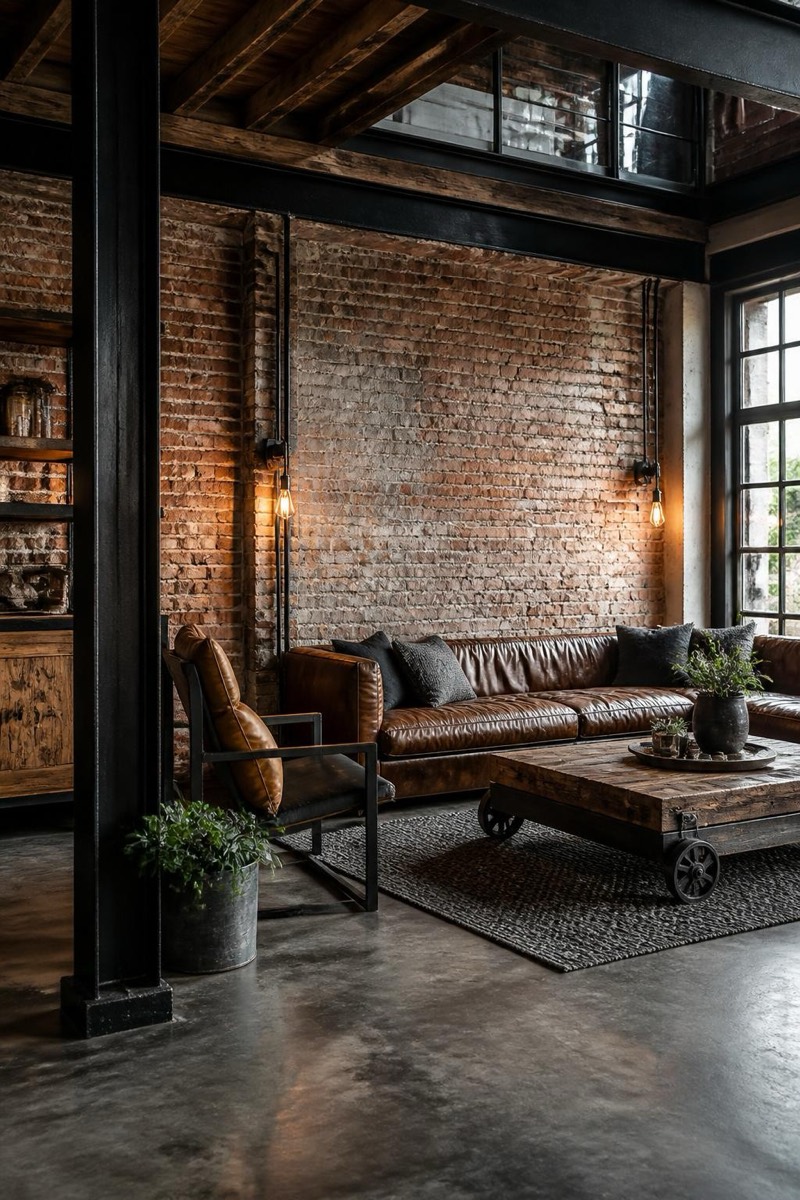
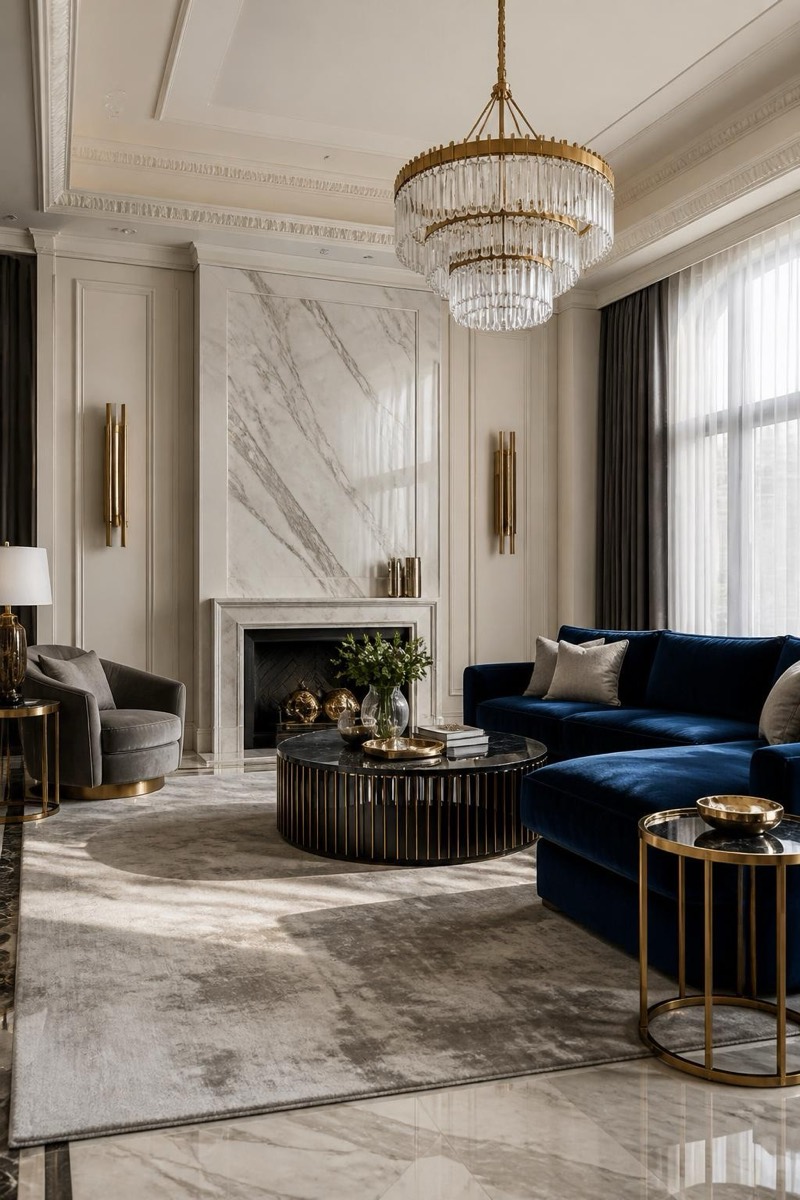
High-end glam: marble surfaces, brass details, velvet seating, the interior language of hotel suites with butlers. This filter restyles your room photo into unapologetic luxury — materials upgraded, lighting warmed to gold, everything implying a concierge. Equal parts aspiration board and real-estate fantasy; also the objectively funniest filter to apply to a student apartment.
How to use it
- 1.
Get Editable
Download Editable (free) from the App Store and open the Explore tab.
- 2.
Pick the Luxury filter
Find Luxury under Home Edit and tap Try.
- 3.
Choose a photo
Pick a photo from your library — the edit runs automatically and is ready in seconds.
Tip: Wide shots showing floor and ceiling let the materials upgrade read fully.
More Home Edit filters