Home Edit
Cozy Boho — AI Home & Interior filter
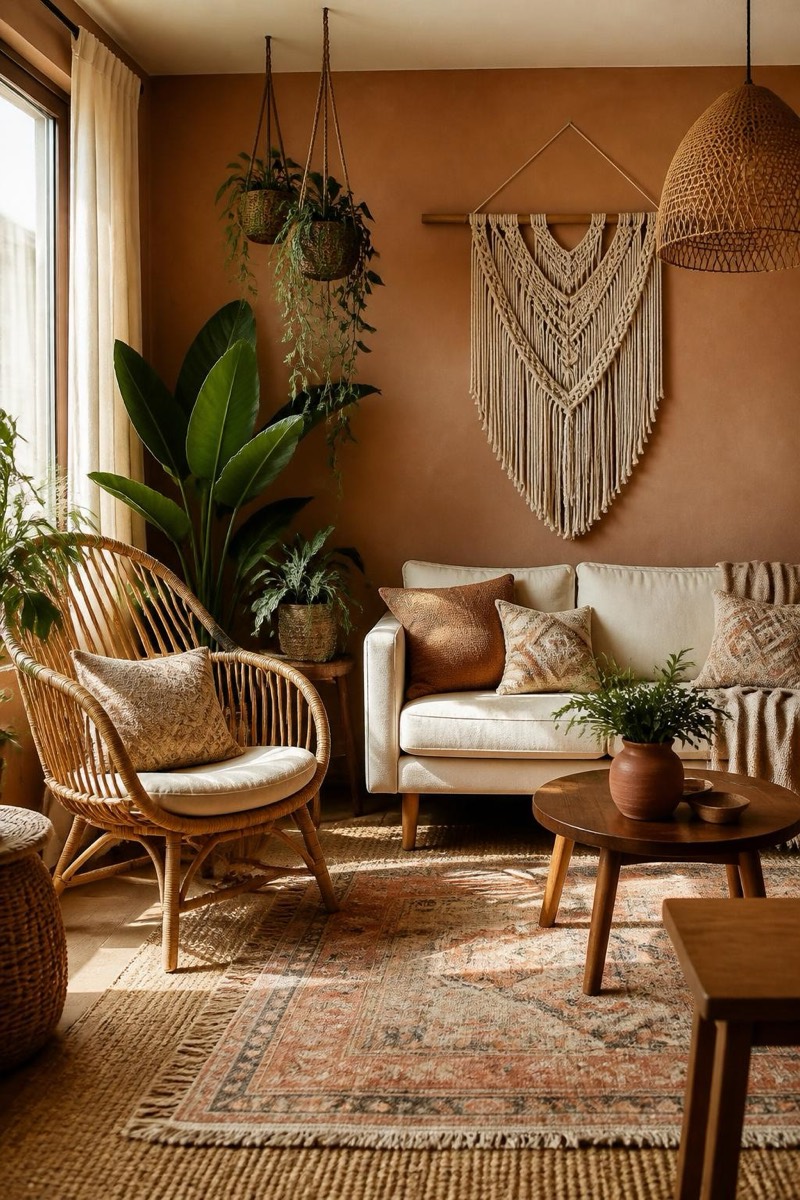
Warm bohemian textures and plants.
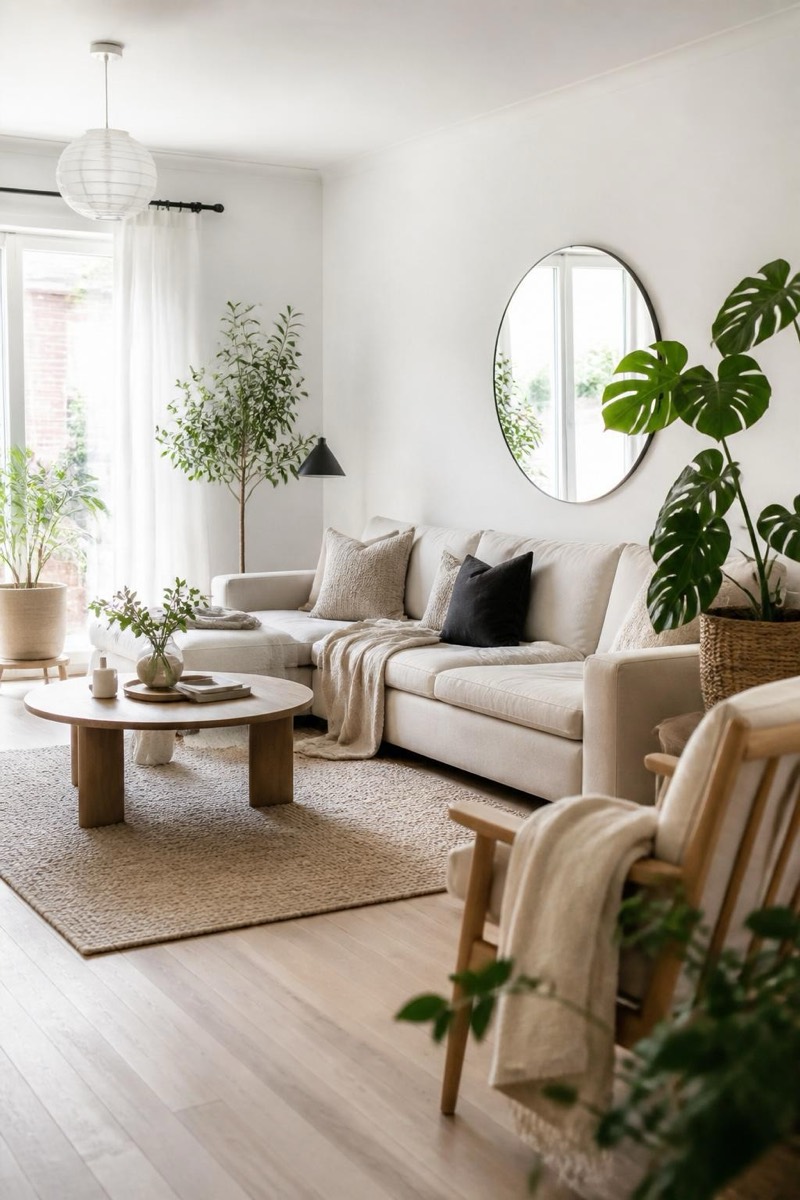
Cozy boho: layered textiles, warm earth tones, plants with abundance issues, the collected-not-decorated look that makes a room feel like it has stories. This filter restyles your interior photo with that bohemian warmth — rattan, macramé, mixed patterns handled by someone with an eye. It's the style test for people whose Pinterest boards already know the answer.
How to use it
- 1.
Get Editable
Download Editable (free) from the App Store and open the Explore tab.
- 2.
Pick the Cozy Boho filter
Find Cozy Boho under Home Edit and tap Try.
- 3.
Choose a photo
Pick a photo from your library — the edit runs automatically and is ready in seconds.
Tip: Living rooms and bedrooms carry the layered textiles best.
More Home Edit filters