Home Edit
Industrial Loft — AI Home & Interior filter
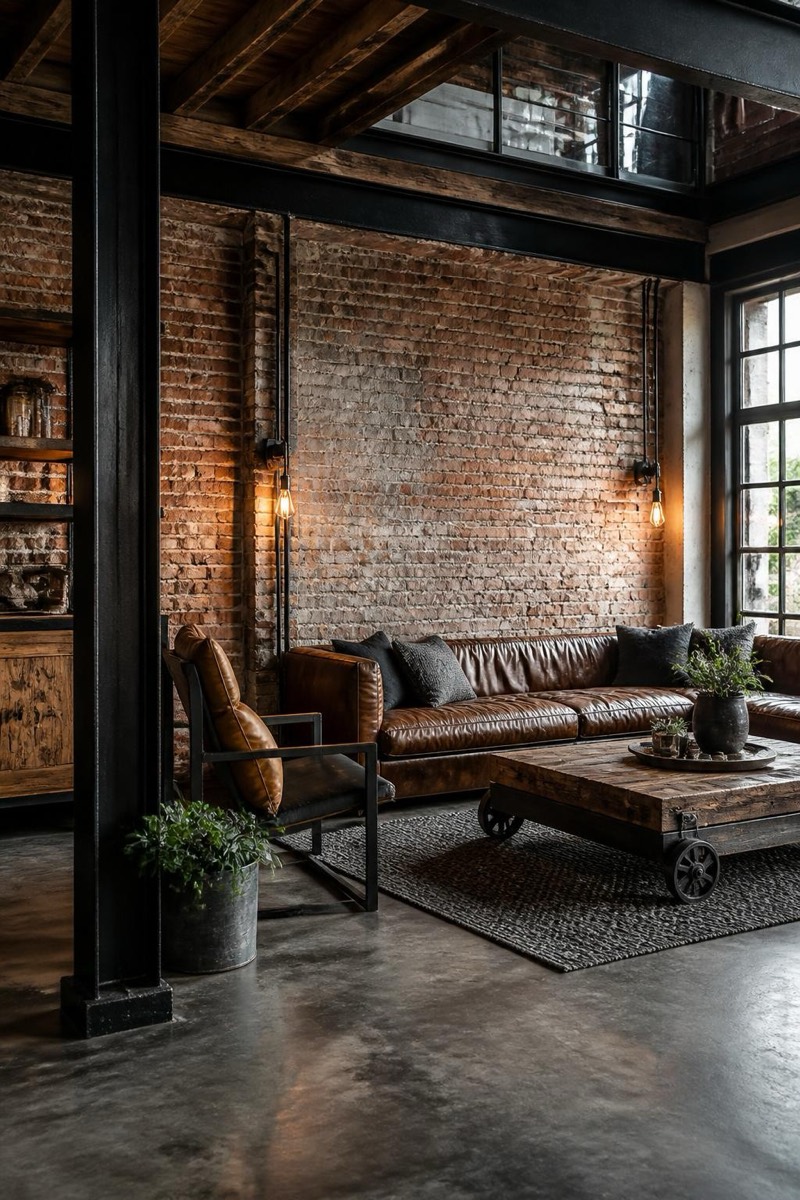
Raw industrial loft conversion.
The industrial loft conversion: exposed brick, black steel, raw wood, lighting that looks salvaged from a factory that made important things. This filter restyles your room into that urban-warehouse register — surfaces roughened, palette darkened, character maximized. It's the most transformative interior style in the set; suburban bedrooms emerge looking like they have freight elevators.
How to use it
- 1.
Get Editable
Download Editable (free) from the App Store and open the Explore tab.
- 2.
Pick the Industrial Loft filter
Find Industrial Loft under Home Edit and tap Try.
- 3.
Choose a photo
Pick a photo from your library — the edit runs automatically and is ready in seconds.
Tip: Rooms with high ceilings or big windows sell the loft fiction hardest.
More Home Edit filters