15 AI Portrait & Selfie Edit Prompts (That Still Look Like You)
Copy-paste prompts for editing portraits and selfies — skin, teeth, makeup, lighting and angle — tuned to stay natural. Type one into Editable and see it in seconds.
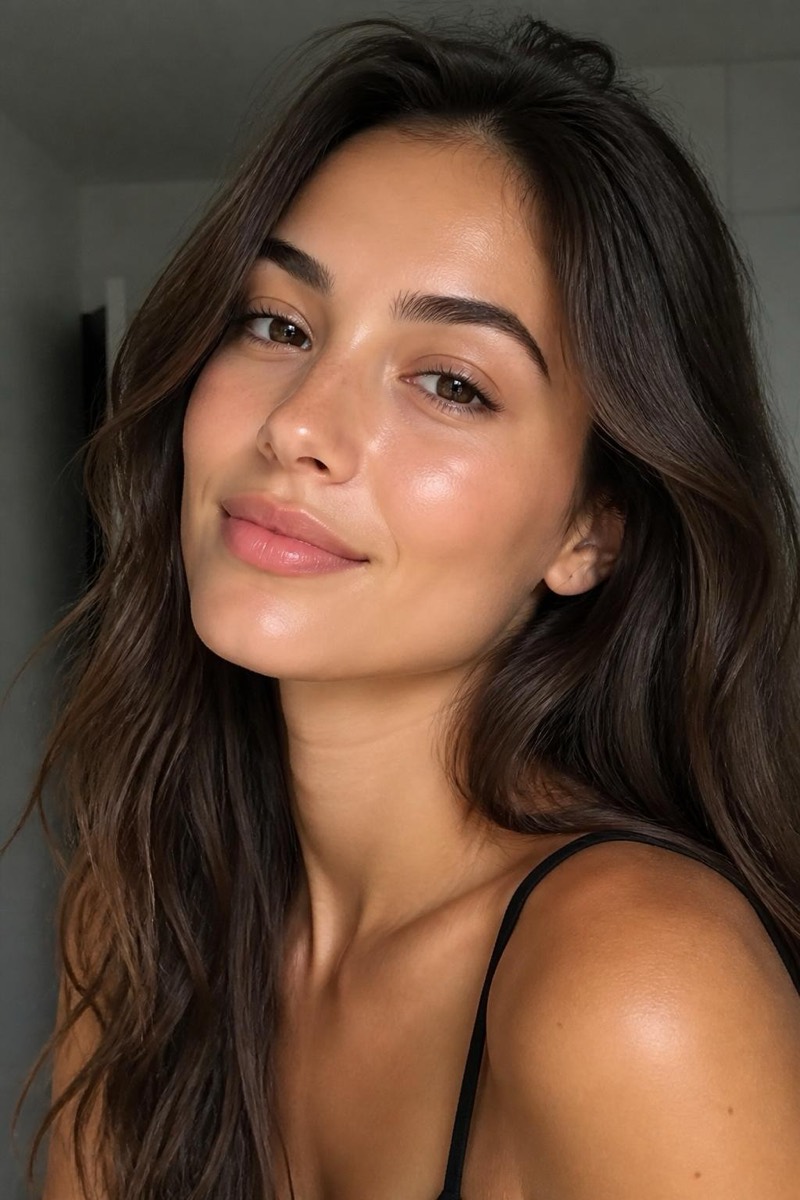
Portraits are the photos we’re hardest on, and the easiest to overdo. The trick is small, specific edits that fix the day (tired, harsh light, a breakout) without touching the person. Here are fifteen prompts tuned to do exactly that — copy one, type it on your selfie, and stop before it stops looking like you.
Each is an example you type; reword freely. Prefer one tap? Every prompt links to a ready-made version.
Skin and face
1. Natural glow-up
Even out my skin tone and add a healthy glow, keep pores and real texture, still look like me.
The everyday refresh. Try Glow →
2. Clear a breakout
Clear the blemishes and spots on my skin, leave the texture and everything else untouched.
Fixes the day, not your face. Try it →
3. Soften skin (just a little)
Gently smooth my skin, keep pores and detail, don’t make it look airbrushed.
Tuned to stop before the plastic look. Try it →
4. Whiten teeth
Brighten my teeth to a natural white, leave the lips and gums alone.
The fastest smile upgrade. Try it →
5. Look a few years younger
Soften under-eye shadows and fine lines a little, keep my features and skin texture.
Rested, not remade. Try De-age →
Makeup
6. Everyday soft glam
Add soft, natural everyday makeup — light coverage, subtle eyes, soft lip.
Put-together, not done. Try it →
7. Dewy glass skin
Give me a dewy glass-skin finish, luminous and fresh, keep it believable.
The lit-from-within trend. Try it →
8. Smokey eye
Add a smokey eye, deepen the lid naturally, keep the rest of the face soft.
For a night out. Try it →
9. Classic red lip
Add a clean classic red lip with sharp edges, keep everything else natural.
Preview it before you buy it. Try it →
10. Bridal makeup
Add polished bridal makeup — soft, camera-ready, not heavy.
Event-ready without the mask. Try it →
Light and angle
11. Soft flattering light
Relight my face with soft, even light like a big window, lift the harsh shadows.
Kind light fixes more than any retouch. Try it →
12. Clean studio headshot
Relight me with clean studio lighting for a professional headshot look.
Turns a phone selfie into a headshot. Try it →
13. A more flattering angle
Reshoot me from a three-quarter angle instead of straight-on, keep the setting.
The angle every pro portrait uses. Try Reframe →
14. Portrait-mode blur
Blur the background for a soft portrait-mode look, keep me sharp.
Depth without a fancy lens. Try it →
Hair
15. Try balayage
Give my hair a natural balayage, soft sun-kissed lengths, keep it realistic.
See a color before the salon. Try it →
Run them one at a time and stop the moment it still looks like your best day, not someone else’s. The most natural portrait is the one nobody can point to — they just think you look well.
Frequently asked
- How do I keep portrait edits from looking fake?
- Keep the words 'natural', 'keep skin texture' and 'still look like me' in the prompt, and go lighter than you think. The prompts below are written that way on purpose. Fake results almost always come from over-smoothing or reshaping features — clearing a blemish is fine, wiping out every pore is not.
- Can I combine a few of these?
- Yes. You can run them one after another — for example glow, then whiten teeth, then soft light — or describe several changes in one prompt. Layering gentle edits reads more natural than one heavy pass.
- Will makeup prompts change my face?
- No — they add product along your real features, they don't reshape them. If a look starts changing your nose or jaw, that's a different edit; keep makeup and face-shaping separate and intentional.
Try these on your own photo
Editable is free to start — just type what you want and the edit takes seconds.
Get Editable on the App Store