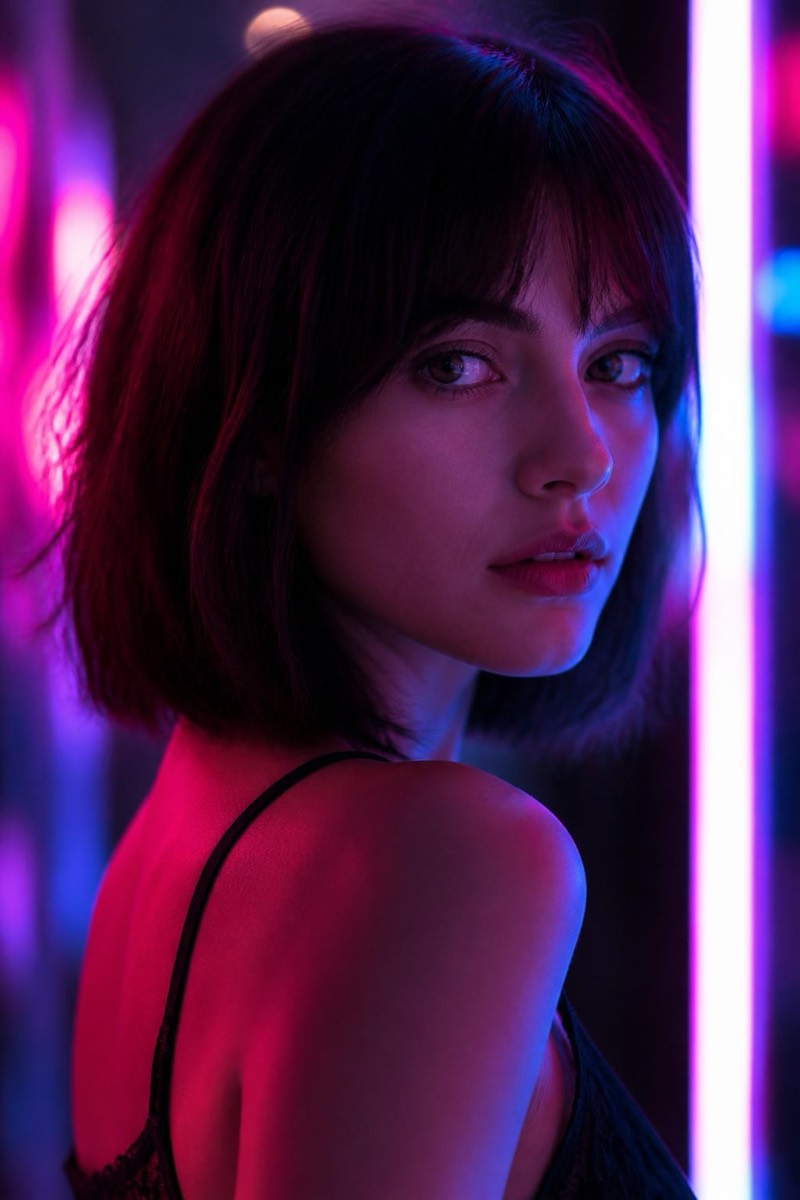
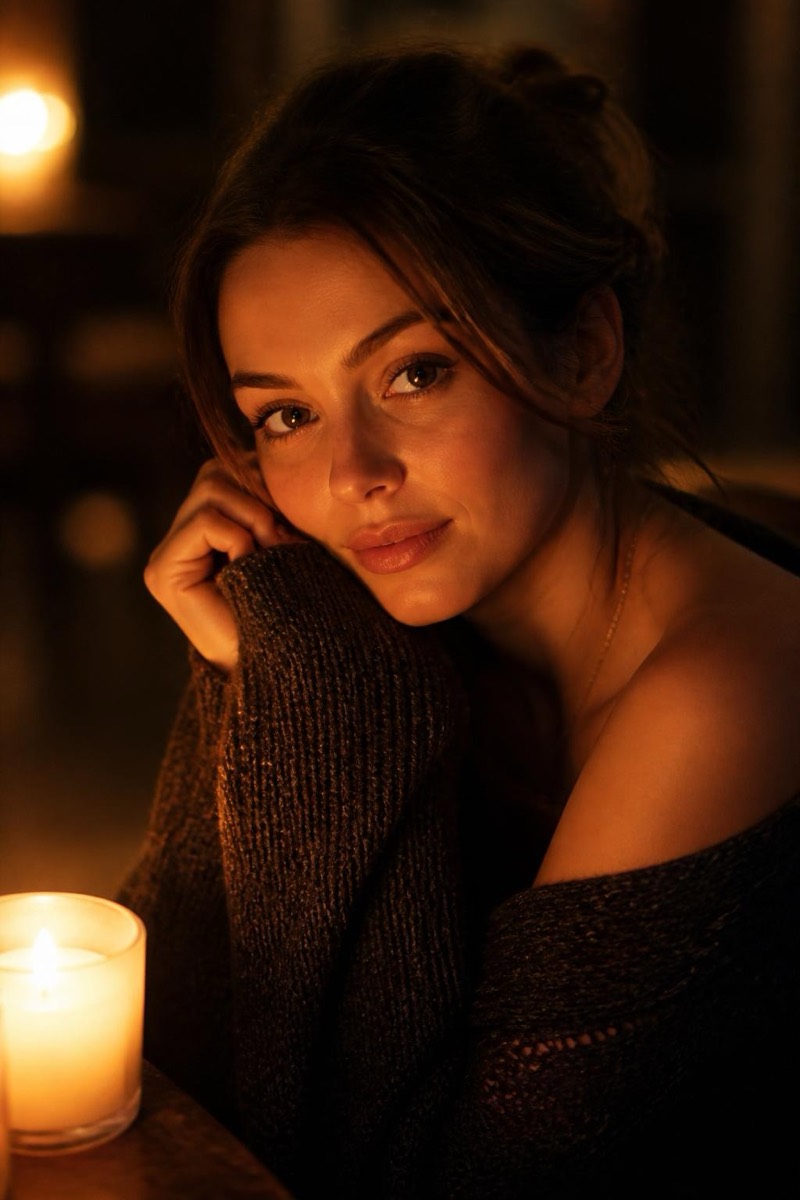
Lighting
Add professional studio lighting — AI Lighting filter
Magazine-quality light
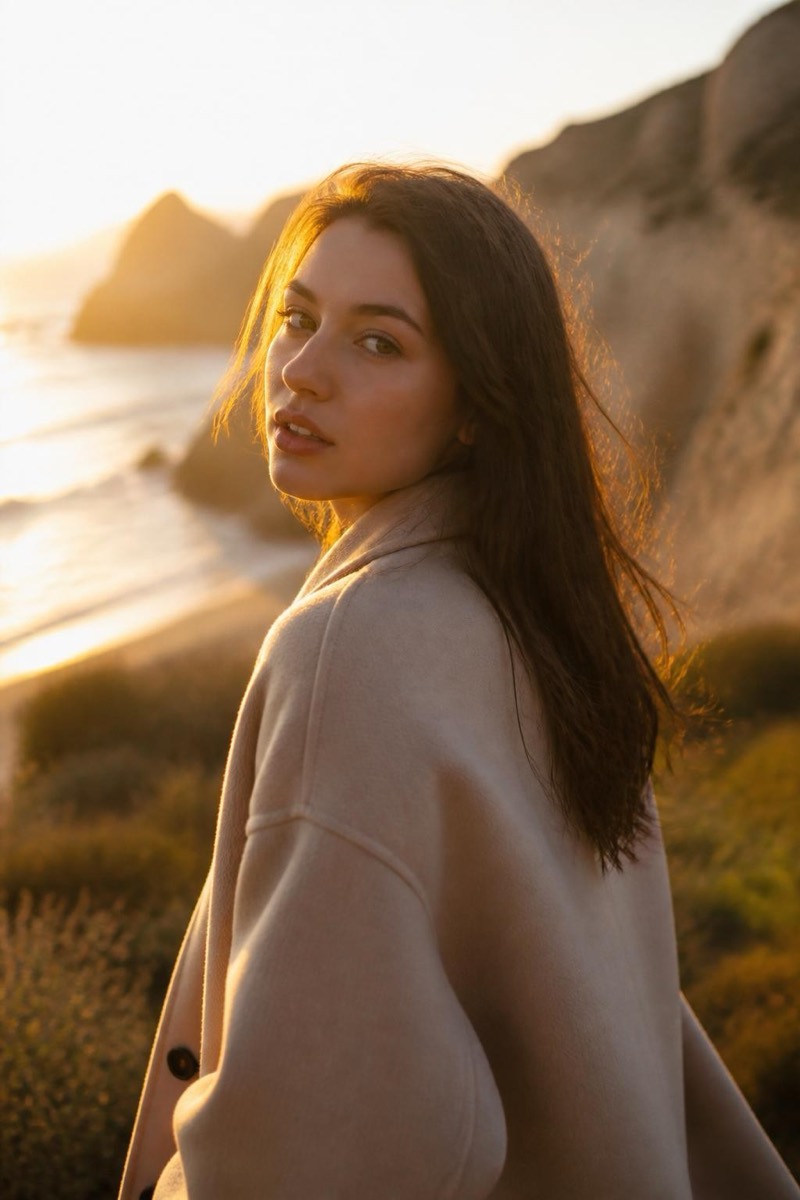
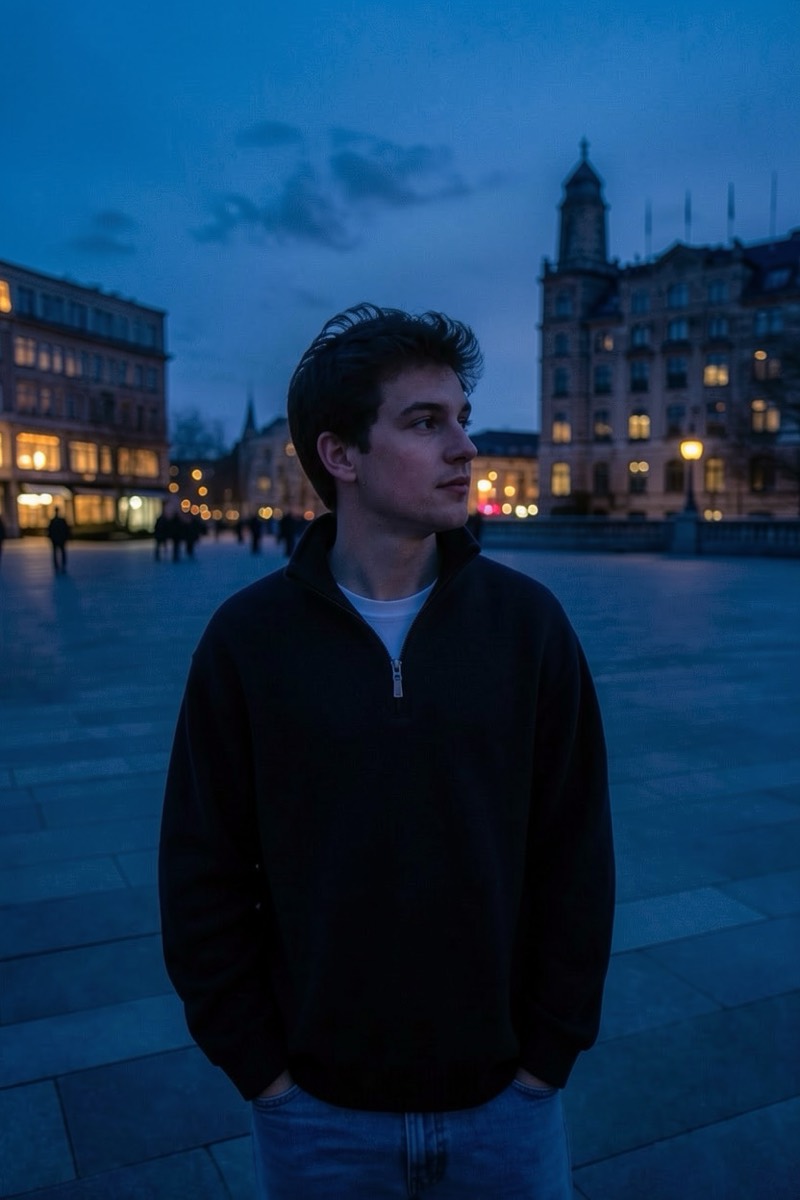
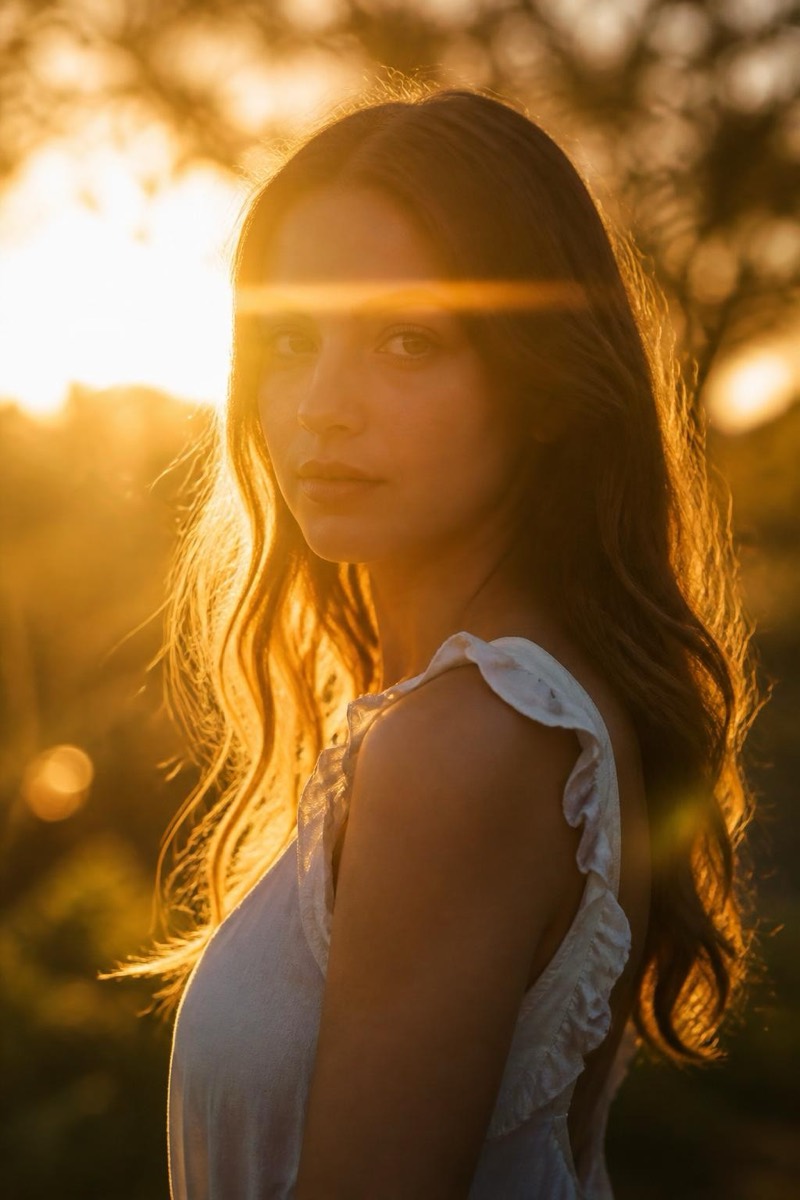
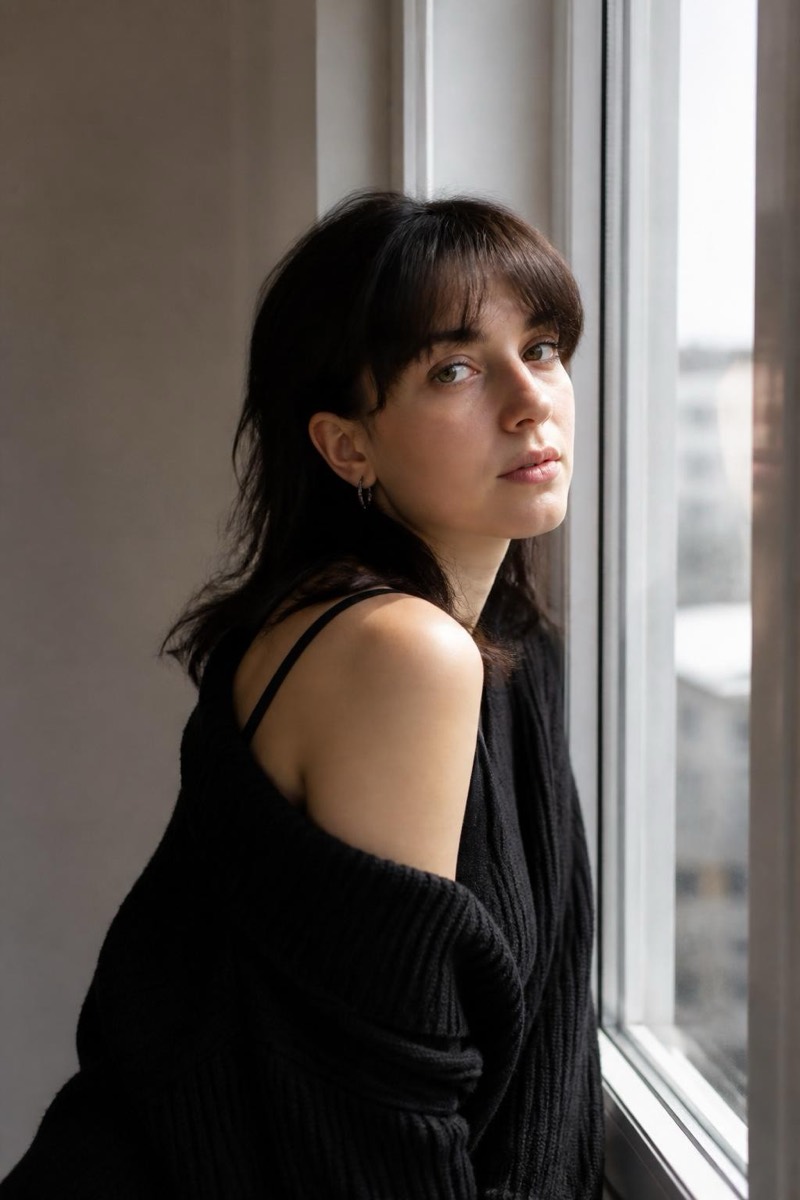
Magazine-quality studio light, summoned onto a photo taken nowhere near a studio. This filter applies the polished, multi-light look of professional portraiture — controlled key, gentle fill, clean catchlights — without prescribing a specific classical setup. It's the generalist's version of the Studio category: one tap toward 'professionally lit', letting the specialized filters (Rembrandt, butterfly, low-key) handle the connoisseur cases.
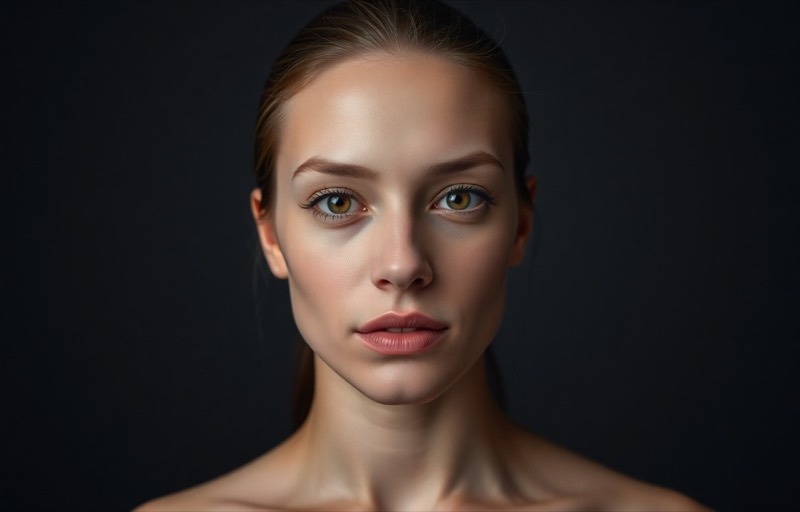
How to use it
- 1.
Get Editable
Download Editable (free) from the App Store and open the Explore tab.
- 2.
Pick the Add professional studio lighting filter
Find Add professional studio lighting under Lighting and tap Try.
- 3.
Choose a photo
Pick a photo from your library — the edit runs automatically and is ready in seconds.
Tip: Ideal first step before a headshot edit — light first, background and attire after.
More Lighting filters