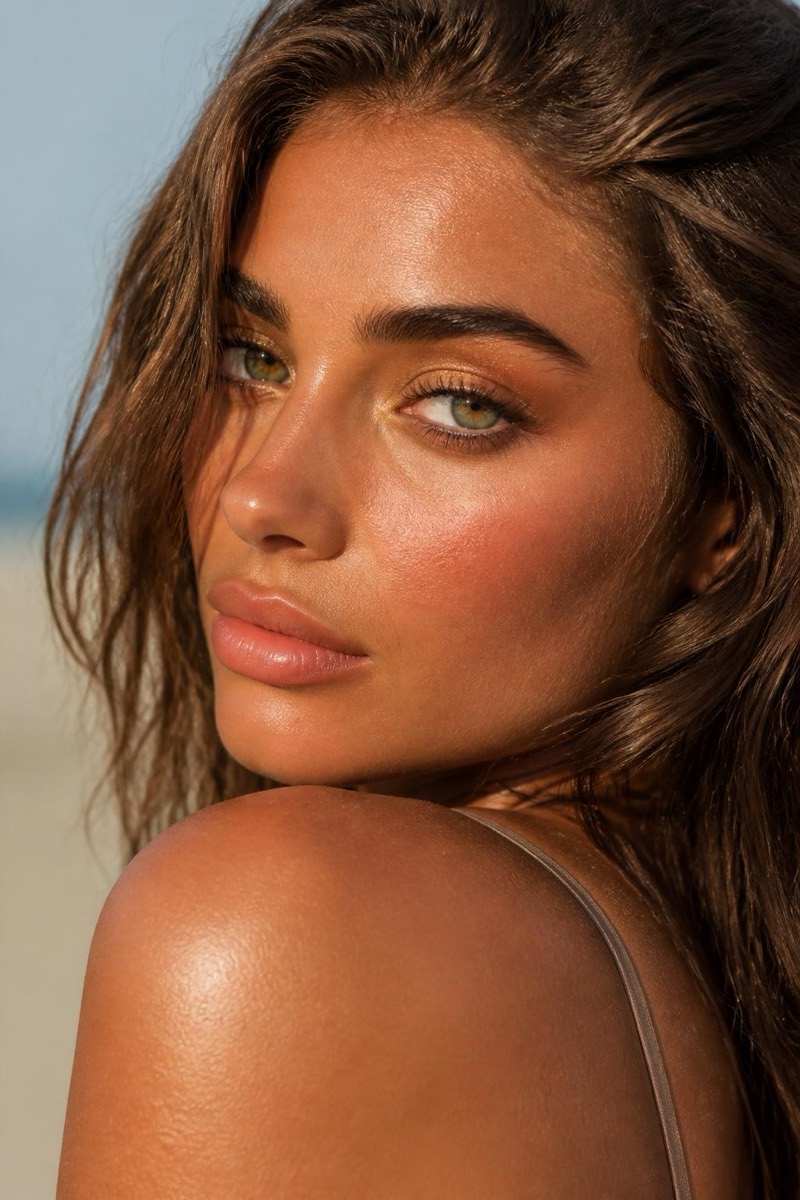
Makeup
Red Lip — AI Makeup filter
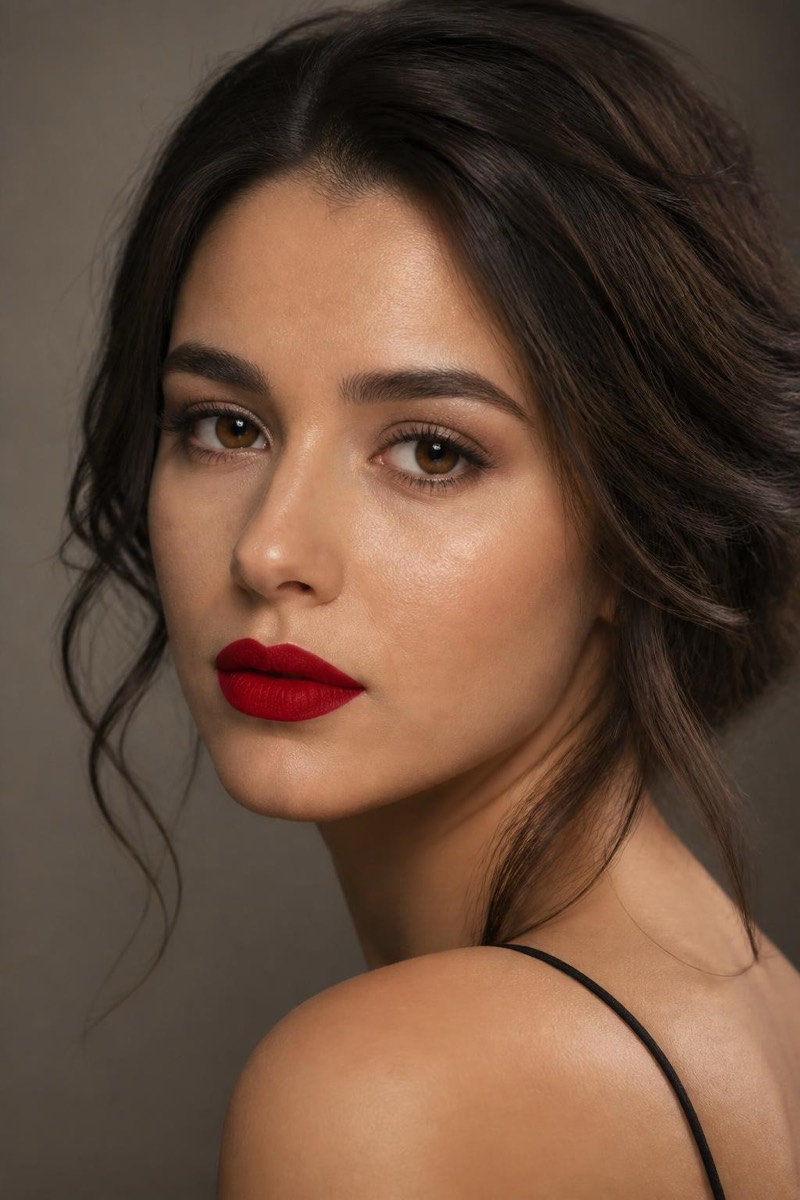
Timeless bold matte red lip.
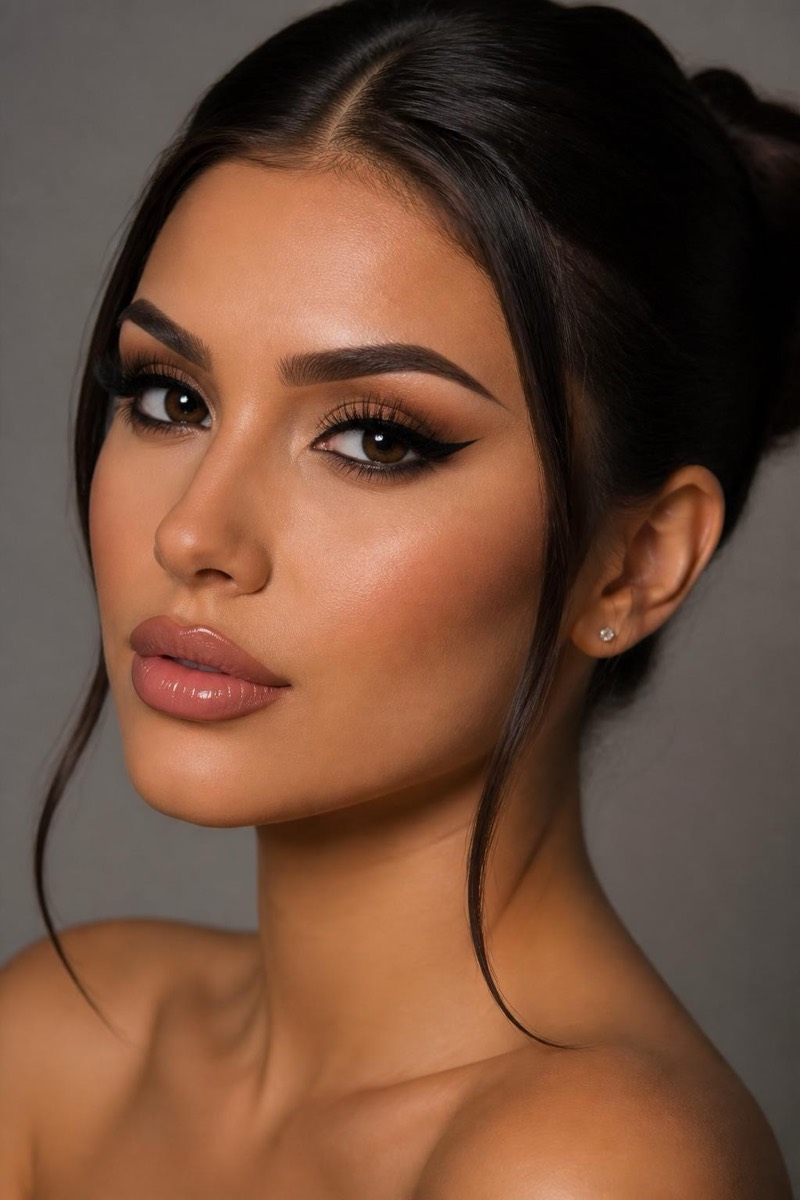
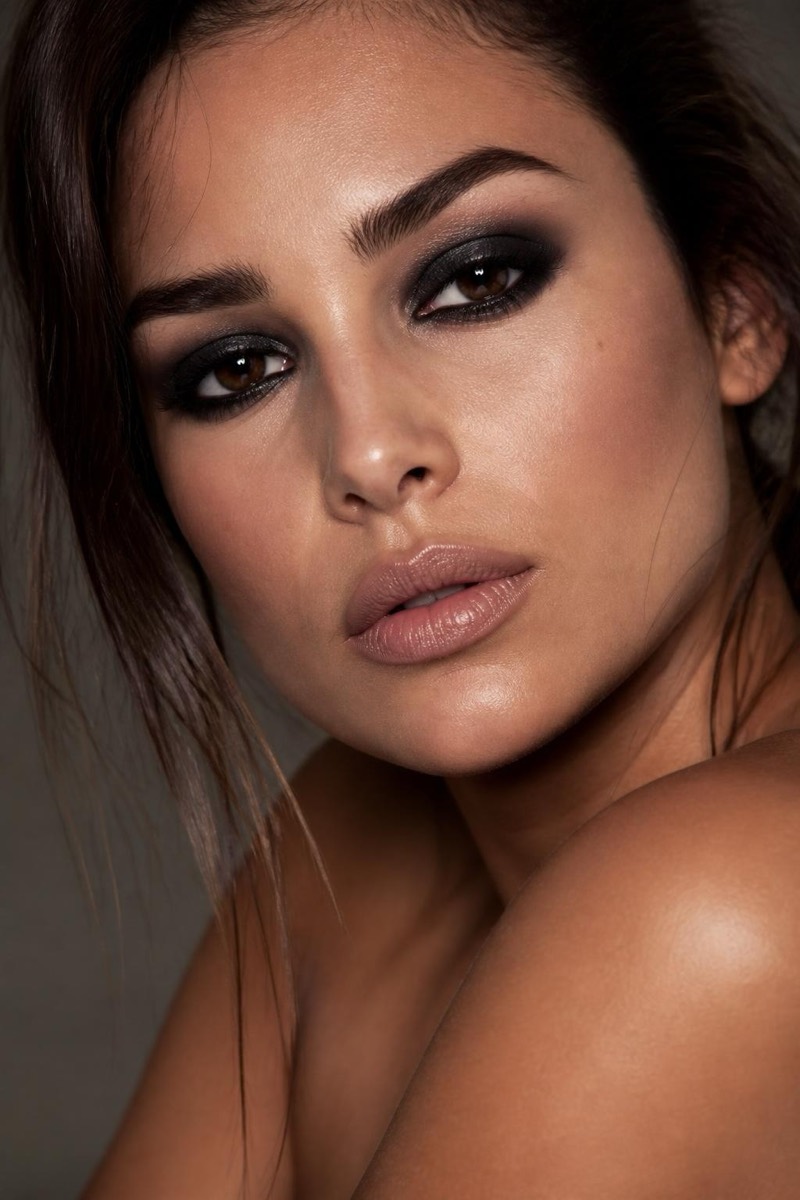
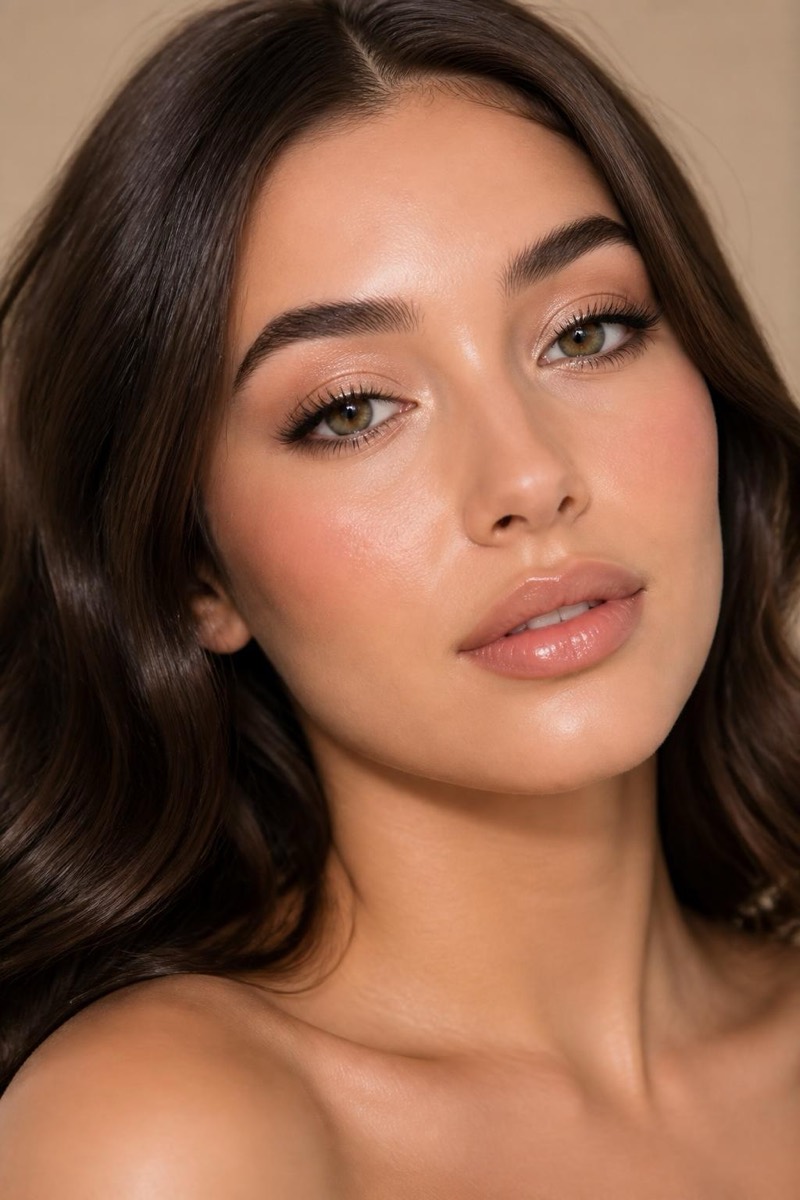
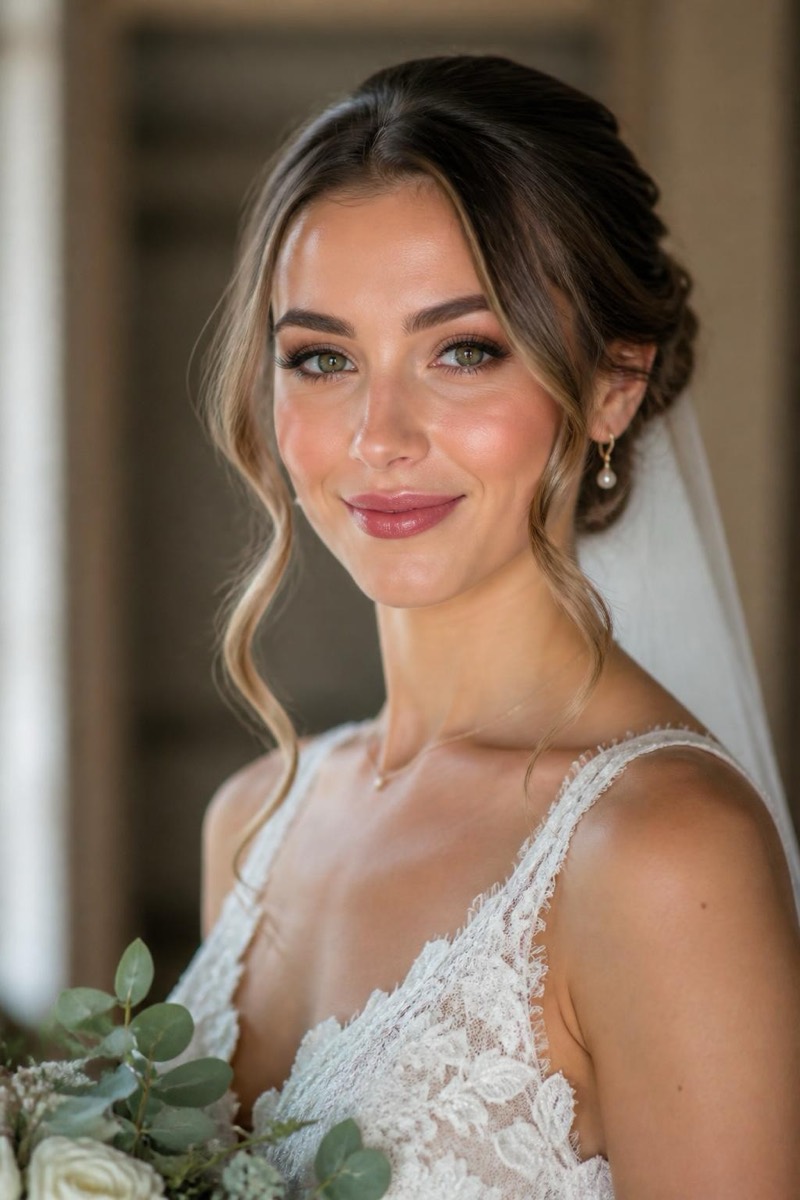
The bold matte red lip: one gesture, an entire persona. This filter applies the timeless red — precisely lined, velvet-matte, calibrated to flatter your skin tone — while keeping the rest of the face natural, the way the classic look is meant to be worn. Red lip photos read as decisive; it's the makeup equivalent of a firm handshake. Test shades on your actual face before committing at the counter.
How to use it
- 1.
Get Editable
Download Editable (free) from the App Store and open the Explore tab.
- 2.
Pick the Red Lip filter
Find Red Lip under Makeup and tap Try.
- 3.
Choose a photo
Pick a photo from your library — the edit runs automatically and is ready in seconds.
Tip: A neutral or minimal-makeup source photo lets the red own the frame as intended.
More Makeup filters