Makeup
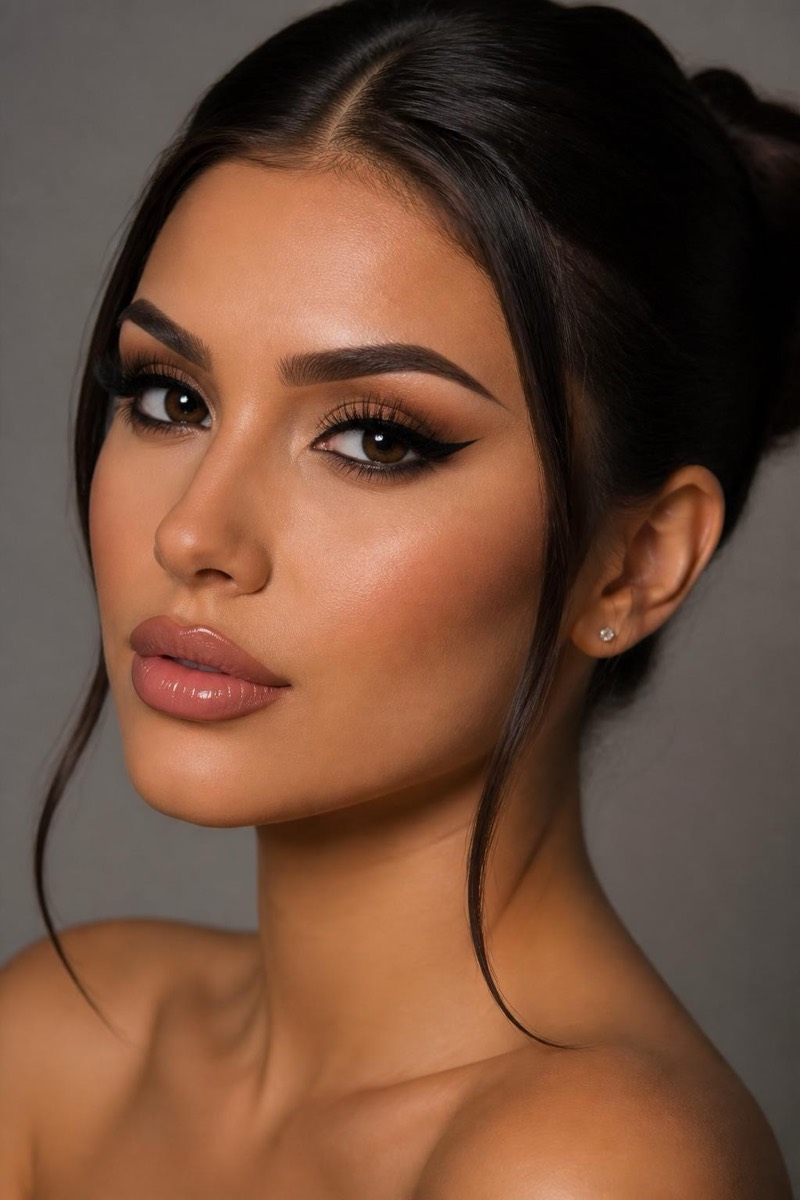
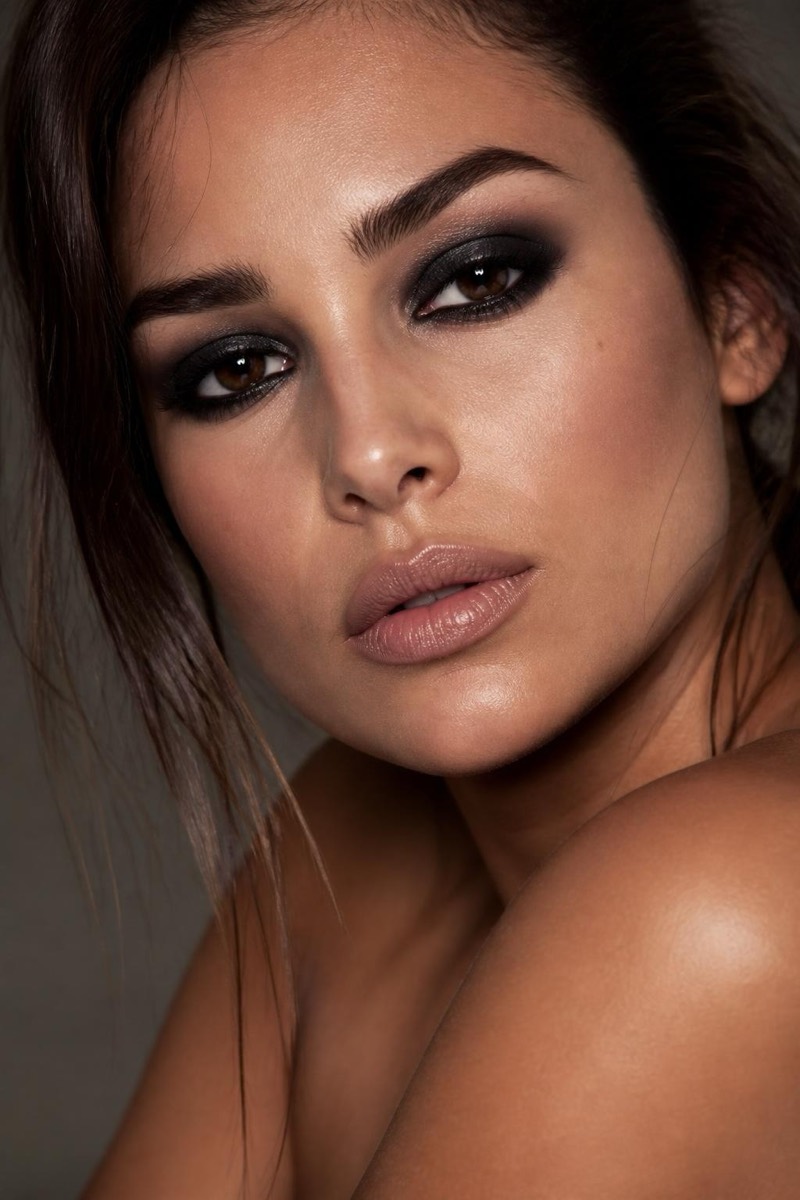
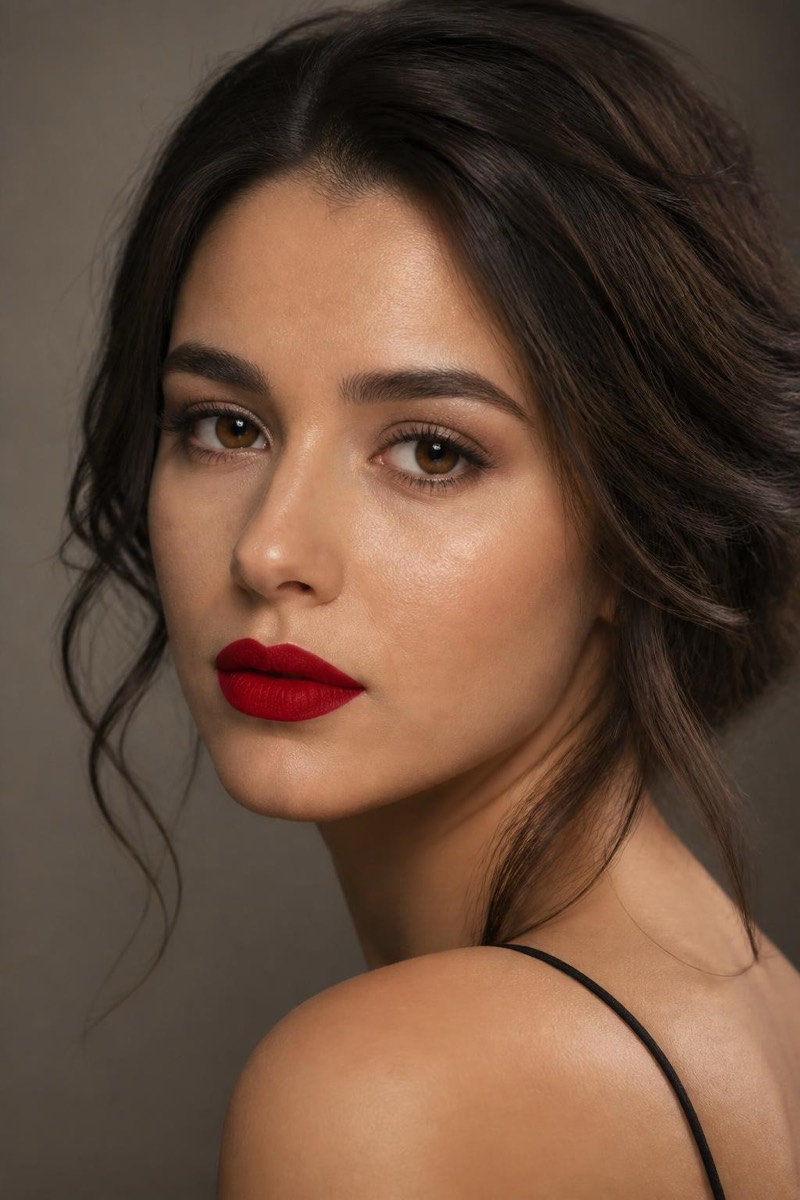
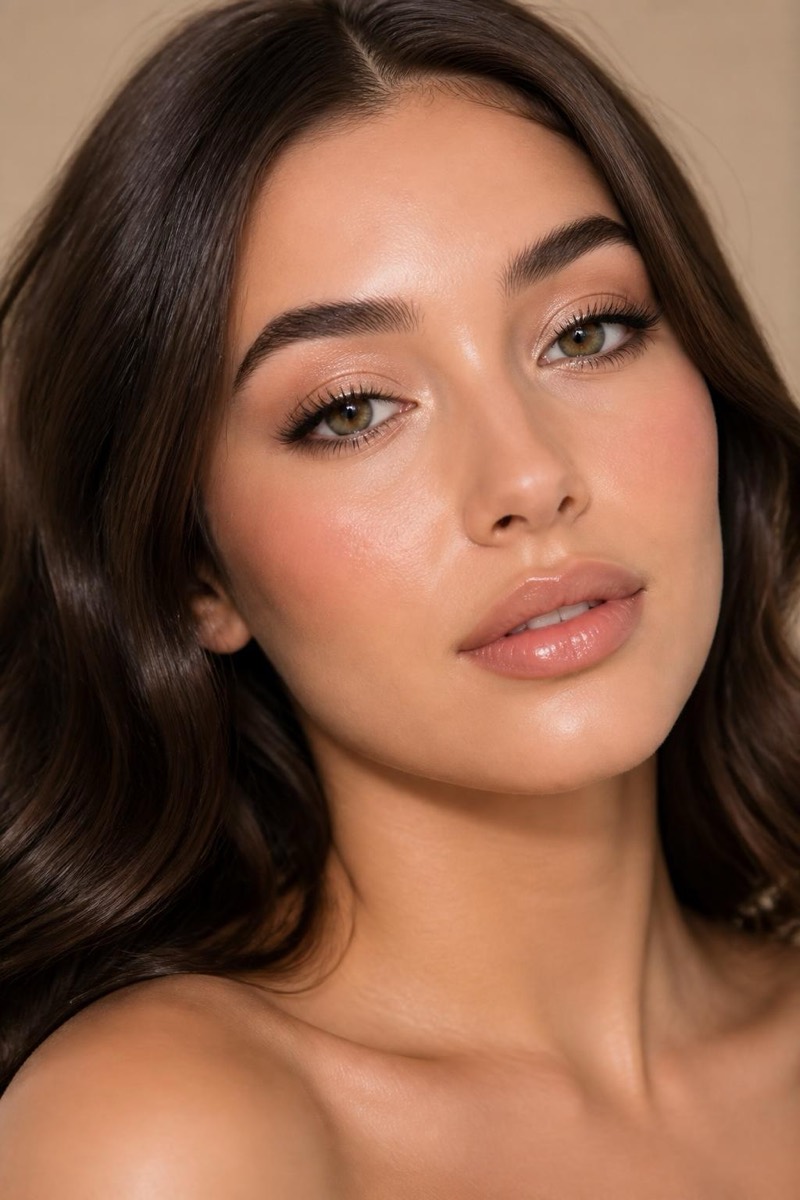
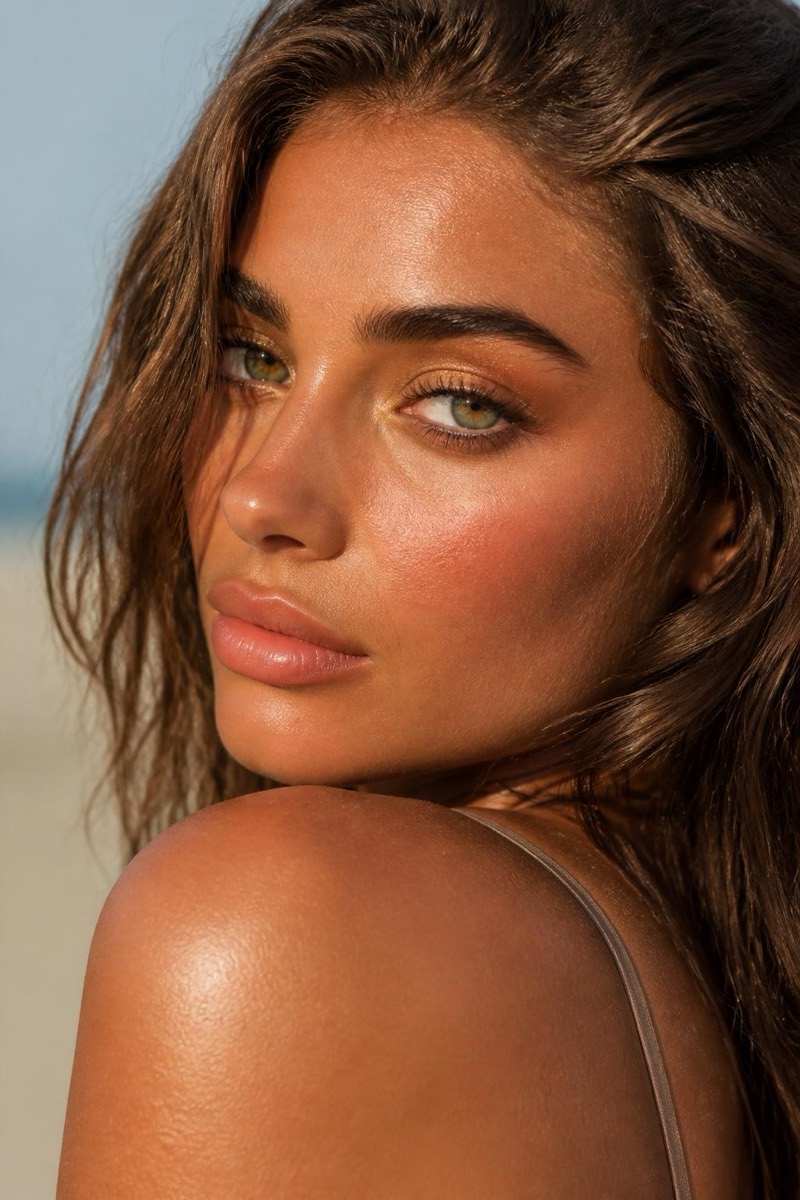
Sun-Kissed — AI Makeup filter
Warm, glowy bronzed summer look.
The sun-kissed bronze: warm glow across the cheekbones and temples, golden shimmer, the look of two honest weeks somewhere with a coastline. This filter applies that summer finish year-round — bronzer placed where sun would actually land, skin warmed without turning orange, a beach implied by the face alone. It pairs suspiciously well with the golden-hour lighting filters for the full vacation fiction.
How to use it
- 1.
Get Editable
Download Editable (free) from the App Store and open the Explore tab.
- 2.
Pick the Sun-Kissed filter
Find Sun-Kissed under Makeup and tap Try.
- 3.
Choose a photo
Pick a photo from your library — the edit runs automatically and is ready in seconds.
Tip: Warm-toned source photos amplify the glow; cool office lighting gets convincingly overruled.
More Makeup filters