Face Retouch
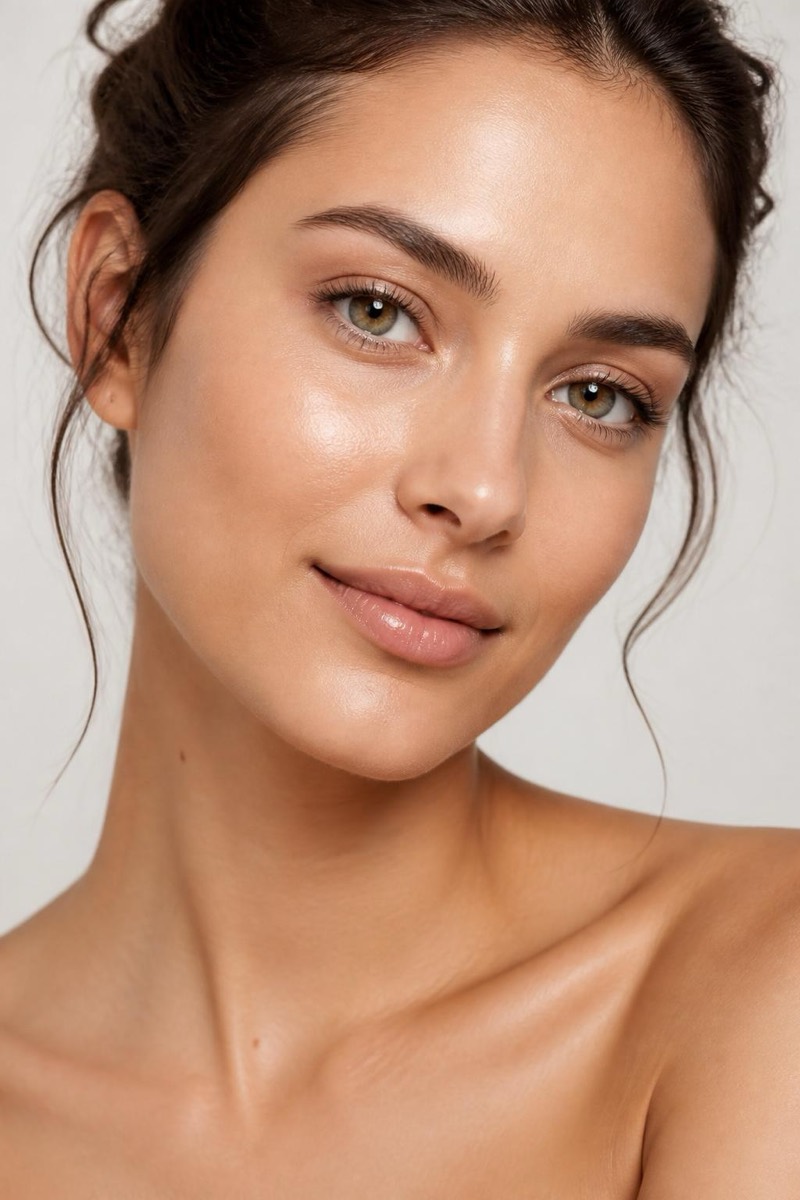
Glow Up — AI Face Retouch filter
Radiant healthy glow.
Some photos of you look tired even when you weren't. The glow-up filter fixes the light more than the face: skin gains the even, rested luminosity of good hydration and better sleep, eyes brighten a step, and the overall photo warms toward its healthiest version. It's deliberately not a beauty filter — bone structure, features and skin texture stay put. Think of it as the difference between the photo taken under office fluorescents and the same photo taken near a window at 4pm.

How to use it
- 1.
Get Editable
Download Editable (free) from the App Store and open the Explore tab.
- 2.
Pick the Glow Up filter
Find Glow Up under Face Retouch and tap Try.
- 3.
Choose a photo
Pick a photo from your library — the edit runs automatically and is ready in seconds.
Tip: It amplifies light that's already flattering — pair it with photos taken in daylight rather than trying to rescue harsh overhead lighting.
More Face Retouch filters