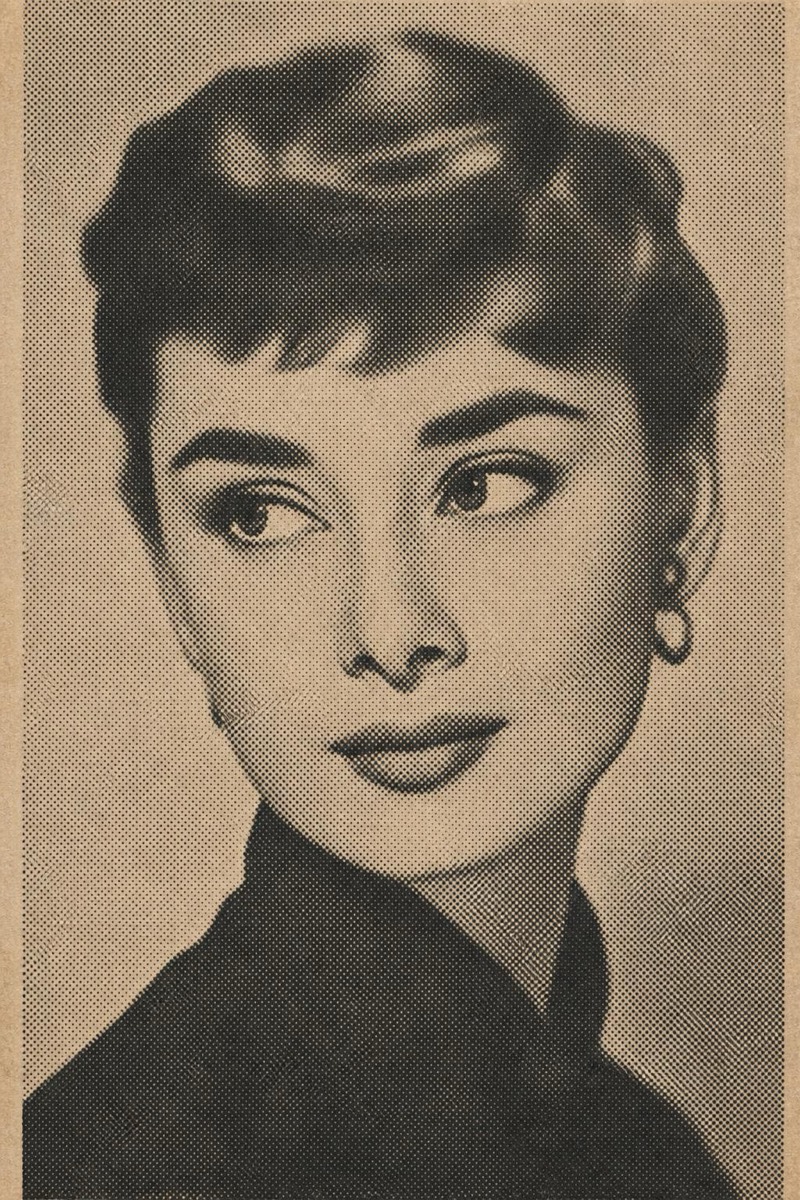
Retro
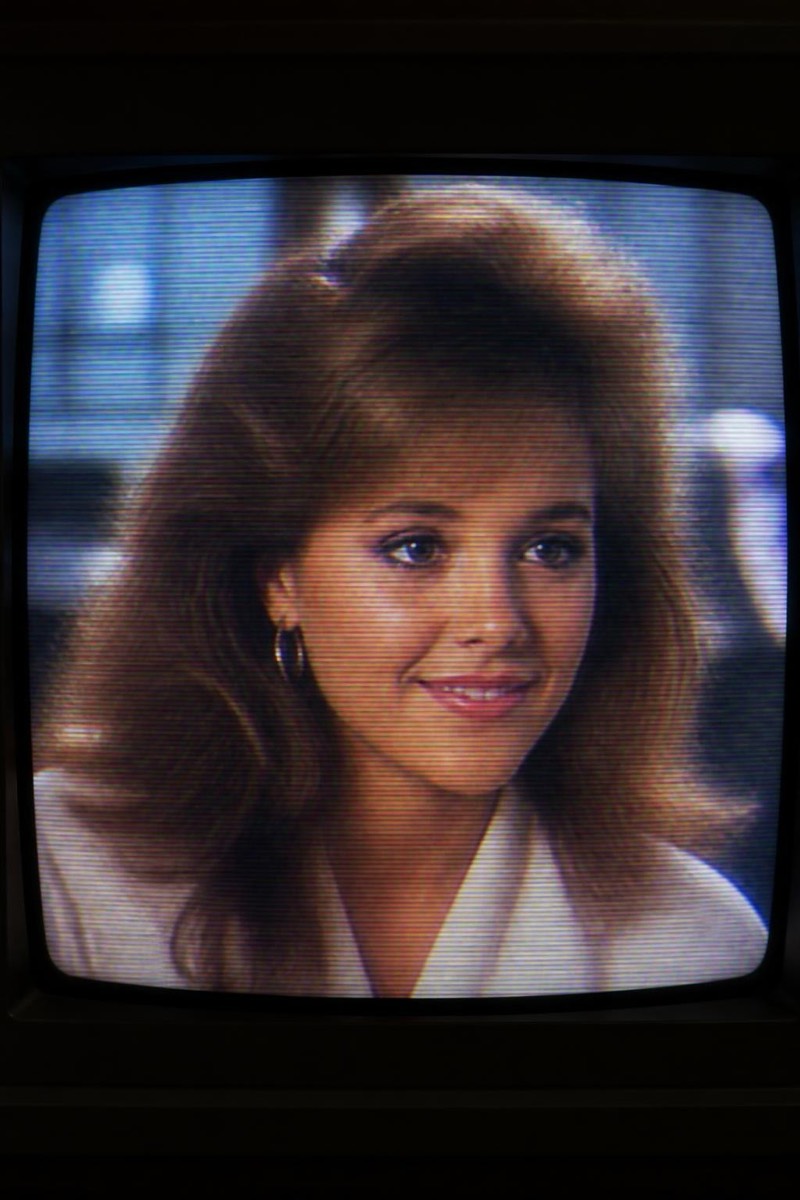
VHS — AI Retro filter
Glitchy 80s VHS tape.
Glitchy 80s VHS: scan lines, chroma bleed, tracking errors, a timestamp in the corner counting a date that predates streaming. This filter degrades your photo into tape-era texture with loving accuracy — colors smearing at edges, brightness pulsing, the visual noise of a memory rewound too many times. It's nostalgia as texture, and it turns any modern photo into found home-video footage.

How to use it
- 1.
Get Editable
Download Editable (free) from the App Store and open the Explore tab.
- 2.
Pick the VHS filter
Find VHS under Retro and tap Try.
- 3.
Choose a photo
Pick a photo from your library — the edit runs automatically and is ready in seconds.
Tip: Party photos and candid chaos become instant home-movie stills — posed shots lose the verité.
More Retro filters