Retro
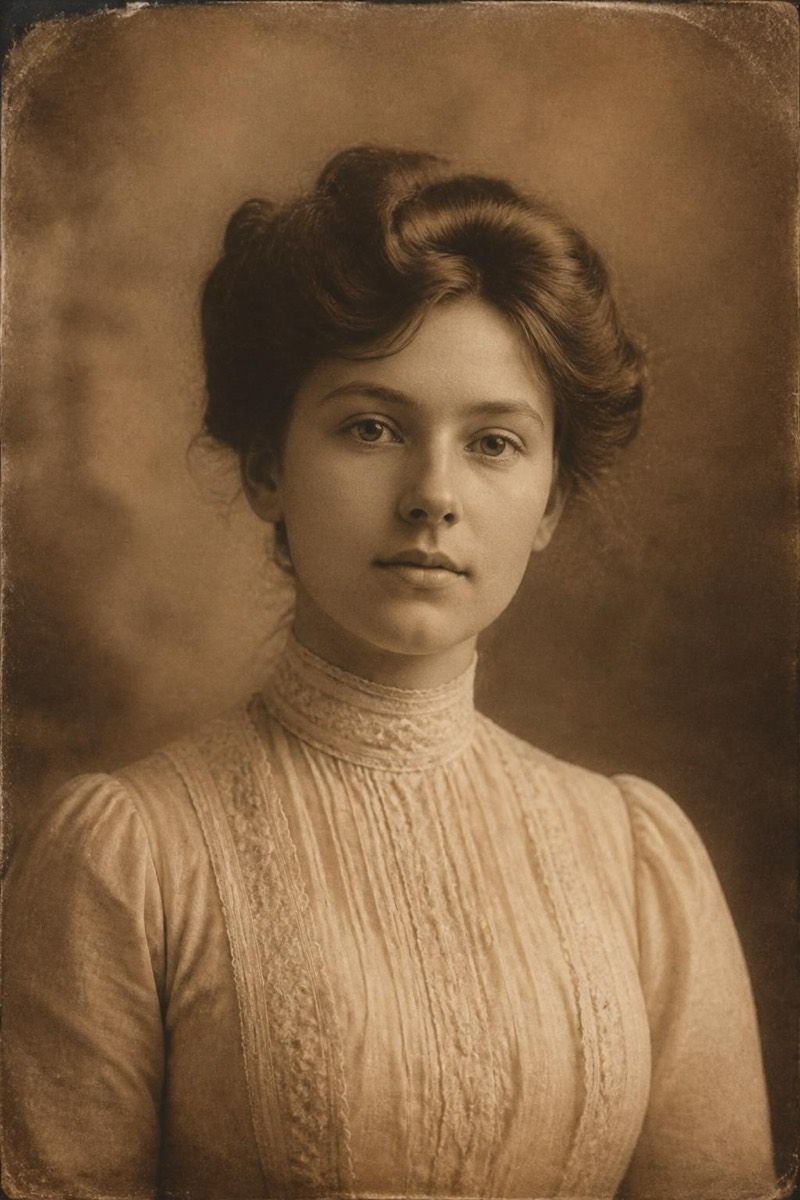
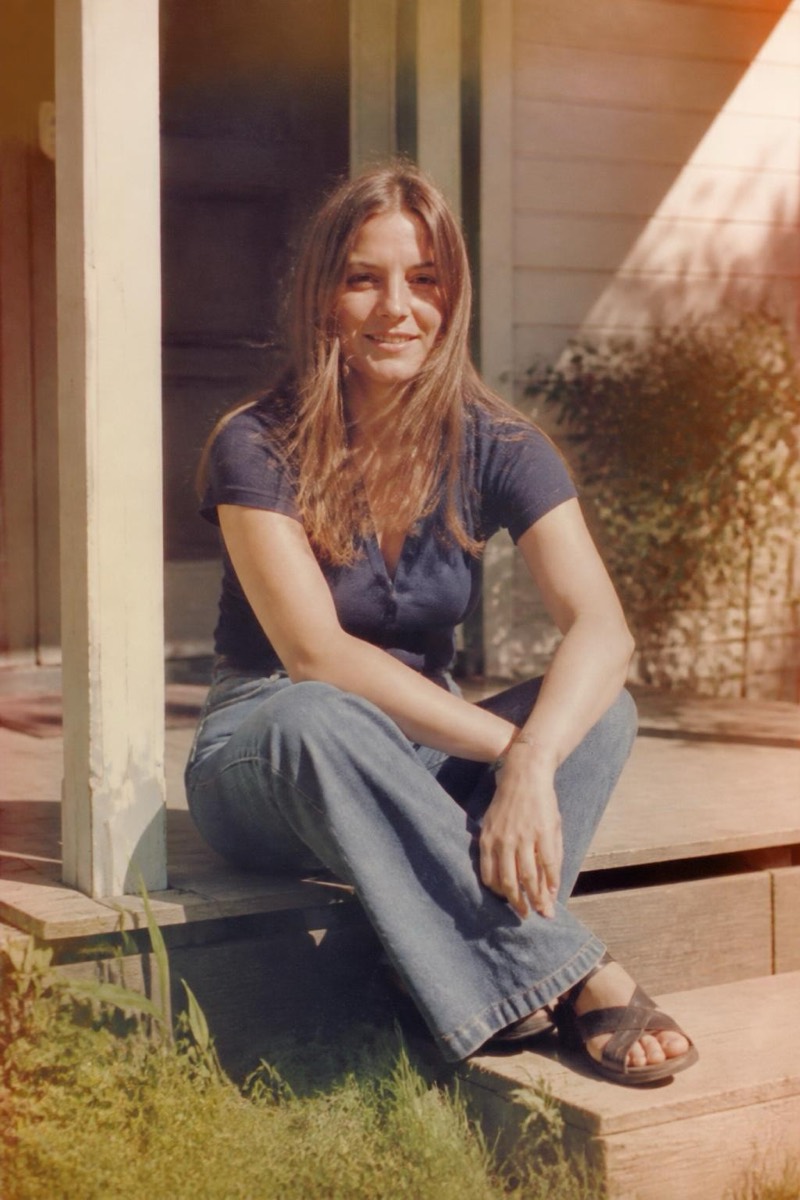
Postcard — AI Retro filter
Faded vintage postcard.
The vintage postcard: slightly overexposed color, optimistic saturation, the graphic cheer of mid-century tourism. This filter reworks your photo into that wish-you-were-here register — faded turquoise skies, warm print stock, an implied 'Greetings from' even without the lettering. Travel photos are the natural habitat; the joke version is applying it to your commute.

How to use it
- 1.
Get Editable
Download Editable (free) from the App Store and open the Explore tab.
- 2.
Pick the Postcard filter
Find Postcard under Retro and tap Try.
- 3.
Choose a photo
Pick a photo from your library — the edit runs automatically and is ready in seconds.
Tip: Landmarks, beaches and skylines complete the postcard grammar.
More Retro filters